

What if the voice assistant you trust with a quick fact, a driving direction, or a work task quietly gets it wrong, and you never notice because the answer sounded confident? That is the real problem with judging spoken AI. Voice feels seamless, so people skip the checking. But output quality in 2027 is not about which assistant sounds friendliest. It is about which one stays accurate, fast, and usable when you actually test it.
This guide breaks down how to evaluate ChatGPT Voice, Grok Voice, and Gemini Live on your own terms. No marketing demos, no cherry-picked clips. Just a repeatable method you can run in an afternoon.
Why Voice Quality Is Harder to Judge Than Text
With text, you can reread a sentence and spot the error. With voice, the answer arrives once, in real time, and then it is gone. That makes spoken output uniquely easy to overrate. A smooth delivery can hide a wrong number, a dropped caveat, or a misheard name.
There is also a hidden pipeline problem. A voice assistant does several jobs at once: it hears you, turns speech into text, reasons over the request, and speaks the reply back. A system can be excellent at one stage and weak at another. If it mishears “fifteen” as “fifty,” no amount of smart reasoning saves the answer. (Speech synthesis)
That is why any serious evaluation splits the task into layers instead of giving one overall score.
The Three Layers You Must Test Separately
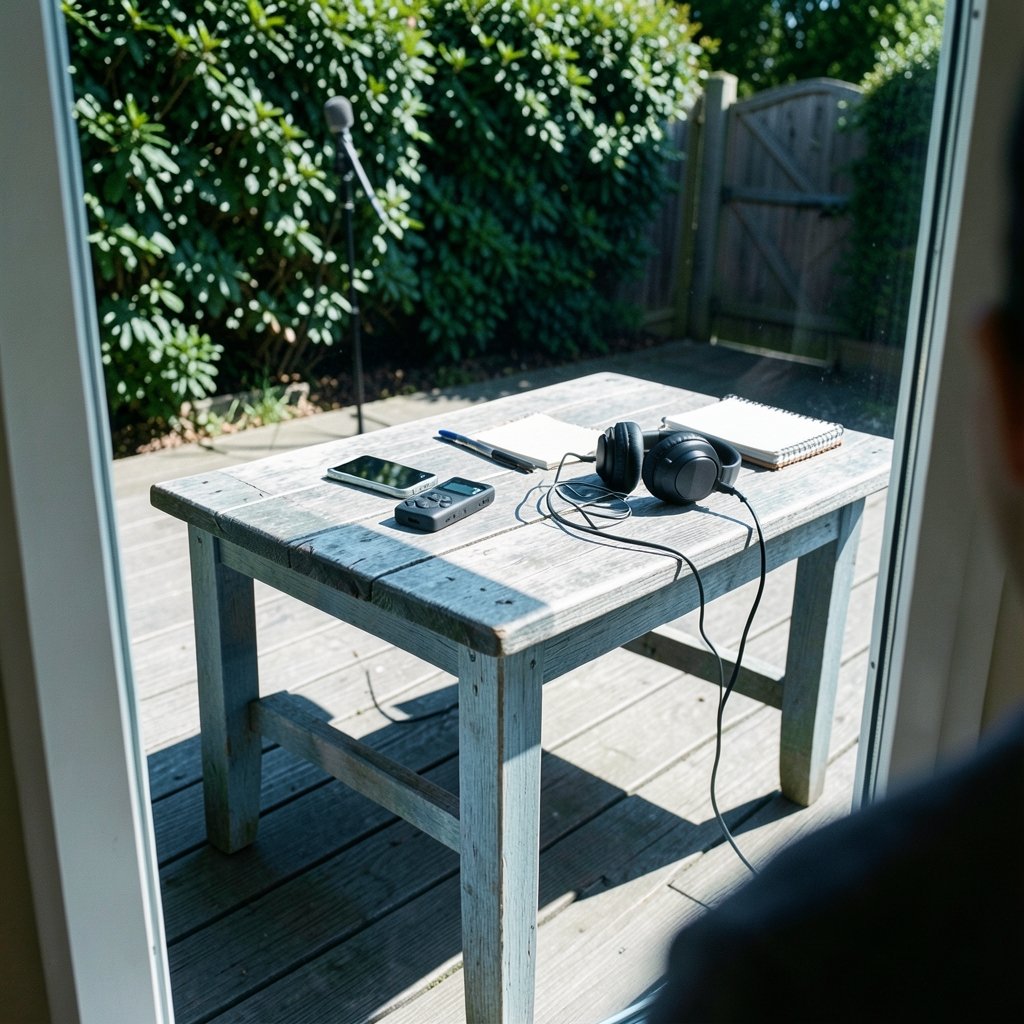
Before comparing brands, understand what you are actually measuring. Voice quality breaks into three distinct layers, and each needs its own test.
| Layer | What It Measures | What a Failure Looks Like |
|---|---|---|
| Recognition | How accurately speech becomes text | Wrong names, numbers, or accents misunderstood |
| Turn-taking | How the system handles timing and interruption | Talking over you, long pauses, ignoring barge-in |
| Response quality | Whether the spoken answer is correct and useful | Confident but wrong facts, missing steps, vague replies |
A tool can win one layer and lose another. Treat each separately, and you will avoid the classic mistake of praising an assistant for being “fast” when it was simply fast and wrong.
Layer 1: Recognition Accuracy
The standard way to score speech recognition is Word Error Rate (WER), which compares what the system transcribed against a reference transcript. Lower is better. The catch is that WER treats every error the same, so it hides meaning-changing mistakes. Mishearing “not” as “now” costs the same as a harmless filler word, yet only one ruins the answer.
In practice, test recognition with the things that break systems: names, numbers, addresses, accented speech, and background noise. Say “route 66” and “root 66” and see if the reply changes. Read a phone number aloud. Ask about a person with an unusual surname. These small probes reveal more than a hundred clean sentences.
Layer 2: Turn-Taking and Latency
Latency is the gap between your last word and the assistant’s first sound. Barge-in is whether you can interrupt mid-answer and be understood. Both matter enormously in real use, like asking for directions while driving.
Test them deliberately. Start a long answer, then cut in with a correction. Count the seconds before it responds. Try speaking while it is still talking. Some systems handle this gracefully; others plow on or restart from scratch. Vendors often quote latency figures, but those numbers come from controlled conditions, so trust your own stopwatch more than a spec sheet.
Layer 3: Response Quality and Factuality
This is where factuality and hallucination rate live. A hallucination is a confident statement that is simply false. Voice makes hallucinations worse because you cannot skim back to check.
Build a small question set with answers you already know. Mix in current events, simple math, local facts, and multi-step instructions. Score each answer as correct, partly correct, or wrong. The pattern matters more than any single result. If a tool stumbles on the same category twice, that is a signal.
Building a Fair Test in One Afternoon
You do not need a lab. You need consistency. The biggest error people make is testing each assistant with different questions, in different moods, on different days. That produces a vibe, not a verdict.
Follow these steps to keep it fair:
- Write a fixed question set of 20 to 30 prompts before you start. Include facts, instructions, and open-ended requests.
- Record the same audio for each assistant, or read the identical script aloud each time.
- Note the model version and date for every session, since these products update constantly.
- Test in two conditions: a quiet room and a noisy one.
- Score each layer separately using the table above, not one gut-feeling rating.
- Repeat once a week later to catch changes from updates.
That last step is the one almost everyone skips. Voice assistants are moving targets. A result from three months ago may already be stale.
Where Each Assistant Tends to Differ
Because these products change so often, no single ranking holds for long. What stays useful is knowing the dimensions where they diverge, so you can test the ones that matter to you.
For broad comparisons of features, pricing, and use cases, a side-by-side breakdown of Grok vs ChatGPT features, pricing and best use cases helps frame what each tool is built for. Similarly, if you are weighing Google’s assistant against the others for everyday tasks, a Gemini vs Grok AI comparison covers the trade-offs in tone and capability.
The practical takeaway: judge each assistant on the layer you rely on most. If you dictate long messages, recognition accuracy dominates. If you use voice while multitasking, turn-taking wins. If you ask factual questions, factuality is everything.
Common Mistakes That Skew Your Results
Even careful testers trip on the same traps. Watch for these.
Testing with easy questions. Clean, simple prompts flatter every system. Hard prompts separate them.
Ignoring accents and noise. A quiet room with neutral speech is the easiest possible condition. Real life is louder and messier.
Confusing speed with quality. A fast wrong answer is worse than a slow right one, especially for facts.
Skipping the interruption test. Many people never try barge-in, then feel frustrated in the car when it fails.
Forgetting version drift. If you do not log the date and model version, your comparison is not reproducible.
Trusting a single session. One good or bad run proves little. Patterns across repeated tests are what count.
How to Score Without Fooling Yourself
A simple scoring sheet beats a vague impression. For each prompt, mark recognition, latency, and correctness on a small scale, then total them. Keep the categories separate so a fast but wrong answer cannot sneak into a high score.
Be honest about reproducibility. If a friend ran the same test, would they get similar results? If your method depends on mood, timing, or lucky phrasing, it is not a real evaluation. Write down your prompts, your conditions, and your scores. That record is what turns a fun experiment into evidence.
It also helps to compare how the assistants handle writing and reasoning tasks, since voice answers often mirror the underlying model’s strengths. A look at Claude vs ChatGPT writing draft quality shows how drafting quality varies between models, which can hint at how well each handles longer spoken explanations. (ITU-T P.800: Methods for subjective determination of transmission quality)
What “Good” Looks Like in 2027
In 2027, “good” voice output means three things working together. First, it hears you correctly even when conditions are imperfect. Second, it responds promptly and lets you interrupt. Third, it gives answers you can trust without double-checking everything.
No assistant is perfect on all three, and the leaders shift with each update. That is exactly why a personal, repeatable test beats any published ranking. Your use case, your accent, your environment, and your tolerance for error all shape what “best” means.
If you want to track the moving parts across the major tools, broader comparisons of context limits, coding, and cost, like this ChatGPT vs Gemini vs Claude breakdown of context limits and cost, can help you see where voice fits into the bigger picture.
Conclusion
Evaluating ChatGPT Voice, Grok Voice, and Gemini Live is not about picking a favorite from a flashy demo. It is about testing recognition, turn-taking, and factuality separately, with a fixed question set, in realistic conditions, and with the version and date written down.
The people who get the most from voice assistants are not the ones who trust them blindly. They are the ones who know exactly where each tool is strong and where it slips. Run your own afternoon test, score it honestly, and repeat it when the products update. That habit will serve you long after any single 2027 ranking goes stale.
FAQ
How do I test voice assistant accuracy at home?
Write a fixed set of 20 to 30 prompts with known answers, then read them aloud to each assistant in the same conditions. Score recognition, latency, and correctness separately, and repeat the test a week later to catch changes from updates.
What is Word Error Rate and why does it matter?
Word Error Rate is the standard metric for speech recognition. It counts substitutions, deletions, and insertions against a reference transcript and divides by the total words. Lower is better, but it hides meaning-changing errors, so pair it with your own judgment.
Can a voice assistant be fast but still low quality?
Yes. Speed and accuracy are separate layers. A system can reply almost instantly and still give a wrong fact or mishear a number. That is why you should never let a fast response inflate your overall score.
Why does the same assistant give different results over time?
Voice products are updated frequently, and performance can shift with model versions, accents, background noise, and network conditions. Logging the date and version for every test is the only way to make comparisons fair and reproducible.
What is barge-in, and why should I test it?
Barge-in is the ability to interrupt an assistant while it is speaking and still be understood. It matters most when you are multitasking, like driving. Start a long answer, cut in with a correction, and see whether the system adapts or keeps talking.
Which voice assistant is best for factual questions?
There is no permanent winner, because all three update regularly. Build a question set with answers you already know, score each assistant’s correctness, and watch for patterns. The one that stays accurate across repeated tests is the right choice for you.
Further reading: For a broader view of how these assistants stack up beyond voice, the ChatGPT vs Gemini vs Claude comparison linked above is a useful companion to your own testing. Treat published comparisons as starting points, not conclusions, and let your recorded results be the final word.
Further reading: For a broader view of how these assistants stack up beyond voice, the ChatGPT vs Gemini vs Claude comparison linked above is a useful companion to your own testing. Treat published comparisons as starting points, not conclusions, and let your recorded results be the final word.
One last habit worth building: keep a short log of the moments a voice assistant genuinely helped or failed you during the week. A misheard address, a smooth interruption on the highway, a confidently wrong fact. These real-world notes are the most honest benchmark you will ever have, because they reflect your voice, your environment, and your actual needs rather than a vendor’s demo script. Combine them with your structured afternoon test, and you will always know which assistant deserves your trust in 2027.
