

What if the most useful AI software in your stack cost nothing at all? That question matters more than ever in 2027, because the gap between paid and free AI has narrowed in some places and widened in others. Some tools that launched as generous freebies have quietly pulled back their limits. Others, especially open-weight models you run yourself, have become genuinely powerful without a subscription.
This guide sorts through the noise. It covers 15 free AI tools across writing, images, audio, coding, research, and security. It also explains what “free” actually means in each case, because that word hides three very different arrangements. Some tools are free to run but need hardware. Some are freemium with a ceiling. Some are free for research only. Knowing which is which saves you from a nasty surprise six months in.
What “Free” Really Means in 2027
Before the list, a quick reality check. Free tiers change constantly. ChatGPT’s free access and usage limits have shifted repeatedly since 2022, and Claude’s free tier has changed too. Any list of “best free” tools should carry a warning label: terms move, and they usually move in the vendor’s favor.
There are three senses of free worth separating:
- Open-weight: The model files are downloadable and runnable at no license cost. You pay in hardware and electricity, not subscriptions.
- Freemium: A hosted service with a free tier and paid upgrades. Convenient, but limits can tighten overnight.
- Free-for-research or non-commercial: Free under conditions that restrict business use.
Open-weight tools are the most durable kind of free, because a downloaded model does not expire when a company changes its pricing page. Licenses matter here. Apache 2.0 and MIT licenses permit broad reuse, while community licenses like Meta’s Llama terms impose restrictions such as user thresholds. If you plan to build something commercial, read the license before you fall in love with the model.
The 15 Best Free AI Tools
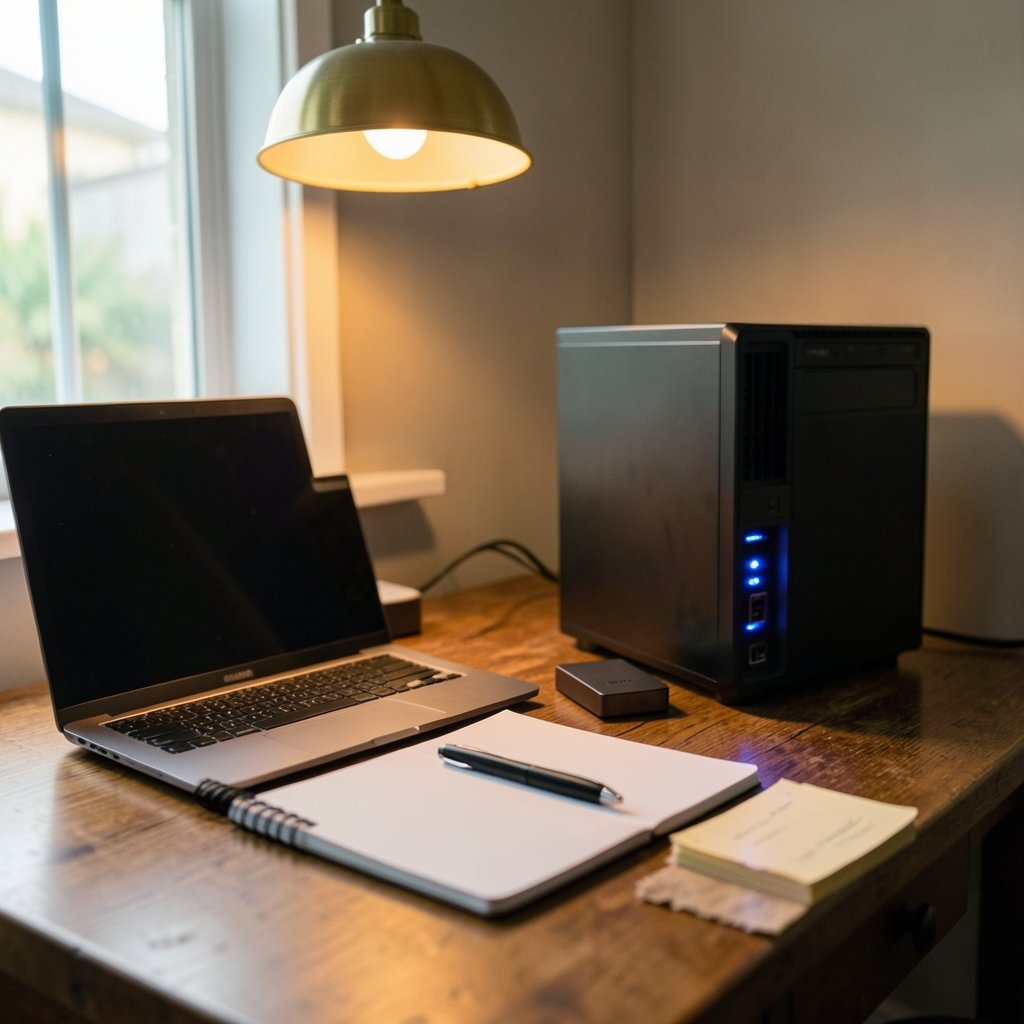
1. Ollama
Ollama, first released in 2023, is a free, open-source tool for running large language models on your own machine. It handles the fiddly parts, so you can pull a model and start chatting in minutes. This is the single best entry point into local AI. The catch is hardware: small models run fine on a laptop, larger ones want serious RAM or a GPU.
2. Llama Models
Meta released Llama 2 in July 2023 and Llama 3 in April 2024 under community licenses. These open-weight models are free to download and run, and they are the workhorses behind countless local setups. Check the license terms before commercial deployment, since the community license is not the same as Apache 2.0.
3. Mistral 7B
Mistral released its 7B model in September 2023 under Apache 2.0, which makes it unusually friendly for commercial use. It is small enough to run on modest hardware and strong enough for drafting, summarizing, and coding help. For builders who want a permissive license, this is often the first stop.
4. Hugging Face
Hugging Face, founded in 2016, hosts free, openly licensed models and datasets, and its Transformers library dates to 2018. Think of it as the library where free AI actually lives. The practical tip: filter by license before you download, because “free to use” and “free to use commercially” are different filters.
5. Google Colab
Colab offers a free tier for running Python and machine learning notebooks in the browser. It is the classic way to try open models without buying a GPU. Be warned: free GPU availability has tightened over time, so treat it as a testing ground, not a production server.
6. Whisper
Whisper arrived in September 2022 as an open-source speech-to-text model, free to run locally. Transcription quality is excellent for a free tool, and it handles accents and background noise better than most people expect. Run it on your own machine and your audio never leaves your computer, which matters for sensitive recordings.
7. Stable Diffusion
Stable Diffusion launched in August 2022 with open weights, enabling free local image generation. Later versions like SDXL in July 2023 changed licensing, so check which model you are actually downloading. Local generation means no per-image credits and no content filter surprises, but it also means you supply the GPU.
8. A Free Chat Assistant
Hosted chat assistants remain the easiest free option for general questions, drafting, and brainstorming. The tradeoff is data use: some free consumer services state that inputs may be used to improve models unless you opt out, and terms vary by provider. If you handle confidential material, either opt out where possible or keep it off the free tier entirely.
9. An Open Notebook Environment
Pairing a notebook tool with open models gives you a free research lab. You can test prompts, compare outputs, and log results without paying for API calls. The mistake people make here is skipping the logging. Write down which model and settings produced which result, or you will never reproduce the good output.
10. A Local Coding Assistant
Free coding assistants built on open models have become genuinely useful for autocomplete, refactoring, and explaining unfamiliar code. The practical rule: let the assistant draft, but review every line before it ships. Free models hallucinate APIs that do not exist, and the cost of trusting them blindly is a broken build.
11. An Open Image Upscaler
Free upscaling tools built on open models can rescue low-resolution images without a subscription. This is one of the quiet wins of the open-weight era. It is also a good example of a tool where the free version is genuinely enough for most people.
12. A Free Transcription and Summary Pair
Combine Whisper for transcription with a local model for summarizing, and you have a free meeting-notes pipeline. This pairing is popular for good reason: each piece is open, each runs locally, and together they replace a paid service. Expect to spend an afternoon on setup the first time.
13. A Free Vector and Design Helper
Free design helpers powered by AI can generate layouts and suggest palettes, though the paid tiers usually unlock the best features. If you are weighing whether the upgrade is worth it, it helps to see where the free versions of design tools actually win and where they fall short, which is the same logic covered in this breakdown of Canva alternatives where other tools actually win.
14. A Free Security and Log Tool
Free AI-assisted security tooling has matured fast. Tools that help parse logs, flag anomalies, and triage alerts now have credible open-source options. The comparison between Wazuh, Security Onion, and CrowdSec is a useful starting point for understanding what each free tool actually protects, and it pairs well with real-world examples of vulnerability scanning tools and what they find.
15. A Free Build and Automation Helper
Free AI helpers for build scripts and automation are quietly saving teams hours. If you are modernizing an older pipeline, the practical examples in this look at build tools that beat make alternatives show where free tooling genuinely competes. On the infrastructure side, free tiers of cloud cost tools are also worth exploring, especially the ones that actually cut your bill rather than just visualizing it.
How to Choose Without Wasting Weeks
The biggest mistake people make with free AI tools is collecting them. Installing fifteen tools and mastering none is worse than installing three and knowing them cold. A better approach:
- Pick one problem you actually have, such as meeting notes or code review.
- Choose the free tool with the most permissive license for that job.
- Run it for two weeks before adding anything else.
- Check the license and data terms before you put anything sensitive through it.
- Write down your setup, because free tools change and you will need to rebuild eventually.
A second common mistake is ignoring hardware. Local models are free in license terms but not in electricity, RAM, or time. If your laptop struggles, a hosted free tier may genuinely be the better deal, even with its limits.
A third mistake is assuming free means permanent. Free tiers are a marketing channel, and they tighten. Build your workflow so that swapping the model underneath is easy. That is the real insurance policy.
Where Free AI Fits in a Real Workflow
The most effective setup in 2027 is usually a hybrid. Use a hosted free tier for quick questions and drafting. Use local open-weight models for anything sensitive or high-volume. Use free specialist tools for transcription, images, and security. The mix matters less than the discipline of knowing which tool handles which data.
It also helps to think about regulation. The EU AI Act entered into force on August 1, 2024, with phased obligations, which affects how free AI tools disclose capabilities and data use in the EU. If you operate there, free tools are not exempt from transparency rules, and vendors are adjusting their terms accordingly.
For teams comparing tools, the same pattern shows up everywhere: switching costs are real, and the work changes when you switch. That is true whether you are moving project management platforms or AI assistants, as this piece on how work changes when you switch tools makes clear. The lesson for free AI is simple. Pick tools you could leave without pain.
The Bottom Line
The best free AI tools in 2027 are not the flashiest ones. They are the ones with clear licenses, honest limits, and a low cost of switching away. Open-weight models like Llama and Mistral, run through Ollama or a notebook, give you the most durable kind of free. Hosted free tiers give you convenience at the price of control. Specialist tools like Whisper and Stable Diffusion fill gaps that would otherwise cost money.
Start with one problem. Pick one tool. Read the license. Then build from there. The people who get the most from free AI are not the ones who collect the most tools. They are the ones who understand exactly what they are trading away.
Frequently Asked Questions
Are these AI tools really free in 2027?
Most are free in at least one sense, but the details matter. Open-weight models are free to run at no license cost, though you pay for hardware. Hosted tools offer free tiers with limits that can change. Always check the current terms before relying on a free tier for important work.
Which free AI tools are safest for private data?
Locally run tools are the safest choice for sensitive material. Whisper, Ollama, and open-weight models process data on your own machine, so nothing is sent to a provider. Hosted free tiers often state that inputs may be used to improve models unless you opt out, and those terms vary by provider.
Can I use free AI tools for commercial work?
Sometimes, but the license decides. Apache 2.0 and MIT licensed models permit broad commercial reuse. Community licenses, like Meta’s Llama terms, impose restrictions such as user thresholds. Read the license text before you build a business on top of a free model.
Do I need a powerful computer to run free AI?
It depends on the model size. Small models run fine on an ordinary laptop. Larger models want substantial RAM or a dedicated GPU. If your hardware is limited, a free notebook tier like Google Colab is a reasonable testing ground, though free GPU availability has tightened over time.
Why do free AI tools keep changing their limits?
Free tiers are a customer acquisition channel, and providers adjust them as costs and demand shift. ChatGPT’s free access and Claude’s free tier have both changed repeatedly since 2022. The practical response is to keep your setup portable so you can swap tools without rebuilding everything.
What is the single best free AI tool to start with?
For most people, a free chat assistant is the easiest start. For anyone who wants durability and privacy, Ollama running an open-weight model is the better long-term bet. The right answer depends on whether you value convenience or control more, and both are legitimate choices.



