
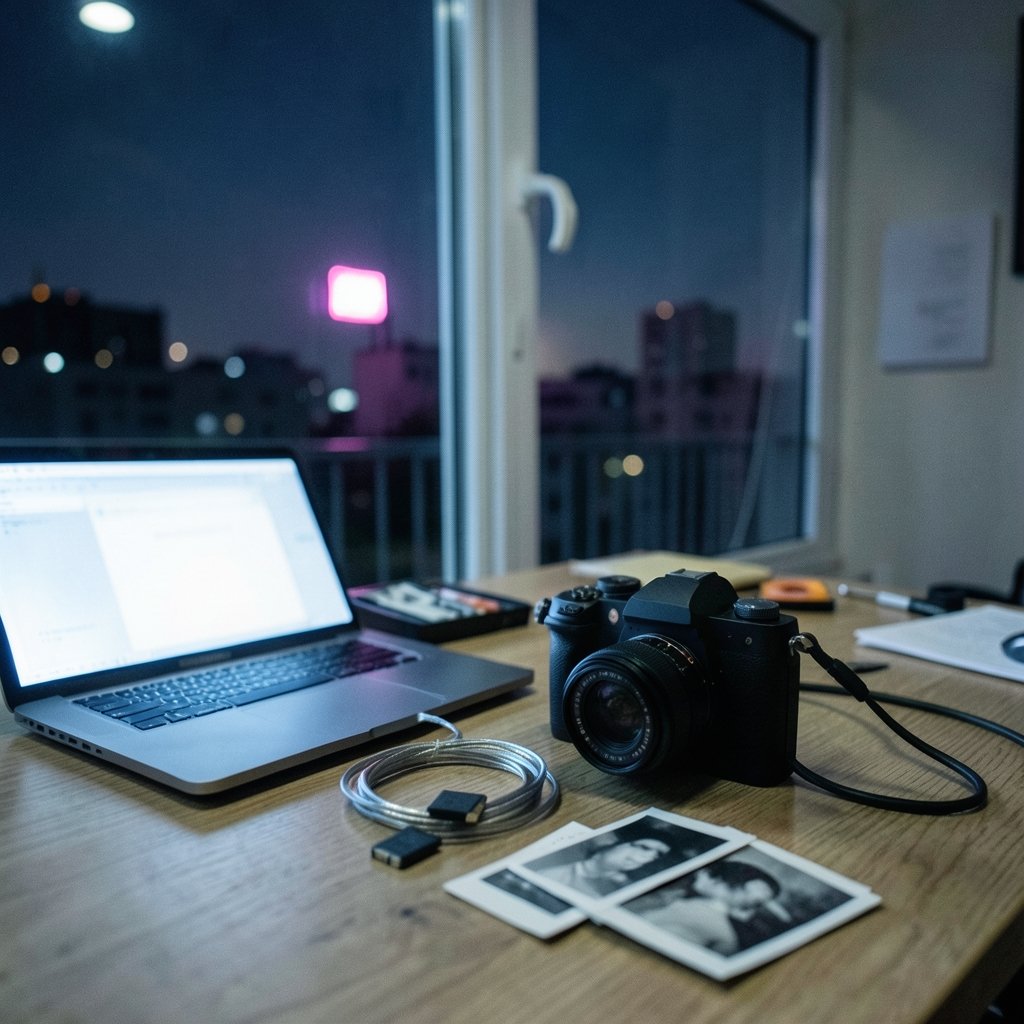
What actually happens when you drop a RAW file into a chatbot and ask it to write your client captions? Usually, something useful. Sometimes, something embarrassing. The gap between those two outcomes is what separates a studio that saves ten hours a week from one that spends those hours fixing AI mistakes.
Photographers in 2027 have more AI options than ever, but most of them were not built with a camera bag in mind. The right pick depends on whether you shoot weddings, product catalogs, real estate, or editorial work, and on how much you care about keeping client images off someone else’s servers.
Why photographers need a different kind of chatbot
Most “best chatbot” lists are written for people who type questions all day. Photographers work in images, and the tools that matter need to handle three things well: reading pictures, drafting language that sounds like a human wrote it, and staying out of legal trouble.
By 2024 and 2025, the major general chatbots all accepted image uploads and could describe, caption, and reason about photos. That is the core capability studios lean on for culling notes, caption drafting, and client-facing descriptions. But capability is not the same as reliability. (Xbox layoffs 3200 studios sold 2026)
Vision models still misread fine detail. Published evaluations through 2024 showed vision-language models making errors on small text, exact colors, and counting objects in an image. For a photographer, that means anything technical needs a human check. Ask a chatbot to name the exact hex color of a backdrop and you may get a confident answer that is simply wrong.
The second trap is metadata. Most consumer chatbots do not reliably read EXIF or IPTC data embedded in uploaded files. They analyze the rendered pixels, not the camera, lens, and GPS information tucked inside the file. If your workflow depends on that data, you need a separate tool.
Chat assistants versus embedded AI
One framing point matters before comparing names: “AI chatbot” is a loose label. Many studio-relevant AI features live inside digital asset management, culling, and editing software rather than in a standalone chat window. A chatbot is a general-purpose assistant you talk to. An embedded AI feature is a button inside software you already own. Both can save time, but they solve different problems. Chatbots are better for drafting, brainstorming, and explaining. Embedded features are better for repetitive image tasks at scale.
What to actually compare before you subscribe
Price is the worst first question. Model lineups and subscription tiers shifted repeatedly through 2024 and 2025, and any ranking written in late 2026 is a snapshot, not a durable list. Instead, score each option on the criteria that affect real studio work.
| Criterion | Why it matters for a studio | What good looks like |
|---|---|---|
| Image understanding | Captions, alt text, client descriptions | Accurate on composition, weak on fine detail |
| Metadata handling | Camera, lens, GPS, copyright fields | Rarely native; plan a separate step |
| Privacy terms | Client photos and model training | No-training guarantee, enterprise tier |
| Local option | Sensitive or embargoed work | Runs on studio hardware |
| Output consistency | Brand voice across a team | Style prompts that hold up |
| Cost per seat | Multi-person studios | Predictable monthly pricing |
A practical tip from people who run these workflows: test each chatbot on the same ten images from your own archive before you commit. Generic benchmarks tell you almost nothing about how a model handles your lighting, your subject matter, and your client’s tone. Your own test set is the only benchmark that matters.
The privacy question nobody wants to answer
Uploading client photos to consumer chatbots may conflict with model-training terms and with studio contracts. This is not a hypothetical. If a wedding client signed a contract that limits where their images go, dropping files into a free chatbot could breach it.
Photographers should check each vendor’s data-use policy and consider enterprise tiers with no-training guarantees. The specifics vary by vendor and change often, so any privacy claim needs a dated check. If the policy page is vague, treat that as a no for client work.
Local models are a real option now
Open-weight vision models that run on studio hardware, through tools like Ollama or LM Studio, offer privacy advantages for sensitive client work. Capability lags the cloud frontier models, but the gap has narrowed. For a studio that shoots under NDA or handles embargoed product launches, a local setup can be the difference between using AI at all and not.
The trade-off is maintenance. Local models need decent hardware, occasional updates, and someone willing to troubleshoot. If you are weighing hardware, it is worth checking CPU compatibility before you upgrade rather than after, since a mismatched platform can quietly cap what you can run. Studios comparing local setups often end up arguing about output quality as much as speed, and a structured head-to-head on judge output quality is more useful than vibes. The same discipline applies to cloud tools: a careful comparison of LM Studio versus Ollama on evaluate output quality will tell you more than any marketing page.
The realistic shortlist for 2027
Rather than crown a single winner, it helps to sort tools by job. The categories below reflect how studios actually use them, not how vendors market them.
General-purpose assistants
The big three cloud chatbots remain the default for drafting client emails, writing blog posts, and turning shoot notes into captions. They are strong at language, decent at describing images, and weak on technical precision. Use them for the words around the photo, not the photo itself.
Local and open-weight tools
These win on privacy and lose on polish. A local model is the right call for sensitive client work, internal document drafting, and anything you would not want leaving the building. Budget time for setup and expect to re-test after every model update.
Embedded AI in editing software
Generative editing features arrived in mainstream photo tools years ago and have only deepened since. These are not chatbots, but they shape what studios expect from an “AI assistant.” They handle the pixel-level work that a chat window cannot.
How to evaluate output quality without wasting a week
Most studios overthink this. A simple, repeatable test beats a long research project.
- Pick ten representative images from your archive, including one difficult exposure and one image with small text.
- Write five prompts you would actually use: a caption, an alt-text description, a client email, a blog intro, and a technical question about the image.
- Run the same prompts across every candidate tool in one sitting.
- Score each answer on accuracy, tone, and how much editing it needs before it is client-ready.
- Re-run the test after any major model update, because yesterday’s winner can slip.
The most common mistake is testing with someone else’s sample images. They are flattering and unrepresentative. Your own difficult frames expose weaknesses fast.
A second mistake: expecting the chatbot to read your file’s metadata. It usually will not. Build a step into your workflow where camera and lens details get added separately, or accept that the AI description will be generic.
The third mistake is trusting color and counting. If a caption needs to say “three models” or “navy backdrop,” verify it yourself. Vision models have improved, but exact counts and precise colors remain weak spots.
Legal and provenance issues studios cannot ignore
Two developments changed the ground rules for anyone publishing AI-assisted images.
The first is the EU AI Act, which entered into force on 1 August 2024. It includes transparency obligations for AI-generated or manipulated content, with phased application. Studios publishing AI-edited images for EU audiences should track the timeline and confirm which obligations apply by their publication date, since the phase-in is staggered.
The second is content provenance. The Coalition for Content Provenance and Authenticity publishes a technical standard for cryptographically signed metadata showing how an image was created or edited. Adobe, Microsoft, and camera makers have announced support. For photographers who need to prove authenticity, this is the emerging answer, though actual camera and software support varies by product and is worth verifying before you promise it to a client.
A studio drafting its own AI policy can lean on public-sector frameworks. The U.S. National Institute of Standards and Technology published its AI Risk Management Framework in January 2023, and it offers a plain structure for assessing risk that translates well to a small business.
Practical workflows that hold up
What actually works in practice looks less exciting than the demos.
For weddings and events, use a chatbot to draft gallery descriptions and social captions from a handful of selects, then edit hard. Never let it write anything about a specific guest or moment it cannot verify from the pixels.
For product photography, chatbots are useful for alt text and category descriptions, but weak on exact color and material. Pair them with a human check against the physical sample.
For real estate, the volume argument is strong. A chatbot can turn a shoot checklist into listing copy in minutes. Just confirm square footage and room counts against your own notes, not the model’s reading of the image.
For editorial and documentary work, provenance and ethics matter more than speed. Use tools that support signed metadata, and disclose AI editing according to your outlet’s policy.
If you are also comparing which free tools are genuinely usable without a credit card, a roundup of the best free AI chatbots you actually get without paying is a reasonable starting point before you spend anything.
Conclusion
The best AI chatbot for a photography studio in 2027 is not the one with the biggest model name. It is the one that fits your privacy terms, handles your actual images without embarrassing errors, and saves time on the writing that surrounds the photograph. Test candidates on your own archive, assume metadata and fine detail will need a human check, and keep a local option for the work you cannot upload. Do those three things and the tool choice becomes a detail rather than a gamble.
FAQ
Which AI chatbot is best for reading photo metadata?
Most consumer chatbots do not reliably read EXIF or IPTC metadata embedded in uploaded files. They analyze the rendered pixels instead. If camera, lens, and GPS data matter to your workflow, use a dedicated metadata tool alongside the chatbot.
Can I safely upload client photos to a chatbot?
It depends on your contract and the vendor’s data-use policy. Uploading client images to consumer chatbots may conflict with model-training terms and studio agreements. Look for enterprise tiers with no-training guarantees, and check the policy on the date you sign up, since terms change often.
How accurate are chatbots at describing images?
They are solid on composition and general subject matter, but published evaluations through 2024 showed vision-language models making errors on small text, exact colors, and counting objects. Treat technical details as unverified until a human checks them.
Are local AI models good enough for professional work?
For many studio tasks, yes. Open-weight vision models running on studio hardware offer real privacy advantages, and the capability gap with cloud models has narrowed. They still lag on the hardest tasks and require setup and maintenance.
Do I need to label AI-edited images?
In some cases, yes. The EU AI Act, in force since 1 August 2024, includes transparency obligations for AI-generated or manipulated content, with phased application. Studios publishing for EU audiences should confirm which obligations apply by their publication date.
How often should I re-test my chatbot?
After every major model update, and at least once a quarter. Model lineups and subscription tiers shifted repeatedly through 2024 and 2025, and a tool that won your test last year may not win it now.



