
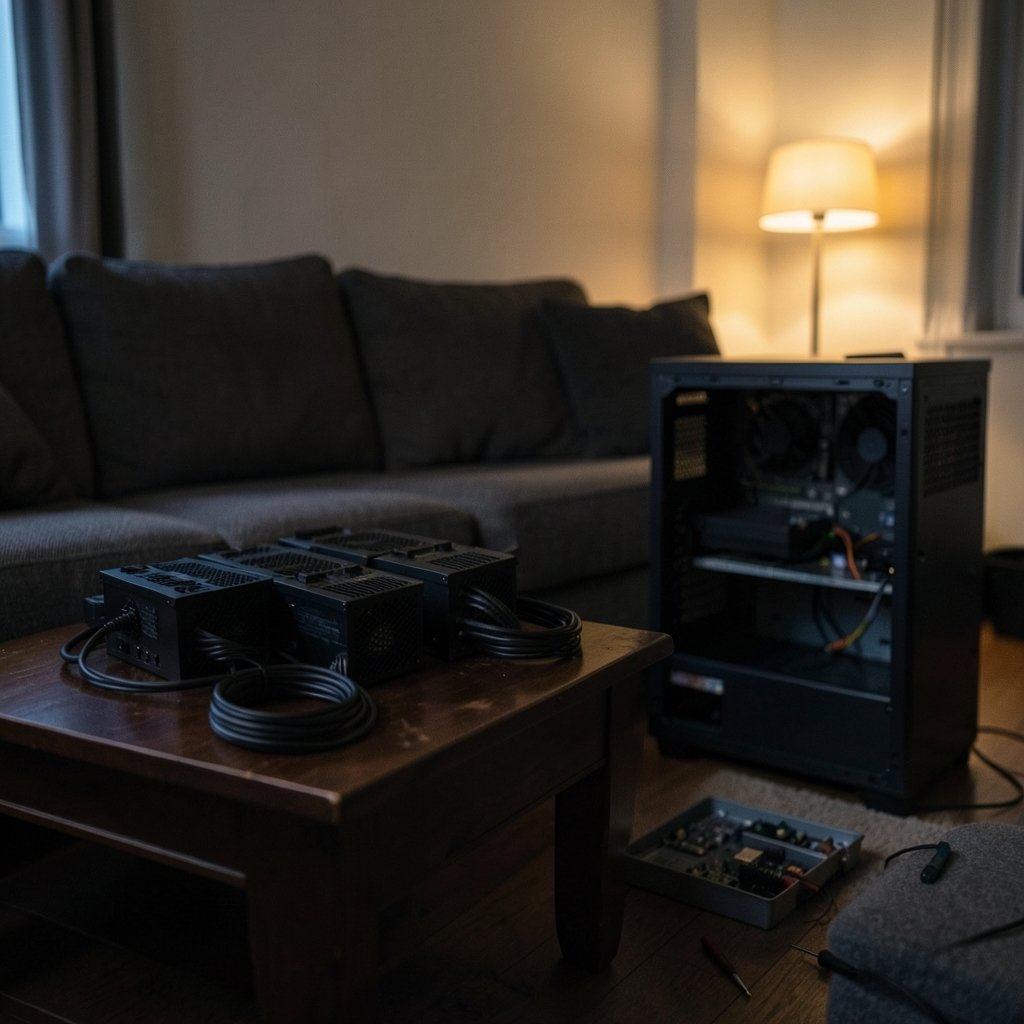
What actually changes in your day-to-day build when you pick one 1000-watt power supply over another? On paper, three units like the Corsair HX1000i, the Seasonic PX 1000, and a model often listed as the SP12 look almost identical. They all deliver around 1000 watts. They all promise high efficiency. They all cost real money. But the workflow around each one, meaning how you cable it, how you monitor it, how it sounds under load, and how you handle a warranty claim, can differ a lot.
This comparison focuses on those workflow differences rather than on a spec-sheet beauty contest. It also flags where the public record is thin, because a few of the model names in this matchup need careful handling before anyone treats them as settled facts.
Why the Model Names Need a Reality Check First
Here is the honest starting point. The Corsair HX1000i is a long-running, well-documented product line. Corsair has sold HXi-series units for years, and the “i” suffix has a specific meaning: digital monitoring. That part is solid.
The Seasonic PX 1000 is most likely a reference to Seasonic’s Prime PX-1000, a Platinum-rated unit in the Prime family. Seasonic’s Prime platform is also the basis for power supplies sold under other brand names, which complicates any “Seasonic versus Corsair” framing. Sometimes two competing boxes share the same underlying platform.
The “SP12” label is the weak link. There is no reliable public record of a 1000-watt unit sold under exactly that name as of the most recent verifiable information. It could be a typo, a regional SKU, a different vendor’s model number, or a label from a marketplace listing. Anyone building a purchasing decision on “SP12” should confirm the exact manufacturer part number on the box and the spec sheet before spending money.
That uncertainty is not a reason to skip the comparison. It is a reason to compare the things that are verifiable across all three: connector standards, monitoring workflow, acoustic behavior, and support terms.
The Connector Workflow Changed in 2025
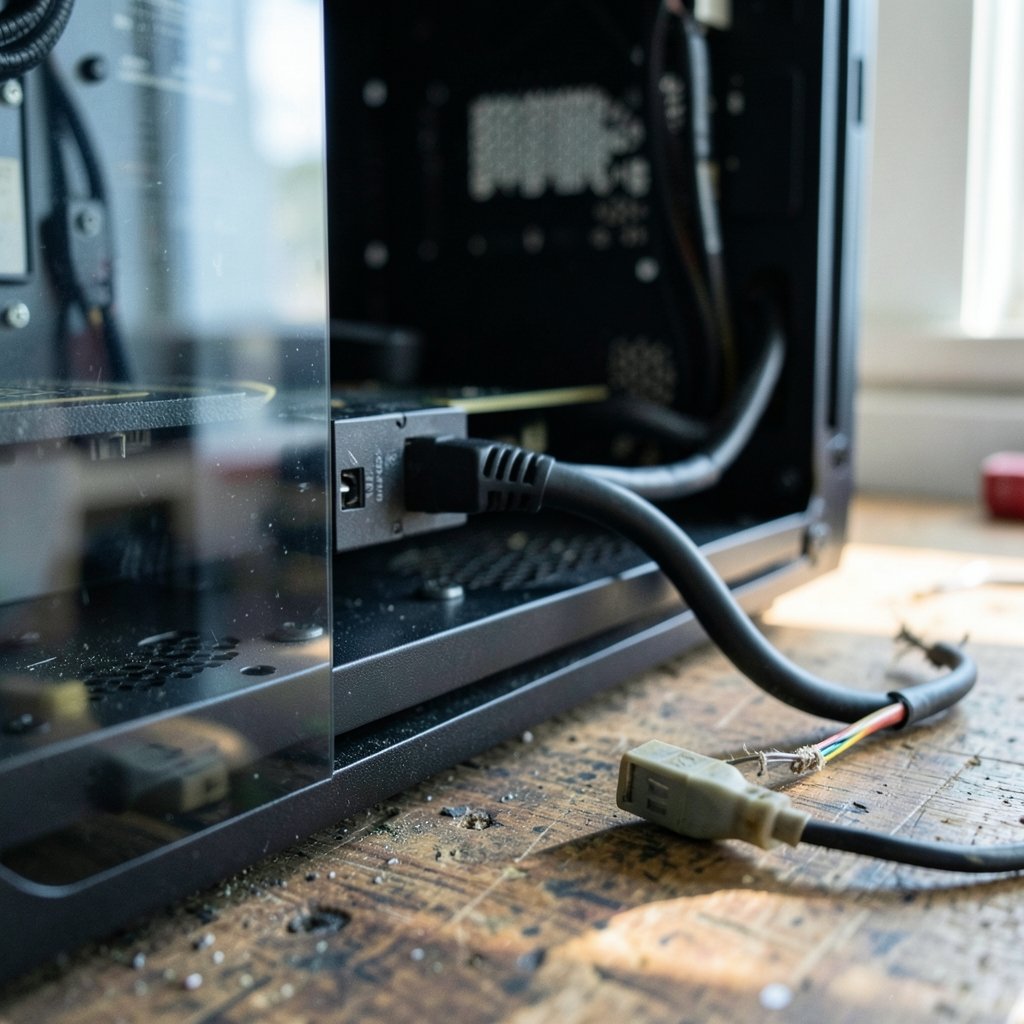
The biggest workflow shift in this category is not about wattage. It is about the connector on the GPU cable.
The ATX 3.1 specification, published in 2025, replaced the 12VHPWR connector with 12V-2×6. The physical change is small but the safety logic is real: the sense pins got longer and the power pins got shorter. The practical result is that a partially seated cable fails safe instead of overheating. The PCI-SIG owns the underlying CEM specification that defines this connector, and power supply vendors implement it.
Why does this matter for a workflow comparison?
- A unit with a native 12V-2×6 cable means one cable from the power supply straight to the GPU. Fewer connections, less clutter, less to get wrong.
- A unit that requires an adapter from older PCIe connectors adds a junction point. That junction is where seating problems and bending stress tend to appear.
- A unit built to ATX 2.x standards was never designed for the transient power spikes modern GPUs produce. ATX 3.1 sets transient excursion requirements that older designs did not target.
In practice, the most common mistake people make here is buying a high-wattage unit and then assuming the cable situation is fine because the wattage is fine. Wattage and connector generation are separate questions. Check the box for the connector type; the number alone is not enough.
The second common mistake is bending the cable sharply right at the connector to fit a side panel. The revised connector is more forgiving of partial seating, but it is not forgiving of a hard 90-degree bend pressed against the plug body. Give it clearance.
Monitoring Is the Real Workflow Divide
This is where the Corsair HX1000i separates itself most clearly. The “i” in the name stands for digital monitoring, delivered through Corsair’s iCUE software. HXi-series units expose fan speed, input and output power, efficiency, and temperature over an internal USB header.
That is not a marketing bullet. It changes how you work with the machine:
| Workflow task | Unit with digital monitoring | Unit without it |
|---|---|---|
| Checking actual wall power draw | Software readout, live | External meter or nothing |
| Watching fan behavior under load | Fan RPM visible in software | Listen and guess |
| Diagnosing a shutdown | Power and temperature logs available | Swap parts and hope |
| Setup cost | Needs a free internal USB header and the vendor software stack | Plug and play |
For a reviewer, a tester, or anyone running a small home lab, that telemetry is genuinely useful. For a straightforward gaming build that gets assembled once and closed up, the extra software stack is one more thing to install, update, and occasionally troubleshoot. iCUE replaced Corsair Link back in 2018, and like any monitoring suite it has its own footprint on the system.
The Seasonic Prime PX-1000, by contrast, is a conventional analog unit. No USB header, no software, no telemetry. That is a workflow difference in both directions: less insight, but also less to maintain.
A unit sold only as “SP12” cannot be assessed on this point without a confirmed spec sheet. If monitoring matters to you, this is the single spec to verify before buying, because it cannot be added later.
Efficiency Ratings: Read the Certification, Not the Badge
All three units in this class advertise high efficiency, and all three will likely carry an 80 PLUS badge. The trap is treating the badge as a self-reported claim. It is not, but it is also not the whole story.
The 80 PLUS program is run by an independent certification body, and its tiers are defined by measurable thresholds. Titanium, for example, requires 90 percent efficiency at 10 percent load, 94 percent at 50 percent, and 91 percent at 100 percent at 115 volts. Those numbers come from the certification program, not from the vendor’s marketing page.
The practical workflow advice is simple: check the certified product database rather than the box. A unit can carry a badge for one SKU and not another, and regional variants sometimes differ.
There is a second layer worth knowing about. Cybenetics publishes independent efficiency and acoustic certifications, including LAMBDA ratings that grade measured noise output from A++ down to Standard. Vendor decibel claims are measured in conditions the vendor chooses. LAMBDA ratings come from a third party. If quiet operation is a priority, the acoustic certification is more useful than a spec sheet line.
Acoustics and Fan Behavior Under Real Loads
Fan behavior is where spec sheets and lived experience diverge most.
A 1000-watt unit at 400 watts of load is loafing. Most quality units in this class will run semi-passively or at very low fan speed in that range, and the difference between models is nearly inaudible. Push toward 700 or 800 watts sustained, and the fan curves start to matter. A unit that ramps early and smoothly is easier to live with than one that stays silent and then steps up abruptly.
The workflow lesson: match the unit to the actual load, not to the maximum. A 1000-watt supply in a system that peaks at 450 watts spends its life in the quiet zone. The same supply in a system that pulls 850 watts continuously is a different product experience entirely.
For anyone comparing units on noise, the honest method is to look for independent acoustic certification and independent reviews with described methodology. Review outlets use programmable loads, oscilloscopes, and hot-box testing, but methods differ between outlets, so results are not directly comparable across sites. Read the methodology page, and do not rely on the conclusion alone.
Hold-Up Time and Transient Response: The Specs Nobody Prints
Two specifications matter for real workloads and appear on almost no product page.
Transient response is how well the unit handles sudden power spikes. Modern GPUs can spike well above their rated draw for microseconds. ATX 3.1 sets explicit transient excursion requirements, and older ATX 2.x units were not designed against them. If you are pairing a new GPU with an older design, this is the number that decides whether you get a clean shutdown or a random reboot.
Hold-up time is how long the unit keeps output stable after input power drops. It matters during brief brownouts and in systems with aggressive sleep behavior.
Neither figure shows up in most marketing material. Both show up in independent teardown reviews. The workflow implication is that a serious buyer reads at least one independent review with a methodology section before committing, and treats the manufacturer page as a starting point rather than a verdict.
Cabling, Case Fit, and the Boring Stuff That Wastes an Evening
Cable length and connector count do not sound like workflow topics until you are three hours into a build with a side panel that will not close.
Practical points that actually cause problems:
- Measure the distance from the power supply bay to the CPU power header on the motherboard before buying. On large cases with top-mounted EPS connectors, a short cable forces an ugly routing path.
- Count the SATA and peripheral connectors you actually need. A drive-heavy build can run out on a unit that looked generous on paper.
- Check whether the unit is fully modular, semi-modular, or fixed-cable. Fully modular makes cable management easier and makes replacement simpler.
- Confirm the physical depth of the unit against your case spec. A 1000-watt supply is often longer than the 650-watt unit it replaces.
- Keep the original cables. Mixing modular cables between brands, or even between models from the same brand, can damage components because the pinouts are not standardized.
That last point is the one people get wrong most often. Modular cables look identical at the connector and are not interchangeable. If you swap a unit, swap the cables.
For readers comparing broader tooling decisions, the same principle of matching the tool to the actual workflow shows up elsewhere, for example in the One.com vs Hostinger workflow differences breakdown, or in how Airtable vs Notion workflow differences play out for teams. The pattern holds: the spec sheet tells you what a tool can do, and the workflow tells you what it is like to use. (Kiro vs cursor workflow differences understand 2027)
Warranty and Regional Support
Warranty length is one of the few genuinely comparable facts across these units, and it varies by SKU and region. HXi-series units have historically carried 10-year warranties. Seasonic Prime units have carried up to 12 years in some regions. Those terms are worth checking on the current spec sheet for the exact model, because warranty is not a performance metric and it does change.
The workflow angle is about claims handling. A long warranty from a brand with a local support presence is worth more than a longer warranty that requires international shipping. Check who handles the claim in your country before you need to.
Conclusion
The real differences between these units are not in the wattage number. They are in the connector generation, the monitoring stack, the acoustic behavior under sustained load, and the support terms behind the box.
The Corsair HX1000i wins on visibility, because iCUE telemetry turns the power supply into a measurable component rather than a black box. That is a real advantage for testers and lab users, and a modest overhead for everyone else. The Seasonic Prime PX-1000 wins on simplicity, with a conventional analog design and a strong efficiency pedigree. The “SP12” label needs verification before anyone treats it as a known quantity, because the public record does not support confident claims about it.
The practical rule for 2027 is to buy on the connector standard and the workflow, not the badge. Confirm 12V-2×6 support, confirm the monitoring situation, read one independent review with a stated methodology, and check the warranty in your own region. Do that, and the choice becomes much less about brand loyalty and much more about how you actually use the machine.
FAQ
Is the Corsair HX1000i worth it over a unit without monitoring?
It depends on whether you will use the telemetry. The iCUE readouts for fan speed, power draw, efficiency, and temperature are genuinely useful for testing, tuning, and diagnosing shutdowns. If the build will be assembled once and closed up, the software stack is overhead with little payoff.
What is the difference between 12VHPWR and 12V-2×6?
The 12V-2×6 connector replaced 12VHPWR under the ATX 3.1 specification published in 2025. The sense pins are longer and the power pins are shorter, so a partially seated cable fails safe rather than overheating. Both connector types come from the PCI-SIG CEM specification.
Can I reuse modular cables from my old power supply?
No. Modular cables are not standardized between brands, and often not between models from the same brand. The connectors look identical but the pinouts can differ, and mixing them can damage components. Always use the cables that ship with the new unit.
Is a 1000-watt power supply overkill for most builds?
Usually, yes. A unit running well below its capacity stays in its quiet, efficient zone, which is good. But if the system peaks far below 1000 watts, a smaller high-quality unit often delivers the same experience for less money and takes up less case depth.
How do I compare noise between power supplies fairly?
Look for independent acoustic certification rather than vendor decibel claims. Cybenetics LAMBDA ratings grade measured noise output from A++ to Standard. Also check independent reviews that describe their test methodology, since results from different outlets are not directly comparable.
What should I verify before buying a unit labeled SP12?
Confirm the exact manufacturer part number on the box and the official spec sheet. Verify the ATX version, the connector type, whether monitoring is included, the warranty term in your region, and the physical depth of the unit. Without a confirmed spec sheet, treat any performance claim about that label as unverified.



