

What if the biggest difference between two gaming setups in 2027 isn’t the cable spec at all, but the lamp sitting behind the monitor?
That question sounds like a trick. It isn’t. Gamers spend hours comparing DisplayPort 2.1 and HDMI 2.2 bandwidth charts, then park their monitor in a room with a bare bulb overhead and wonder why HDR looks washed out. The port standard moves pixels. The room decides whether those pixels actually look good. This article separates the two, because confusing them is one of the most common and most expensive mistakes in modern gaming setups.
What DisplayPort 2.1 and HDMI 2.2 Actually Promise
DisplayPort 2.1 was published by VESA in 2022. Its headline feature is the UHBR family of link rates, topping out at UHBR20, which pushes roughly 80 Gbps of raw bandwidth, or about 77.4 Gbps effective. In plain terms, that’s enough headroom to run very high resolution at very high refresh rates without leaning on display stream compression.
HDMI 2.2 is a murkier story. As of the most reliable public information, HDMI 2.1b (2023) is the current confirmed HDMI revision, offering up to 48 Gbps along with variable refresh rate, auto low latency mode, and quick media switching. A finalized HDMI 2.2 specification has not been clearly confirmed in publicly verifiable form. Anyone telling you exactly what HDMI 2.2 will do in 2027 is speculating, and you should treat those claims accordingly.
Here’s the practical comparison:
| Feature | DisplayPort 2.1 | HDMI 2.1b (current confirmed) | HDMI 2.2 (unconfirmed) |
|---|---|---|---|
| Published | 2022 (VESA) | 2023 | Not confirmed |
| Max raw bandwidth | ~80 Gbps (UHBR20) | 48 Gbps | Unknown |
| VRR support | Yes | Yes | Expected, unconfirmed |
| Typical use | PC monitors, high-refresh gaming | TVs, consoles, monitors | Unknown |
| Real-world bottleneck | Cable quality, GPU output | Cable quality, TV port version | Not yet measurable |
The honest takeaway: for a PC gaming monitor in 2027, DisplayPort 2.1 is the concrete, shipping standard. HDMI 2.2 is a rumor with a release date attached. Buying decisions should follow the confirmed spec, not the rumor.
Why Bandwidth Charts Don’t Tell You How a Game Looks
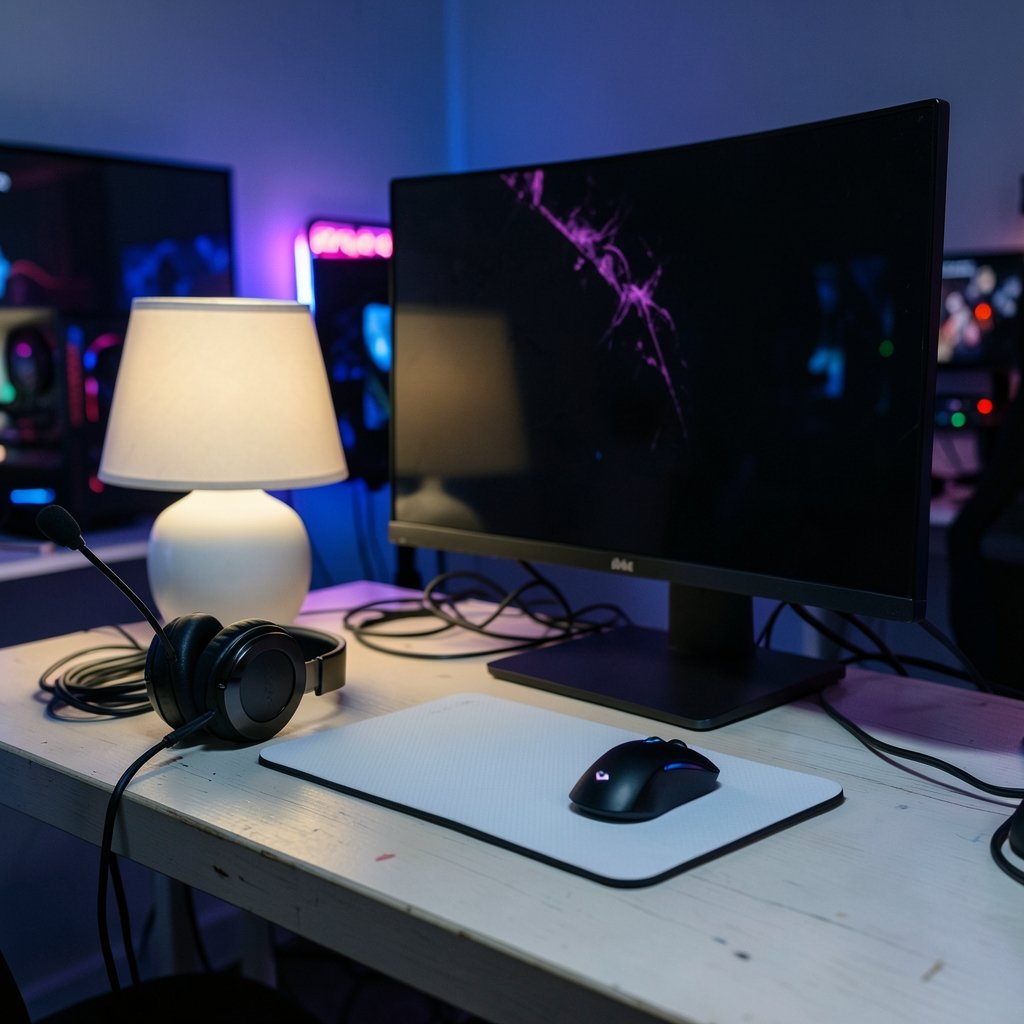
A bandwidth number describes a ceiling. It says nothing about what your eyes receive once light bounces around the room.
Ambient light reflects off the screen surface and lifts black levels. That’s a basic display-metrology principle, not a marketing claim. A monitor rated at a deep contrast ratio in a dark lab can look gray and flat in a sunlit room. The panel didn’t change. The environment did.
This matters more in 2027 than it did five years ago because HDR has become standard rather than exotic. HDR’s whole benefit depends on the viewing environment. Bright rooms compress perceived contrast range, so bright areas that should stand out and shadows that should stay deep both get pushed toward the middle. You paid for that contrast. The room takes it back.
The port doesn’t fix the room
A common mental error: “I’ll upgrade to DisplayPort 2.1 and my picture will look better.” It might look sharper or smoother if you were previously bandwidth-limited. It will not look more contrasty in a room with a window behind you. Those are different problems with different fixes.
The Lighting Mistakes Almost Everyone Makes
Practical experience across countless setups points to a short list of repeat offenders.
- Placing the monitor opposite a window. Daylight lands directly on the panel all afternoon. Reflections wash out dark scenes, and no port standard rescues you.
- Using a single overhead bulb. It creates a hot spot on the screen and harsh contrast between the bright display and a dark wall behind it, which strains the eyes during long sessions.
- Ignoring the wall behind the monitor. A bright white wall reflecting lamp light acts like a second, unwanted light source aimed at your eyes.
- Maxing brightness to fight glare. Cranking the backlight to compete with the room crushes shadow detail and accelerates eye fatigue.
- Testing HDR in a bright room, then blaming the monitor. HDR evaluated under strong ambient light will almost always disappoint, regardless of the panel.
What actually works
Bias lighting behind the monitor is the single highest-return change most people can make. A soft light source on the wall behind the screen reduces the contrast between the bright display and the dark surroundings, which eases eye strain and makes dark scenes feel deeper rather than washed out. It costs very little and requires no new cable.
Beyond that: control the light you can’t move. Curtains or blinds on the window opposite the screen, a lamp positioned to the side rather than overhead, and a matte-finish wall behind the monitor all help. None of these are port-dependent. All of them change what you see.
Where the Port Choice Actually Bites
Port standards do matter, just in narrower ways than the marketing suggests.
Refresh rate ceilings. If you’re chasing very high refresh at high resolution, DisplayPort 2.1’s UHBR20 headroom is the more generous path on PC monitors. HDMI 2.1b’s 48 Gbps is plenty for many setups but tighter at the extreme end.
Cable quality. The most underrated failure mode. A high-bandwidth link needs a certified cable. Cheap cables cause dropouts, flicker, or a silent fallback to a lower mode. If your shiny new monitor occasionally blinks, suspect the cable before the panel.
VRR behavior in dark rooms. Variable refresh rate interacts with lighting only indirectly, but flicker perception can increase in dark rooms on some panels. If you notice flicker at low frame rates, test with the room lights up before concluding the monitor is faulty. Sometimes the room was simply making an existing artifact more visible.
For a deeper look at how panel type and environment interact, the comparison of OLED vs mini LED gaming monitors and how room lighting changes the picture is worth reading before you buy, because the two technologies respond very differently to ambient light.
Setting Up for 2027 Without Guessing
The safest approach treats the confirmed standard as the foundation and the unconfirmed one as a bonus if it arrives.
Step 1: Buy for the confirmed spec. DisplayPort 2.1 on a PC monitor is real, shipping, and documented. Build around it.
Step 2: Match the cable to the link rate. Use a certified cable rated for the bandwidth you need. Don’t reuse the mystery cable from a drawer.
Step 3: Fix the room before upgrading hardware. Move the monitor off the window axis. Add bias lighting. Kill the overhead glare. This costs a fraction of a new monitor and often delivers a bigger visible improvement.
Step 4: Calibrate brightness to the room, not to the spec sheet. A display tuned for a bright room and one tuned for a dark room are different displays in practice. Adjust to your actual conditions.
Step 5: Evaluate HDR in the conditions you actually game in. If you game at night, judge HDR at night. If your room is bright all day, accept that HDR will look more modest and set expectations accordingly.
This same environment-first logic applies across devices. Handheld and console players face identical tradeoffs, which is why the breakdown of how room lighting changes the view on the Switch 2 versus the Switch OLED covers ground that a spec sheet never will.
The Console and Handheld Side of the Same Coin
Port standards aren’t just a PC concern. Consoles lean on HDMI, and handhelds have their own display quirks.
A PS5 Pro and a base PS5 can look surprisingly similar in a bright living room, because the room flattens the differences the hardware worked to produce. The PS5 Pro vs PS5 spec comparison judged through everyday gaming experience makes the point that perceived quality depends heavily on the viewing environment rather than the silicon alone.
Handhelds are even more environment-sensitive. The Rog Ally X vs Steam Deck OLED comparison on how room lighting changes viewing shows that OLED’s deep blacks survive a dim room beautifully but lose their advantage under direct sunlight, where an LCD’s higher peak brightness can actually read better.
And the software side has its own version of this lesson. Just as lighting changes what you perceive, storefront design changes how you experience games day to day, which is the angle behind the Steam vs Epic vs GOG comparison of everyday gaming experience. Perception is always shaped by context, whether that context is a lamp or a launcher.
A Realistic Buying Timeline
If you’re planning a 2027 build, here’s a balanced way to think about it.
| Your situation | Sensible move |
|---|---|
| Buying a PC monitor now | Prioritize DisplayPort 2.1, certified cable, good panel |
| Waiting for HDMI 2.2 | Don’t. Unconfirmed spec, no shipping products to compare |
| Bright room, HDR ambitions | Fix lighting first, then buy |
| Dark room, OLED preference | OLED shines, but mind VRR flicker at low frame rates |
| Console-focused | HDMI 2.1b is the confirmed baseline; check your TV’s port version |
The pattern is consistent. Hardware sets the ceiling. The room sets what you actually get.
Conclusion
DisplayPort 2.1 is a real, documented standard with meaningful bandwidth advantages for high-refresh PC gaming. HDMI 2.2 is, at best, an unconfirmed future revision that shouldn’t drive a purchase decision in 2027. But the more useful insight sits underneath both: no port standard can rescue a display from a badly lit room. Ambient light lifts black levels, compresses perceived HDR range, and turns expensive panels into average ones.
The gamers who end up happiest in 2027 won’t be the ones who memorized the bandwidth tables. They’ll be the ones who moved the desk away from the window, added a soft light behind the monitor, bought a certified cable, and then spent their money on the panel that suited their actual room. Specs get you in the door. Lighting decides whether you enjoy the view.
FAQ
Is HDMI 2.2 actually available in 2027?
There is no clearly confirmed, finalized HDMI 2.2 specification in publicly verifiable form. HDMI 2.1b from 2023 remains the current confirmed revision, with up to 48 Gbps and features like variable refresh rate and auto low latency mode. Treat any specific HDMI 2.2 performance claims as speculation until an official specification is published.
Does DisplayPort 2.1 make games look better in a bright room?
No. DisplayPort 2.1 increases bandwidth, which helps with resolution and refresh rate headroom. It does nothing about ambient light reflecting off the screen. A bright room will still lift black levels and flatten perceived contrast regardless of which port you use.
What is the single best lighting change for a gaming setup?
Bias lighting behind the monitor. A soft light source on the wall behind the screen reduces the contrast between the bright display and dark surroundings, which eases eye strain and makes dark scenes look deeper. It’s inexpensive and doesn’t require any hardware upgrade.
Why does HDR look disappointing in my living room?
HDR’s benefit depends on the viewing environment. Strong ambient light compresses perceived contrast range, so bright areas and shadows both get pushed toward the middle. Evaluate HDR in the lighting conditions you actually game in, and adjust display brightness to match the room rather than maxing it out.
Should I wait to buy a monitor until HDMI 2.2 arrives?
Waiting on an unconfirmed standard is rarely a good plan. DisplayPort 2.1 is shipping and documented today, and HDMI 2.1b covers most console and TV needs. Buy for the confirmed spec, use a certified cable, and spend the remaining effort on getting your room lighting right.
Can room lighting cause monitor flicker?
It can make existing flicker more noticeable. Variable refresh rate can produce flicker at low frame rates on some panels, and that artifact is often easier to spot in a dark room. If you notice it, test with the lights on before assuming the monitor is defective.



