
Will the motherboard you buy today still accept a new CPU three years from now? That question drives every AM5 buying decision, and it explains why AMD’s “through 2027 and beyond” statement gets quoted in forum threads almost daily. The commitment is real, but it is narrower than many buyers assume. AMD committed to a platform lifespan, not to a guarantee that every board will run every future chip. The gap between those two things separates a useful upgrade path from an expensive dead end.
Where the AM5 Promise Comes From
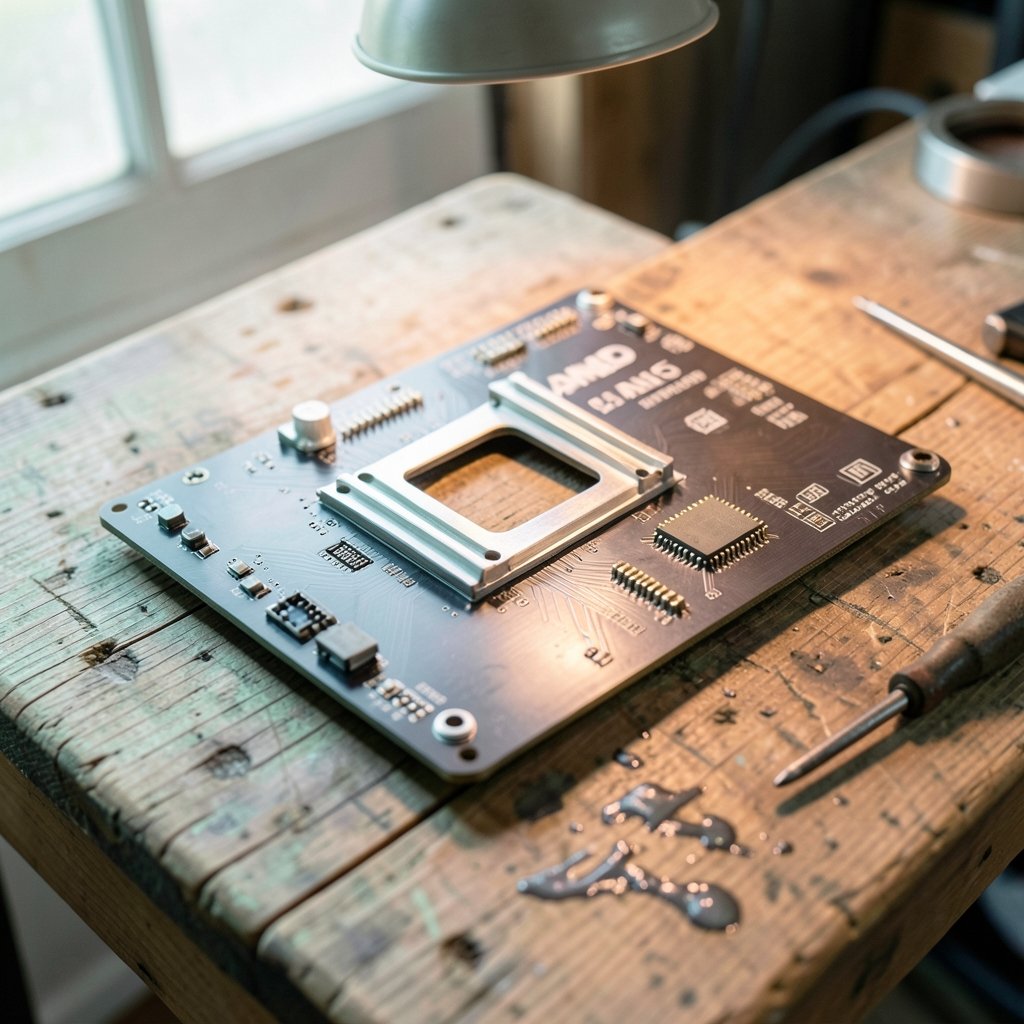
AM5 arrived in September 2022 alongside the Ryzen 7000 series, replacing the long-serving AM4 socket. The new platform brought DDR5 memory and PCIe 5.0 to AMD’s mainstream desktop line, and it also changed the physical design: AM5 is a land grid array socket with 1718 pins, so the pins sit on the motherboard rather than on the processor.
From the start, AMD framed AM5 as a long-term home. Company statements around launch and in later roadmap communications said the platform would be supported through 2027 and beyond. That wording matters. “Through 2027” sets a horizon, not a hard stop. “And beyond” leaves room for extension. Anyone treating 2027 as a firm expiration date is reading more precision into the phrase than AMD actually published.
It is also worth being clear about what kind of document this is. There is no dated end-of-life spec sheet for AM5. The 2027 figure comes from executive statements and marketing language, which means it can be refined or stretched at any major trade show. Buyers who want certainty should watch for roadmap updates rather than treat a slogan as a contract.
Platform Support Is Not the Same as Board Support
Here is the distinction that trips up the most people. AMD controls the socket and the chipset. Motherboard makers control the BIOS, the power delivery, and the memory trace layout. A CPU can be perfectly compatible with the AM5 socket and still refuse to boot on a specific board because the vendor never shipped firmware for it.
Three things decide whether a given board runs a future chip:
- BIOS and AGESA updates. The firmware layer that teaches a board about new processors. If a vendor stops updating an older model, that board’s upgrade path ends regardless of what the socket allows.
- VRM and power delivery. A budget board with modest power stages may physically accept a high-core-count chip but throttle it badly or refuse to post.
- Memory topology. Boards tuned for two DIMM slots behave differently from four-slot designs, which affects stability as memory controllers evolve.
This is not a hypothetical worry. AM4 followed the same pattern: the socket lasted years, but some early 300-series boards needed later BIOS revisions to run Ryzen 5000 chips, and a handful of low-end models never got full support. The lesson carries straight over. The socket promise sets the ceiling; the board vendor decides where your actual ceiling lands.
If you are weighing a platform switch and want to avoid exactly this trap, a compatibility check before you buy is worth more than any roadmap slide. The same discipline applies when you compare AMD and Intel CPUs and check compatibility before an upgrade, because both camps now ship multi-generation sockets with per-board caveats.
What the Roadmap Actually Shows
The generational picture is straightforward. Ryzen 7000 launched with the socket in 2022. Zen 5 desktop parts, the Ryzen 9000 series, arrived in 2024 on the same AM5 platform. AMD has indicated AM5 will span multiple CPU generations, which is the practical meaning of the longevity claim.
What the roadmap does not do is name every future part or pin down timing for post-Zen 5 desktop chips. Naming and launch windows for later generations were not finalized in public materials. That uncertainty is normal for a platform three to five years into its life, but it has a real consequence for buyers: you cannot plan a 2027 upgrade around a specific processor that has not been announced.
The honest summary is that AM5 will almost certainly receive new CPUs into 2027. Whether your specific board receives firmware for them is a separate question with a separate answer, and that answer lives on the vendor’s support page.
Why AMD Went Long on Socket Life
Socket longevity has become a genuine selling point rather than a footnote. Enthusiasts who lived through AM4’s run, from Ryzen 1000 in 2017 through Ryzen 5000 and several later parts, got used to dropping a newer CPU into an older board. AMD cites that precedent when discussing AM5.
The strategy has commercial logic. A buyer who trusts the platform is more likely to spend on a quality board and fast memory up front, because those parts stay useful across CPU generations. It also keeps the used market healthy, which in turn keeps people inside the ecosystem.
The counterweight is that long platforms create support debt. Every new generation multiplies the number of board and BIOS combinations vendors must validate. That is precisely why the per-board support list, not the socket name, is the document that matters.
How to Check Your Own Upgrade Path
The practical routine takes about ten minutes and saves a lot of regret. Work through it before you buy a board you intend to keep.
- Go to the motherboard model’s support page on the vendor site. Not the product marketing page, the support page.
- Open the CPU support list, sometimes called the QVL or CPU compatibility list. Confirm your current CPU and any CPU you plan to buy appear by exact model number.
- Check the BIOS download section. Note the version required for the newest supported CPU and whether it is a stable release or a beta.
- Read the notes column. Vendors often flag that a specific BIOS drops support for older CPUs to make room for newer ones, a detail almost nobody expects.
- Confirm your board revision. Manufacturers silently revise boards, and revision 1.0 and 1.2 can have different firmware branches.
- Check the VRM coverage. Reviews and teardown data tell you whether the board can sustain a high-core-count chip without throttling.
Common mistakes show up again and again. People buy the cheapest board in a chipset family and assume the socket promise covers them. People flash a BIOS without reading whether it removes support for the CPU they currently own. People trust a retailer’s compatibility filter instead of the vendor’s own list. And people forget that a board sitting in a closet for two years may need a BIOS update before it will even post with a newer chip, which sometimes requires an older CPU to perform the flash.
One more practical tip: if you are buying used, ask the seller which BIOS version is installed. A board flashed for a recent generation may not boot an older chip, and a board never updated may not boot a new one. Knowing the version before you hand over money avoids a frustrating evening.
The 2027 Question Buyers Keep Asking
The single most common misunderstanding is that “AM5 through 2027” means “any AM5 board will take any AM5 CPU until 2027.” It does not. It means AMD intends to keep the socket alive as a platform. Board-level support is a vendor decision, made model by model, sometimes revision by revision.
The second misunderstanding is that 2027 is an end date. The phrase is “through 2027 and beyond,” which reads as a minimum, not a deadline. If AMD extends the platform, as it did with AM4, the horizon moves.
The third is assuming a new board is automatically the safer buy. A current-generation board from a vendor with a strong firmware track record beats a discounted older model with a thin update history. Age matters less than whether the manufacturer is still shipping BIOS releases for that model.
What This Means for Three Kinds of Buyers
Different buyers should read the promise differently.
| Buyer type | What the promise gives them | What to actually do |
|---|---|---|
| Building now, upgrading in 2027 | A realistic path to a newer CPU on the same board | Buy a mid-range or better board from a vendor with a long BIOS support record |
| Buying a budget board today | Socket compatibility, but a narrower firmware future | Check the CPU support list carefully and accept a shorter upgrade window |
| Sitting on a 2022 board | A chance at a drop-in upgrade, not a guarantee | Verify the exact model and revision on the vendor support page before buying any CPU |
For the first group, the platform promise is genuinely valuable. Spending a bit more on power delivery and a board with a documented update cadence pays off across a generation or two. For the second group, the promise is mostly marketing, because cheap boards are the first to fall out of firmware rotation. For the third group, patience and verification beat optimism.
The same principle of checking the actual support documentation rather than the headline claim applies well beyond CPUs. It is the same habit that separates a smooth software rollout from a messy one, whether you are choosing AI customer support platforms with a practical buyer’s checklist or comparing chatbot vendors on onboarding and support quality. The headline feature is never the whole story; the support commitment behind it is what you live with.
Where the Uncertainty Sits
A balanced read has to acknowledge what is not settled. AMD has not published a formal, dated end-of-AM5 document. The 2027 figure rests on public statements, which can be extended, restated, or quietly reframed. Roadmap details for desktop generations after Zen 5 were not finalized in public materials. Any major trade show could add clarity or change the picture.
That uncertainty cuts both ways. It means the platform is likely to keep receiving chips, which favors buying in. It also means no buyer should plan a specific upgrade around a processor that has not been announced. Build for the platform, verify for the board, and stay flexible on the silicon.
There is a broader pattern worth noticing too. Long-lived sockets have become a competitive battleground, and vendors increasingly treat firmware support as part of the product. Buyers who reward that with attention, by checking support pages before purchase, push the whole market toward better behavior. It is a small habit with a surprising amount of leverage.
Conclusion
AMD’s AM5 commitment through 2027 and beyond is real, useful, and narrower than the slogan suggests. The socket will stay alive; the platform will keep receiving processors; the upgrade path exists. But the promise is made at the platform level, and the board vendor holds the keys to your specific machine. Check the CPU support list, note the BIOS version, confirm the board revision, and look at power delivery before you commit. Do that, and the AM5 longevity story becomes a genuine advantage rather than a line you quoted from a press release.
FAQ
Does AMD officially support AM5 through 2027?
Yes. AMD has stated publicly that the AM5 platform will be supported through 2027 and beyond. The wording describes platform lifespan, meaning new processors will continue to arrive for the socket, rather than a guarantee that every AM5 motherboard will support every future CPU.
Is 2027 the end of the AM5 platform?
No. The phrase used is “through 2027 and beyond,” which reads as a minimum commitment rather than a deadline. AMD extended AM4 well past its original horizon, and the same could happen with AM5. Treat 2027 as a checkpoint, not an expiration date.
Will my existing AM5 motherboard work with future CPUs?
It depends on the specific board. Compatibility requires a BIOS update from the manufacturer, adequate power delivery, and continued firmware support for that model. Check the vendor’s CPU support list and BIOS download page for your exact model and board revision before buying a new processor.
Why does the socket promise not guarantee CPU support?
AMD controls the socket and chipset, but motherboard makers control firmware, power delivery, and memory layout. A board can be socket-compatible and still lack the BIOS needed to boot a newer chip. Older and budget boards are the most likely to fall out of firmware support first.
What should I check before buying an AM5 board for longevity?
Look at the CPU support list and BIOS release history on the vendor’s support page, confirm the board revision, and review power delivery quality. A mid-range board from a manufacturer with a steady firmware cadence is usually a safer long-term bet than a deeply discounted older model.
Can a BIOS update remove support for my current CPU?
Yes, and it happens more often than people expect. Some updates drop support for older processors to make room for newer ones. Read the release notes before flashing, and keep a note of which BIOS version your board is running in case you need to roll back.



