
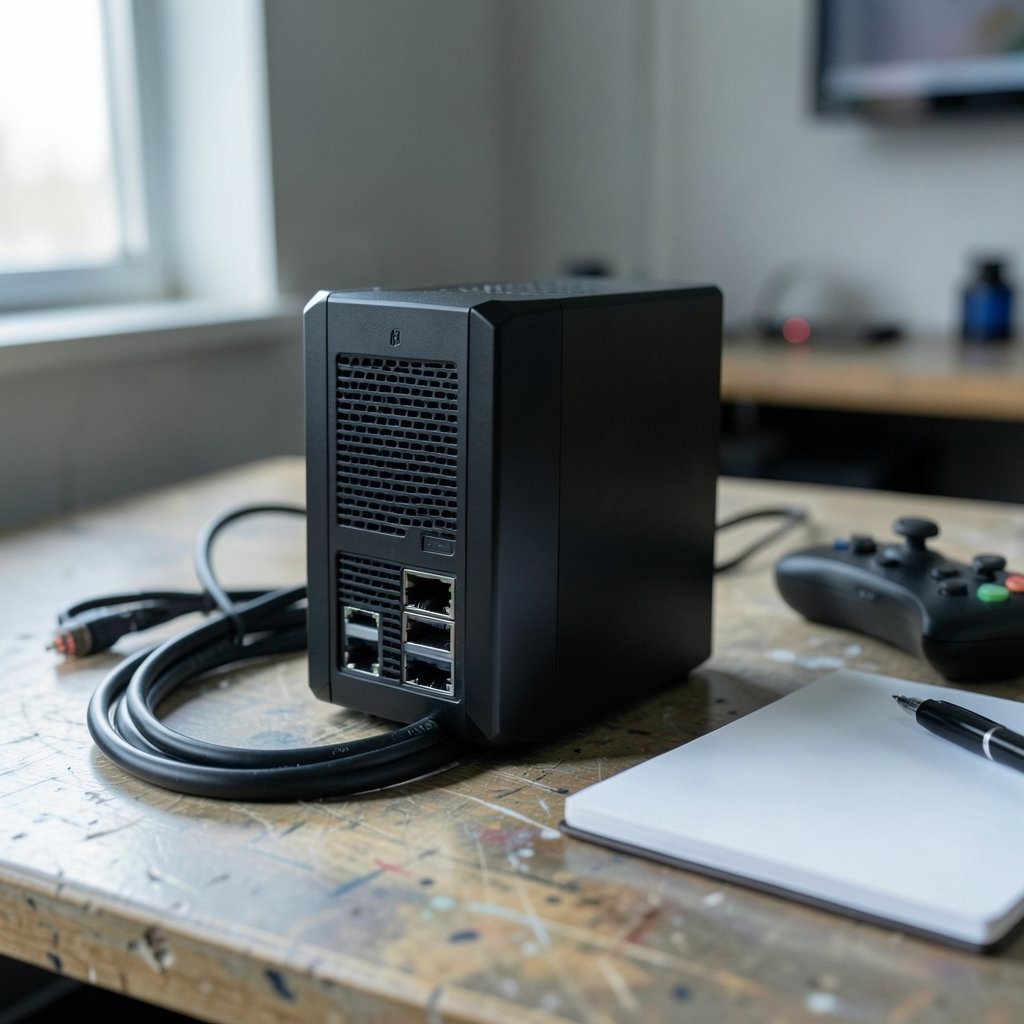
Quick Answer: What should I check before paying for gaming routers?
Before paying for a gaming router, verify the Wi-Fi generation it supports, the speed and number of its wired LAN ports, and whether it still receives firmware security updates. Those three facts decide most of what you will actually experience in a match. Check the model’s age, its WPA3 support, and independent throughput and latency tests rather than the big number on the box.
A cheaper Wi-Fi 6 router wired to your console often beats an expensive Wi-Fi 7 unit running on Wi-Fi. The label “gaming” has no agreed definition, so treat it as marketing until a test proves otherwise.
Before you commit, compare Wi-Fi generation, LAN port speed and count, firmware support lifespan, WPA3 support, bufferbloat handling, real-world review data, the return window, and regional band availability.
Why the “gaming router” label deserves suspicion
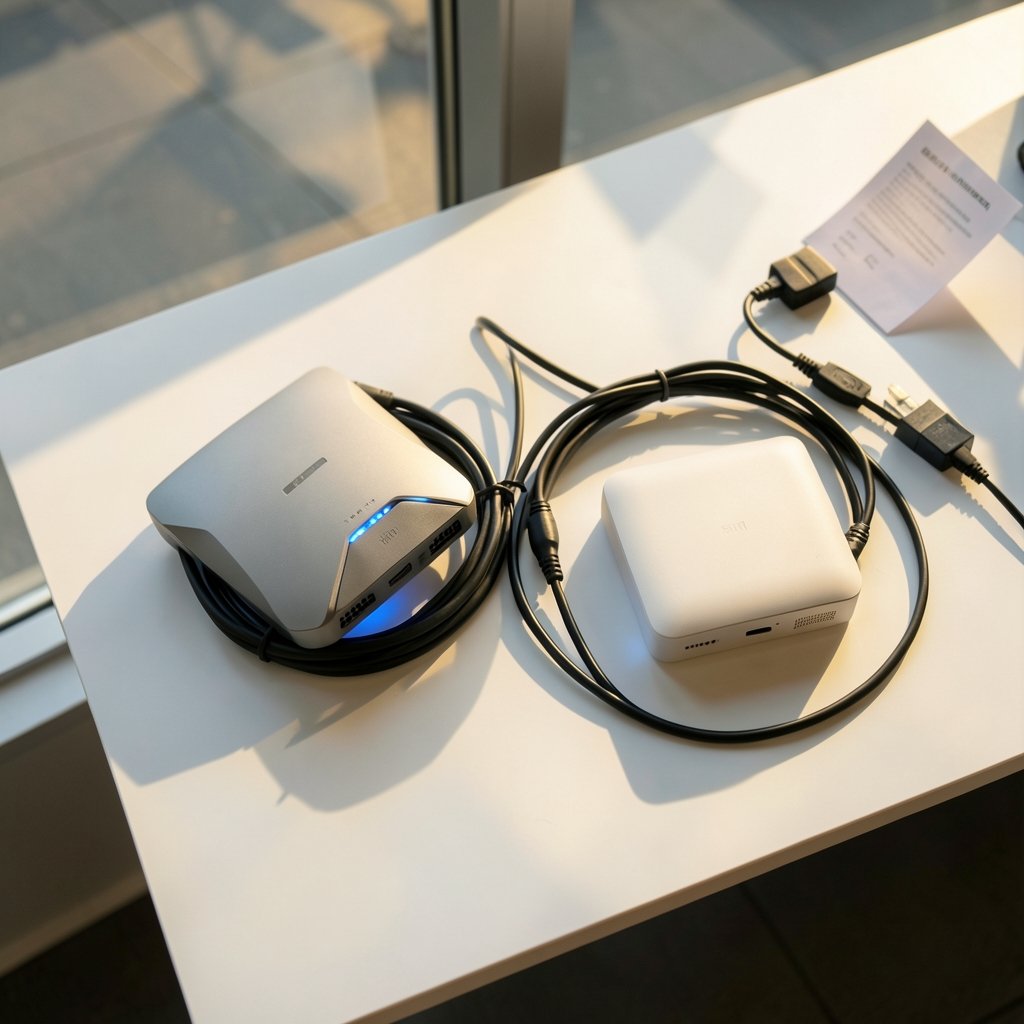
Walk into any electronics store and you will see routers with angular plastic shells, glowing logos, and names that sound like sports cars. They promise “game acceleration,” “lag-free play,” and “priority gaming lanes.” Here is the uncomfortable truth: no standards body defines what a gaming router is. The label is a marketing category, not a technical one.
That does not mean gaming routers are worthless. Some genuinely include useful hardware, like faster Ethernet ports, stronger processors for traffic shaping, and better cooling. The problem is that the label tells you nothing about which of those things you are getting. Two routers with the same “gaming” badge can differ wildly in real performance.
So the smart approach is to ignore the badge and check the specifications that actually affect a match. Latency, stability, and security matter far more than a colorful dashboard. A router that drops your connection once an hour is worse than a plain-looking box that never blinks.
Check the Wi-Fi generation before anything else
The first thing to confirm is which Wi-Fi generation the router supports. Wi-Fi 6 (802.11ax) was finalized in 2021, and Wi-Fi 7 (802.11be) certification began in January 2024. Older stock still on shelves may only support Wi-Fi 5 (802.11ac), which dates back to 2014.
This matters because a router is a long-term purchase. Buying a Wi-Fi 5 model in 2026 means your next phone or console will be held back by hardware you already own. If the price gap is small, stepping up a generation usually pays off over the router’s life.
That said, newer is not automatically better for gaming. Wi-Fi 7’s headline features help most in crowded homes with many devices. In a small apartment with one console, a solid Wi-Fi 6 router can deliver the same in-game experience for less money. Match the generation to your home, not to the brochure.
Watch the combined speed numbers
You will see model names like “AX6000” or “BE9000.” Those numbers are the sum of every band’s theoretical maximum, added together. Your devices connect to one band at a time, so real throughput is typically far lower than the badge suggests. Treat the number as a rough tier indicator, not a promise.
Wired ports matter more than wireless claims
Here is the advice that saves the most headaches: if your console or PC has an Ethernet port, use it. Wired Ethernet is consistently lower-latency and more stable than Wi-Fi. A cable removes interference, walls, and neighbor networks from the equation entirely.
That makes the router’s LAN ports a top buying criterion. Check two things: how many ports there are, and how fast they run.
| Port type | Typical use | What it means for gaming |
|---|---|---|
| 1 GbE | Standard LAN port | Fine for most home internet plans |
| 2.5 GbE | Faster LAN port | Useful for multi-gig plans and local transfers |
| USB | Storage or modem sharing | Rarely relevant to latency |
2.5 GbE ports are increasingly common on mid-range routers. They only help if your internet plan exceeds 1 Gbps or you move large files between devices. For a 500 Mbps connection, a 1 GbE port is not the bottleneck.
Also count the ports. A router with two LAN ports forces you to choose between a console and a PC, or to buy a switch. Four ports is a comfortable minimum for a household with multiple wired devices.
Latency: what the router can and cannot fix
Many buyers assume a new router will fix their lag. Often it will not. Latency depends mostly on your internet provider and the route your traffic takes to the game server. No router can shorten a path it does not control.
Where the router does matter is when it becomes the bottleneck. Two problems stand out. First, weak Wi-Fi coverage causes retransmissions and spikes. Second, bufferbloat — latency that balloons when the connection is busy — can turn a smooth match into a slideshow the moment someone starts a video call or a download.
Bufferbloat is measurable. Online bufferbloat tests run a load on your connection and report how much latency rises under pressure. If your current setup shows big spikes, a router with SQM (smart queue management) or quality-of-service controls can genuinely help. That is one “gaming” feature worth paying for, because it addresses a real problem.
Before blaming the router, though, run the test on your existing setup. You may find the fix costs nothing but a settings change.
Security and firmware support are non-negotiable
A router sits between your devices and the internet, which makes it a security device whether the box says so or not. WPA3 is the current Wi-Fi security standard, and Wi-Fi 6 certification requires it. Check that the router supports WPA3 and lets you disable older, weaker modes.
Equally important is firmware support lifespan. Vendors differ widely in how long they patch routers, and an end-of-life model stops receiving security fixes. A fast router with no updates is a liability.
Practical checks before paying:
- Find the model’s release date. If it is more than three or four years old, ask why.
- Look for the vendor’s security advisory page and see whether the model appears in recent updates.
- Confirm the router supports automatic firmware updates, or at least makes manual updates easy.
- Check whether the model is sold in your region with the bands your devices use.
This habit of checking support before buying applies well beyond routers. The same discipline shows up in other buying guides, like these BMG money reviews borrowers should check before signing — the pattern of verifying the fine print before committing is universal.
Read independent tests, not spec sheets
Vendor specifications quote theoretical maximums. Independent reviewers run actual throughput and latency tests, often with tools that measure real conditions rather than lab-perfect ones. Those numbers are what you should trust.
When reading reviews, look for a few specific things. Does the reviewer test latency under load, or only raw speed? Do they mention stability over several days? Do they test with the router’s gaming features on and off? A review that only repeats the spec sheet is not a review.
Community forums are useful too, but weigh them carefully. People post when things break, so forums skew negative. Look for patterns across many posts rather than a single complaint.
The return window is part of the purchase
Routers are notoriously finicky about the home they land in. Walls, floor plans, and interference from neighbors can all change the outcome. That is why the return window deserves a spot on your checklist.
Buy from a seller with a generous return policy, and test the router thoroughly in the first week. Walk the house with a phone, run a bufferbloat test under load, and play a few matches at peak hours. If it underperforms, return it rather than hoping a firmware update will save it.
This is the same logic that applies to other tech purchases where real-world fit matters more than specs. Buyers weighing a VR headset, for example, get similar advice in this Steam frame vs meta vr glasses check compatibility before breakdown — compatibility with your actual setup beats headline features. The same thinking shows up in best gaming headsets 2026 actually matters before you buy, where fit and real use trump marketing.
Regional bands and regulatory differences
Wi-Fi 6E and Wi-Fi 7 use the 6 GHz band, but availability depends on your country’s regulator. A model sold in one region may not support the bands permitted in another, and importing can leave you with features you cannot legally use.
Check the model number for your region and confirm it matches the bands your devices support. If your phone and console do not use 6 GHz, paying extra for it is wasted money. If they do, a router without it leaves performance on the table.
Common mistakes buyers make
Even careful shoppers trip on the same few stones. Avoiding these saves money and frustration.
- Buying on the badge alone. “Gaming” on the box is not a specification.
- Ignoring the existing router. Sometimes a firmware update or a repositioned unit fixes the problem for free.
- Overpaying for unused bands. If no device in the home uses 6 GHz, that premium buys nothing.
- Skipping the wired option. A cable and a cheap switch often beat a premium wireless upgrade.
- Forgetting about support. A router that stops getting patches becomes a risk, not an asset.
The pattern behind these mistakes is the same one that shows up in software purchases. Buyers evaluating subscription-free tools face similar traps, as this AI chatbot lifetime deals 2027 buyers should actually check guide explains — the headline offer rarely tells the whole story.
How to test a router in the first week
Once the box is unplugged from the wall and set up, run a short, structured test. It takes an evening and tells you more than any review.
- Place the router centrally and note the signal strength in each room.
- Run a speed test wired and then wirelessly from your usual gaming spot.
- Run a bufferbloat test while downloading a large file to see latency under load.
- Play several matches at peak evening hours and note any spikes.
- Check that firmware updates install cleanly and settings save after a reboot.
- Confirm the guest network and WPA3 settings work as expected.
If any step fails badly, use the return window. A router that cannot hold a stable connection in your home will not improve with time.
Conclusion
Paying for a gaming router is really a decision about three things: the hardware you are buying, the support behind it, and how well it fits your home. The Wi-Fi generation, the wired ports, and the firmware lifespan cover the first two. Independent tests and a real return window cover the third.
Skip the glow and the badges. Check the specs that touch a match — generation, ports, WPA3, bufferbloat handling, and update history — then test the unit in your own space before the return window closes. Do that, and the router you keep will be one you chose on evidence rather than marketing.
FAQ
Is a gaming router worth it over a regular router?
Sometimes. A gaming router earns its price when it includes faster LAN ports, effective bufferbloat controls, and long firmware support. If it only adds RGB lighting and a “gaming” dashboard, a well-reviewed standard router usually delivers the same in-game experience for less.
Does a gaming router actually lower ping?
Rarely on its own. Ping depends mostly on your internet provider and the route to the game server. A router helps when it fixes a local bottleneck, such as weak Wi-Fi or latency spikes under load. If your connection is already stable, a new router will not shave much off your ping.
Should I buy Wi-Fi 7 or stick with Wi-Fi 6?
Wi-Fi 6 remains a sensible choice for most homes, especially where few devices compete for airtime. Wi-Fi 7 makes more sense in crowded households, for multi-gig internet plans, or when you want the longest useful life from the purchase. Match the generation to your actual devices and plan.
How many LAN ports do I need on a gaming router?
Four is a comfortable minimum for a household with a console, a PC, and a TV or streaming box. Fewer than three ports usually forces you to buy a network switch, which adds cost and clutter. Check the port speed too, since 2.5 GbE only helps with multi-gig plans.
How long should a router keep getting security updates?
There is no universal standard, and lifespans vary by vendor and model. Before paying, check the vendor’s security advisory page and confirm the model appears in recent updates. A router that no longer receives patches is a security risk regardless of how fast it runs.
Can I test a router before the return window closes?
Yes, and you should. Set it up centrally, run wired and wireless speed tests, run a bufferbloat test under load, and play a few matches at peak hours. If it cannot hold a stable connection in your home, return it within the window rather than waiting for a firmware fix.



