
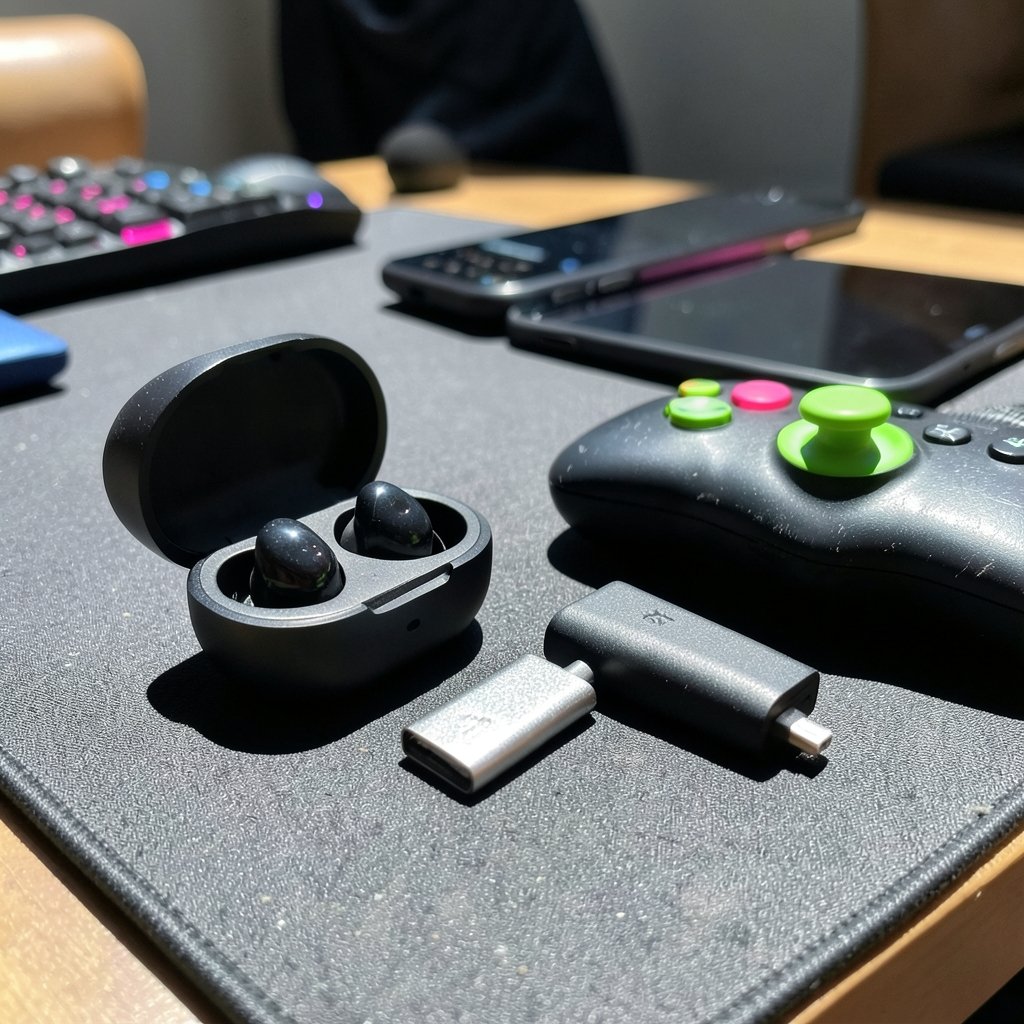
Can a pair of tiny earbuds really keep up with a firefight, or will the sound arrive a split second after you are already down? That question sits at the heart of every gaming earbud purchase, and the answer depends far less on flashy marketing than on a handful of specs most shoppers never read carefully. Latency, codec support, dongle compatibility, battery ratings, and return policies all shape whether a set of earbuds feels like an upgrade or an expensive regret. This guide walks through what actually matters, where the spec sheets mislead, and how to test before your money is gone.
Quick Answer: What should I check before paying for gaming earbuds?
Before paying, check latency and connection type first, because Bluetooth audio typically adds roughly 100 to 200 milliseconds of delay while a bundled 2.4 GHz dongle usually delivers lower, steadier timing. Confirm the earbuds support your specific phone, PC, or console, and that any low-latency mode works without a mandatory app you cannot install.
Alternatives matter too: over-ear headsets often beat earbuds on microphone quality and battery life, while earbuds win on portability and fit under a cap. Some models split the difference with a USB receiver plus Bluetooth for mobile.
Compare latency claims, codec support, Bluetooth version and multipoint, rated battery hours with game mode on, microphone specs, included ear tips, warranty terms covering the battery, and the retailer’s return window before you commit.
Why Gaming Earbuds Deserve More Scrutiny Than Regular Earbuds
Music earbuds can get away with a lot. A little delay between audio and video barely registers when you are listening to a podcast. Games are different. Timing is the whole product. A gunshot that lands 150 milliseconds after the on-screen muzzle flash breaks immersion, and in competitive shooters it can cost you the round.
That is why the gaming label deserves skepticism. Many “gaming” earbuds are standard Bluetooth earbuds with a tuned equalizer, a flashier shell, and a low-latency toggle buried in a companion app. The hardware has not changed much. The marketing has. Understanding which parts of the spec sheet are real engineering and which are decoration is the first step toward spending wisely.
The practical rule: treat every latency number as a vendor claim until you have either tested it yourself or read independent measurements. There is no widely adopted independent benchmark standard for earbud latency, so a bold “45 ms” on the box tells you what the brand hopes, not what the hardware does.
The Connection Question Comes First
Bluetooth versus a 2.4 GHz dongle
This is the single most important decision, and it is easy to get wrong because both options look identical on a product page.
| Feature | Bluetooth connection | 2.4 GHz USB dongle |
|---|---|---|
| Typical latency | Roughly 100 to 200 ms with standard codecs | Generally lower and more consistent |
| Low-latency modes | Vendor “game modes” claim about 40 to 80 ms, rarely verified | Built into the link itself |
| Platform support | Phone, tablet, laptop with Bluetooth | Depends on dongle; check PC, PS5, Switch, mobile |
| Stability | Can suffer interference in crowded wireless spaces | Usually steadier |
| Portability | Works with almost anything | Requires a free USB port and the dongle |
If competitive play is the goal, a bundled 2.4 GHz receiver is usually the safer bet. If you mostly play casual mobile games and want one pair for everything, Bluetooth with a decent low-latency mode is workable, provided you accept the tradeoff.
Check the pairing matrix, not just the earbud spec sheet
A codec only helps if both ends speak it. LDAC or aptX support on the earbuds means nothing if your phone or PC does not support the same codec. Before paying, confirm the exact devices you own appear on the compatibility list, and check whether the 2.4 GHz dongle is included in the box or sold separately. Some brands charge extra for the receiver, which changes the real price considerably.
The same logic applies to other tech purchases where compatibility quietly decides everything, as buyers of the Steam frame vs meta vr glasses compatibility check quickly discover. The pattern is universal: the spec sheet describes the product, not the pairing.
Latency, Codecs, and the Claims That Stretch the Truth
Latency is where marketing gets creative. Standard Bluetooth codecs such as SBC and AAC typically add on the order of 100 to 200 milliseconds, which is noticeable in fast games. Low-latency modes claim 40 to 80 milliseconds. Those figures are vendor-reported and rarely independently verified, and “game mode” implementations differ wildly between brands. A low number on one product does not transfer to another.
A few practical checks help cut through the noise:
- Look for whether game mode requires a companion app, and whether that app is mobile-only.
- Check whether settings persist after the app is closed or the earbuds reconnect.
- Confirm whether enabling game mode disables ANC, since some implementations trade one feature for the other.
- Search for independent mic and latency samples rather than trusting the box.
Bluetooth version numbers are worth a glance but do not guarantee performance on their own. Bluetooth 5.2 and newer is common now, and multipoint support, meaning two devices connected at once, genuinely matters if you switch between phone and PC during a session. Version alone is not a quality score.
Battery Claims and What They Really Mean
Battery life is the spec most likely to disappoint. Rated hours are usually measured at low volume with noise cancellation off, sometimes with game mode disabled too. Real-world use with ANC on and game mode active can cut those numbers noticeably.
Three habits help before paying:
First, look for a rated figure with ANC or game mode on, not just the headline number. Second, check whether the charging case provides extra charges and how many. “Total hours” figures often combine buds and case in a way that flatters the product. Third, consider your actual session length. A pair rated for six hours per charge with a case that adds three more rounds is fine for most people; a pair rated for four hours with no case top-up is a problem for long sessions.
Microphone Quality: The Spec Nobody Explains Well
Mic quality is rarely specified in a useful way. Look for stated mic arrays, such as dual or triple mic setups, and ENC (environmental noise cancellation) claims. Vendor “AI noise reduction” language is hard to verify and often means a standard filter with a fashionable name.
The practical move is to find real mic samples before buying. Reviews that include voice recordings in noisy environments tell you more than any spec line. If you stream or play in squads regularly, this matters more than ANC, which is largely a commuting feature.
Fit, Tips, and Comfort You Cannot Read About
In-ear fit varies enormously between people, and no spec sheet captures it. Check which ear tip sizes ship in the box and whether the buds accept third-party tips. A good seal improves passive isolation, which reduces how much you need ANC in the first place.
Comfort also affects how long you can play. Earbuds that press uncomfortably after an hour are a worse purchase than slightly heavier over-ear options. If you have had fit problems before, buying from a retailer with a generous return window is not a luxury; it is part of the decision. The same principle applies to any hardware you have to wear or handle daily, a lesson familiar to anyone weighing a best gaming headsets 2026 buyer’s check before committing.
Platform Lock-In and App Dependence
Some gaming earbuds require a companion app to unlock low-latency mode, equalizer presets, or firmware updates. Check the operating systems the app supports. If you game on a PC but the app is mobile-only, you may never access the features you paid for.
Also confirm whether settings persist without the app running. Earbuds that reset to default every time they reconnect are a quiet annoyance that compounds over months of use.
Warranty, Returns, and the Fine Print
Warranty and return policy are part of the value, not an afterthought. Check the warranty length, whether it covers the battery, and the retailer’s return window. Latency and fit issues often only surface in person, so a flexible return policy protects you in ways a spec sheet cannot.
Consumer-protection rules vary by country. In the EU, statutory guarantees apply to goods that turn out faulty, and in the U.S. warranty basics are governed by federal rules. Knowing your rights before a problem appears makes the conversation much easier. Buyers evaluating financing or subscription-style offers face similar fine-print questions, which is why a bmg money reviews borrowers should check before signing walkthrough is a useful model for reading terms closely.
Common Mistakes Buyers Make
A few errors show up again and again.
- Trusting the latency number on the box. Vendor figures are rarely independently verified, and game mode implementations differ between brands.
- Assuming the dongle is included. Some models sell the 2.4 GHz receiver separately.
- Comparing battery hours across brands. Testing conditions vary, so cross-brand comparisons are unreliable.
- Ignoring the app requirement. Features locked behind a mobile-only app may be unusable on your platform.
- Skipping the return window check. Fit and latency are personal, and only testing reveals them.
- Buying for ANC when latency matters more. For gaming, low-latency mode and mic quality usually count for more than noise cancellation.
A Practical Pre-Purchase Checklist
Before paying, run through this sequence in order. It takes about ten minutes and prevents most regrets.
- Confirm your platform appears on the compatibility list, including the dongle if one is needed.
- Check whether the 2.4 GHz receiver ships in the box or costs extra.
- Verify the low-latency mode works without a mandatory app, or that the app supports your device.
- Look for battery ratings with game mode or ANC enabled, not just headline hours.
- Find independent mic samples if you play in squads or stream.
- Check included ear tip sizes and third-party tip compatibility.
- Read the warranty terms, especially battery coverage.
- Confirm the retailer’s return window before checkout.
That last step deserves emphasis. A generous return window turns a risky purchase into a testable one, and testing beats spec-reading every time.
How Much Should You Actually Spend?
There is no universal price that guarantees quality, but spending patterns are worth noting. Budget earbuds often cut corners on the microphone and the stability of their wireless link. Mid-range models frequently include the 2.4 GHz dongle and better app support. Premium models add stronger ANC and build quality, which matter less for gaming than for commuting.
The smarter approach is to decide which two or three features you genuinely need, then buy the cheapest set that delivers them with a solid return policy. Paying for features you will never enable is the most common way gamers overspend. If you are comparing subscription or lifetime-deal style offers in adjacent categories, the same discipline applies, as a ai chatbot lifetime deals 2027 buyer’s check illustrates: the headline price is rarely the whole cost.
Conclusion
Gaming earbuds can be genuinely great, but only when the purchase is matched to how you actually play. The connection type decides your latency. The pairing matrix decides whether the features work at all. The battery rating, measured honestly, decides whether a long session ends in silence. The return window decides how much risk you are carrying.
None of this requires deep technical knowledge. It requires reading past the headline spec, checking the fine print, and treating vendor claims as claims rather than facts. Do that, and the earbuds you buy will be the ones that fit your setup, your ears, and your budget, instead of the ones with the boldest box.
FAQ
Do gaming earbuds actually reduce latency compared with normal earbuds?
Sometimes, but not automatically. The reduction usually comes from a 2.4 GHz dongle or a dedicated low-latency mode rather than the “gaming” label itself. Standard Bluetooth audio typically adds roughly 100 to 200 milliseconds, while low-latency modes claim about 40 to 80 milliseconds. Those figures are vendor-reported and rarely independently verified, so treat them as marketing until tested.
Is a 2.4 GHz dongle always better than Bluetooth for gaming?
For competitive play, generally yes. A 2.4 GHz receiver usually delivers lower and more consistent latency than Bluetooth. The catch is practical: the dongle must support your platform, it occupies a USB port, and it is sometimes sold separately. If you play casually across many devices, Bluetooth with a decent low-latency mode may suit you better.
Why do my earbuds die faster than the box claims?
Battery ratings are usually measured at low volume with noise cancellation off, and sometimes with game mode disabled. Using ANC and game mode together draws more power. Check for a rated figure with those features enabled, and look at how many extra charges the case provides rather than trusting a combined “total hours” number.
Can I use gaming earbuds on a console?
It depends entirely on the model. Some 2.4 GHz dongles support PC, PS5, and Switch, while others are PC-only. Bluetooth is often blocked or limited on consoles. Confirm your specific console appears on the compatibility list before paying, and check whether the receiver is included in the box.
Do I need the companion app to unlock low-latency mode?
Often yes, and that is a genuine buying consideration. Some brands lock game mode, equalizer settings, and firmware updates behind an app that may be mobile-only. Check which operating systems the app supports and whether your settings persist after the app closes or the earbuds reconnect.
What is the most important thing to check before paying?
The return policy, closely followed by platform compatibility. Latency and fit are personal, and no spec sheet captures either. A retailer with a flexible return window lets you test the earbuds in your actual setup. Pair that with a confirmed compatibility list and a clear warranty that covers the battery, and most purchase risk disappears.



