Quick Answer: What should I check before paying for prebuilt gaming PCs?
Before paying for a prebuilt gaming PC, verify the exact parts inside, the power supply quality, the warranty terms, and the return policy. These four areas cause the most expensive surprises, so confirm them in writing before money changes hands. (2026 2027 school calendar parents should check before)
Custom-configured builds often follow different rules than off-the-shelf models. A machine assembled to your specifications may be exempt from standard cooling-off rights, while a stock configuration usually is not. Meanwhile, a builder’s advertised warranty can sit alongside your statutory consumer rights rather than replace them, and the two are not the same thing.
Before you pay, compare the full CPU and GPU model numbers, the RAM stick count and channel setup, the storage type and free slots, the power supply certification, the motherboard form factor, the Windows license status, and the restocking fee policy.
A prebuilt gaming PC looks simple from the outside: one box, one price, one power button. Inside, though, it is a stack of quiet compromises, and the spec sheet is usually written to hide them. Buyers who ask the right questions before checkout tend to end up with machines that last years. Buyers who don’t often discover the problems the moment they open the case.
So what separates a genuinely good deal from a polished listing? It comes down to a short list of checks that take maybe twenty minutes to run through. Here is what actually matters, based on how prebuilts are assembled and sold.
Get the Full Model Number, Not the Family Name
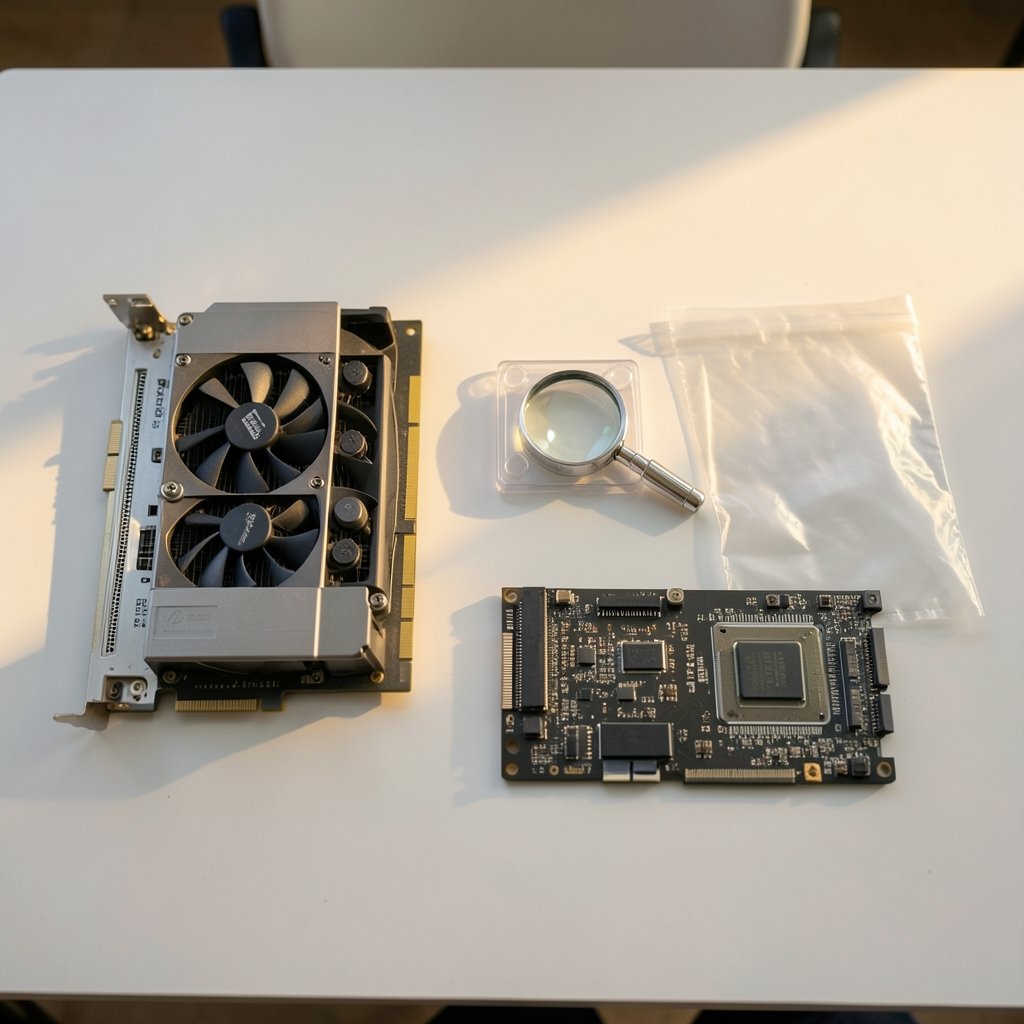
“RTX 4060” is not a specification. It is a family. The same badge can appear on a desktop card and a laptop chip with wildly different performance, and the Ti variants sit in a different price and performance bracket entirely. The same logic applies to processors: a current-generation i5 and a two-generations-old i5 can share a name pattern while differing sharply in real-world speed.
Ask for the complete model number of both the CPU and the GPU, then check those numbers against independent benchmark data. If a seller will not provide them, that silence is itself an answer. A reputable builder puts full part numbers on the listing because those numbers are the product.
This matters even more if you are comparing a prebuilt against a machine you might assemble yourself. The same logic applies when you weigh AMD vs Intel CPU options, since compatibility and platform age change the value calculation before you upgrade anything.
Inspect the Power Supply Before Anything Else
The power supply is the component builders cut first, because most buyers never look at it. An unbranded “650W” unit with no certification is a gamble. A quality unit from a known brand with an 80 PLUS rating is a much safer bet, though the certification alone does not guarantee quality. It is a voluntary efficiency program, so verify the exact model rather than trusting a sticker.
Look for three things:
- The brand and exact model number of the PSU.
- An 80 PLUS rating (Bronze, Gold, or higher) confirmed against the official listing.
- Standard 24-pin and 8-pin connectors, not proprietary ones.
A weak PSU can fail under load, and when it fails it can take other parts with it. It is also the upgrade bottleneck nobody plans for: a 500W unit will not comfortably run a future high-end graphics card, so you end up buying twice.
Check for Proprietary Parts That Block Upgrades
Many prebuilts, especially from large system integrators, use custom motherboards, custom power supplies, and non-standard front-panel connectors. These save the builder money and quietly trap the owner. Want a new motherboard later? The case may not fit a standard board. Want a new PSU? The connectors may not match.
Before paying, confirm the motherboard is a standard ATX or micro-ATX form factor and that the case accepts standard parts. Check whether the BIOS is locked in ways that prevent memory or CPU changes. A machine built from standard components is a machine you can repair and upgrade for a decade. A proprietary one is a closed box with an expiry date.
RAM: Count the Sticks Rather Than Only the Gigabytes
Two sticks of 16GB generally outperform one stick of 32GB in gaming, because dual-channel memory feeds the processor across two pathways instead of one. Many budget prebuilts ship a single stick to save a few dollars, and the performance loss is real and measurable.
Ask how many sticks are installed, how many slots the board has, and how many remain free. A board with four slots and two filled leaves room to double the memory later. A board with two slots and both filled means replacing rather than adding. Also confirm the memory generation and speed, since mixing generations is not possible and slow memory can hold back a fast CPU.
Storage: Type, Speed, and Free Slots
“1TB storage” tells you almost nothing. A fast NVMe SSD boots in seconds and loads games quickly. A SATA SSD is slower but fine. A spinning hard drive is a bottleneck you will feel every single day. Plenty of budget builds pair a tiny boot SSD with a large HDD and call it generous.
Confirm the type, the capacity of each drive, and whether an M.2 slot remains free for expansion. If the listing does not say NVMe, assume it might not be.
Warranty, Returns, and Restocking Fees
This is where the fine print earns its reputation. Warranty length and terms vary widely by builder and by region. In the EU, consumer goods carry a minimum two-year legal guarantee of conformity for contracts from January 2022. In the UK, the Consumer Rights Act 2015 gives a 30-day short-term right to reject faulty goods, plus further remedies that can extend much longer in England and Wales. Statutory periods differ by country, so check the rules where you live.
The key question: is the builder’s warranty in addition to your legal rights, or does the marketing language imply it replaces them? It cannot replace them, but the wording often tries.
Returns deserve equal scrutiny. Many jurisdictions grant a cooling-off period for online purchases, commonly 14 days in the EU, but custom-configured builds are frequently exempt. Restocking fees of 10 to 15 percent are common on opened systems. Read that line twice before you click pay. If you are financing the purchase, the same discipline applies to the credit terms, which is why checking BMG Money reviews before signing matters as much as reading the PC warranty.
Verify Windows Licensing and Bloatware
A genuine Windows license costs money, and some budget builders quietly skip it or install an unlicensed copy. Ask directly whether a full license is included. A missing license adds real cost and can leave you with an unactivated system that nags forever.
Bloatware is the softer problem. Trial antivirus software, manufacturer dashboards, and game launchers all slow a fresh machine and clutter the experience. Ask what gets preinstalled, or plan to do a clean install on day one.
Test on Arrival and Document Everything
The most common mistake buyers make is plugging in the PC, seeing the desktop appear, and calling it done. The machine may run fine at idle and throttle under load.
On delivery day, run a stress test on both the CPU and GPU, watch the temperatures, and confirm the installed hardware matches the advertised specs using system information tools. Photograph the case interior and the spec screens. If something is wrong, you want evidence in hand before the return window closes, not a week after.
| Check | What to Confirm | Why It Matters |
|---|---|---|
| CPU and GPU | Full model numbers, desktop variants | Family names hide big performance gaps |
| Power supply | Brand, model, 80 PLUS rating | Weak units fail and block upgrades |
| Motherboard | Standard ATX or micro-ATX | Proprietary boards trap you |
| RAM | Stick count, slots free, speed | Single-channel costs performance |
| Storage | NVMe vs SATA vs HDD, free M.2 | Daily speed and future expansion |
| Warranty | Terms plus statutory rights | Marketing is not the law |
| Returns | Cooling-off period, restocking fee | Custom builds may be exempt |
| Windows | Genuine license included | Adds cost if missing |
Match the Machine to What You Actually Play
Spec sheets invite overspending. A buyer who plays strategy games and indie titles does not need the same hardware as someone chasing high frame rates in the newest shooters at 4K. Decide your target resolution and refresh rate first, then buy the machine that hits it with a little headroom.
This is also where form factor enters the picture. If desk space is tight, a small system may suit you better, and the same scrutiny applies when you compare the best mini PCs for 2026, where cooling and upgrade room shrink fast. If you would rather sidestep the prebuilt lottery entirely, the best prebuilt gaming PCs of 2026 offer a useful benchmark for what a fair price actually looks like.
Peripherals deserve a mention too. If you are considering VR, check compatibility before you commit, since the Steam frame vs Meta VR glasses comparison shows how much headset choice depends on the ports and power your PC can deliver.
None of this requires deep technical knowledge. It requires patience and a refusal to accept vague answers. A seller who can name every part, quote the warranty in plain language, and explain the return policy without flinching is a seller worth your money. One who dodges those questions is telling you something important.
Conclusion
Buying a prebuilt gaming PC is not a leap of faith if you treat it like any other significant purchase. Confirm the exact parts, scrutinize the power supply and motherboard, count the RAM sticks, verify the storage type, and read the warranty and return terms before any money moves. Then test the machine properly on arrival and keep records of what you find.
The pattern across every check is the same: specifics beat marketing. A listing that names full model numbers, standard form factors, and honest warranty terms is almost always a better machine than one hiding behind glossy phrases. Do the twenty minutes of homework, and the PC you unbox will be the one you actually paid for.
FAQ
How long should a prebuilt gaming PC last before needing upgrades?
Most well-built systems stay comfortable for four to six years at 1080p, with a graphics card upgrade around year three or four extending that further. Longevity depends heavily on whether the motherboard and power supply use standard parts, since proprietary designs limit what you can replace.
Is it worth paying extra for a builder’s extended warranty?
Sometimes, but read what it actually covers first. Extended plans often exclude the failures most likely to happen, such as power supply faults after the first year. Compare the cost against the price of replacing a single part yourself, and remember that statutory rights exist regardless of what the plan says.
Can I return a custom-configured prebuilt PC if I change my mind?
Often not, or not without a fee. Many consumer cooling-off rules for online purchases exclude goods made to the buyer’s specifications. Stock configurations usually qualify for a return window, so confirm the policy in writing before ordering a customized build.
What is the biggest red flag in a prebuilt listing?
A missing power supply specification. Builders who name quality components list them proudly. When the PSU brand and model are absent, it usually means a cheap unit is installed, and that single part can affect reliability, noise, and every future upgrade.
Do I need to reinstall Windows on a new prebuilt?
Not always, but it helps. A clean install removes trial software and manufacturer utilities that slow the system and clutter startup. Confirm first that a genuine license is included, since reinstalling without one leaves you with an unactivated copy.
Should I buy a prebuilt or build my own?
Prebuilts win on convenience, single-point warranty support, and availability during parts shortages. Building yourself wins on component quality, upgrade freedom, and price at the high end. If you want a machine that is easy to repair and upgrade later, check that the prebuilt uses standard parts before choosing it.