
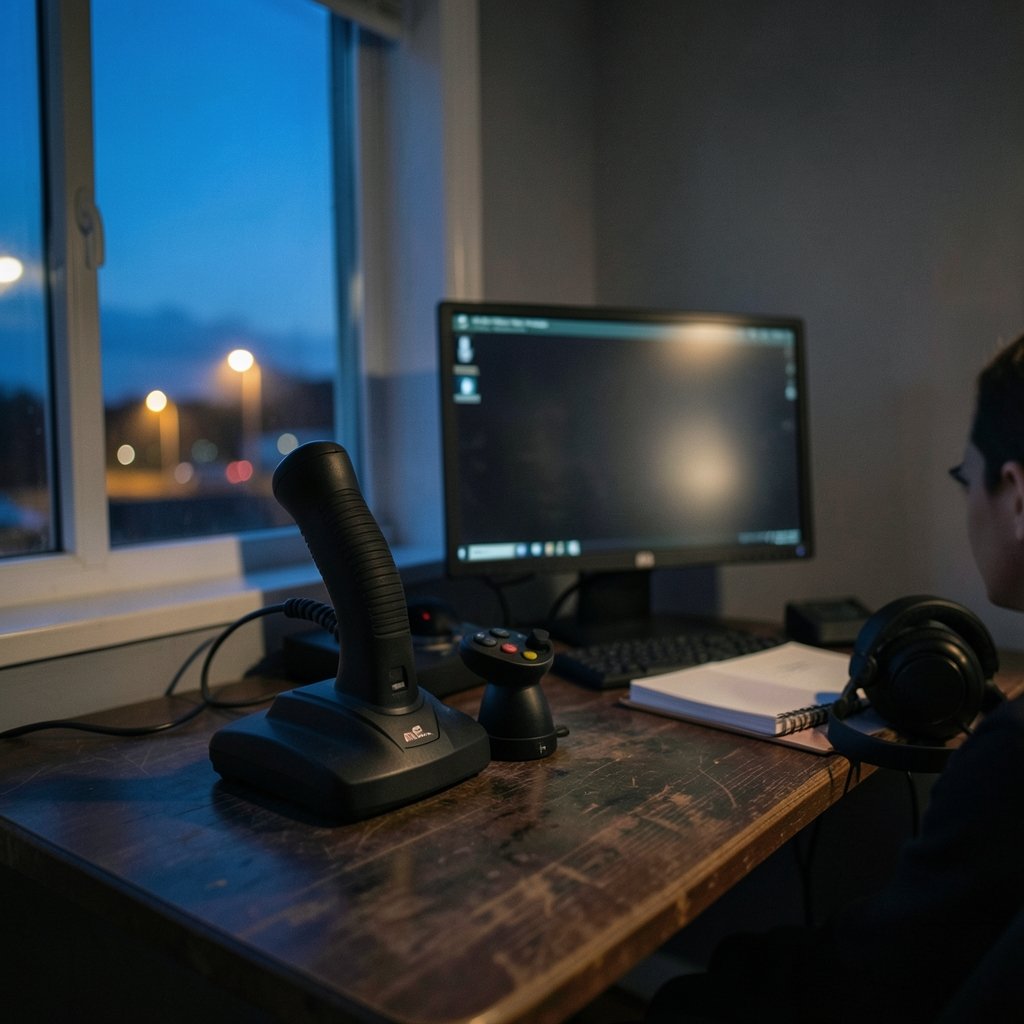
Quick Answer: What are the best flight sticks for beginners?
The best flight sticks for beginners are affordable models with a twist-rudder axis, reliable sensors, and enough buttons to cover common sim functions without overwhelming a new pilot. In practice, most newcomers choose between a simple single stick and a stick-plus-throttle bundle, depending on how deep they plan to go.
A basic stick suits casual flyers and space sims, while a HOTAS bundle gives more immersion for combat and civil flight sims. Console owners need to check platform compatibility before buying, since it varies by model.
Before buying, compare price, sensor type, twist-rudder support, button count, platform compatibility, and whether a separate throttle is included.
Why a Beginner Stick Matters More Than You Think

Ever loaded up a flight sim, ready for takeoff, only to realize you’re steering a plane with a keyboard? It works, technically. It also feels like driving a car with oven mitts. A decent flight stick doesn’t just add polish; it changes how quickly you learn. When pitch, roll, and yaw map to your hand instead of four arrow keys, your brain stops translating and starts flying.
The good news is that beginners don’t need to spend much. The entry-level market is genuinely friendly, and the mistakes people make are predictable. This guide covers what actually matters at the start, which models tend to earn their place, and where new pilots usually trip up. If you’re the type who researches purchases carefully, the same discipline that helps you pick software applies here, whether it’s weighing video editing software for beginners or a first sim stick: match the tool to the job, not the marketing.
What Actually Matters in a Beginner Flight Stick
Twist rudder
Most budget sticks include a twist axis for yaw, so you don’t need rudder pedals on day one. Pedals are a later upgrade, not a starting requirement. This single feature eliminates the biggest hidden cost of sim flying.
Sensor type
Two technologies dominate the entry tier: Hall-effect sensors, which use magnetic fields and in principle resist wear-related drift, and conventional potentiometers, which are older and cheaper. Hall-effect is the more durable option, but a well-built potentiometer stick can serve a beginner for years.
Button count and layout
You need enough buttons for gear, flaps, views, and weapons, but not so many that you forget what each one does. A handful of well-placed buttons beats a wall of switches you never touch.
Platform compatibility
Compatibility is model-specific. Some sticks are marketed for PC only, others for Xbox and PC, others for PlayStation and PC. Check the exact listing for your platform, and confirm game support, because firmware and game updates can change what works.
Separate throttle or not
A HOTAS pairs a stick with a separate throttle, which means hands-on-throttle-and-stick flying without reaching for the keyboard. It costs more and takes more desk space. For beginners, a single stick is usually enough to start.
The Shortlist: Best Flight Sticks for Beginners
| Model | Type | Sensor | Twist Rudder | Platform | Approx. Price | Best For |
|---|---|---|---|---|---|---|
| Logitech Extreme 3D Pro | Single stick | Potentiometer | Yes | PC | US$30–50 | Cheapest sensible start |
| Thrustmaster T.16000M | Single stick | Hall-effect on main axes | Yes | PC | US$50–70 | Durability on a budget |
| Thrustmaster T.Flight HOTAS One | Stick + throttle | Potentiometer | Yes | Xbox and PC | US$70–100 | Console sim pilots |
| Thrustmaster T.Flight HOTAS 4 | Stick + throttle | Potentiometer | Yes | PlayStation and PC | US$70–100 | PlayStation sim pilots |
Prices are approximate historical ranges and vary by region and date. Treat them as a guide, not a quote.
Logitech Extreme 3D Pro
This is the classic “first stick” recommendation, and for good reason. It has been on the market since roughly the mid-2000s, which means a huge base of user experience, plenty of setup guides, and a price that rarely scares anyone off. It uses conventional potentiometers and includes a twist-rudder axis, so a new pilot can fly without pedals.
The trade-off is age. The design is old, and potentiometers can develop drift over time. But as a low-risk entry point, it’s hard to argue with. If you fly for a month and decide sims aren’t for you, you haven’t lost much.
Thrustmaster T.16000M
The T.16000M is the step up that many beginners take when they want something more durable. Thrustmaster has marketed Hall-effect sensors on its main axes since at least the mid-2010s, and the appeal is simple: fewer moving parts to wear out, which in principle means less drift over the years. It also includes a twist axis.
It costs more than the Logitech, but if you already know you’ll stick with the hobby, the extra spend is easy to justify. One practical note: the stick is ambidextrous in design, which matters if you’re left-handed and tired of right-handed-only gear.
Thrustmaster T.Flight HOTAS One and HOTAS 4
These bundles add a separate throttle, which transforms the feel of combat and civil sims. The HOTAS One is marketed for Xbox and PC; the HOTAS 4 for PlayStation and PC. Both include twist rudder, so you still don’t need pedals.
The catch is that compatibility is model-specific and can shift with firmware or game support. Buy the version that matches your platform, and check the product page rather than assuming. If you’re on a console and want the full hands-on experience, this is the natural first purchase.
Single Stick or HOTAS? A Simple Way to Decide
Ask one question: what do you want to fly?
For space sims and casual flying, a single stick covers almost everything. For combat sims where throttle management is half the skill, a HOTAS earns its keep quickly. For civil flight sims, either works, though a throttle helps with smooth power changes.
There’s a budget angle too. A HOTAS bundle costs roughly double a basic stick, and if you’re still deciding whether the hobby will stick, that’s money you might regret. A useful habit from other beginner purchases applies here: start cheap, upgrade once you know what you’re missing. The same logic behind a practical plan to stop spending money works for hobby gear. Buy the entry tier, learn what limits you, then upgrade with purpose.
Setup Mistakes That Catch Almost Every Beginner
Buying the stick is the easy part. These are the stumbles that follow.
Skipping calibration. Windows exposes controller calibration through its game controllers settings, and sim titles add their own deadzone and curve settings. New pilots often plug in and fly, then wonder why the plane drifts. Calibrate first, then set deadzones in the sim.
Ignoring deadzones entirely. A small deadzone around center stops tiny sensor noise from nudging your aircraft. Too large, and you lose fine control. Start small and adjust.
Fighting the curves. Sensitivity curves change how stick movement maps to control surface movement. Beginners often crank sensitivity up for “responsiveness” and then can’t fly straight. Gentle curves are friendlier while learning.
Desk ergonomics. A stick clamped at the wrong height causes shoulder fatigue fast. Position it so your forearm rests naturally, roughly level with your elbow.
Assuming force feedback. New budget sticks generally offer spring centering only. Force-feedback models like the old Microsoft SideWinder Force Feedback 2 were discontinued around the early 2000s and are sought on the used market. Don’t expect that feature at entry prices.
Not checking the game’s supported devices. Some sims have curated device lists. Before buying, check that your chosen stick is recognized by the sim you actually fly.
What About Used Gear and Higher Tiers?
The used market is tempting, and sometimes smart. Force-feedback sticks from the early 2000s still have fans because nothing new at budget prices replicates that feel. But used gear carries risk: worn potentiometers, missing software, and no warranty. If you go used, test every axis before paying.
Above the entry tier, prices climb quickly, and the returns for a beginner are modest. Better sensors and metal construction matter more once you can feel the difference. Until then, a cheap stick plus good calibration beats an expensive stick plus bad habits. The same principle shows up in creative tools: beginners often overspend before they know their needs, which is why guides on choosing the right design tool stress fit over features.
How to Test a Stick in Your First Week
You don’t need a formal benchmark. You need a repeatable check.
- Open the Windows game controllers panel and confirm every axis and button registers.
- Calibrate, then note whether the stick returns to center cleanly.
- In your sim, set a small deadzone and fly a straight-and-level pass.
- Try a landing. Landings expose twitchy curves and bad deadzones immediately.
- After a week, check for drift by watching the axis readout at rest.
If the stick drifts at rest after a week of light use, that’s a return, not a quirk. If it holds center, you’ve got a keeper.
Conclusion
The best flight stick for a beginner isn’t the most expensive one. It’s the one that fits your platform, includes twist rudder so you can skip pedals, and doesn’t cost so much that you feel silly if the hobby doesn’t take. The Logitech Extreme 3D Pro is the cheapest sensible start. The Thrustmaster T.16000M is the durability pick. The T.Flight HOTAS bundles are the right call for console pilots who want a throttle from day one.
Buy the entry tier, calibrate properly, set sane deadzones, and fly for a few weeks. Your hands will tell you what to upgrade. That’s a far better signal than any spec sheet, and it’s how most experienced sim pilots got where they are.
Frequently Asked Questions
Do I need rudder pedals as a beginner?
No. Nearly every budget stick includes a twist-rudder axis, which handles yaw well enough for learning. Pedals are a later upgrade once you notice the twist axis limiting your precision, typically after months of flying rather than weeks.
Is Hall-effect better than potentiometer for a first stick?
Hall-effect sensors use magnetic fields rather than physical contact, which in principle reduces wear-related drift over time. That makes them the more durable choice. However, a well-built potentiometer stick can serve a beginner for years, so sensor type alone shouldn’t decide the purchase.
Can I use a flight stick with a console?
Yes, but compatibility is model-specific. Some sticks are marketed for Xbox and PC, others for PlayStation and PC. Check the exact product listing for your platform and confirm game support, because firmware and game updates can change what works.
Why don’t budget sticks have force feedback?
Force feedback adds cost, weight, and complexity, so new budget sticks generally offer spring centering only. Force-feedback models like the Microsoft SideWinder Force Feedback 2 were discontinued around the early 2000s and are now mostly found on the used market.
How much should a beginner spend on a flight stick?
Roughly US$30–70 covers a solid single stick, and US$70–100 covers a stick-plus-throttle bundle. Prices vary by region and date. Spending more than that at the start rarely pays off, because the limiting factor early on is technique, not hardware.
What should I check first after unplugging a new stick?
Open the Windows game controllers panel and confirm every axis and button registers, then calibrate. After that, set a small deadzone in your sim and fly a straight-and-level pass. If the stick drifts at rest after a week of light use, return it rather than living with it.


