
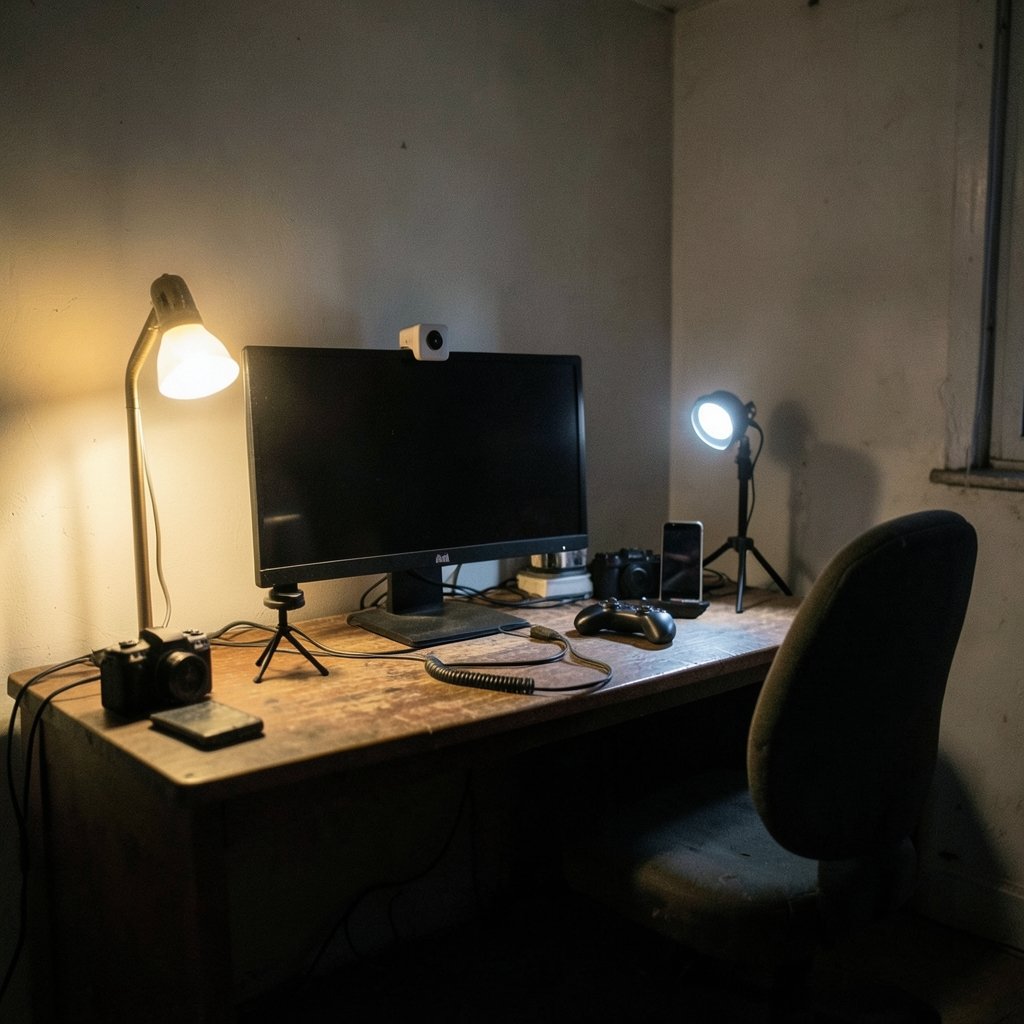
Quick Answer: Are premium streaming webcams worth it for a small gaming channel?
It depends. For most small gaming channels, a premium webcam is not the first upgrade that pays off, because platform bitrate limits and room lighting usually cap how good any camera can look on stream. A mid-range webcam plus a cheap key light and a decent microphone delivers more visible improvement per dollar than a top-tier camera alone.
Comparable-but-different options exist: a phone used as a webcam, or a mirrorless camera routed through an HDMI capture card, can beat premium webcams in low light at similar total cost. Before spending, compare sensor size, low-light performance, autofocus, your platform’s resolution and bitrate caps, your room lighting, and your audio setup.
Why the Camera Is Rarely the Bottleneck
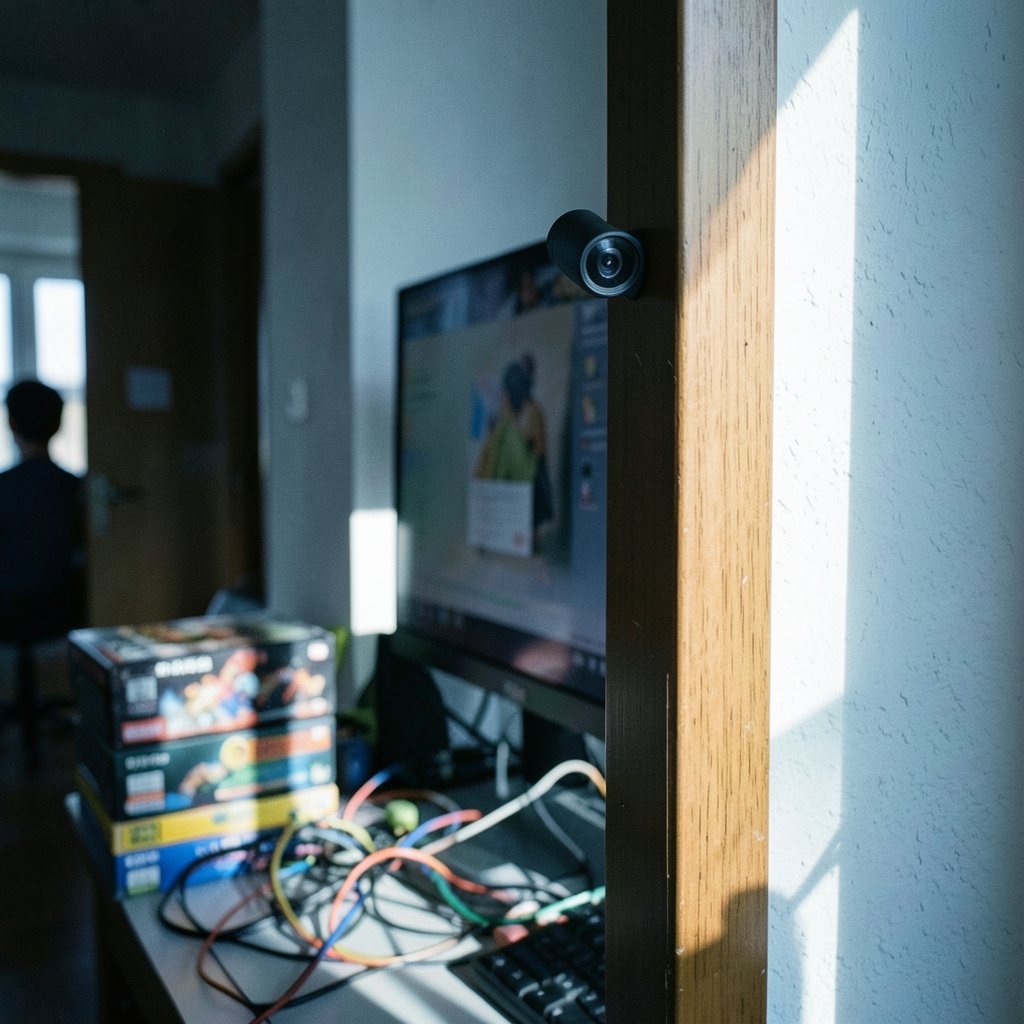
Here is the uncomfortable truth about webcam shopping: the camera is usually the least important part of how a stream looks. Most consumer webcams sit on tiny sensors, roughly 1/2.3 inch to 1/3 inch, which is far smaller than even an entry-level mirrorless camera. Small sensors gather less light, so dim rooms turn into grainy, muddy video no matter how much the webcam cost.
Then compression takes another bite. A 1080p stream pushed at around 6,000 kbps, a typical soft ceiling for many broadcasters, gets squeezed hard by the encoder. Fine detail from an expensive lens and sensor often dissolves in that squeeze. Viewers on a phone screen will not see the difference between a sharp camera and a very sharp camera once the platform has done its work.
So when someone asks whether a premium webcam transforms a small channel, the honest answer is: rarely on its own. It transforms a stream that already has good light and good audio. On a stream with bad light and a headset mic, it is money spent in the wrong order.
What Premium Actually Buys You
Premium webcams, generally the $150 to $300 class, do add real hardware. Typical upgrades include a larger sensor, faster and more reliable autofocus, HDR processing, auto-framing that follows the streamer, and sometimes 4K capture. That 4K point deserves skepticism, since most platforms downscale it anyway.
| Feature | Budget webcam (roughly $40–$80) | Premium webcam (roughly $150–$300) |
|---|---|---|
| Sensor size | Very small, often 1/3 inch or less | Larger, better light gathering |
| Low-light video | Grainy, soft | Cleaner, less noise |
| Autofocus | Slow, sometimes hunts | Fast, usually reliable |
| Mixed-light range | Blows out windows and lamps | Handles mixed light better |
| Extra features | Basic | HDR, auto-framing, sometimes 4K |
| Best use case | Well-lit rooms, casual streams | Dim rooms, face-cam-heavy formats |
The pattern is clear. Premium buys you forgiveness: forgiveness for a room with one lamp, forgiveness for a window behind you, forgiveness for moving around while you talk. If your room is already bright and your framing is stable, a budget camera closes much of the gap.
It also helps to know what you actually need. A practical buying guide for beginners walks through resolution, frame rate, and mounting basics without assuming a big budget. If you are still deciding whether a dedicated camera is even the right purchase, this breakdown of whether a gaming monitor is worth buying for everyday use follows the same logic: match the hardware to the job, not to the spec sheet.
The Lighting Rule That Changes Everything
Practitioners repeat one claim so often it has become folklore: a $60 webcam with a $40 key light beats a $200 webcam in a dim room. It is not a controlled study, so treat it as expert consensus rather than measured fact. But the physics behind it is sound. Light is the raw material of every image, and small sensors need a lot of it.
Practical steps that cost little:
- Put a soft light in front of you, slightly above eye level, so your face is lit evenly.
- Kill backlight. Close the blinds behind you or move your desk so a window is not directly behind your head.
- Raise ambient light in the room with a floor lamp or two rather than a single desk lamp.
- Test with your webcam’s preview before you buy anything else and see what the room is actually doing.
Common mistakes people make here are predictable. They buy the expensive camera first, mount it at chest height looking up their nose, sit with a bright window behind them, and conclude the camera is bad. The camera is fine. The setup is fighting it.
Audio Beats Video Almost Every Time
Viewers forgive soft video. They do not forgive bad audio. Harsh room echo, keyboard clatter, and a mic that sounds like a drive-through speaker will push people out of a stream faster than a slightly grainy face cam ever will. For a small channel, a modest USB microphone often improves perceived production value more per dollar than a webcam upgrade.
The order of operations that actually works in practice looks like this: fix audio, fix lighting, then fix the camera. A channel with clean voice, even lighting, and a budget webcam looks more professional than a channel with a premium camera and echoey, hissy sound. It is not close.
If your stream includes a face cam plus a desk setup, small supporting gear matters too. A webcam positioned for a small room, framed correctly, does more for the picture than raw resolution. Getting the field of view right so your face fills a sensible portion of the frame is free, and it is the single most common framing error on small channels.
The Alternatives Worth Comparing
Premium webcams are not the only path, and for some channels they are the wrong one.
Phone as webcam. Modern phones have larger sensors than almost any webcam. Built-in features and apps let a phone act as a webcam, and the image in low light is often better than a premium webcam. Apple introduced Continuity Camera with macOS Ventura in 2022, and similar options exist on other platforms. The tradeoffs are battery drain, mounting hassle, and tying up your phone during streams.
Mirrorless camera plus capture card. An HDMI capture card lets a camera act as a webcam. Total cost can land near a premium webcam, but low-light performance is in a different league, and you get real lens options. The catch is complexity: dummy batteries, focus, exposure, and a camera that must stay on for hours.
Stick with mid-range and upgrade the room. A solid mid-range webcam, two soft lights, and a USB mic often costs less than one premium webcam and looks better on stream.
| Option | Rough cost | Low-light quality | Setup effort |
|---|---|---|---|
| Budget webcam | Low | Weak | Very low |
| Premium webcam | High | Good | Very low |
| Phone as webcam | Low to none | Very good | Medium |
| Mirrorless plus capture card | Medium to high | Excellent | High |
Cloud gaming and capture decisions follow similar tradeoffs between convenience and control, as this comparison of Xbox cloud gaming versus PS Plus Premium shows. The same “what problem are you solving” question applies to cameras.
What the Platform Actually Accepts
Streaming platforms publish encoder guidance, and it changes over time, so check the current official pages rather than trusting a forum post from three years ago. Broadly, 1080p at 60 fps has long been the practical ceiling on major platforms, with many non-partnered channels streaming at 720p or 936p because of bitrate limits. Those caps are not permanent, and they vary by platform and partner status.
This matters for the buying decision. If your upload bandwidth or your platform’s bitrate ceiling keeps you at 720p, a 4K webcam is largely wasted. The encoder will throw away the detail you paid for. Match the camera to the pipeline, not to the marketing.
Beginners often overlook this, which is why a beginner-focused guide to whether a gaming monitor is worth buying, with its emphasis on matching specs to real use, maps neatly onto webcam shopping. The question is never “what is the best camera” but “what does my stream actually output.”
When a Premium Webcam Makes Sense
There are real cases where the upgrade pays off.
- Your face cam is a core part of the format, and you stream in a room you cannot brighten.
- You stream late at night with low light and cannot add soft boxes.
- You want auto-framing because you move around, lean back, or use a standing desk.
- You already have clean audio and good lighting, and the camera is the last weak link.
- You want a plug-and-play solution with no batteries, no capture card, and no camera settings to manage.
In those cases, a premium webcam is a sensible purchase. It removes friction, and friction is the enemy of a consistent streaming schedule.
When It Is Not Worth It
Skip the premium tier if any of these apply.
- Your room is dark and you have no plans to light it. Fix the light first.
- You are streaming through a headset mic. Audio first, always.
- Your platform or connection caps you at 720p. The extra sharpness will not survive encoding.
- You are still testing whether streaming is a habit you will keep. Prove the habit, then spend.
- You already own a recent phone. Try it as a webcam for a week before buying anything.
There is also an evidence gap worth naming. No public study links webcam tier to viewer retention or channel growth. The marginal viewer gained from sharper video is hard to measure and probably small. Anyone claiming a specific percentage boost is guessing.
A Sensible Spending Order for Small Channels
For most small gaming channels, this order produces the biggest visible jump per dollar:
- Microphone. Clean voice first. A modest USB mic beats a headset mic every time.
- Lighting. One or two soft lights in front of you, no window behind you.
- Framing. Camera at eye level, face filling a sensible part of the frame.
- Webcam. Mid-range first. Upgrade to premium only if low light or movement is still a problem.
- Capture card and camera. Only if you want the best possible image and enjoy tinkering.
Notice that the webcam sits fourth, not first. That ordering is the whole argument in miniature. People who follow it usually end up happy with a mid-range camera. People who invert it usually end up with an expensive webcam and a stream that still looks dim.
Conclusion
Premium streaming webcams are good hardware aimed at a problem most small gaming channels do not actually have. The camera is rarely the bottleneck. Bitrate caps, room lighting, and audio quality shape how a stream looks and sounds far more than sensor size does. A premium webcam earns its price when the room is already lit, the audio is already clean, and the face cam is central to the format. Outside those conditions, the money usually does more work somewhere else.
The balanced answer, then, is not “never” and not “always.” It is “not yet, probably.” Fix the cheap things first. If the picture still disappoints after that, a premium webcam will finally have room to show what it can do.
FAQ
Do I need a 4K webcam for streaming?
Almost never. Most platforms downscale 4K and cap output well below it, so the extra resolution gets compressed away. Spend the difference on lighting or audio instead.
Is a phone better than a premium webcam?
In low light, often yes, because phone sensors are larger. In convenience and consistency, a dedicated webcam usually wins since it stays mounted, stays charged, and does not tie up your phone.
How much light does a webcam actually need?
More than most people expect. A soft light in front of you plus general room brightness makes a budget camera look decent. One desk lamp in an otherwise dark room makes even a premium camera struggle.
Will a better webcam grow my channel?
There is no public evidence linking webcam tier to growth or retention. Consistency, audio quality, and personality do far more for a small channel than sharper video.
What is the cheapest way to improve my stream today?
Move a lamp in front of you, close the blinds behind you, and raise the webcam to eye level. That combination costs nothing and fixes the three most common picture problems at once.
Should I buy a capture card instead of a premium webcam?
Only if you already own a compatible camera or plan to buy one. A capture card plus a mirrorless camera beats premium webcams in low light, but the setup is more complex and less plug-and-play.



