
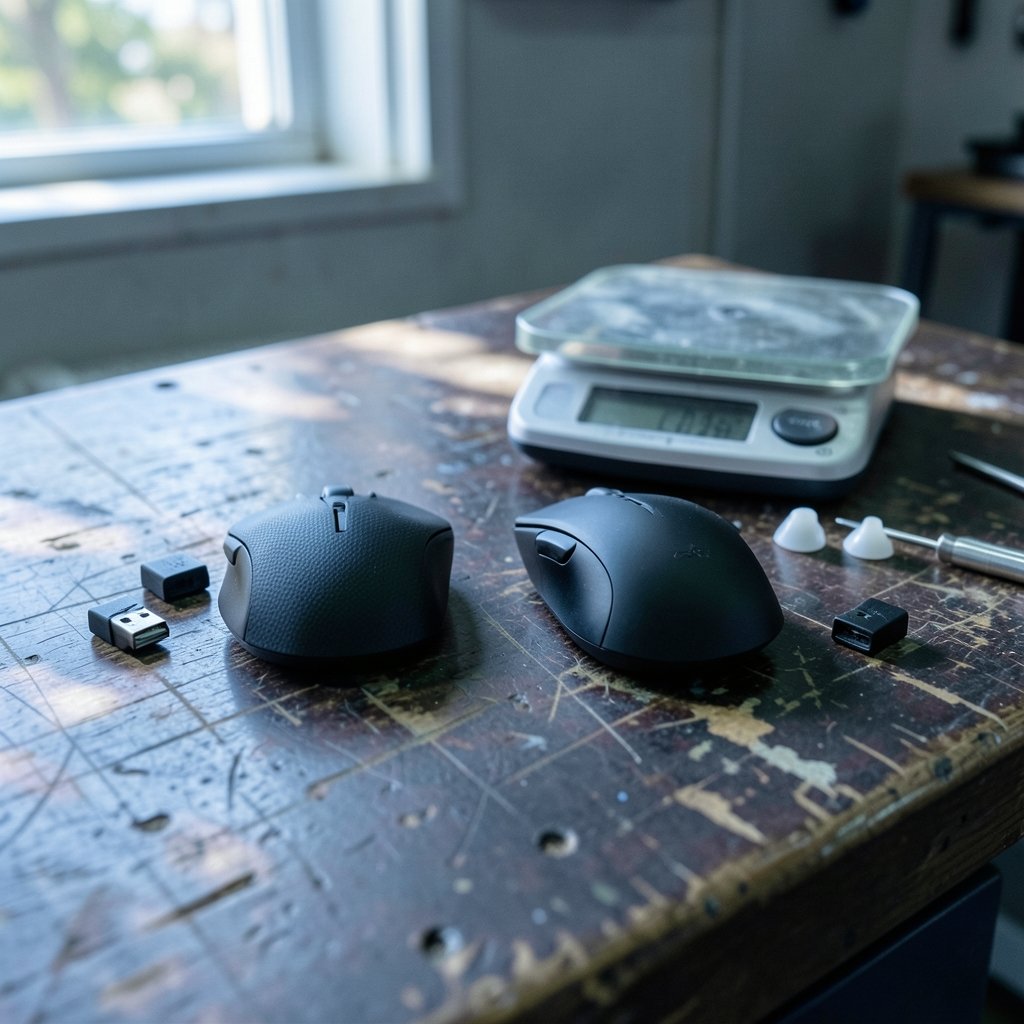
Quick Answer: Which gaming mice are best for competitive gaming?
The best gaming mice for competitive gaming are lightweight wireless models in the 50 to 65 gram range with a proven flagship optical sensor, a shape that matches your hand size and grip, and latency low enough that you stop thinking about it. In practice, that means shopping by shape and weight first, then confirming sensor and wireless quality, rather than chasing the highest DPI or polling rate on the box.
Alternatives exist for players who prefer a wired connection for zero battery worry, or who want a heavier, more stable mouse for tracking-heavy titles. Some players also do better with a slightly larger ergonomic shell, even at the cost of a few grams.
Before buying, compare weight, shape and grip compatibility, sensor generation, wireless latency and polling rate, switch type, battery life, and price against what your main game actually demands.
Why most mouse shopping advice is backwards
Walk into any forum thread asking about competitive mice and you will get a wall of spec sheets. 26,000 DPI. 8,000 Hz polling. Eleven programmable buttons. It reads like a graphics card review, and it is almost entirely irrelevant to whether you will win your next ranked match.
Here is the uncomfortable truth: modern flagship optical sensors are accurate enough that the sensor is no longer the deciding factor. The PixArt PAW3395, announced in 2021, is widely treated in the community as more than good enough for competitive play. Once a sensor tracks without smoothing, acceleration, or spin-out, the differences between top-tier mice come down to things that never appear on a spec sheet: how the shell fits your hand, how much it weighs, and whether the wireless link ever hiccups.
That reframing matters because it changes what you should spend money on. A $150 mouse with the wrong shape will lose you more duels than a $60 mouse with the right one. Shape is the dominant personal factor in mouse choice, and there is no universal “best” shape, only the best shape for your hand and grip.
The factors that actually decide competitive performance
Shape and grip style come first
Hand size and grip determine comfort, consistency, and how long you can play before your aim degrades. The three common grips are palm, claw, and fingertip, and each pushes you toward a different shell profile. Palm grip players usually want a fuller, taller back for support. Claw grip players tend to prefer a shorter hump that lets the fingers arch. Fingertip players often want a low, flat profile they can micro-adjust with their fingertips alone.
The practical test is simple: measure your hand from the base of your palm to the tip of your middle finger, and from thumb to pinky across the widest point. Then compare those numbers against the mouse’s length and width. A mouse that is 5 mm too long for your grip will force your wrist into an awkward angle that shows up as fatigue in hour three of a session.
Weight: lighter is usually better, but not always
Competitive mice have shed a lot of grams. Where 90 to 100 g was typical around 2015 to 2018, competitive-focused models now commonly sit in the 50 to 65 g range. Less mass means less inertia, which means faster flicks and quicker stops.
That said, lighter is not automatically better for everyone. Players who main tracking-heavy shooters sometimes find a slightly heavier mouse more stable, because the extra mass damps small unintended movements. The sweet spot is personal, but if you are coming from an older 100 g mouse, dropping into the 60 g range is the single most noticeable upgrade you can make.
Wireless latency is no longer a compromise
The old advice to “always go wired for competitive” is outdated. Manufacturers pushed polling rates to 4,000 Hz and 8,000 Hz in the early 2020s, with Razer’s 8,000 Hz HyperPolling announced in 2022. Vendor-published latency figures should be treated with some skepticism, but independent high-speed camera testing has consistently shown that modern wireless mice are competitive with wired ones for practical purposes.
The caveat is that very high polling rates drain batteries fast and can strain older CPUs. A 1,000 Hz wireless mouse with a clean connection will serve the vast majority of players better than an 8,000 Hz mouse that needs charging every other day. If you are unsure whether your setup can even support the difference, it is worth reading up on ethernet vs wi-fi gaming and which connection actually wins before blaming your mouse for inconsistency.
Sensor, DPI, and the numbers you can ignore
Most competitive players run between 400 and 1,600 DPI. Higher DPI is not inherently better; it mostly changes sensitivity math. What matters is that the sensor tracks cleanly at the speed you actually move your hand, with no acceleration or smoothing baked in.
Switch type matters for longevity rather than performance. Optical switches, popularized between roughly 2018 and 2020, are marketed as avoiding the double-click failures that plague mechanical switches over time. Independent long-term failure data is limited, so treat this as a reasonable hedge rather than a guarantee.
Ergonomics and long-session health
Competitive play means long sessions, and repetitive strain is a real risk. General ergonomics guidance from public health and safety bodies covers mouse use and repetitive strain, though not gaming specifically. The basics apply: keep your wrist neutral, avoid resting your forearm on a hard edge, and take breaks. A mouse that fits your hand reduces the load, but it does not eliminate it.
A practical comparison of competitive mouse categories
| Category | Typical weight | Best for | Trade-off |
|---|---|---|---|
| Ultralight wireless | 50–60 g | Flick-heavy shooters, low-sensitivity players | Less stability for some tracking styles |
| Lightweight wireless | 60–70 g | All-round competitive play | Slightly slower flicks than ultralights |
| Ergonomic wireless | 70–90 g | Long sessions, larger hands, palm grip | Heavier, slower direction changes |
| Wired competitive | 55–70 g | Players who never want to charge | Cable drag unless you use a bungee |
| Symmetrical ambidextrous | 55–75 g | Claw and fingertip grips, left-handed players | Less palm support |
How to choose without wasting money
- Measure your hand length and width before you look at a single product page.
- Identify your grip style by watching how your fingers sit on your current mouse.
- Set a weight target based on your main game: lower for flick-heavy titles, slightly higher for tracking.
- Confirm the sensor generation and whether independent testing shows clean tracking.
- Check whether the wireless implementation has a reputation for dropouts, rather than judging it by a high polling number alone.
- Read about switch type and expected lifespan, especially if you have killed a mouse to double-clicking before.
- Only then compare prices, and check key site reputations if you are buying discounted codes or bundles, such as this breakdown of Eneba vs CDKeys vs Green Man Gaming and which key site fits your needs.
Common mistakes that cost competitive players performance
The most frequent error is buying by brand reputation instead of hand fit. A mouse that wins tournaments in someone else’s hands can be actively bad in yours if the shell is the wrong size.
The second mistake is over-indexing on DPI and polling rate. A 26,000 DPI sensor set to 800 DPI behaves like any other good sensor at 800 DPI. The number on the box is marketing.
The third is ignoring the rest of the desk. A great mouse on a worn, inconsistent surface or a monitor with heavy motion blur will feel worse than a mid-tier mouse on a clean setup. If you are rebuilding, it is worth pairing your mouse choice with research on the best gaming monitors for competitive gaming that actually win you fights, because perceived mouse performance is often display performance in disguise.
The fourth is chasing pro settings without context. Pro settings trackers show heavy use of a handful of models, but sponsorship distorts that picture significantly. Use pro setups as a starting point for shape research, not as a shopping list.
Finally, many players never adjust their grip or sensitivity after switching mice. Give a new mouse at least a week of consistent play before judging it, and resist the urge to change sensitivity every session.
Where the mouse fits in a full competitive setup
A mouse is one input in a chain, and the chain is only as strong as its weakest part. Players often upgrade their mouse while running a 60 Hz panel or a wireless connection that stutters under load. Before spending on a premium mouse, it is worth confirming the rest of the setup is not the bottleneck. If you are weighing a console against a PC for your main game, this comparison of PS5 Pro vs gaming PC and which one actually fits your setup covers the trade-offs, and if you are deciding between a console and a handheld, this look at the best handheld gaming consoles 2026 and which one actually fits is a useful starting point.
For players building around a console, the best gaming consoles 2026 and which system actually fits your needs is worth reading before you commit to a platform, since controller support and mouse compatibility vary widely. And if you are still narrowing down the hardware itself, this guide to the best gaming mice 2026 and what actually matters when you buy pairs well with the shape-first approach outlined here.
Conclusion
The best competitive gaming mouse is not the one with the biggest numbers on the box. It is the one that fits your hand, matches your grip, weighs little enough to flick quickly but enough to stay stable, and connects wirelessly without you ever noticing. Sensors are solved at the top end, wireless latency is competitive with wired, and weight has dropped into a range that would have seemed absurd a decade ago.
That means your job as a buyer is simpler than the marketing suggests. Measure your hand, identify your grip, pick a weight target, confirm the sensor and wireless reputation, and ignore the DPI headline. Do that, and you will end up with a mouse that disappears under your hand, which is exactly what a competitive mouse should do.
FAQ
Is a lighter mouse always better for competitive gaming?
No. Lighter mice help with fast flicks and quick stops, but some players find a slightly heavier mouse more stable for tracking-heavy games. The right weight depends on your main game and your grip, and most players land somewhere between 55 and 70 grams.
Do I need a 4,000 Hz or 8,000 Hz polling rate mouse?
Most players do not. A clean 1,000 Hz wireless connection is enough for the vast majority of competitive play. Higher polling rates can reduce latency slightly, but they drain batteries faster and can strain older systems, so the benefit is situational.
How do I know which mouse shape fits my hand?
Measure your hand length and width, then compare those numbers to the mouse’s dimensions. Match your grip style to the shell: fuller backs for palm grip, shorter humps for claw grip, and lower profiles for fingertip grip. Fit matters more than any spec.
Are wireless mice good enough for competitive esports now?
Yes, for practical purposes. Modern wireless implementations are competitive with wired connections, and independent high-speed testing has supported that for years. The main trade-off is battery management, not latency.
Should I copy what professional players use?
Use pro setups as a research starting point, not a shopping list. Sponsorship heavily influences which mice appear in pro hands, and a shape that suits a pro’s hand may not suit yours. Filter their choices through your own hand size and grip.
How long should I give a new mouse before deciding?
Give it at least a week of consistent play. Competitive aim is built on muscle memory, and switching shapes temporarily disrupts it. Changing sensitivity during that adjustment period makes it much harder to judge whether the mouse is actually working for you.



