

Quick Answer: Which budget gaming SSDs are worth buying?
The budget gaming SSDs worth buying are DRAM-less NVMe drives from established brands that pair TLC NAND with a solid warranty, not the cheapest QLC drive on the shelf. Shoppers can act on this by comparing published endurance ratings, checking recent reviews for component swaps, and matching the drive to their motherboard’s slot.
A SATA SSD remains a fine low-cost option for older machines, while a PCIe 3.0 NVMe drive often delivers better real-world value than a cut-rate PCIe 4.0 model. PlayStation 5 owners face a stricter bar and should confirm the drive meets Sony’s minimum read speed and includes a heatsink. (State quarters worth money which ones actually hold value)
Before buying, check the interface and slot type, NAND type, DRAM or HMB design, TBW endurance rating, warranty length, heatsink clearance, and recent reviewer reports on sustained write speed.
Is a budget SSD a smart buy, or a shortcut to regret? That question comes up constantly, and the honest answer sits somewhere in the middle. A cheap drive can load games nearly as fast as a premium one, yet the wrong cheap drive can crawl during a large install or wear out faster than expected.
The good news is that the budget SSD market has matured. Plenty of affordable drives now handle everyday gaming without drama. The trick is knowing which specs actually matter, which marketing numbers are noise, and where the real traps hide. (Gaming monitor worth buying beginners everyday use)
What a Budget Gaming SSD Actually Needs to Do
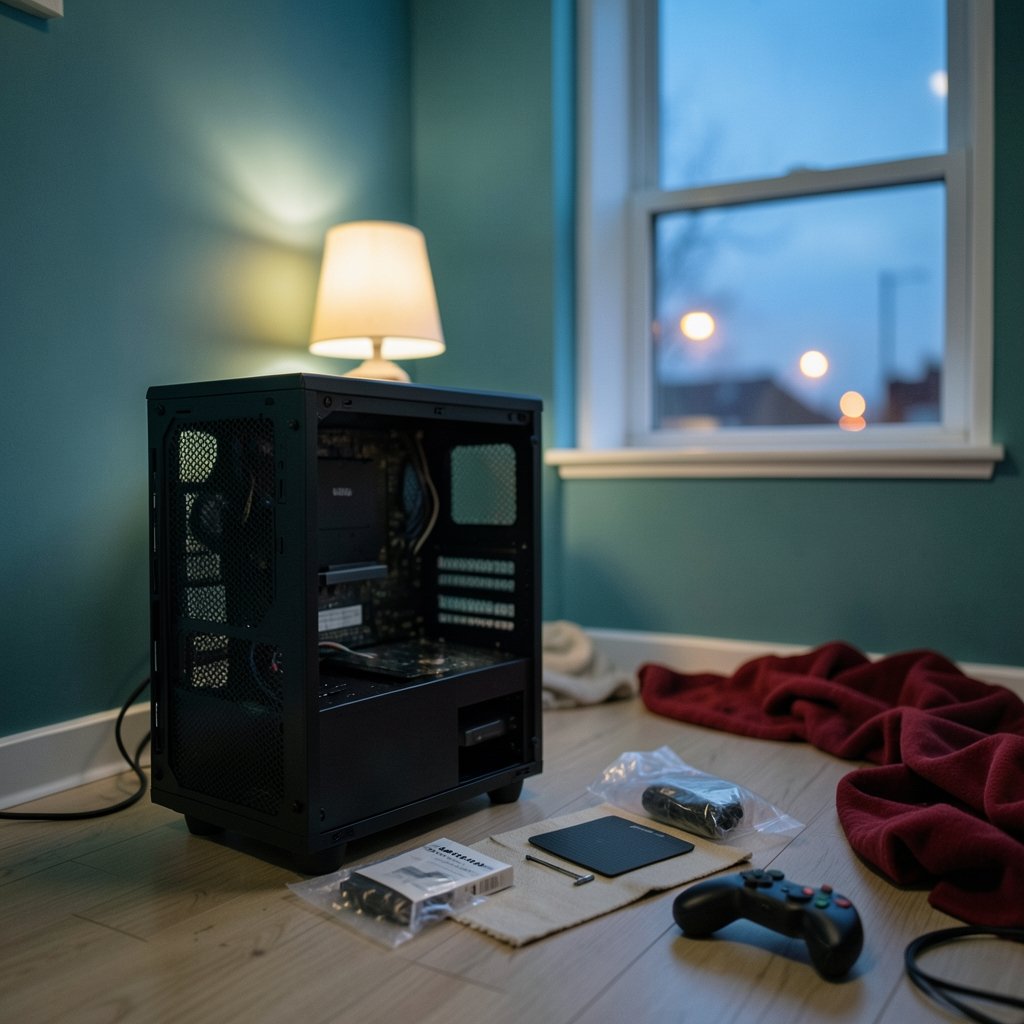
Most gamers assume faster sequential speeds mean faster load times. In practice, the gap between a SATA III drive capped around 550–560 MB/s and a multi-gigabyte-per-second NVMe drive is far smaller in games than the spec sheets suggest. Games mostly stream many small files, so random access and controller quality matter more than a headline sequential figure.
That reframes the whole shopping question. A budget drive does not need to win benchmark charts. It needs to install games without stalling, load levels promptly, stay cool enough to avoid throttling, and survive years of writes.
Three practical needs stand out:
- Enough sustained write speed to install a 100 GB game without turning into an overnight project.
- Reasonable endurance, published as a TBW (terabytes written) rating in the vendor datasheet.
- A warranty long enough to signal the maker trusts its own hardware.
Everything else, including RGB lighting and exotic heatsink designs, is decoration.
The Specs That Separate Good Budget Drives From Bad Ones
NAND type: TLC versus QLC
Budget drives increasingly use QLC NAND, which stores more bits per cell and costs less to make. The trade-off is lower program/erase endurance and slower sustained writes than TLC. For a game library that gets installed once and read many times, QLC can be acceptable. For someone who constantly shuffles huge games around, TLC is the safer pick.
DRAM-less designs and Host Memory Buffer
Many budget NVMe drives skip a dedicated DRAM cache and rely on Host Memory Buffer (HMB), borrowing a slice of system RAM instead. This works well in normal use, but performance can dip on sustained writes and when the drive is nearly full. A DRAM-less drive is not automatically bad, but it is a compromise worth knowing about.
The SLC cache and the write cliff
Budget drives often treat part of their NAND as a fast pseudo-SLC cache. Once that cache fills during a big transfer, write speeds can fall sharply, sometimes to double-digit MB/s on QLC models. This is review-consensus rather than an official standard, so check recent sustained-write tests rather than trusting launch-day coverage.
PCIe generation: less important than it looks
Published testing repeatedly shows small real-world game-load differences between PCIe 3.0 and PCIe 4.0 drives. A well-built PCIe 3.0 model can beat a cheap PCIe 4.0 one on value. This is genuinely contested among reviewers, so treat it as a reason to compare rather than a rule carved in stone.
Endurance and warranty as value signals
Warranty length varies widely across budget models, and so do TBW ratings. These two numbers often differentiate drives better than peak speed. A five-year warranty on a modest drive says more than a three-year warranty on a fast one.
| Spec | Why It Matters | What to Favor |
|---|---|---|
| NAND type | Endurance and sustained writes | TLC over QLC for heavy use |
| DRAM or HMB | Consistency when full | DRAM, or HMB with good reviews |
| TBW rating | Lifespan under writes | Higher TBW for the price |
| Warranty | Maker’s confidence | 5 years where available |
| Interface | Compatibility and ceiling | Match your slot; PCIe 3.0 is often enough |
| Heatsink | Thermal throttling | Slim heatsink for tight spaces |
Matching the Drive to Your Machine
The right budget SSD depends heavily on what it is going into. A desktop with an open M.2 slot has very different options from a laptop with one cramped bay or an older board limited to SATA.
For a first-time builder or someone upgrading a prebuilt, it helps to think in tiers. If the machine only has SATA ports, a SATA SSD is the sensible ceiling, and it will still feel like a massive upgrade over a hard drive. If there is an M.2 slot, an NVMe drive costs barely more than SATA these days and removes a cable or two.
Laptop owners should check clearance and whether the slot supports the drive’s length before ordering. Gamers weighing a portable setup have similar trade-offs to consider when choosing hardware, and the same logic of matching parts to real use applies across the board.
The PS5 wrinkle
PlayStation 5 expansion is stricter than PC upgrading. Sony specifies an M.2 NVMe SSD with PCIe 4.0 support, a heatsink, and minimum sequential read speed around 5,500 MB/s. Many budget drives fall below that bar, so a bargain that works fine in a PC may simply be refused by the console. Console owners should verify the exact requirements before buying, and anyone comparing console options more broadly may find it useful to weigh how the current generation of handhelds and consoles handle storage.
Where Budget SSD Shopping Goes Wrong
The most common mistakes are predictable, and avoiding them takes only a few minutes of checking.
Buying on sequential speed alone. A drive advertising huge sequential reads can still stumble on sustained writes. Look for tests that fill the cache and measure what happens next.
Ignoring component swaps. There is a documented history of SSDs shipping with different controllers or NAND than the launch reviews covered. This practice is inconsistently documented, so avoid assuming a specific brand is guilty, but do read reviews from the last few months rather than year-old coverage.
Skipping the firmware and support check. A drive from a brand with no support presence is a gamble. Established makers publish firmware updates and honor warranties.
Forgetting the heatsink. Fast NVMe drives without one can throttle under sustained load. Budget drives with thin heatsinks are usually fine for gaming but may struggle during long transfers.
Overpaying for unused speed. Someone building a secondary game drive does not need the fastest interface available. Spending the difference on capacity often pays off more.
Trusting reliability data that does not apply. Public fleet failure statistics come from datacenter drives, not consumer budget models. That data offers useful context about SSD reliability in general, but it does not map onto a $60 gaming drive.
How to Compare Two Budget SSDs in Five Minutes
A quick routine cuts through most marketing noise.
- Confirm the interface and form factor fit the machine.
- Check the NAND type and whether the drive has DRAM or relies on HMB.
- Find the TBW rating and warranty length in the datasheet.
- Read at least two recent reviews that test sustained writes and a nearly full drive.
- Compare price per terabyte against the next size up.
- Check whether a heatsink is included and whether it fits the slot.
That process takes less time than watching a single benchmark video, and it catches the failures that spec sheets hide.
Budget SSDs Across Different Buyer Types
Different shoppers need different things, and a single recommendation cannot cover everyone.
A student building a first gaming PC usually benefits most from a mid-capacity TLC NVMe drive with a five-year warranty. The same person shopping for accessories may want to apply similar scrutiny to peripherals, since a monitor or webcam bought on price alone can disappoint just as quickly. The principle holds: match the purchase to actual use.
A laptop upgrader should prioritize low power draw and thermal behavior over raw speed. A console owner needs to clear Sony’s minimum read speed first and worry about value second. Someone reviving an old desktop with only SATA ports should buy a good SATA drive and stop there rather than spending on an adapter that adds complexity.
For readers weighing bigger purchases alongside storage, the same value-first thinking applies to laptops and handhelds, where the storage spec is only one part of the package.
Conclusion
Budget gaming SSDs are worth buying, provided the shopper looks past the biggest number on the box. The drives that hold up are usually TLC models from established brands, with a clear TBW rating, a warranty measured in years rather than months, and recent reviews confirming they do not collapse once the SLC cache runs dry. PCIe 3.0 remains a sensible choice for most gamers, and SATA still has a place in older machines.
The practical recipe is simple. Match the drive to the slot, favor endurance and warranty over peak speed, verify current reviews for component swaps, and confirm console compatibility before checkout. Do that, and a budget SSD delivers nearly all the everyday benefit of a premium one for a fraction of the cost.
FAQ
Are budget SSDs fast enough for modern games?
For loading and playing games, yes. Real-world game load differences between budget NVMe drives and premium ones are small, because games lean on random access more than peak sequential speed. The place budget drives show weakness is sustained writing during huge installs, not gameplay itself.
Is QLC NAND a dealbreaker for a gaming drive?
Not automatically. A game library is mostly written once and read many times, which suits QLC reasonably well. The concern is endurance and sustained write speed during large transfers. Gamers who constantly reinstall big titles should lean toward TLC.
Do I need a heatsink on a budget NVMe SSD?
Often a thin one is enough for gaming, since game loads are short bursts rather than sustained writes. Drives without any heatsink can throttle during long transfers. Check slot clearance first, especially in laptops and consoles, where space is tight.
How much does the DRAM cache matter on a cheap SSD?
It matters most when the drive is nearly full or handling sustained writes. DRAM-less drives using Host Memory Buffer perform fine in everyday gaming but can slow down in those edge cases. Reviews that test a full drive reveal the difference better than spec sheets.
Can I use a budget SSD in a PlayStation 5?
Only if it meets Sony’s requirements: an M.2 NVMe drive with PCIe 4.0 support, a heatsink, and sequential read speed around 5,500 MB/s or higher. Many budget drives fall short, so verify the exact spec before buying rather than assuming PC compatibility carries over.
What is the biggest red flag when shopping for a cheap SSD?
A drive with no published TBW rating, a short warranty, and no recent independent reviews. Those three gaps together suggest the maker is not standing behind the product. Recent reviews also catch component swaps that launch coverage would miss.



