
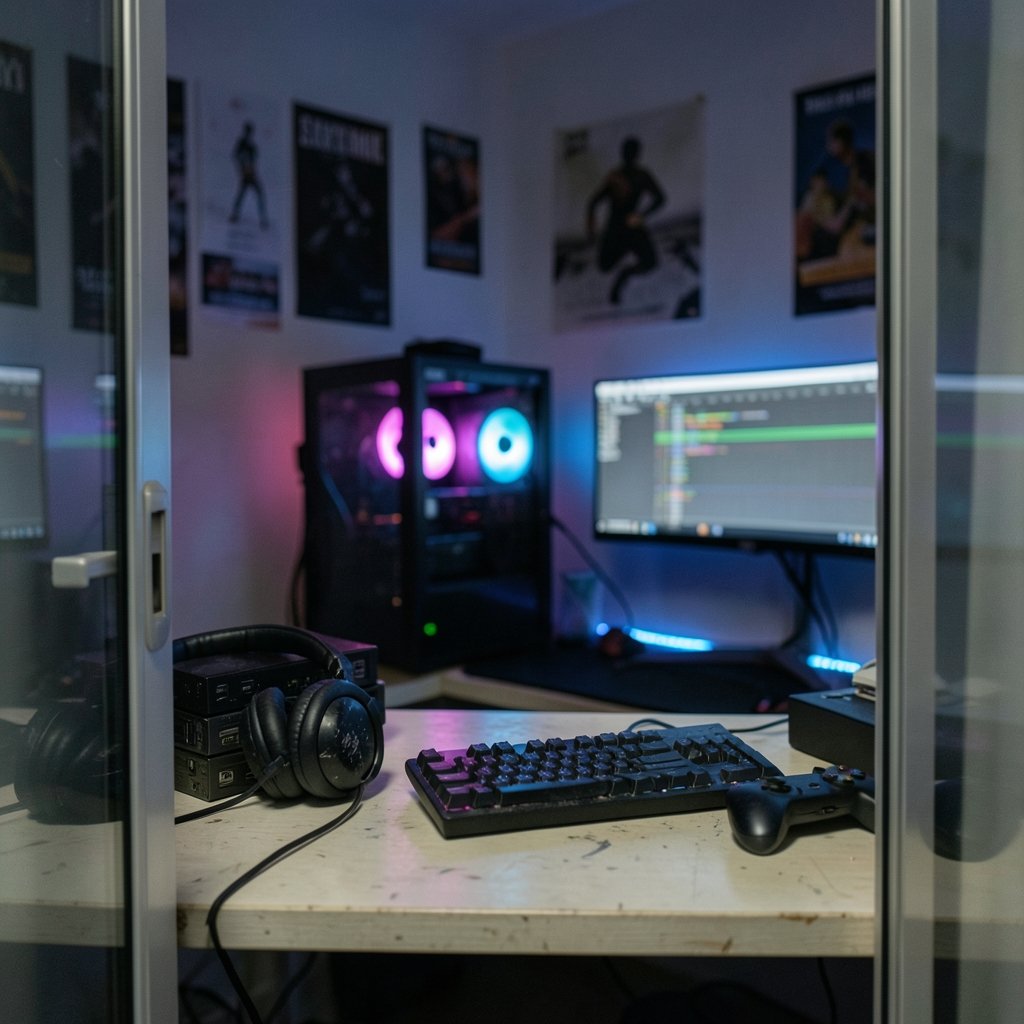
Quick Answer: Are premium video editing software for gaming worth it for a small gaming channel?
It depends. Most small gaming channels get better value from free or low-cost editors first, and only upgrade to premium tools once editing time, client work, or advanced effects genuinely block growth. Free options like DaVinci Resolve, CapCut, and Shotcut cover cutting, color, captions, and export for typical gameplay videos.
Premium suites differ mainly in workflow speed, collaboration features, motion graphics depth, and plugin ecosystems, not in whether a video looks “professional.” Before paying, compare your hardware limits, export codec needs, monthly cost versus hours saved, learning curve, and whether your channel has reached monetization thresholds that justify the spend.
Why does this question trip up so many new creators? Because the marketing around editing software is relentless. Every thumbnail promises cinematic results, and every sponsor read implies that the tool is the reason a channel blew up. Meanwhile, a sixteen-year-old with a free editor and good pacing is quietly outgrowing channels that pay monthly for software they use at ten percent of its capacity.
The honest answer lives somewhere in the middle, and it depends far more on a channel’s workflow than on its budget. This guide breaks down what premium software actually buys a small gaming channel, where free tools genuinely fall short, and how to decide without wasting money or, just as bad, wasting a year fighting an editor that slows down every upload.
What “Premium” Actually Means in Gaming Video Editing

The word premium gets thrown around loosely, so it helps to separate the pricing models. Adobe Premiere Pro moved to subscription-only licensing back in 2013 with Creative Cloud, which means there is no perpetual license for new versions. A small channel is not buying software; it is renting it, month after month, whether or not it uploads.
DaVinci Resolve sits at the other end. Blackmagic Design offers a free edition that is genuinely fully featured for editing, color, Fusion effects, and audio through Fairlight, plus a one-time-purchase Studio version. That single fact reshapes the entire “is premium worth it” debate, because one of the most capable editors in the industry costs nothing to start.
Then there is CapCut, which runs a free tier with paid Pro features and dominates short-form gaming clips. Pricing and feature gating shift often, so anyone budgeting around it should check current terms rather than trust a year-old video. Free and open-source options like Shotcut, Kdenlive, and OpenShot round out the low end. None of them are toys, and all of them export standard files that upload fine.
The practical takeaway: “premium” is not one product category. It is a spectrum from free-but-capable to subscription-locked-but-polished, and the right spot on that spectrum depends on what a channel actually does each week.
What a Small Gaming Channel Really Needs From an Editor
Strip away the feature lists and most small gaming channels need a surprisingly short set of capabilities. They need to cut dead air and failed runs, layer game audio with voiceover, add captions and simple overlays, sync facecam footage, and export at settings that survive YouTube’s compression. That is the core loop, and every editor mentioned above handles it.
What determines video quality at this stage is pacing, audio balance, and thumbnail design, not the brand on the timeline. YouTube’s own creator resources focus on these fundamentals rather than pushing specific paid software, which shows where the real advantage sits.
Hardware is the constraint people underestimate. Game capture and editing on the same PC compete for GPU and CPU, and hardware-accelerated encoding through NVENC or AMF is what keeps exports from taking all night. Most editors support these encoders regardless of price tier, so a free editor on a well-configured machine will often beat a premium suite on a struggling laptop. If that sounds like your situation, it is worth reading up on picking a laptop for video editing that actually earns its price before spending a cent on software.
Export settings matter more than brand, too. YouTube publishes recommended upload encoding settings, typically H.264 at specific bitrates, and those apply to every editor equally. A premium suite does not get special treatment from the upload pipeline.
Where Free Editors Genuinely Fall Short
Pretending free tools do everything would be dishonest. There are real gaps, and small channels hit some of them sooner than expected.
The first is motion graphics and template speed. Channels that pump out heavily stylized content, with animated scoreboards, meme overlays, and rapid-fire zooms, often rely on template ecosystems and plugin libraries that premium suites and their communities support better. Building those effects from scratch in a free editor is possible, but it costs hours per video.
The second is collaboration. The moment a channel adds a second editor, shared project files, version control, and cloud libraries start to matter. Free tools tend to assume one person on one machine.
The third is stability under heavy projects. Long recordings, multiple camera angles, and stacked effects can expose performance differences between polished commercial code and volunteer-maintained software. This is not a knock on open-source editors; it is simply where the engineering hours go.
The fourth is support. When a deadline looms and an export fails, a paid support channel has real value. That value scales with how much a missed upload costs the channel, which for most small creators is close to zero.
The Real Cost Comparison
Numbers make the decision clearer than adjectives. Here is how the main options stack up for a small gaming channel, with the caveat that prices and plan names change and should be verified before purchase.
| Option | Cost Model | Strength for Gaming Channels | Main Limitation |
|---|---|---|---|
| DaVinci Resolve (free) | Free | Full editing, color, Fusion, Fairlight | Steeper learning curve, hardware hungry |
| DaVinci Resolve Studio | One-time purchase | Adds advanced effects and collaboration | Upfront cost, still hardware hungry |
| Adobe Premiere Pro | Subscription (since 2013) | Industry workflow, plugin ecosystem, templates | Ongoing monthly cost, no perpetual license |
| CapCut | Free tier plus paid Pro features | Fast short-form clips, built-in effects | Feature gating changes, less control for long-form |
| Shotcut / Kdenlive / OpenShot | Free, open source | Lightweight, cross-platform, no cost | Fewer templates, less polish in advanced effects |
The math that matters is cost per hour saved. If a subscription costs roughly the price of a takeout meal each month and saves five hours of editing, it is a bargain. If it saves twenty minutes because the creator never learned the advanced features, it is a subscription to guilt.
There is also a hidden cost in switching. Learning a new editor mid-growth resets muscle memory and slows output for weeks. Creators who bounce between four tools in a year usually produce fewer videos than those who commit to one, free or paid. A sensible path: start free, learn the fundamentals deeply, and upgrade only when a specific, nameable task keeps blocking progress.
When Upgrading Actually Pays Off
There are clear signals that a small channel has outgrown free software. None of them involve subscriber count alone.
The first signal is time pressure. If editing eats so many evenings that uploads slip from weekly to monthly, the bottleneck is workflow, and a faster editor or better templates can pay for themselves immediately. This is where a guided comparison of video editing software that beginners actually stick with helps, because the fastest tool is the one a creator will actually open every day.
The second is client or sponsor work. The moment a channel earns money from edits, brand deals, or freelance gigs, professional software becomes a business expense with a tax and credibility dimension. Deliverables, project handoffs, and client expectations shift the calculus fast.
The third is a specific missing feature. Maybe it is advanced keyframing, a particular color workflow, or a plugin a collaborator insists on. A named need is a good reason to pay. A vague feeling that premium equals better is not.
The fourth is monetization context. YouTube’s Partner Program threshold sits at 1,000 subscribers plus 4,000 valid public watch hours in twelve months, or 10 million Shorts views in 90 days. Channels comfortably past that line with steady revenue can justify subscriptions more easily than channels still finding their format. Before that line, spending on software competes directly with spending on a better microphone, which almost always improves a gaming video more.
Practical Tips and Common Mistakes
Tip one: master one free editor before sampling five. DaVinci Resolve’s free edition alone can carry a channel from zero to serious. Depth beats breadth.
Tip two: fix audio before buying anything. Viewers forgive plain visuals but not muddy voiceover. A cheap dynamic microphone and a noise gate outperform a premium editor with bad source audio.
Tip three: build a reusable template project. Intro, outro, caption style, and export preset saved once saves minutes on every upload. This is the most valuable habit in gaming editing.
Tip four: check student and education discounts directly. Adobe and others commonly offer them, but eligibility varies by region and changes yearly. Verify on official education pages, never through resellers promising permanent deals.
Mistake one: buying the suite, skipping the tutorial. The most common waste is a paid subscription sitting unused because the creator never learned its shortcuts. Budget learning time alongside the purchase.
Mistake two: blaming the editor for slow exports. Often the real culprit is a full drive, a weak GPU encoder setting, or editing off the same disk that is recording gameplay. For capture-heavy workflows, it also helps to prioritize devices so your Wi-Fi stays smooth during calls and gaming, since dropped frames in capture cannot be edited back in.
Mistake three: upgrading for retention claims. Public analytics documentation does not attribute viewer retention to editing tools. Anyone promising that premium software lifts retention is selling something. Pacing and hooks do that work.
Mistake four: ignoring the hardware ceiling. A premium editor on an underpowered machine produces a worse experience than a free editor that runs smoothly. Match the tool to the machine, and if a Mac is in the plan, it pays to pick the right MacBook for video editing rather than guess.
Conclusion
Premium video editing software is worth it for a small gaming channel under specific conditions: editing time has become the bottleneck, money is already coming in, a named feature is genuinely missing, and the hardware can run the tool without frustration. Outside those conditions, the free tier of a serious editor plus disciplined workflow habits will carry a channel further than a subscription ever could.
The uncomfortable truth is that most small channels do not have a software problem. They have a consistency problem, an audio problem, or a pacing problem, and no monthly fee fixes those. Start free, learn deeply, upgrade when a real wall appears, and let the channel’s needs dictate the purchase rather than the other way around.
Frequently Asked Questions
Is free video editing software good enough for a gaming channel starting from zero?
Yes, comfortably. Free editions of serious editors handle cutting, audio mixing, color, captions, and standard exports, which covers nearly everything a new gaming channel produces. The limits appear later, usually around templates, collaboration, and heavy project performance.
How much should a small gaming channel budget for editing software?
Many creators spend nothing for the first year and reinvest in audio gear instead. Those who do pay typically choose either a modest monthly subscription or a one-time purchase, and the right figure is whatever costs less than the value of the hours it saves each month.
Does premium editing software improve viewer retention?
There is no reliable public evidence that the software brand affects retention. Retention responds to pacing, hooks, audio clarity, and thumbnails. A well-cut video from a free editor routinely outperforms a glossy edit with a slow opening.
Can a gaming PC record and edit at the same time with premium software?
It can, but hardware-accelerated encoding through NVENC or AMF does most of the heavy lifting, and those encoders work across price tiers. Editing off a separate drive from the one recording gameplay prevents the stutter that gets misblamed on software.
Are student discounts on editing software worth chasing?
They can cut costs substantially, but eligibility and terms vary by region and change yearly. Verify directly on official education pages rather than reseller sites, and remember a discount on software you barely use is still a cost.
What is the smartest upgrade order for a small gaming channel?
Audio first, then lighting or capture quality, then storage and workflow, and software last. By the time software becomes the true bottleneck, the channel usually knows exactly which feature it needs, which makes the purchase decision simple and defensible.



