

Quick Answer: Which budget gaming tablets are worth buying?
The budget gaming tablets worth buying are the ones that hold a steady frame rate for a full hour, not the ones that win a five-minute benchmark. In practice, that means shopping by chipset class, cooling design, and screen refresh rate rather than by RAM stickers or marketing claims.
Mid-range tablets from established brands usually beat discounted old flagships here, because newer chips run cooler and sip less power under load. A cheaper tablet with a metal back and a 90Hz or 120Hz panel often feels smoother than a pricier one with a sharper screen that stutters.
Before buying, compare sustained performance reports, refresh and touch sampling rates, chassis material, software update promises, storage speed and expansion, and the real cost of a controller or keyboard.
Why Budget Gaming Tablets Trip Up So Many Buyers
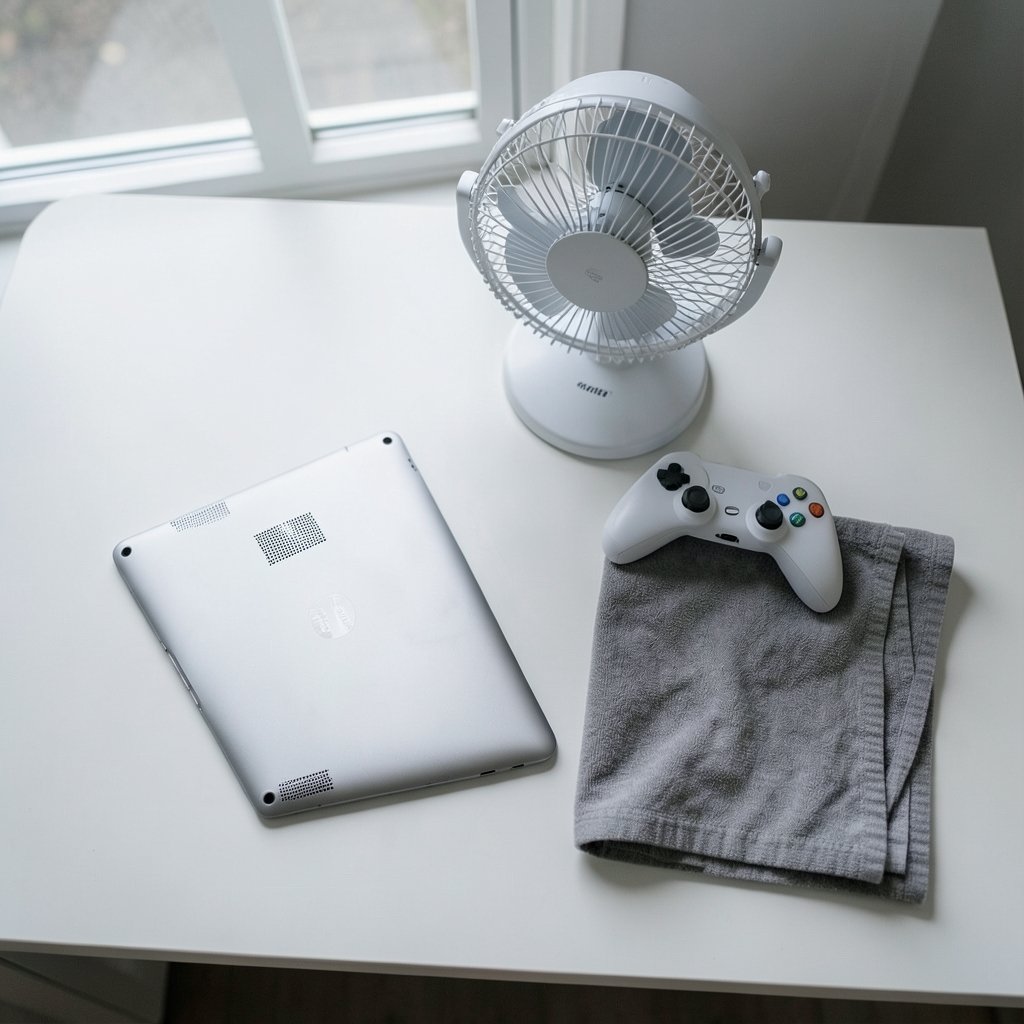
Have you ever watched a tablet demo run beautifully in a store, bought it, then watched the same game turn into a slideshow twenty minutes later? That gap between the demo and your living room is the whole story of budget gaming tablets.
The problem is that almost every tablet can sprint. Very few can jog. Games do not ask for a burst of speed; they ask for a steady, predictable pace for as long as you keep playing. Cheap tablets are usually built to look good in a spec sheet and in a short hands-on, and those are exactly the two situations where throttling never shows up.
There is also a quiet mismatch between what buyers compare and what actually matters. Shoppers compare RAM, storage, and screen resolution because those numbers are printed in big type. What determines whether a game feels good is the chipset, the cooling, the refresh rate, and how the software manages heat. None of those get a sticker.
The Specs That Actually Decide Whether a Game Feels Good
Chipset class beats raw numbers
A newer mid-range chipset generally outperforms an older flagship chip in sustained gaming, because it was designed with better power efficiency. Efficiency is the whole ballgame on a fanless device: less power burned means less heat, and less heat means fewer throttled frames. When comparing two tablets, the generation of the chipset matters more than a small difference in clock speed.
Sustained performance, not peak scores
Look for reviews that report frame rates over 20 to 30 minutes or longer, rather than a single benchmark run. A tablet that averages 60 frames per second for two minutes and then drops to 35 is worse for gaming than one that holds a flat 45. Reviewers who test long sessions are doing the work that matters.
Refresh rate and touch sampling rate
A 90Hz or 120Hz display makes motion look smoother, and a higher touch sampling rate reduces the lag between your thumb and the action on screen. On a small panel, that responsiveness is felt far more than a jump in resolution. A sharp screen that feels mushy is a worse gaming screen than a slightly softer one that feels instant.
Thermals and chassis material
Metal bodies generally spread and shed heat better than plastic ones, which tends to delay throttling. Plastic shells can trap heat around the chip. This is one of the few cases where the feel of the device in your hand tells you something real about performance.
Storage speed and expandability
Fast internal storage shortens load times, and a memory card slot lets you keep a larger game library without paying a premium for a higher storage tier. Games are big; budget buyers should treat expandability as a feature, not an afterthought.
Software support window
The number of years a tablet receives operating system and security updates is a genuine cost-of-ownership factor. It is also one of the least documented specs on budget models, so it pays to check the manufacturer’s stated policy before buying rather than assuming.
How the Main Budget Categories Compare
| Category | Typical strength | Typical weakness | Best for |
|---|---|---|---|
| Mid-range big-brand tablet | Efficient chipset, longer update support | Modest storage at base price | Buyers who want reliability over years |
| Discounted older flagship | Better screen and speakers | Runs hotter, shorter support remaining | Media-first users who game casually |
| Budget-focused off-brand tablet | Lowest price, often expandable storage | Weak sustained performance, unclear updates | Light 2D and casual titles only |
| Small tablet with a good panel | Comfortable handheld feel, snappy touch | Smaller battery, less thermal headroom | Portable play and handheld-style games |
The pattern is consistent: the safest money goes to a mid-range tablet from a brand with a clear update policy. The riskiest money goes to whatever has the biggest numbers for the smallest price.
Practical Tips That Save Buyers From Regret
Test the way you will actually play. If you can, run a demanding game for fifteen minutes in the store or during a return window. Store demos are short by design. A return period is your real trial.
Ignore the RAM sticker war. Extra memory helps with multitasking and keeps background apps alive, but it will not rescue a chipset that overheats. A well-cooled tablet with less memory often games better than a hot one with more.
Budget for accessories from the start. A controller, a stand, or a keyboard case can add a meaningful chunk to the total. If the accessory cost erases the savings, the cheaper tablet was never cheaper. The same logic applies when people weigh a tablet against a dedicated handheld; a guide to the best handheld gaming consoles in 2026 is useful for sizing up that trade-off honestly.
Check the panel before the processor. You look at the screen constantly and at the chipset never. Refresh rate, brightness, and touch response shape your experience every single session.
Buy for the games you play now. If your library is card games, puzzles, and strategy titles, a modest tablet is genuinely enough. Spending more only makes sense if you actually play demanding 3D games.
Treat “gaming tablet” as marketing. Almost no budget tablet is engineered specifically for games. The label usually means a decent chipset and a high refresh screen, which is fine, but do not pay a premium for the word.
Where Budget Tablets Fit in a Wider Setup
A budget tablet rarely lives alone. Many buyers pair one with a console, a laptop, or a phone, and the right choice depends on what the tablet is replacing. Someone who mostly wants a second screen for streaming and light games is solving a different problem than someone who wants a portable gaming device.
It helps to think about the job. If the tablet is mainly for cloud gaming and remote play, the screen and network hardware matter more than raw chipset power. If it is for native games, the chipset and cooling take over. Buyers comparing form factors often find it useful to read up on whether the Nintendo Switch 2 is worth buying for beginners, since a hybrid console and a gaming tablet overlap more than people expect.
For desk-based play, a tablet is often a companion to a monitor rather than a replacement. Anyone building out a setup may want to check a gaming monitor buying guide for beginners before spending the whole budget on the tablet itself.
Common Mistakes That Cost Real Money
The first mistake is buying on peak benchmark scores. Those numbers describe a device at its best for a few minutes. The second is assuming a bigger screen means a better gaming experience; a large, heavy tablet gets tiring to hold, and handheld comfort matters for long sessions.
The third is overlooking the update policy. A tablet that stops receiving security updates in two years has a shorter useful life than its hardware suggests. The fourth is buying the base storage tier and then discovering that two modern games fill it. The fifth, and most common, is skipping the return window test.
There is a quieter mistake too: assuming that because a tablet is cheap, it must be bad. Plenty of mid-range tablets handle everyday gaming well. The trick is matching the device to the library. Someone who mostly plays strategy and puzzle games will be perfectly happy with a device that a first-person shooter fan would find frustrating.
How to Judge a Deal in Ten Minutes
- Identify the chipset and its generation, then search for sustained-performance reports rather than benchmark charts.
- Confirm the refresh rate and, if listed, the touch sampling rate.
- Check the chassis material and any reviewer notes about heat.
- Read the manufacturer’s stated software update policy.
- Confirm whether storage is expandable and how fast the internal storage is.
- Add up the cost of any controller or case you would want.
- Buy somewhere with a usable return window, then test a demanding game for at least twenty minutes.
That routine takes less time than scrolling through reviews, and it catches the failures that spec sheets hide.
Conclusion
Budget gaming tablets are worth buying when you shop for sustained performance instead of peak numbers. The winning combination is an efficient mid-range chipset, a body that manages heat, a smooth high-refresh panel, expandable storage, and a manufacturer that will keep the software current for years. Get those five things right and the price tag stops mattering much.
Get them wrong and no amount of RAM will save you. The honest summary is that the best budget gaming tablet is not the cheapest one or the one with the biggest numbers. It is the one that still feels good in minute thirty.
Frequently Asked Questions
Is 8GB of RAM enough for a budget gaming tablet?
For most games, yes. Memory mainly affects multitasking and how many apps stay loaded in the background. A tablet with 8GB and good cooling will usually game better than one with 12GB that overheats, so treat memory as one factor among several rather than the deciding one.
Do budget tablets throttle badly during long gaming sessions?
Many do, because they are fanless and thin. The severity depends on the chipset’s efficiency and the chassis material. Metal bodies tend to shed heat better than plastic, and reviewers who test 20 to 30 minute sessions give the clearest picture of how much performance drops off.
Is a discounted older flagship better than a new mid-range tablet?
It depends on priorities. An older flagship often has a better screen and speakers, but it may run hotter and have fewer years of software support left. A newer mid-range tablet usually wins on efficiency and update longevity, which matters more for long-term gaming.
What refresh rate should a budget gaming tablet have?
90Hz is a reasonable floor and 120Hz is better if the price allows. Refresh rate affects how smooth motion looks, while touch sampling rate affects input lag. On a small screen, both are felt more than a bump in resolution.
Can a budget tablet handle cloud gaming?
Often yes, and it can be a smart use of a cheaper device. Cloud gaming shifts the heavy processing to a remote server, so the tablet’s screen quality, Wi-Fi hardware, and controller support matter more than raw chipset power. A stable connection becomes the limiting factor.
How long should a budget gaming tablet last?
That depends heavily on the software update policy. Hardware can remain capable for years, but a device that stops receiving security updates has a shorter practical life. Checking the manufacturer’s stated support window before buying is the single best way to estimate how long the tablet will stay useful.



