
What if the charger you already own is quietly holding your devices back? That happens more often than people think. A phone that can accept 45 W charges at a crawl because the charger caps out at 18 W. A laptop that refuses to charge at all because the brick doesn’t speak the right protocol. A multi-port block that promises 100 W but hands out a fraction of that the moment a second device shows up. (Usb c charger coil whine it happens stop it)
The “best” USB-C charger isn’t a single product. It’s the one that matches what your devices actually ask for, with headroom to spare and safety paperwork to back it up. This guide walks through what matters, what’s marketing noise, and which mistakes cost people money again and again.
The One Rule That Explains Almost Everything
USB Power Delivery (USB PD) is the protocol a charger and a device use to negotiate voltage and current. It is not a dumb pipe. The device asks for a specific voltage and current; the charger agrees if it can supply it. USB PD 3.0, published in 2015, set the ceiling at 100 W (20 V at 5 A). USB PD 3.1, released in 2021, added Extended Power Range up to 240 W (48 V at 5 A).
The practical consequence: a phone that supports 25 W USB PD will not charge faster on a 100 W charger. It requests what it can accept. Buying a bigger brick than your device can use is harmless but pointless, unless you’re future-proofing or sharing the charger across a laptop, tablet, and phone. (Set up usb c charger best performance)
This is why “best” depends on the device mix. A 30 W single-port charger is genuinely ideal for a phone-only household. For a laptop plus phone plus earbuds, a 100 W multi-port GaN unit makes far more sense.
Wattage Math: Headline Numbers Lie a Little
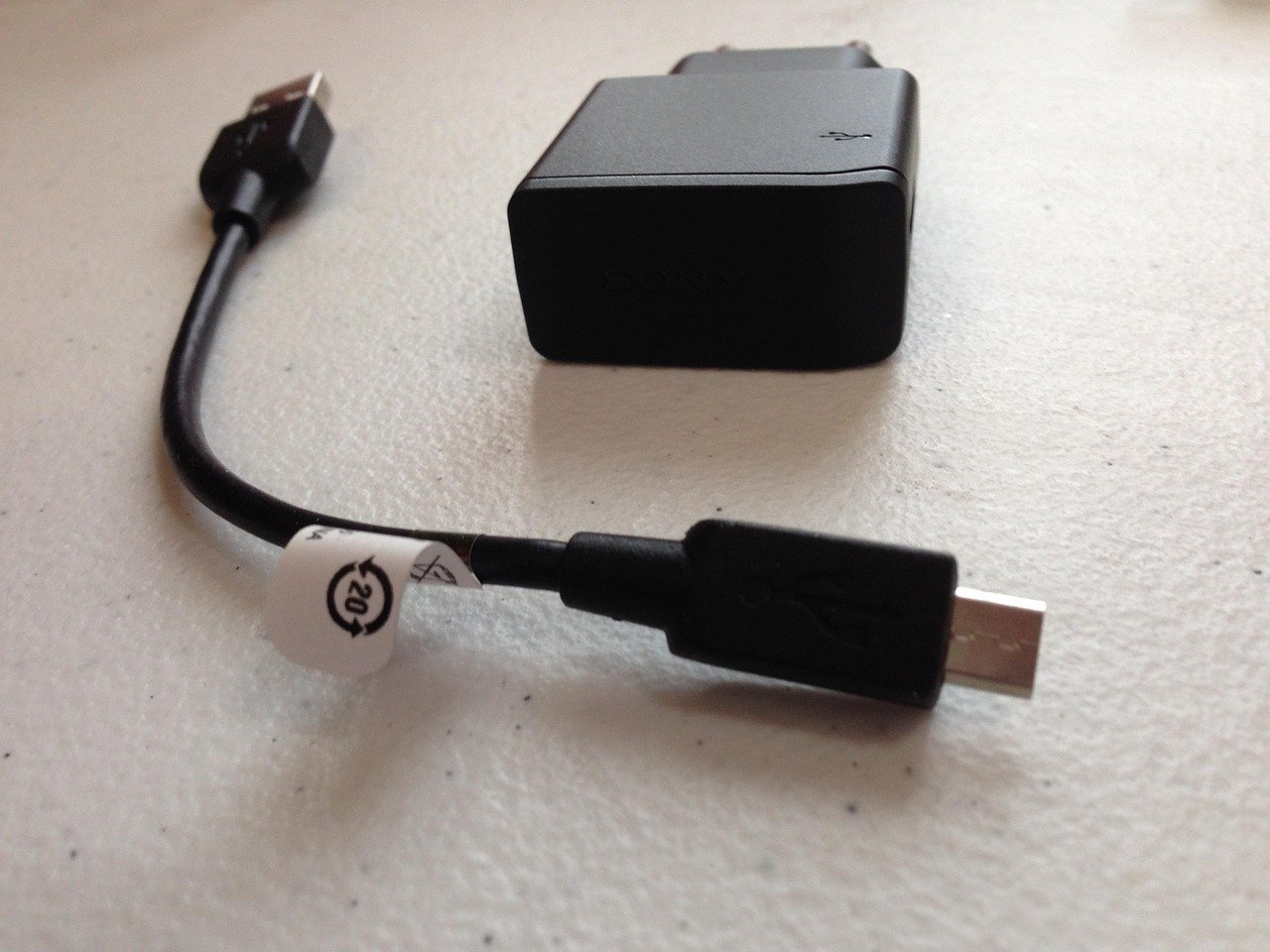
Charger boxes advertise one big number. That number usually describes a single port with nothing else plugged in. Multi-port chargers split their total wattage across ports, and the allocation table varies by model. No standard governs how a manufacturer divides the budget.
A typical pattern looks like this:
| Ports in use | What often happens on a “100 W” charger |
|---|---|
| One port only | Full 100 W to that port |
| Laptop + phone | Roughly 65 W laptop, 30 W phone |
| Laptop + phone + earbuds | Laptop drops again; small devices take 5–15 W |
The fix is boring but effective: read the per-port allocation table printed on the box or product page before buying. If the laptop needs 65 W and you routinely charge a phone at the same time, a 100 W unit is the sensible floor, not a luxury. A 65 W unit will leave the laptop starved whenever a second device appears.
There’s a related headache worth knowing about: some chargers briefly drop all connections when a second device is plugged in, forcing devices to renegotiate. If that’s happening to you, there’s a known set of causes worth checking, including how the charger handles renegotiation when a new device joins the session.
Your Cable Is Half the Charger
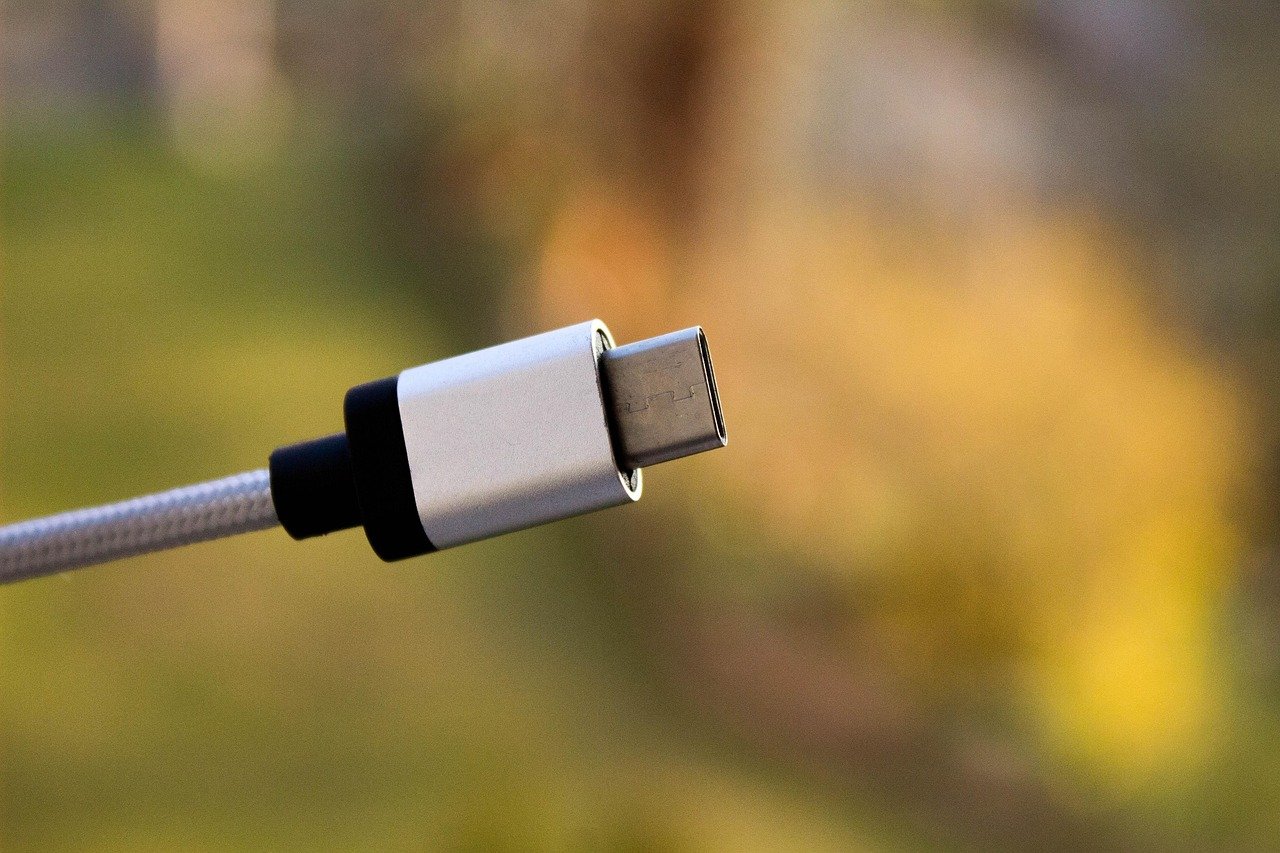
Here is the mistake that catches the most people: buying a 100 W charger and pairing it with the free cable from an old phone box. That cable likely has no e-marker chip, which means it’s limited to 3 A. At 20 V, that’s 60 W maximum, no matter what the brick can do.
Cables rated for 5 A (100 W) or for the 240 W tier must contain an electronically marked e-marker chip. Without one, the charger and device negotiate down to the cable’s limit. The USB-C connector itself is rated for 10,000 mating cycles per the specification, so the connector isn’t the weak point; the copper and the chip are.
Practical rules that save money:
- Match the cable to the charger’s top wattage, not to the device you’re charging today.
- Keep one clearly labeled 240 W cable for the laptop and treat it as infrastructure.
- Replace cables that get hot near the connector, show fraying, or click loosely.
- Don’t assume a cable bundled with a monitor or dock is full-power rated.
If you’re pushing into the 140 W to 240 W range for a high-end laptop, the negotiation rules get more interesting. The 48 V tier requires cables and chargers built for it, and devices must negotiate the higher voltage before any of it is delivered.
GaN: Real Benefit, Inflated Numbers
Gallium nitride (GaN) chargers are smaller and run cooler than silicon-based designs at the same wattage. That’s a materials and engineering fact, and it’s why so many compact multi-port bricks use GaN. What’s less reliable are the specific efficiency percentages in marketing copy. Treat those as vendor claims unless independent testing backs them up.
What GaN genuinely buys you in daily use:
- A 100 W charger that fits in a jacket pocket instead of a laptop bag slot.
- Less heat soak when charging a laptop for hours, which is easier on the components inside the brick.
- Multi-port designs that don’t need to be the size of a deck of cards.
What it doesn’t buy you: more wattage to your device, faster charging on a device with a low ceiling, or immunity from poor build quality. A well-made silicon charger beats a cheap GaN one every time.
Safety Marks Are Not Optional
Mains-powered chargers sold in the US should carry a recognized safety mark such as UL listing. In the EU, the CE mark applies. Cheap uncertified chargers are a documented fire and electrical risk, and recalls happen.
A few habits worth adopting:
- Buy from a brand that publishes its certification and can point to a USB-IF listing.
- Check the USB-IF certified product search before trusting a “Certified USB” logo on the box.
- Be suspicious of chargers priced far below the market for their wattage class.
- Feel the brick after an hour of laptop charging. Warm is normal; hot enough to flinch is not.
The USB-IF compliance program matters here. Certified products have passed conformance testing, which is a meaningful signal that the charger will negotiate correctly with a wide range of devices rather than only the one it shipped with.
Regulation Is Reshaping the Market
The EU’s common charger rules apply from 28 December 2024. Under Directive (EU) 2022/2380, which amends the Radio Equipment Directive, most small and medium portable electronics sold in the EU must use a USB-C charging port, and the directive references USB PD as the charging standard. Laptops got a later deadline of 28 April 2026.
For buyers, this is good news. It means fewer proprietary bricks, more interoperability, and a stronger incentive for manufacturers to get PD negotiation right. It also means the used and refurbished market will fill with perfectly good USB-C chargers as people upgrade.
Matching the Charger to the Job
Different jobs need different bricks. Here’s a sensible way to think about it:
| Situation | Sensible target | Why |
|---|---|---|
| Phone and earbuds only | 30–45 W, one or two ports | Matches typical phone ceilings with headroom |
| Tablet plus phone | 45–65 W, two ports | Tablet charging is the bottleneck |
| Thin-and-light laptop | 65 W, two ports | Leaves room for a phone alongside |
| Performance laptop | 100–140 W, multi-port | High draw needs headroom for a second device |
| Desktop replacement or dock | 180–240 W EPR | Requires 48 V-capable charger and cable |
Two habits that make any charger work better. First, plug the highest-draw device in first; some chargers allocate more generously to the port that started the session. Second, don’t chain a charger through a cheap unpowered hub and expect full wattage at the far end.
Setup details matter more than people expect. Port order, cable quality, and even which device wakes up first can change the outcome, so it’s worth testing your particular combination before assuming a charger is at fault.
The Coil Whine Question
Some chargers emit a faint high-pitched buzz, especially at low load or when a device is nearly full. This is coil whine, caused by vibration in magnetic components as current switches. It’s usually harmless, but it’s annoying, and it’s a legitimate reason to return a unit within the return window.
It tends to show up more in compact high-wattage designs where components are packed tightly. If yours hums, try a different outlet, a different cable, and a different device to isolate the cause before concluding the charger itself is defective.
Common Mistakes That Waste Money
These come up constantly in support forums and reviews:
- Buying wattage without checking the device ceiling. A 140 W brick does nothing extra for a 25 W phone.
- Ignoring the cable. The most common cause of “my charger is slow” is a 3 A cable.
- Trusting the headline number on a multi-port unit. Check the allocation table.
- Skipping certification. A charger is a mains-powered device that sits unattended for hours.
- Assuming all USB-C ports are equal. Some are data-only or low-power.
- Charging through a hub without checking pass-through wattage. Hubs subtract power for their own operation.
One more, less obvious: people buy a charger for the device they have and forget the one arriving next year. A 100 W multi-port GaN unit is the closest thing to a universal answer for a mixed household, and it will still be useful when the phone and laptop are replaced.
Where the Charger Fits in a Bigger Setup
A charger rarely lives alone. It feeds a desk, a travel bag, or a dock. If your setup includes external storage, the power side and the data side interact more than you’d think. A charger that browns out during a drive spin-up can corrupt a transfer. This matters for anyone running a scheduled backup to an external USB drive, where an unexpected disconnect mid-write is a real risk.
Similarly, if you’re formatting drives or moving large files while charging, a stable power source prevents the kind of interruption that turns a routine job into a recovery project. The same logic applies to formatting a USB drive in Windows 11 without losing data: power stability is a quiet prerequisite. And for anyone running an external SSD with TRIM support over USB, a charger that holds steady under load keeps the enclosure’s controller from resetting.
Wireless charging has its own quirks. If a phone refuses to charge on a pad, the problem is often placement rather than power, so check alignment before blaming the charger.
Conclusion
The best USB-C charger is the smallest one that covers your heaviest device with headroom for a second, paired with a cable rated for the same wattage, from a brand that can show its safety and USB-IF certifications. Everything else is preference.
Start by writing down the wattage each of your devices actually accepts. Add them up for the worst-case simultaneous scenario. Then buy one tier above that, in GaN if you want it pocketable, and budget for a proper e-marker cable at the same time. That approach beats chasing a spec sheet, and it survives the next round of device upgrades without another purchase.
FAQ
What wattage USB-C charger do I actually need?
Match the highest-wattage device you own, then add headroom for a second device. A phone-only household is fine with 30–45 W. A thin laptop plus phone wants 65–100 W. A performance laptop wants 100–140 W, and desktop replacements need the 240 W EPR tier with a 48 V-capable cable.
Will a higher-wattage charger damage my phone?
No. USB PD is a negotiation. The device requests the voltage and current it can accept, and the charger supplies that. A 100 W charger will happily deliver 25 W to a phone that only asks for 25 W. The risk comes from uncertified chargers, not from high wattage from a reputable brand.
Why is my charger slower than its rated wattage?
Three usual suspects: the cable lacks an e-marker chip and caps at 3 A (60 W), the multi-port charger is splitting its budget across devices, or the device’s own charging ceiling is lower than the charger’s rating. Check the cable first, then the allocation table, then the device spec.
Do I need a special cable for 240 W charging?
Yes. The 240 W tier runs at 48 V and 5 A, and cables must be rated and electronically marked for it. A standard 100 W cable will negotiate down. Keep a labeled 240 W cable dedicated to the high-power laptop and don’t mix it into the general cable drawer.
Is GaN worth paying more for?
Usually yes, if you want a compact multi-port charger that runs cooler. GaN allows smaller designs at the same wattage. But the material doesn’t guarantee quality. A well-built silicon charger from a certified brand beats a cheap GaN unit, and vendor efficiency percentages should be treated as marketing until independently tested.
How can I tell if a charger is safe to use?
Look for a recognized safety mark (UL in the US, CE in the EU) and check the USB-IF certified product search for the model. Avoid chargers priced far below their wattage class, and retire any unit that gets uncomfortably hot, smells of hot plastic, or shows damage at the connector.



