

Have you ever leaned in to plug in your laptop, only to hear a faint, high-pitched squeal coming from the charger brick itself? You are not imagining it, and your charger is not about to explode. That sound has a name: coil whine. It is one of the most common complaints about modern USB-C power adapters, especially the small, powerful GaN models that have flooded the market in recent years. This guide explains what causes the noise, why USB-C chargers seem to suffer from it more than older bricks, when you should worry, and what you can realistically do about it. (Coil noise)
What Is Coil Whine, Exactly?
Coil whine is an audible noise produced when current-carrying components inside a power supply vibrate. The usual culprits are inductors and transformers, the magnetic components that regulate voltage inside every switching power supply. As alternating current flows through the copper windings, the magnetic field expands and contracts slightly. That movement creates tiny mechanical vibrations, a phenomenon tied to magnetostriction and electromagnetic forces between windings.
When those vibrations land in the range human ears can detect, roughly 20 Hz to 20 kHz, you hear them as a whine, buzz, or chirp. The pitch often tracks the charger’s switching frequency or one of its harmonics. Because switching frequencies in compact chargers can sit in the tens or hundreds of kilohertz, you sometimes hear a lower harmonic rather than the fundamental frequency itself.
The key point for worried owners: coil whine is generally a nuisance, not a safety defect. It does not mean the charger is failing, and it does not typically affect charging performance. That said, it can be maddening in a quiet bedroom or office.
Why USB-C Chargers Are Especially Prone to It
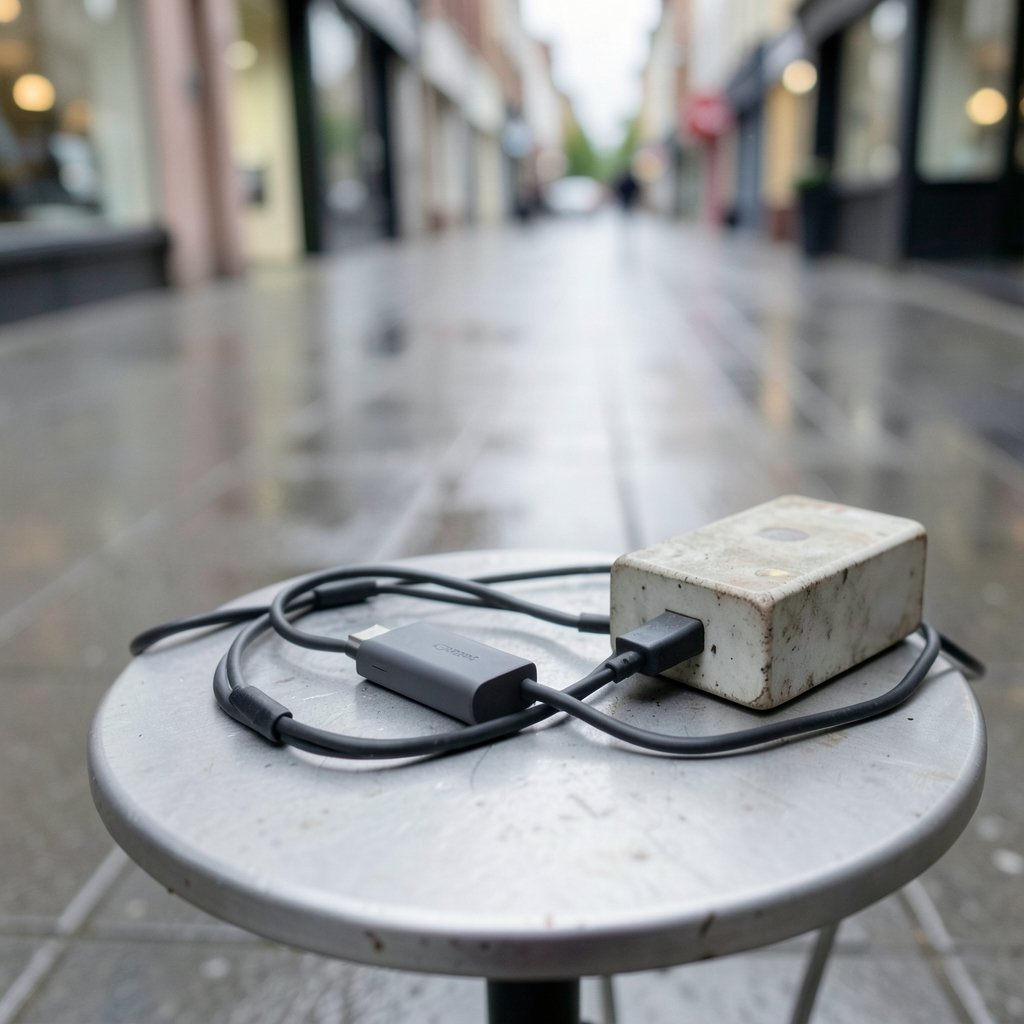
USB-C chargers, particularly GaN (gallium nitride) models, pack a lot of power into a very small shell. That design trend has real acoustic consequences.
High switching frequencies in tight spaces
To shrink the transformer and other magnetics, engineers push switching frequencies higher. Smaller magnetic components mean less material to absorb vibration, and tighter packing means less space for damping. The result is a design that is efficient and pocketable but acoustically more fragile.
Load-dependent noise
Coil whine is rarely constant. Many users notice it only at specific moments: when a laptop is nearly full and the charger drops to a low trickle rate, when a phone sits idle on the cable, or during the first minutes of a fast charge. This happens because the charger’s control circuit constantly adjusts switching behavior to match the load, and certain operating points resonate more than others.
The “silent room” factor
Part of the surge in complaints is perceptual. Modern chargers sit on desks and nightstands within arm’s reach, often in quiet rooms. A noise that would vanish under a desk in 2010 is now audible at 2 a.m. next to your pillow.
Is Coil Whine Dangerous? Separating Fact From Fear
Short answer: almost never. Coil whine is a mechanical side effect of normal operation. It is not a sign of arcing, overheating, or imminent failure. Electrical safety standards such as IEC 62368-1 and UL 62368-1 focus on shock, fire, and thermal hazards, not acoustic noise, and USB Power Delivery specifications from the USB Implementers Forum govern electrical and protocol behavior rather than sound levels. In other words, a whining charger can still be fully compliant and safe.
There are exceptions worth watching. If the noise comes with any of the following, treat it as a genuine problem rather than cosmetic annoyance:
| Warning sign | What it may indicate | What to do |
|---|---|---|
| Buzzing plus a burning smell | Overheating component | Stop using it immediately |
| Visible scorching or melted plastic | Internal failure | Replace the charger |
| Noise that starts after a drop | Damaged magnetics or solder joint | Replace the charger |
| Extreme heat at the plug | Poor contact or failing internals | Unplug and inspect the outlet |
A plain high-pitched whine with normal temperatures and no smell is almost always harmless.
What Actually Works: Practical Fixes Ranked
Here is where real-world experience beats theory. Most people try the wrong things first, so work down this list in order.
- Change the outlet or circuit. Electrical noise on the mains, or interaction with other devices on the same circuit, can change the sound. Try a different room.
- Swap the cable. A marginal cable can push the charger into odd operating modes. Use a certified USB-C cable rated for your wattage.
- Change what you are charging. Plug in a different device and listen. If the whine disappears, the charger is fine and the interaction with one device is the trigger.
- Move the charger off hard surfaces. A brick resting on a wooden desk acts like a sounding board. Setting it on a cloth or rubber mat can noticeably reduce perceived volume.
- Use a higher-wattage charger. A 100W charger running at 45W often operates in a calmer regime than a 45W unit running flat out. This is the single most effective upgrade for chronic whiners.
- Return it if it is loud. Within the return window, persistent loud whine is legitimate grounds for exchange. Retailer policies vary, but many accept “unreasonably noisy” as a defect.
If you are shopping for replacements, it helps to read owner reviews specifically for noise complaints. Guides like this roundup of the best USB-C hubs for MacBook laptops and this breakdown of the best USB-C hub for MacBook Air discuss power delivery behavior, which matters because hubs and docks can introduce their own electrical quirks.
Common Mistakes People Make
A few habits make coil whine worse or lead people to the wrong conclusions.
- Assuming a whine means a fake or cheap charger. Plenty of premium, brand-name chargers whine. Design and component choice matter more than price.
- Buying the smallest possible brick. Ultra-compact chargers trade acoustic headroom for size. If silence matters, accept a slightly larger shell.
- Ignoring the device side. Sometimes the phone or laptop is drawing power in a pattern that excites the charger. Testing with a second device is the fastest way to isolate the cause.
- Confusing coil whine with fan noise or capacitor squeal. Laptop fans, external drives, and monitors can all produce similar sounds. Unplug the charger and listen again to confirm the source.
- Returning a charger without testing the cable first. A surprising number of “charger whine” cases vanish after a cable swap.
Does GaN Make Coil Whine Worse?
This is the question everyone asks, and the honest answer is: it depends on the design, not the material. Gallium nitride transistors allow higher switching frequencies and smaller magnetics, which can make a charger more susceptible to audible noise. But GaN also enables better efficiency and thermal headroom, and skilled engineers can tune the control loop and encapsulate the inductors to suppress vibration. Rigorous public data comparing GaN and silicon chargers for acoustic noise is scarce, so treat sweeping claims with skepticism. The specific model matters far more than the transistor type on the label.
When to Replace Instead of Tolerate
Use a simple decision rule. If the whine is audible from more than a meter away, wakes you at night, or has gotten louder over time, replace the charger. If you can only hear it with your ear near the brick in a silent room, it is within normal variation and not worth the hassle. For anyone assembling a desk setup, pairing a quiet charger with a well-reviewed dock makes a bigger difference than chasing spec sheets. This guide to the best USB-C hub for MacBook Pro is a useful starting point, and if you want the broader picture, the best USB-C hub comparison covers power passthrough and build quality across price tiers. (USB Charger (USB Power Delivery))
One more practical tip: keep your charger off carpet and bedding. Soft surfaces trap heat, and heat accelerates component aging, which is one of the few things that can turn a mild whine into a louder one over time. If you are also setting up a bedside charging station, choosing quiet accessories matters as much as the brick itself. Reviews of the best wireless chargers for iPhone and Android often flag buzzing coils, since wireless pads have their own version of the same problem.
Conclusion
Coil whine is the sound of physics doing its job inside a very small box. It is common, usually harmless, and almost always more annoying than dangerous. The chargers most likely to whine are the compact, high-power USB-C models that prioritize portability over acoustic damping, and the noise often appears only at specific load levels. Before you panic or rush to return a brick, test the outlet, the cable, and the device, then try a higher-wattage charger if the sound persists. If the whine is loud, worsening, or paired with heat or smell, replace the unit. Otherwise, a rubber mat and a little distance from your ears will solve most of it.
Frequently Asked Questions
Is coil whine from a USB-C charger dangerous?
In the vast majority of cases, no. Coil whine is a mechanical vibration from inductors and transformers, not an electrical fault. It does not indicate arcing or imminent failure. Only treat it as a hazard if it comes with a burning smell, extreme heat, visible damage, or a noise that suddenly appears after a drop.
Why does my charger only whine sometimes?
Because coil whine is load-dependent. The charger adjusts its switching behavior based on how much power your device draws. Certain operating points, such as trickle charging near full battery or the first minutes of fast charging, can resonate more than others. That is why the noise seems to come and go.
Do GaN chargers whine more than regular ones?
Not necessarily. GaN designs can be more susceptible because they use higher switching frequencies and smaller magnetic components, but good engineering, inductor encapsulation, and careful control-loop tuning can make a GaN charger completely silent. The specific model matters far more than whether it uses gallium nitride.
Can I fix coil whine myself?
You cannot eliminate it inside a sealed charger, and you should never open one. What you can do is change the conditions: try a different outlet, swap the cable, test with another device, set the charger on a soft surface, or move up to a higher-wattage unit so it runs below its maximum. If none of that helps and the noise is loud, exchange it.
Should I return a whining charger?
If it is within the return window and the noise is clearly audible from normal distance, yes. Many retailers accept “unreasonably noisy” as a valid reason for exchange. If you can only hear it with your ear pressed to the brick in a silent room, that is normal variation and a return is unlikely to help.
Does coil whine mean my charger is low quality?
No. Premium chargers from major brands whine too. Price and brand do not reliably predict acoustic behavior, because noise depends on the specific magnetics, control loop, and mechanical assembly. Reading owner reviews specifically for noise complaints is a better predictor than the price tag.
A final note on expectations: no manufacturer guarantees a silent charger, and acoustic performance is rarely listed in spec sheets. If silence is a priority, buy from retailers with generous return policies, test the unit immediately at your typical charging loads, and keep the packaging until you are satisfied. That small bit of diligence is the most reliable protection against a noisy brick.



