
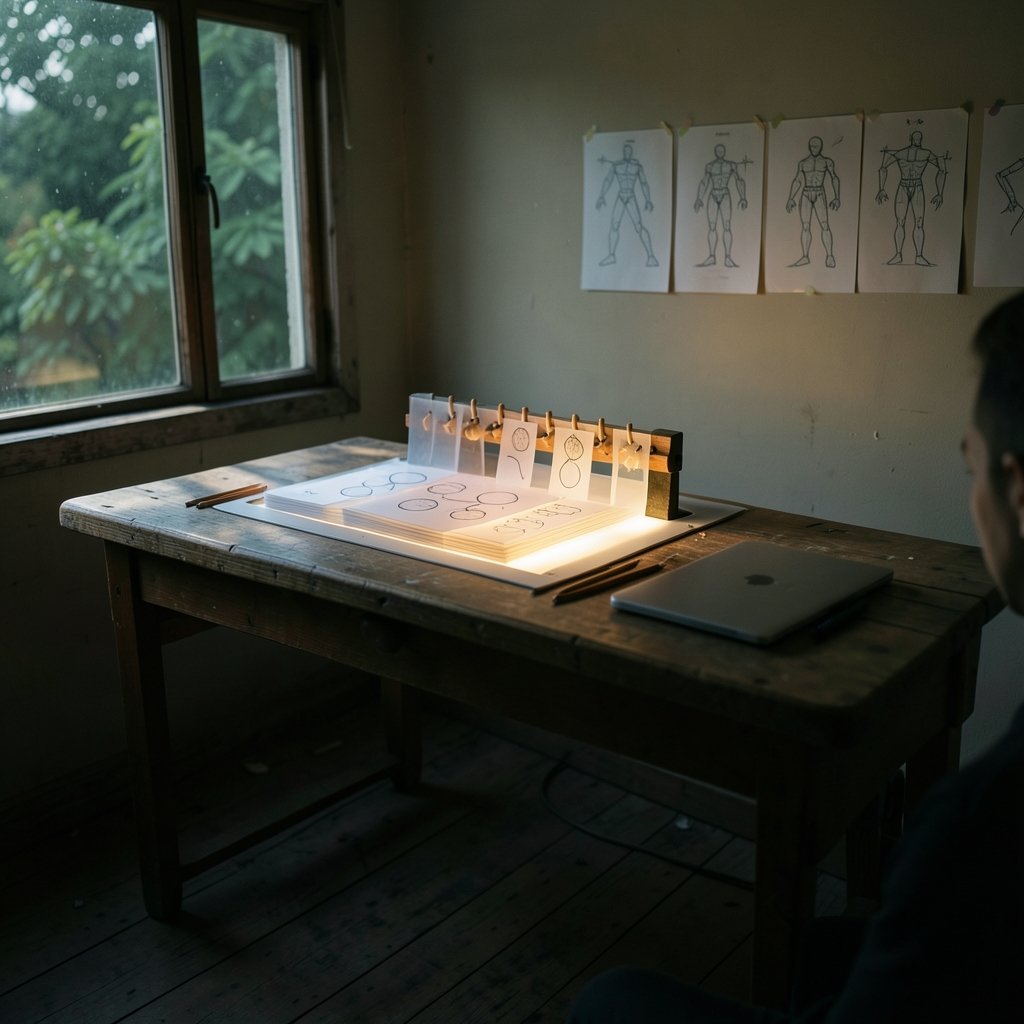
What happens when the animation software you rely on stops fitting your work, or your budget, or your machine? That question hits more people than you might think. Adobe ended Flash Player support on 31 December 2020, and a whole generation of animators had to rebuild their pipelines almost overnight. Since then, the search for animation tools alternatives has grown into something more interesting than a simple “free vs. paid” debate. It is now about matching a tool to a job: hand-drawn frames, cut-out rigs, motion graphics, or 3D.
This article walks through the real alternatives, what each one is genuinely good at, and where people tend to get burned. No hype, no “best tool ever” claims.
Why Animators Keep Looking for Alternatives
There are three honest reasons people switch. The first is cost. Subscription pricing on professional suites can run into hundreds of dollars a year, and for a solo creator or a small studio that adds up fast. The second is licensing. “Free” and “open source” get used as if they mean the same thing, but they do not. A GPL-licensed tool and a BSD-style licensed tool both cost nothing to download, yet they carry different obligations if you plan to modify or redistribute the software. Anyone building a commercial pipeline should read the license, not only compare price tags.
The third reason is control. When a tool is open source, you are not dependent on a vendor’s roadmap. That matters if your project has a five-year lifespan.
There is also a subtler driver: interoperability. Moving a cut between an editor and an animation tool used to mean exporting and re-importing with losses. The OpenTimelineIO project, originally from Pixar and now hosted by the Academy Software Foundation, exists precisely to solve that problem with an open interchange format for editorial timelines. If switching costs are what hold you back, that standard is worth knowing about before you commit to anything.
The Free and Open Source Contenders
This is where most searches end up, and rightly so. The open source animation world is deeper than it looks.
Blender
Blender is the obvious starting point, and for good reason. It is free, open source under the GPL, and it does far more than 3D. Its 2D animation system, Grease Pencil, was substantially reworked in Blender 4.3, released in November 2024. Grease Pencil lets you draw in 2D inside a 3D scene, which is a strange-sounding idea until you see it used for a camera move through a hand-drawn world.
The catch: Blender’s learning curve is real. People who open it expecting a drawing app bounce off the interface within an hour. It rewards patience.
Krita
Krita is a painting program first and an animation tool second, and that ordering is the point. It has a frame-by-frame animation timeline with onion skinning, and it exports video through FFmpeg. If your work is illustration-led, Krita feels natural in a way that a full 3D suite never will. It is GPL-licensed and free.
OpenToonz
OpenToonz is a free, open-source 2D animation application derived from Toonz, the software associated with the Toonz Animation India and Studio Ghibli lineage. It is distributed under a BSD-style license. It is powerful and it is also famously fiddly. The interface shows its heritage, and new users often describe the first week as a fight. Studios that push through tend to stay.
Synfig Studio and Pencil2D
These two occupy different niches. Synfig Studio is a free, open-source 2D vector animation tool aimed at cut-out and tweened animation rather than frame-by-frame drawing. Pencil2D is a free, open-source, lightweight 2D hand-drawn tool under the GPL, positioned for simple frame-by-frame work.
Both are smaller projects. Their maintenance status is the single most likely thing to have changed since any article was written, so check recent activity before you build a workflow around either one. That is not a knock. It is just how small open source projects work.
| Tool | Best for | License | Learning curve |
|---|---|---|---|
| Blender (Grease Pencil) | 2D-in-3D, mixed pipelines | GPL | Steep |
| Krita | Illustration-led frame animation | GPL | Moderate |
| OpenToonz | Studio-style 2D production | BSD-style | Steep |
| Synfig Studio | Cut-out and tweened vector work | Open source | Moderate |
| Pencil2D | Simple hand-drawn frames | GPL | Gentle |
What About 3D and Motion Graphics?
If your work leans 3D, the alternative tools look different. Blender again dominates the free tier. The bigger question is whether your assets survive the trip between tools, not which tool you animate in.
That is where glTF 2.0 matters. It is an open, royalty-free 3D asset format standardized by the Khronos Group, with the specification published in 2017 and extensions added since. It has become the common interchange format for 3D and animation assets between tools and engines. Before you commit to an alternative, check whether it imports and exports glTF cleanly. A tool that cannot move assets out is a tool that traps you.
For motion graphics specifically, the honest answer is that the free options are thinner. Many creators end up combining a free animation tool with a paid compositor, or moving toward web-based tools. If that is your situation, it helps to see how other tool categories handle the same switching problem. The same logic applies to design work, where the trade-offs are laid out in this breakdown of Canva alternatives by use case, and to automation platforms, where Make alternatives explained with conditionals shows how a tool’s logic model changes what you can build.
How to Judge an Alternative Before You Commit
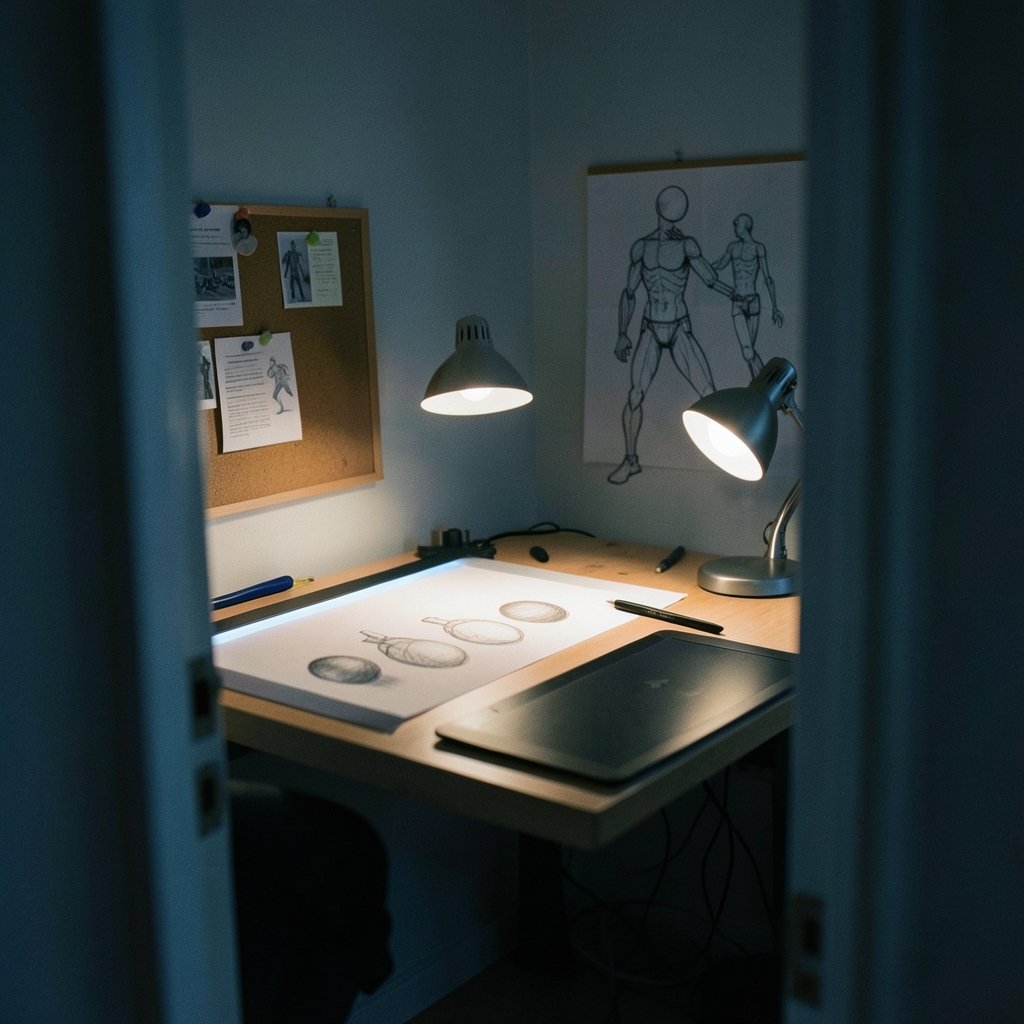
Most bad switches happen because people compare feature lists instead of workflows. A feature list tells you what a tool can do. It does not tell you whether you can do it on a Tuesday afternoon with a deadline.
The most useful framework for judging any animation tool is still the 12 basic principles of animation, articulated by Disney animators Frank Thomas and Ollie Johnston in The Illusion of Life: Disney Animation (1981). Squash and stretch, timing, staging, anticipation. A tool that makes these hard to control is a tool that will fight you, no matter how many features it lists.
Here is a practical test sequence that works better than a demo reel:
- Open the tool and try to make a bouncing ball with squash and stretch in under ten minutes.
- Draw or rig a character, then change one thing about it after the fact. Note how many clicks that took.
- Export your result in a format another program can read.
- Close the tool, reopen it, and see whether your project survived intact.
- Check the license terms against how you actually plan to use the output.
If step two takes more than a few minutes, the tool will slow you down on every revision. That is the real cost, and it never shows up in a feature comparison.
Common Mistakes People Make When Switching
The first mistake is treating “free” as the whole decision. A free tool with a steep learning curve can cost more in lost days than a paid tool would have cost in dollars. Time is the budget that matters most for solo creators.
The second is switching everything at once. Animators who move their entire pipeline in a single week tend to end up with half-finished projects in two formats and no clear home for either. Move one stage at a time. Keep the old tool installed until the new one has survived a real deadline.
The third is ignoring export. A tool is only as good as what it can hand off. Test the export path on day one, not on delivery day.
The fourth is assuming a small project is dead because it is quiet. Some open source animation tools go months without a release and then ship a big update. Others genuinely stall. The only way to tell is to look at recent commits and forum activity, not at a version number.
This pattern repeats across every software category. Teams moving between project tools hit the same wall, which is why ClickUp alternatives and how work changes when you switch tools is worth reading even if you never touch a timeline. And beginners comparing board tools face an almost identical set of trade-offs in this guide to Trello alternatives for beginners comparing board tools.
Where AI Animation Tools Fit In
AI-assisted animation has moved from novelty to genuine option, especially for branding and short-form work. Tools that generate logo animations or fill in tweened motion can save hours on repetitive tasks. The realistic expectation is that they handle the boring parts, not the creative direction.
For animated branding specifically, the current generation of tools is covered in this look at AI logo animation tools for animated branding, and the broader field is surveyed in this roundup of the best AI animation tools that work without design skills. Treat these as accelerators, not replacements. An AI tool that produces a passable result in thirty seconds still needs a human to judge whether the timing feels right, and timing is the whole game.
The same caution applies to build tools and automation. If you are wiring animation output into a larger pipeline, the trade-offs in this comparison of Make alternatives and real build tools that beat the defaults will look familiar. And if design assets are part of your animation workflow, this piece on Canva alternatives where other tools actually win covers the same “free versus capable” tension.
A Sensible Way to Choose
Start with the job, not the tool. Hand-drawn frame animation points toward Krita or Pencil2D. Studio-style 2D production points toward OpenToonz. Cut-out and vector work points toward Synfig. Mixed 2D-in-3D work points toward Blender. Motion graphics and branding may point toward AI-assisted tools or a paid compositor.
Then check three things: does it export what you need, does the license fit your use, and can you finish a small real project in it this week. If all three pass, you have found your alternative. If one fails, keep looking. The list of options is long enough that settling is unnecessary.
Conclusion
The search for animation tools alternatives is not really about finding a cheaper copy of what you already use. It is about finding a tool whose strengths match your actual work and whose weaknesses you can live with. Blender, Krita, OpenToonz, Synfig, and Pencil2D each solve a different problem, and each one asks something different of you in return. The open interchange standards behind them, from OpenTimelineIO to glTF 2.0, matter as much as the tools themselves, because they decide whether you can leave later. Pick for the work in front of you, test the export path early, and give yourself a week before you judge. That approach beats any feature chart.
FAQ
Is Blender a good alternative for 2D animation?
Yes, if you are willing to learn it. Blender’s Grease Pencil system lets you draw 2D animation inside a 3D scene, and it was substantially reworked in version 4.3, released in November 2024. It is free and open source under the GPL. The trade-off is a steep learning curve, so it suits people who want 2D and 3D in one pipeline more than people who just want a simple drawing app.
What is the best free alternative to paid animation software?
It depends on the job. Krita is strong for illustration-led frame animation. OpenToonz suits studio-style 2D production. Synfig Studio handles cut-out and tweened vector work. Pencil2D is the gentlest option for simple hand-drawn frames. Blender covers mixed 2D and 3D work. All are free, but their licenses differ, so check the terms before commercial use.
Are open source animation tools safe for commercial projects?
Usually yes, but the details matter. Blender and Krita are GPL-licensed, while OpenToonz uses a BSD-style license. These licenses generally permit commercial output, but they carry different obligations if you modify or redistribute the software itself. Read the specific license rather than assuming “free” means “no rules.”
Why did so many animators switch tools after 2020?
Adobe ended Flash Player support on 31 December 2020, following its July 2017 announcement that it would stop distributing and updating the software. That shutdown pushed a large number of creators toward HTML5 and WebGL-based tools as well as open source alternatives. It remains one of the biggest forced migrations in the history of web animation.
How do I move my animation work between different tools?
Use open interchange formats. OpenTimelineIO, originally from Pixar and now hosted by the Academy Software Foundation, defines an open format for editorial timelines. For 3D assets, glTF 2.0 is an open, royalty-free format standardized by the Khronos Group. Test the export path before you commit to a new tool, not after.
What should I check before switching animation software?
Run a small real project through the new tool first. Confirm it can export in a format your other software reads, check that the license fits your use, and see how long a single revision takes. If changing one detail of a character takes more than a few minutes, the tool will slow you down on every deadline.



