
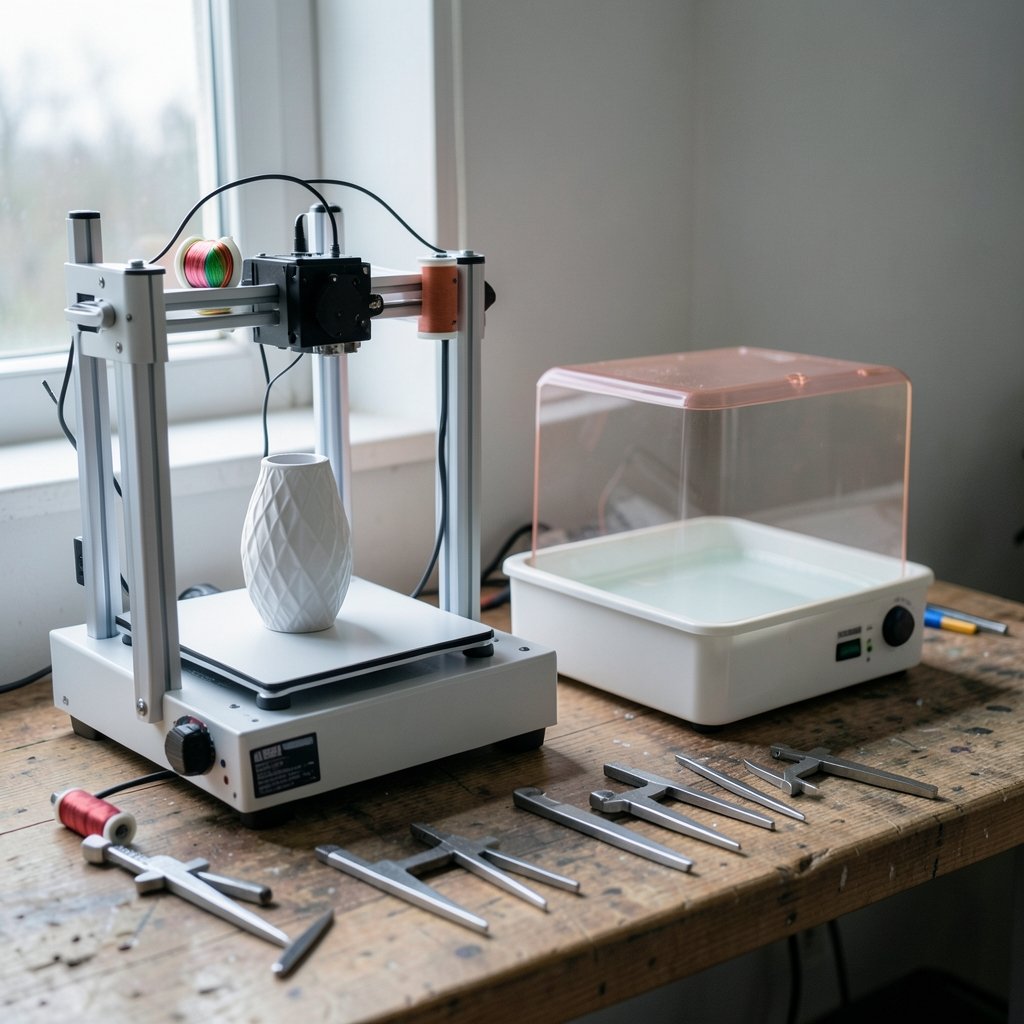
What if the most expensive 3D printer you could buy turned out to be the one that sits idle because it is too fiddly, too locked down, or too messy to use? That question sits at the heart of nearly every honest 3D printer comparison. The spec sheets all look impressive. The real differences show up in week three, when you are unclogging a nozzle, washing a resin print, or discovering that a “supported” filament voids your warranty.
This comparison breaks the market into the categories that actually change your experience: process type, ecosystem openness, build volume, speed, safety, and software. Prices and model lineups refresh roughly every year, so treat every number here as a dated snapshot rather than gospel.
The First Fork: FDM or Resin?
Almost every consumer comparison collapses into one decision before anything else. Fused deposition modeling (FDM) printers melt thermoplastic filament and lay it down layer by layer. Resin printers (SLA, DLP, and MSLA/LCD) cure liquid photopolymer with light.
| Factor | FDM | Resin (MSLA/LCD) |
|---|---|---|
| Typical entry price | Roughly $300–500 for years | Similar range since ~2019–2020 |
| Detail and surface finish | Visible layer lines, good enough for most parts | Fine detail, smooth surfaces |
| Post-processing | Remove supports, sometimes sand | Wash in solvent, then UV cure |
| Safety profile | Emissions; ABS worse than PLA | Skin sensitizer, irritant, needs gloves |
| Best for | Functional parts, jigs, large objects | Miniatures, dental models, jewelry casting |
The practical mistake here is buying resin for functional parts or buying FDM for miniature figures. Resin gives you detail that FDM cannot match at any price, but it also gives you a solvent wash station, a curing lamp, gloves, and a ventilated space. FDM gives you a machine you can run in a spare room with modest precautions and a spool of PLA.
Build Volume: The Spec People Misread
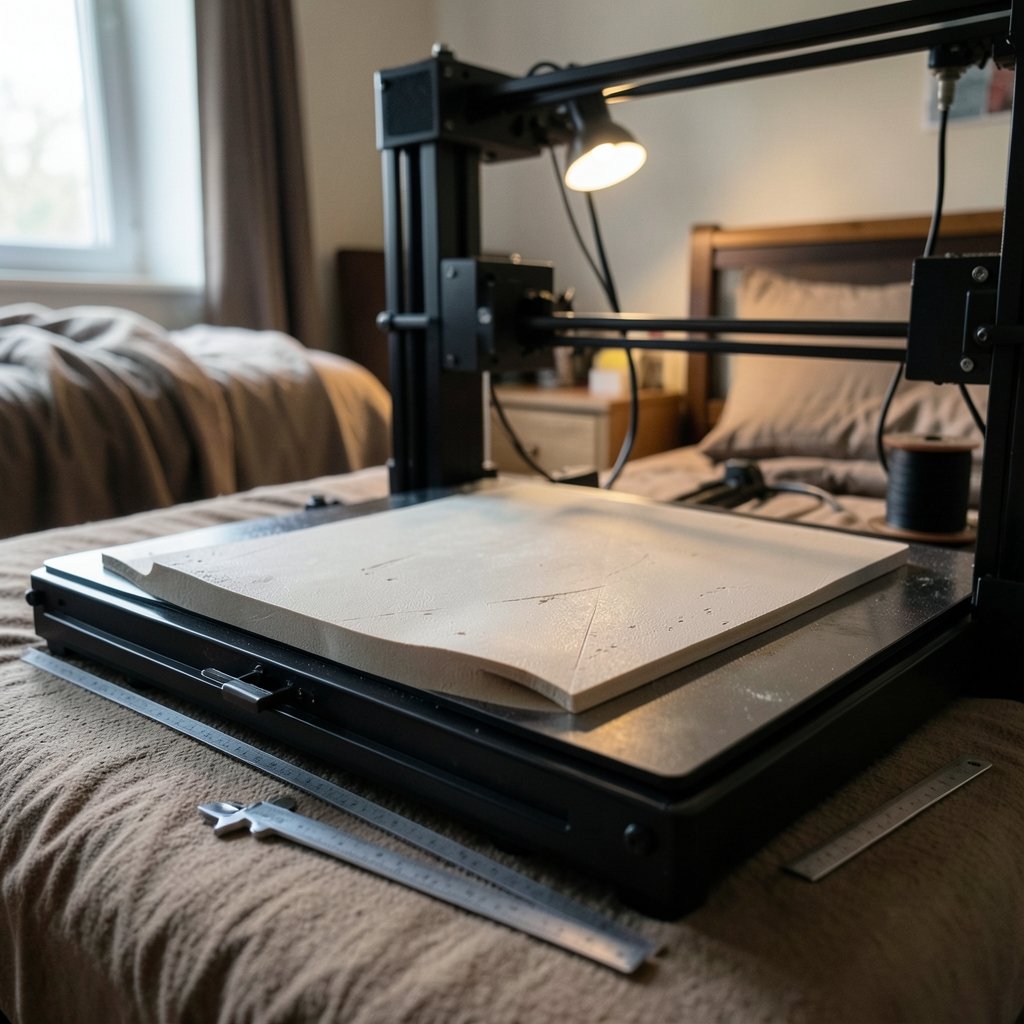
Build volume is usually quoted as three numbers, like 220 × 220 × 250 mm. That is the maximum envelope, not a promise. In practice, large flat parts warp at the corners, and tall thin parts wobble. The Ender-3 class popularized roughly 220 × 220 × 250 mm from 2018 onward, and larger machines now reach around 350 mm cubed.
A useful rule of thumb: plan to use about 70 percent of the advertised footprint for parts that must come out flat and accurate. If your design needs the full bed, consider splitting it into parts with joints. People routinely buy a bigger printer to avoid splitting a model, then discover the bigger printer is slower to heat, harder to tram, and more prone to bed-level drift.
Speed Claims and What They Really Mean
“High-speed” FDM became a mainstream marketing category around 2023–2024, driven by input shaping (vibration compensation) and Klipper-style firmware. These are real technologies with real benefits. They are also routinely oversold.
Vendor speed figures are almost never independently benchmarked, and they usually describe a best-case motion test rather than a print with acceptable surface quality. A printer rated at 500 mm/s may produce clean parts at 150–200 mm/s and stringy, ringing-prone parts at the headline number. When comparing machines, look for acceleration values and whether input shaping is calibrated per machine, not just the top speed on the box.
The honest comparison is throughput per finished part, not millimeters per second. A slower machine that finishes first time beats a fast one that fails twice.
Open Ecosystems vs Closed Ecosystems
This is the comparison dimension that bites hardest over time. Some vendors use proprietary materials, cloud-only workflows, or firmware that restricts third-party components. Others support open filament and community firmware.
Open ecosystems (Prusa, Creality, and the wider RepRap-derived family) let you buy filament anywhere, flash community firmware, and repair with off-the-shelf parts. The RepRap project lineage explains why so many consumer machines share parts and design language. The trade-off is that you inherit more tuning work.
Closed ecosystems offer polished workflows and tightly integrated hardware and software. The trade-off is dependency: material choices, cloud features, and repair paths are controlled by the vendor. Firmware and cloud policy changes have caused genuine controversy in the consumer market, which is a reminder to read the terms before you build a workflow around a cloud service.
If you want a broader sense of how platform lock-in plays out in other software categories, the analysis of Salesforce alternatives and their limitations makes a useful parallel: convenience and integration are real, and so is the cost of leaving.
Safety and Emissions: The Part Nobody Puts on the Box
FDM printers emit ultrafine particles and volatile organic compounds. Research published in Environmental Science & Technology in 2019 and follow-up work found emissions were generally higher with ABS than PLA. This is a research finding, not a regulatory standard, so ventilation advice varies. Enclosing the printer and venting it outdoors, or running it in a well-ventilated space, is the sensible default.
Resin is a different category of risk. Uncured resin is a skin sensitizer and irritant. In the US, manufacturers’ safety data sheets and labeling obligations fall under OSHA’s Hazard Communication Standard, 29 CFR 1910.1200. Read the SDS for your specific resin. Gloves, eye protection, and ventilation are not optional extras. Never pour uncured resin down a drain.
The common mistake is treating resin like paint. It is not. Sensitization builds with repeated exposure, so people who were fine for months can develop reactions. Wash and cure stations belong in a space you can ventilate, not next to your coffee cup.
Slicers and Software Change the Comparison
Print quality comparisons frequently conflate slicer settings with hardware. The same printer can look mediocre or excellent depending on profile quality. Cura, PrusaSlicer, and OrcaSlicer are the common choices, and each has a different philosophy.
Cura is approachable and widely documented. PrusaSlicer is deeply configurable and tightly tuned to its own hardware. OrcaSlicer has become popular for its calibration tools and broad machine support. The practical tip: before judging a printer, run a temperature tower and a flow calibration. Many “bad printer” reviews are actually bad profiles.
If you enjoy structured comparisons of software workflows, the breakdown of ChatGPT Go vs Plus vs Pro plans shows the same principle: the tier you pick matters less than whether it fits the work you actually do.
Industrial and Desktop Are Different Sports
Comparing a desktop FDM printer to an industrial system is a category error. Industrial machines (SLS, metal powder bed fusion, large-format resin) are judged on materials certification, repeatability, and service contracts, not sticker price. The vocabulary itself is standardized: ISO/ASTM 52900:2021 defines additive manufacturing process categories, and ASTM Committee F42 maintains the standards family.
For a hobbyist or small shop, the relevant comparison is between desktop machines. For a regulated manufacturer, the relevant comparison is between systems with documented material properties and traceable processes. Mixing the two produces useless rankings.
A Practical Comparison Table for Buyers
| Priority | What to compare | Common trap |
|---|---|---|
| First printer | Assembly time, support quality, community size | Buying the biggest bed you can afford |
| Functional parts | Enclosure, material compatibility, part cooling | Assuming PLA is fine for hot or outdoor use |
| Fine detail | XY resolution, layer height, wash/cure setup | Underestimating post-processing time |
| Reliability | Spare parts availability, firmware openness | Trusting vendor speed claims |
| Long-term cost | Filament freedom, nozzle and bed wear parts | Ignoring consumable costs |
What Actually Works in Practice
A few habits separate people who enjoy 3D printing from people who sell their printer after two months.
- Buy a machine with a large, active community. Troubleshooting help matters more than any spec.
- Start with PLA. It is forgiving, low-odor, and cheap to learn on.
- Calibrate once, properly. E-steps, flow, and first-layer squish solve most quality complaints.
- Keep a maintenance log. Nozzle changes, belt tension, and bed cleaning are predictable.
- Budget for post-processing tools, not just the printer.
- Ventilate. Always.
The comparison that matters most is not between two printers on a spec sheet. It is between the workflow you will actually maintain and the workflow you imagine you will maintain.
How AI Tools Fit Into Printer Research
Buyers increasingly use AI assistants to summarize reviews, and that has a specific failure mode: model lineups refresh annually, and assistants often blend outdated specs with current ones. Cross-check any AI-generated recommendation against a dated source. The comparison of Perplexity AI vs ChatGPT is useful here because it highlights how citation behavior differs between tools, which directly affects whether you can trust a summarized spec.
The same caution applies to any “best printer” list. Rankings conflict heavily between outlets and change within months. Date-stamp your data.
Conclusion
A good 3D printer comparison starts with process type, then narrows by build volume, ecosystem openness, safety, and software. FDM wins on cost, simplicity, and functional parts. Resin wins on detail, at the price of chemistry and cleanup. Open ecosystems trade polish for freedom; closed ecosystems trade freedom for polish. Neither is wrong, but only one matches how you actually work.
Ignore headline speeds. Read the safety data sheet. Calibrate your slicer before you blame the hardware. And remember that the best printer is the one you will still be using a year from now, not the one with the longest feature list on launch day.
Frequently Asked Questions
Is FDM or resin better for a beginner?
FDM is generally the easier starting point. It is cheaper to run, uses forgiving materials like PLA, and needs less specialized equipment. Resin printers produce finer detail but require gloves, solvent washing, UV curing, and careful ventilation, which adds cost and complexity before you print anything useful.
How much should a first 3D printer cost?
Entry-level FDM machines have sat roughly in the $300–500 range for several years, and resin printers reached similar prices around 2019–2020. Treat those as approximate, since pricing shifts constantly. Remember to budget for filament, tools, and ventilation, which can add a meaningful percentage to the total.
Do 3D printers need ventilation?
Yes, in most indoor settings. FDM printers emit ultrafine particles and volatile organic compounds, with ABS generally producing more than PLA. Resin printing adds solvent vapors and skin-contact hazards. An enclosure vented outdoors, or a well-ventilated room, is the practical baseline for either process.
Why do my prints fail even though the printer reviews well?
Most failures trace to slicer profiles and first-layer calibration, not hardware. Temperature, flow rate, and nozzle height interact, and a profile tuned for one filament can perform badly with another. Run a temperature tower and a flow test before concluding the machine is at fault.
What does “open ecosystem” mean for a 3D printer?
It usually means the printer accepts third-party filament, allows community or custom firmware, and can be repaired with commonly available parts. Closed ecosystems offer more integrated workflows but restrict materials and software choices. The trade-off is control versus convenience, and it matters more over years of ownership than on day one.
Are high-speed 3D printers worth it?
Often yes, but not for the reason marketing suggests. Input shaping and modern firmware genuinely reduce print times and artifacts. However, headline speed figures are rarely independently benchmarked and usually describe best-case motion rather than clean output. Compare acceleration behavior and real finished-part throughput instead.



