
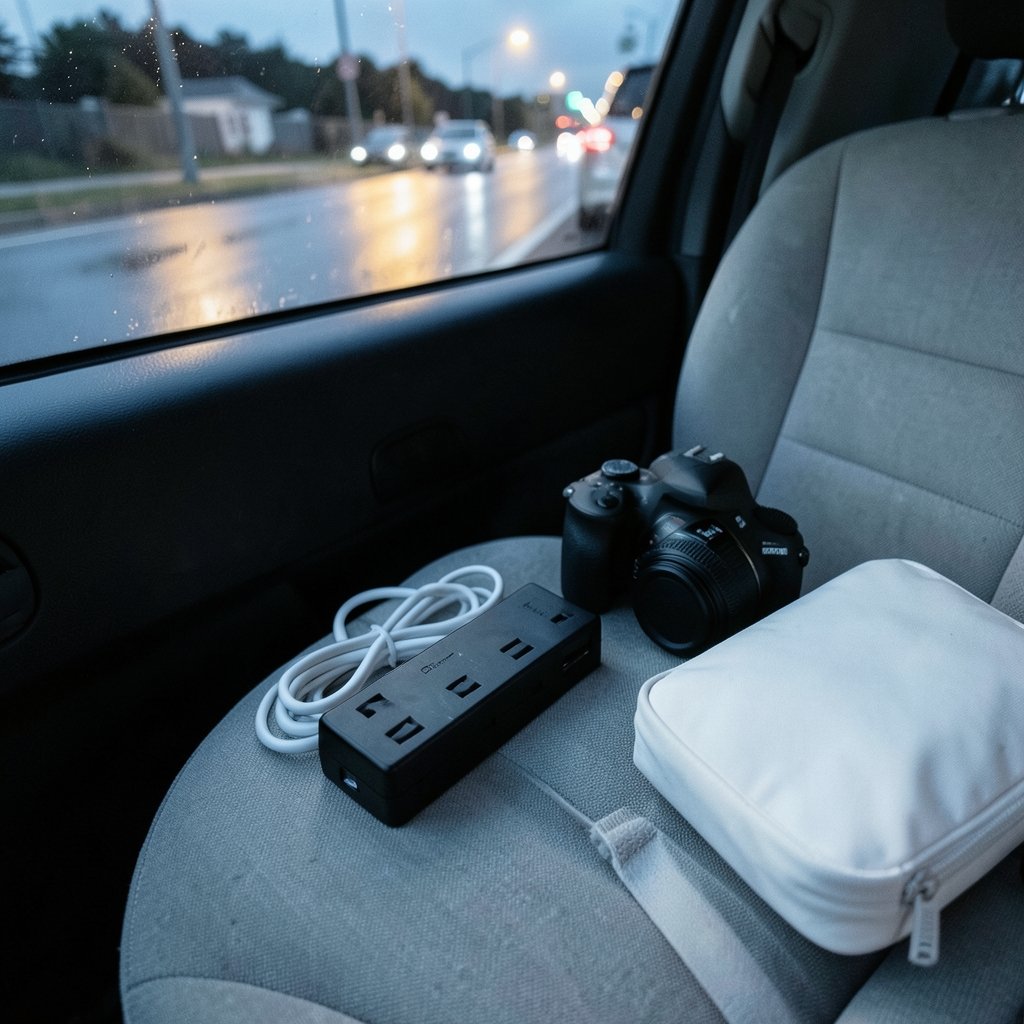
What would you do if a single power spike in a rented apartment fried the laptop that pays your rent? It sounds dramatic until it happens. Grid stability varies wildly from city to city, and hotel wiring is often an afterthought. For anyone working remotely, a surge protector is not a boring accessory. It is the cheapest insurance policy in the bag.
This roundup skips the theory and gets straight to specific picks. Each option below suits a different kind of traveler, from the minimalist carrying one laptop to the road warrior hauling a camera, a second screen, and a hard drive full of client work. Prices appear only where a listed source states them, so treat every figure as a starting point and check the seller’s page before buying.
The Shortlist at a Glance
| Option | Best for | Outlets and Ports | Joule Rating | Approx. Price |
|---|---|---|---|---|
| Ceptics WPS-5B World Travel Adapter Kit | All-in-one international travel | 2 AC, 2 USB-A, 2 USB-C | Built-in surge protection (rating not listed) | Not listed |
| Belkin SurgePlus 6-Outlet | Awkward hotel outlets | 6 AC, 2 USB-A | 900 Joules | $26.95 |
| SUPERDANNY Mini | Minimalist solo travel | 2 AC, 4 USB | 7-fold protection (joule count not listed) | Not listed |
| Anker 351 | Desk-heavy long stays | 12 AC, USB charging | Not listed for travel use | $28.99 |
| Belkin 12-Outlet | Media stacks and heavy gear | 12 AC | 4156 Joules | $36.40 |
| APC PE6U4 | Small desks and tight rooms | 6 AC, 4 USB | 1080 Joules | $24.36 |
| GaN travel protectors (category) | Carry-on weight limits | Varies | Varies | Not listed |
Ceptics WPS-5B World Travel Adapter Kit: Best All-in-One for Crossing Borders
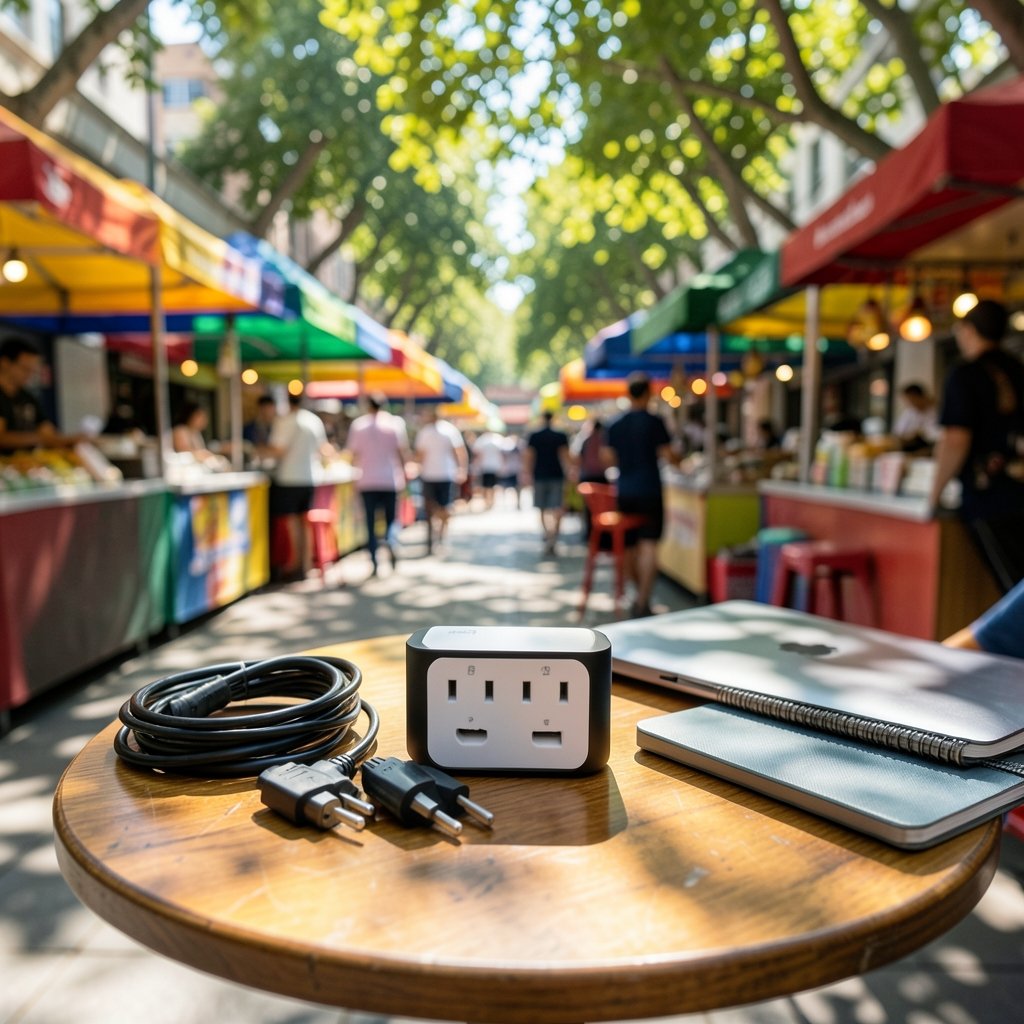
Most travelers pack an adapter and a power strip and hope the two cooperate. The Ceptics WPS-5B folds both jobs into one brick measuring 2.75 x 3.75 x 1.5 inches. It carries two grounded US outlets, two USB-A ports with Quick Charge 3.0, and two USB-C ports (20W Power Delivery and 18W Quick Charge). The included SWADAPT attachment system covers Type A/B/C/E/F/G/I plugs, which means it is ready for Europe, the UK, Australia, Japan, and most of Asia without a second purchase.
The feature that earns it a spot here is the dual voltage indicator LEDs. They show whether the wall outlet is running 110V or 220V, which matters when plugging into a hotel bathroom outlet in Rome or a train station socket in Tokyo. The USB-C ports negotiate real Power Delivery, so a MacBook Air or iPad Pro charges at full speed without the original brick.
The limitation is transparency: the listing describes built-in surge protection but does not publish a joule rating, so buyers who want hard numbers should ask the seller first. It also will not match a dedicated strip for outlet count.
Belkin SurgePlus 6-Outlet: Best for Awkward Hotel Outlets
Hotel rooms are designed by people who apparently never charge anything. The Belkin SurgePlus answers that problem with a wall-mountable body, six outlets, and two 2.1A USB-A ports, all rated at 900 Joules for $26.95. Wall mounting is the quiet win here. Plug it into the one accessible socket and the strip hangs there instead of dangling from a loose adapter.
900 Joules sits comfortably inside the range recommended for laptops and MacBooks, which one buying guide puts at 900 to 1200 Joules with a clamping voltage around 330V. That makes it a sensible default for a work laptop plus a phone.
The catch is USB-C. There is none, so a modern laptop still needs its own charger and cable.
SUPERDANNY Mini: Best for Minimalist Solo Travelers
At 4.29 x 1.69 x 1.1 inches and 8 oz, the SUPERDANNY Mini weighs less than a deck of cards and slips into a jacket pocket. It packs two AC outlets and four USB ports into that shell, with 1.9-inch outlet spacing that fits bulky international adapters without crowding the second socket. The shell is UL94 V-0 fire-resistant, and the listing describes 7-fold protection including surge suppression.
For someone carrying exactly one laptop and one phone, this is the smallest genuinely surge-protected strip on the shortlist. The trade-offs are real, though. Two AC outlets cap how much gear you can run, and the rubber bottom dots may not anchor well on a slick desk.
Anker 351: Best for Desk-Heavy Long Stays
The Anker 351 costs $28.99 and fits 12 outlets plus USB charging into one strip. That is overkill for a weekend trip and exactly right for a month-long stay in a coworking apartment where one wall socket has to feed a laptop, a monitor, a phone, a camera battery charger, and a travel router.
One number deserves attention: the Anker 351 carries a voltage rating of 125 volts. That is a US-market rating. Travelers heading to 220V countries need to confirm compatibility before plugging in, because a strip built for 125V is not a world-voltage device. This is one of the most common and most expensive mistakes in the category.
Belkin 12-Outlet: Best Joule Rating for Expensive Gear
If the bag holds a camera body, lenses, and external drives, joule count stops being abstract. The Belkin 12-Outlet costs $36.40 and posts the highest joule rating in this group at 4156 Joules, with a 10 ft cord that reaches the far side of a room. Higher joule ratings mean a longer protective life and more absorbed energy before your devices see the spike.
The limitation is bulk and weight. A 12-outlet strip with a 10-foot cord is a desk fixture, not a pocket item. It belongs in checked luggage or a long-stay apartment, not a daypack.
APC PE6U4: Best for Tight Desks and Small Rooms
The APC PE6U4 costs $24.36 and clamps to the edge of a desk, staying off the floor entirely. It offers six outlets and four USB ports at 1080 Joules. In a cramped studio rental where floor space is a luxury, the clamp design keeps cables off the ground and out of the way of feet, vacuums, and spilled coffee.
The compromise is layout. Clamp-style strips suit desks, not bedsides or kitchen counters, so it works best for travelers who always set up at a table.
GaN Travel Protectors: Best for Carry-On Weight Limits
Gallium nitride chargers and protectors are up to 40% smaller than traditional silicon models and generate significantly less heat, which makes them the most efficient choice for carry-on travel. For digital nomads flying budget airlines with strict weight limits, that difference is measurable.
The limitation is that GaN describes the charging technology, not the surge protection. A GaN charger with no MOV-based suppression is still just a charger. Look for explicit joule and clamping voltage figures on the packaging rather than trusting the phrase “heavy duty.”
How to Choose in Five Minutes
Start with the rating on the box, because it decides how much of a spike the strip absorbs before your gear sees it. Then work through these checks:
- Match joules to devices. Smartphones and tablets need roughly 300 to 500 Joules. Laptops and MacBooks want 900 to 1200 Joules at a clamping voltage near 330V. Medical gear such as a CPAP machine calls for 1500+ Joules.
- Confirm voltage compatibility. A 125V strip is not a world-voltage device. Check the label before plugging into a 220V socket.
- Verify the certification marks. A product that says “safe protection” in large letters but lists no technical parameters or safety certification is a pass.
- Check outlet spacing. Bulky international adapters eat space fast. Spacing under two inches gets tight.
- Decide whether you need grounding. Surge protection depends on a working ground path. In buildings without proper grounding, protection performance drops sharply.
- Count your ports honestly. Two AC outlets is enough for one laptop and one phone and not much else.
One more practical note: cheap power strips and surge protectors are not the same thing. Some budget strips carry clear “no surge protection” wording on the packaging. Unless you are scraping the bottom of the price barrel, most strips you find will include surge protection, but the label is the only way to know. The same logic applies when you are picking other travel tech. Guides on the best AI banking apps digital nomads 2027 actually works follow the same principle: verify the spec sheet, not the marketing.
What Actually Works in Practice
Field experience from long-term remote workers points to a few habits that matter more than brand loyalty. In older buildings with aging wiring, generic corner-store strips are a genuine risk rather than a minor shortcut. One remote worker reported replacing a fried motherboard after trusting a cheap “universal” adapter, which is the kind of expensive lesson that makes a $27 strip look cheap.
The mechanics are worth understanding. Surge protection works by absorbing a momentary voltage spike, not by blocking a direct lightning strike. A metal oxide varistor, or MOV, conducts within microseconds and diverts excess energy to the ground line, clamping the output voltage. That is why grounding matters so much and why a protector with no technical parameters deserves suspicion.
Practical habits that pay off:
- Plug the strip in first, then connect devices one at a time, so you notice a dead outlet immediately.
- Keep the strip off wet bathroom counters even when the outlet is convenient.
- Unplug during visible storms rather than trusting any consumer device with a direct hit.
- Replace a protector after a major surge event, since absorbed energy degrades protection over time.
If you are also sorting out your remote work setup, a look at best surge protectors home office actually protects your covers the desk-side version of the same decision. And if your travel kit includes a second machine for coding, the privacy trade-offs in cursor vs vs code telemetry privacy mode really protect 2027 are worth reading before you configure it on hotel Wi-Fi.
Common Mistakes That Cost Real Money
The first mistake is buying an adapter and assuming it protects anything. Adapters change plug shapes. They do not absorb surges.
The second is ignoring the voltage rating. A 125V strip plugged into a 220V supply is a fire risk, not a protector.
The third is trusting the word “heavy duty.” Marketing terms are meaningless without data behind them. Look for joules, clamping voltage, and a certification mark.
The fourth is skipping the strip because the hotel “looks modern.” Modern lobbies and old wiring coexist happily in the same building.
Conclusion
The right pick depends on how you travel. Minimalists should carry the SUPERDANNY Mini or the Ceptics WPS-5B, which covers multiple countries in one brick. Laptop-first workers get the most value from the Belkin SurgePlus at $26.95, with its 900 Joules and wall-mount design. Long-stay remote workers with a full desk should reach for the Anker 351 or the APC PE6U4, while anyone carrying camera gear and drives should pay the extra for the Belkin 12-Outlet and its 4156 Joules. Whichever you choose, check the joule rating, confirm the voltage, and never assume an adapter is protection. Your gear is your income. Treat the strip accordingly.
Frequently Asked Questions
Do I really need a surge protector when traveling?
Yes, if you carry gear you cannot afford to replace. Grid stability varies by city, and hotel and rental wiring is often neglected. A compact protector costs a fraction of a logic board repair, and the downtime from a fried laptop can cost far more than the hardware itself.
How many joules do I need for a laptop?
For laptops and MacBooks, aim for 900 to 1200 Joules with a clamping voltage around 330V. Phones and tablets need less, roughly 300 to 500 Joules. Devices like a CPAP machine call for 1500 Joules or more.
Can I use a US surge protector in Europe or Asia?
Only if the strip is rated for the local voltage. A strip rated at 125 volts is not a world-voltage device and should not be plugged into a 220V supply. Before connecting anything, check the label on the strip itself as well as the plug adapter.
What is the difference between a power strip and a surge protector?
A power strip simply adds outlets. A surge protector adds components, usually MOVs, that absorb voltage spikes and divert excess energy to ground. Some budget strips carry explicit “no surge protection” wording on the packaging, so read the label carefully.
Does surge protection work without proper grounding?
Not well. Surge protection depends on a valid ground path to divert excess energy. In buildings without effective grounding, protection performance drops sharply, which is common in older construction and some converted apartments.
How often should I replace a travel surge protector?
Replace it after a major surge event, since absorbed energy degrades the protection over time. Higher joule ratings last longer under normal use. If the protection indicator light stops working, retire the unit rather than keep using it as a plain power strip.



