A single lightning strike near a home can send a burst of excess voltage through the wiring in an instant. Even ordinary switching events inside the house, like a refrigerator compressor kicking on, push small spikes onto circuits all day long. For a home office full of laptops, monitors, external drives, and a router, those small events add up. The right surge protector is cheap insurance; the wrong one is a plastic box with an on/off switch and a marketing sticker.
This guide covers what separates real protection from decoration, how to compare models, and which categories of surge protector fit different home office setups.
Why a Power Strip Is Not a Surge Protector
The most common mistake people make is grabbing a $10 power strip and assuming their equipment is protected. It isn’t. A plain power strip multiplies outlets; it does not contain metal oxide varistors (MOVs), the components that absorb excess voltage. If the packaging doesn’t say “surge protector” and list a joule rating and clamping voltage, it is just an extension cord with extra sockets.
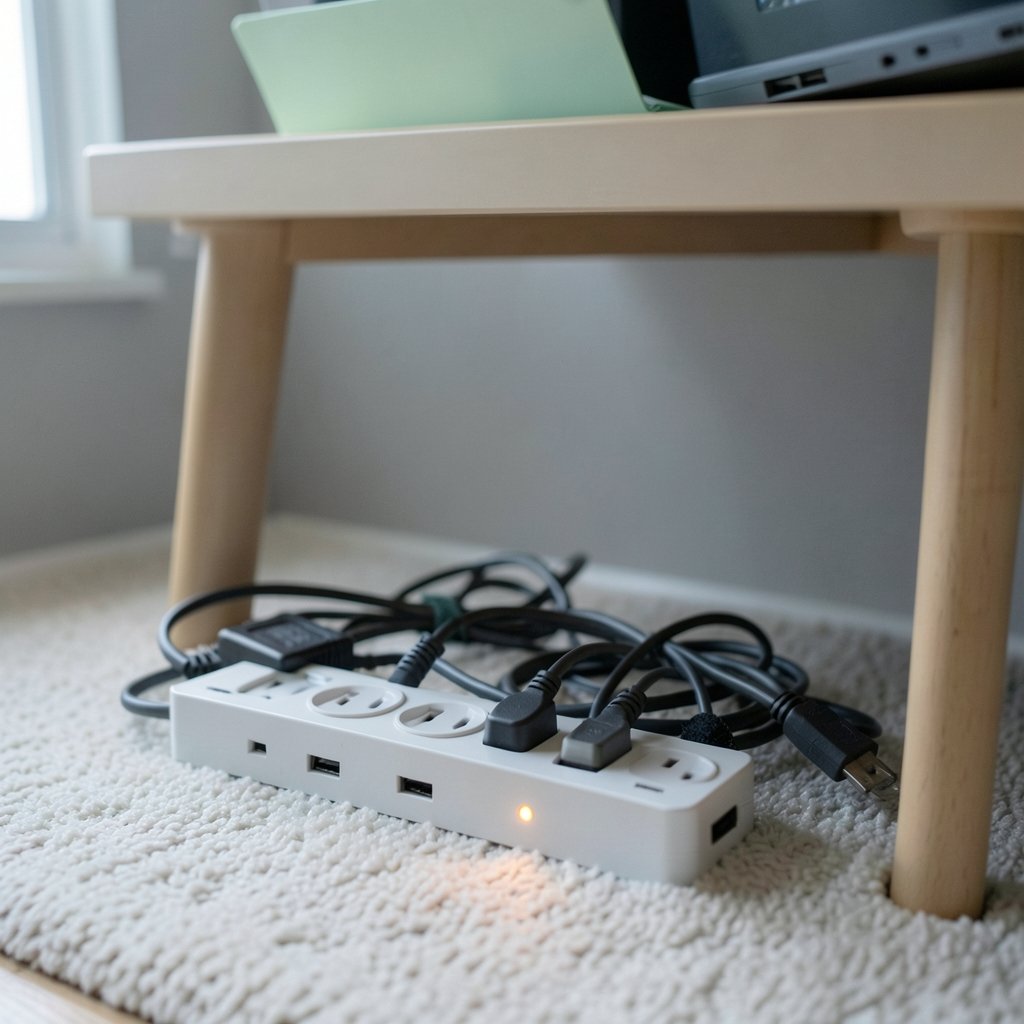
A second common mistake is daisy-chaining: plugging one strip into another to reach across a room. Most manufacturers advise against it, and it’s a genuine fire risk because the first strip carries the combined load of everything downstream. If the office layout demands more reach, buy a longer cord on a single unit rather than stacking strips.
A third mistake is overloading. A surge protector’s joule rating says nothing about how many amps it can pass safely. Check the amperage rating (typically 15A for household strips) and add up what you plan to plug in. A space heater plus a laser printer plus a desktop tower can approach that ceiling fast.
The Specs That Actually Matter
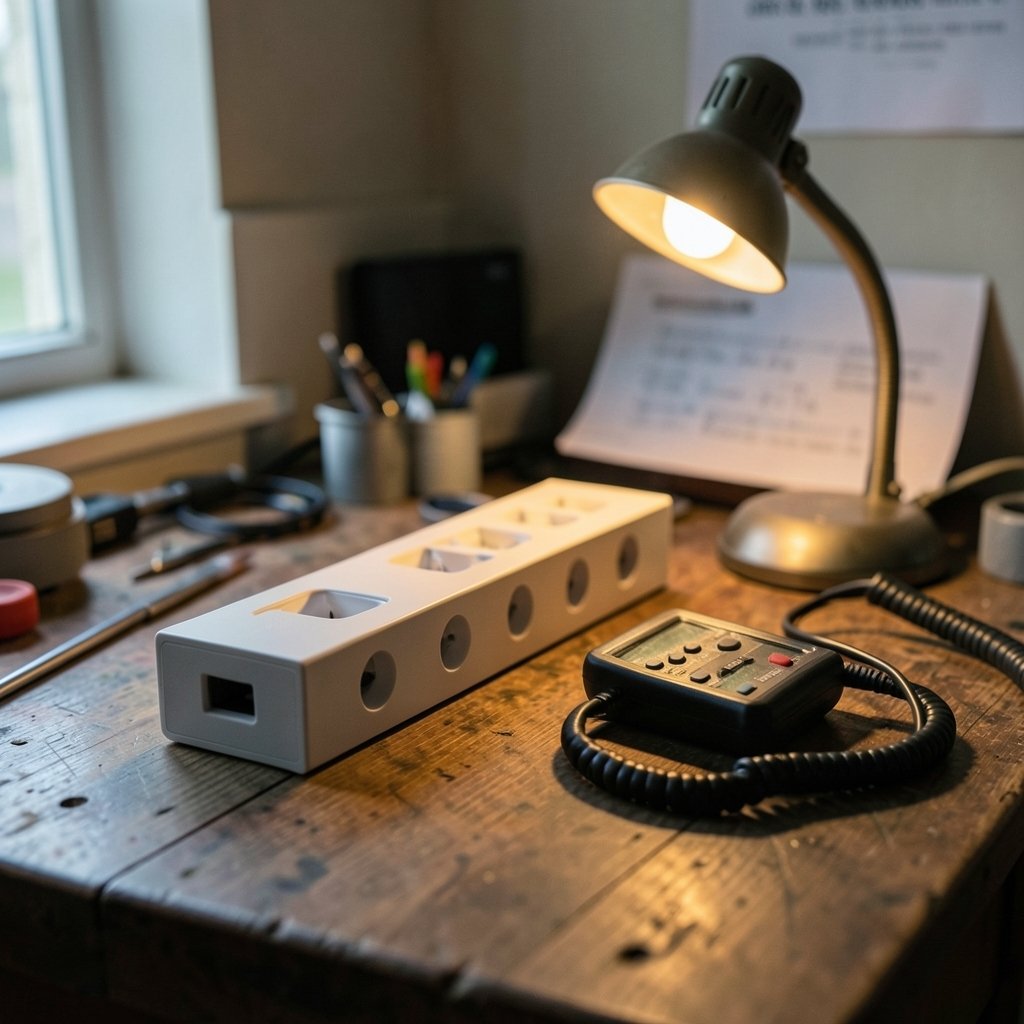
Joule ratings get all the attention, but they’re an imperfect comparison tool. Manufacturers self-report them, and there’s no single enforced methodology, so a 4,000-joule strip from one brand isn’t automatically better than a 2,500-joule strip from another. Joules indicate how much energy a protector can absorb over its lifetime before it degrades, which is useful, but it’s not the whole story.
Clamping voltage (also called let-through voltage) matters more for delicate electronics. It’s the voltage level at which the protector starts diverting excess energy. Lower is better: a 330V clamp reacts sooner than a 500V clamp. The catch is that many manufacturers don’t publish it, which is a real frustration when comparing models side by side.
UL 1449 is the safety standard for surge protective devices in the United States. A legitimate unit should carry a UL listing you can verify in UL’s product database. This is the single fastest way to filter out no-name products with impressive specs and no testing behind them.
Response time is usually quoted in nanoseconds and is largely marketing noise at this point; MOVs react fast enough that the difference between 1ns and 5ns rarely matters in practice. Indicator lights matter more than people think: a “protected” LED that goes dark tells you the MOVs have sacrificed themselves and it’s time to replace the unit. Surge protectors are consumables, not permanent fixtures.
| Spec | What It Tells You | Watch Out For |
|---|---|---|
| Joule rating | Total energy absorption capacity | Self-reported; not comparable across brands |
| Clamping voltage | Voltage level where protection engages | Often unpublished; lower is better |
| UL 1449 listing | Independent safety certification | Verify the model in UL’s database |
| Amperage rating | Safe current throughput | Usually 15A; don’t exceed it |
| Protected indicator | Whether MOVs are still functional | Units without one give no warning |
| Connected-equipment warranty | Manufacturer backing if gear is damaged | Read the conditions carefully |
Matching the Protector to the Desk
For a Laptop-and-Monitor Setup
Most home offices run a laptop, one or two monitors, a dock, and a phone charger. Total draw is modest, often under 300 watts. A compact strip with a 1,000 to 2,000 joule rating, a verified UL listing, and six to eight outlets handles this comfortably. Look for widely spaced outlets; bulky laptop bricks routinely block adjacent sockets on cheap strips.
For a Desktop Tower With Peripherals
A desktop, dual monitors, speakers, an external drive array, and a printer draw more and benefit from a higher-capacity unit in the 2,500 to 4,000 joule range. This is also where a connected-equipment warranty becomes worth reading. These policies vary widely and typically require product registration within a set window and proof of purchase, so file the receipt the day it arrives.
For Networking Gear
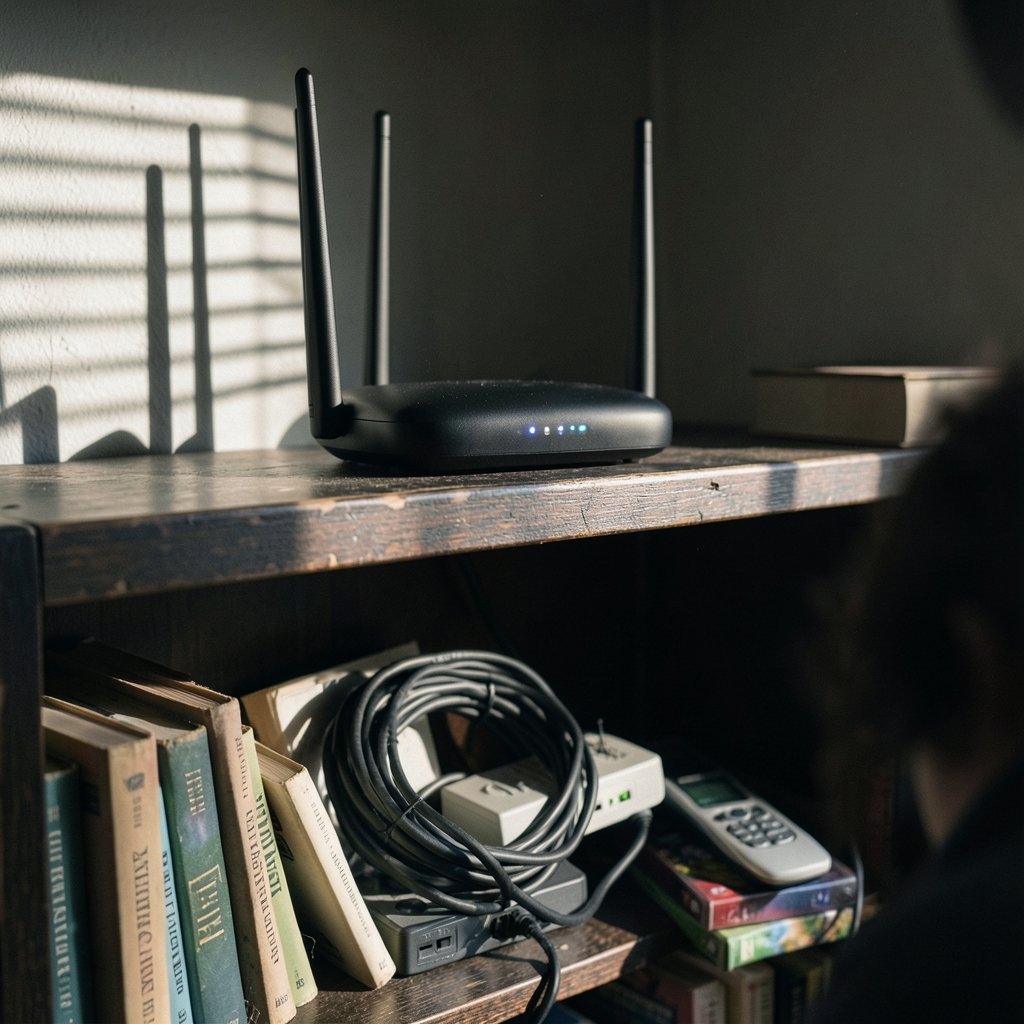
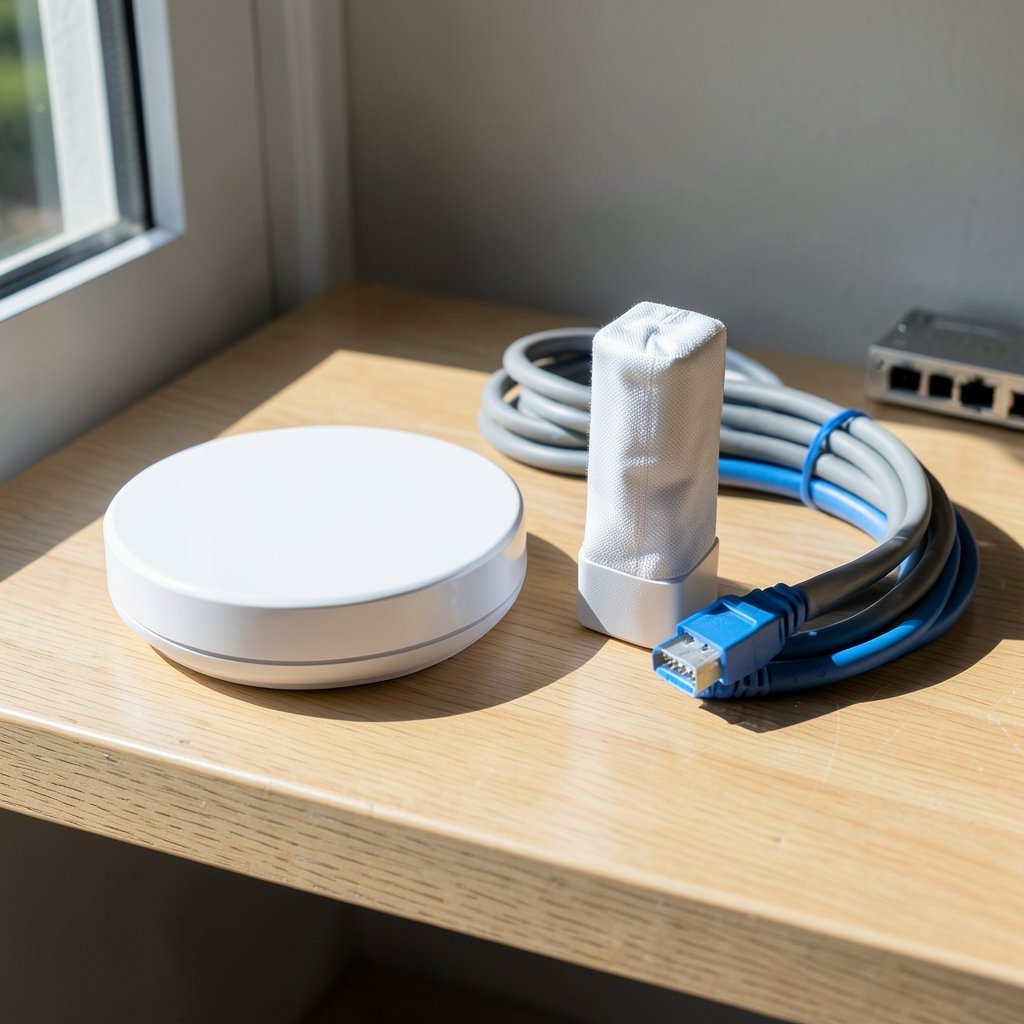
Routers, modems, and network switches are small but expensive to replace and annoying to reconfigure. A small protector with coaxial and Ethernet protection is worth the modest premium if the modem connects to cable or phone lines, since surges can travel those paths too.
For the Whole Desk Plus Charging
USB charging ports built into a surge protector are convenient, but check the total wattage. A strip advertising “fast charging” may share a limited power budget across all ports, so a laptop won’t charge at full speed alongside three phones. A dedicated charger plugged into a protected outlet is often the better arrangement.
If the office shares a room with other power-hungry gear, it’s worth thinking about backup power separately from surge protection. A UPS combines both, and pairing one with a properly sized unit is a common approach; the same planning logic applies when sizing home generators for reliable backup power, where load calculations decide whether a setup actually works when the grid fails.
Whole-Room Protection Beats One Strip
One high-capacity strip protecting everything is a single point of failure. If its MOVs wear out, every device on it is exposed. A better pattern for a serious home office is two or three smaller protectors, each with its own indicator light, so a failure is visible and contained. Put the computer and drives on one, networking gear on another, and printers and chargers on a third.
Placement matters too. Surge protectors work best plugged directly into a wall outlet. Plugging one into an extension cord, or into another protector, adds resistance and defeats the point. Keep units off the floor where they can be kicked or hit by a spill, and avoid tucking them behind furniture where the indicator light can’t be seen.
For anyone who works from home regularly, the desk setup deserves the same attention as the rest of the house. The same principle of matching the tool to the job shows up in smart speakers for home automation, where an underpowered hub quietly limits everything connected to it. Power infrastructure is less exciting than gadgets, but it’s the layer everything else depends on. (How to Stop Snoring at Night Home Remedies: 8 Easy Fixes)
What Surge Protectors Cannot Do
They cannot stop a direct lightning strike, and no plug-in device can. They also cannot fix wiring problems, and they won’t protect equipment against voltage sags or outages; that’s a UPS’s job. A surge protector absorbs excess voltage; it doesn’t store or condition power.
They also degrade. Every surge, big or small, consumes some MOV capacity. A protector that has taken several years of hits may still pass power while offering little protection, which is why the indicator light is the feature to check monthly. Many people run the same strip for a decade without realizing it stopped protecting anything years ago.
Finally, they don’t cover every path into a device. A surge can arrive through a phone line, cable line, or Ethernet cable. If the router is protected at the outlet but the coax line isn’t, the surge has a back door.
How to Evaluate a Listing Before Buying
- Confirm the model carries a UL 1449 listing and verify it in UL’s product database.
- Check the clamping voltage if published; treat its absence as a minor negative, not a dealbreaker.
- Compare joule ratings only within the same brand, and treat them as capacity, not quality.
- Read the connected-equipment warranty terms, including registration deadlines and coverage caps.
- Look for a protected indicator light and confirm it’s visible from where the unit will sit.
- Check outlet spacing against your actual plugs, especially power bricks.
- Confirm the cord length reaches the wall outlet without an extension cord.
Common Buying Mistakes Worth Avoiding
Paying for joules you don’t need is the most frequent error. A 4,000-joule strip for a laptop and a lamp is overkill; the money is better spent on a second smaller unit for the network corner. Equally common is buying on outlet count alone. Twelve outlets on a flimsy strip with no certification is worse than six on a solid one.
Another trap is assuming a surge protector with a USB hub replaces a proper charger. And a surprising number of people never check the indicator light, effectively running unprotected gear for years while believing otherwise. Set a reminder to glance at it when you dust the desk.
Conclusion
The best surge protector for a home office isn’t the one with the biggest number on the box. It’s a UL-listed unit with appropriate capacity for your actual load, a visible protection indicator, and honest specs. Buy two or three smaller protectors instead of one giant strip, plug them directly into wall outlets, skip the daisy-chaining, and check the indicator lights regularly. Your laptop, drives, and router will thank you the next time the lights flicker.
Frequently Asked Questions
How many joules do I need for a home office?
For a laptop, monitor, and charger, 1,000 to 2,000 joules is plenty. A desktop tower with dual monitors and a printer benefits from 2,500 to 4,000 joules. More joules means more capacity over time, not better protection on any single surge.
Can I plug a surge protector into an extension cord?
It’s not recommended. Protectors work best plugged directly into a wall outlet. Extension cords add resistance and can overheat when carrying the combined load of everything on the strip. Buy a protector with a longer cord instead.
How do I know when a surge protector has stopped working?
Most quality units have an indicator light labeled “protected” or similar. When the MOVs are depleted, the light goes out or changes color. If your unit has no indicator, replace it every three to five years or after any major surge event.
Does a surge protector protect against lightning?
It can absorb a nearby strike’s residual energy, but no plug-in device can stop a direct lightning strike. Unplugging electronics during severe storms remains the only reliable protection. Whole-home surge protection at the electrical panel adds another layer. (Electrical Safety)
What’s the difference between a surge protector and a UPS?
A surge protector only diverts excess voltage. A UPS (uninterruptible power supply) contains a battery that keeps equipment running during outages and also provides surge protection. If you need to ride out short power cuts, a UPS is the right tool.
Are expensive surge protectors worth it?
Sometimes. The premium usually buys higher capacity, better clamping voltage, a longer connected-equipment warranty, and sturdier construction. For a desk holding a few hundred dollars of gear, a mid-range UL-listed unit is the sweet spot; for a workstation with expensive drives, spending more is reasonable.
A Final Word on Maintenance
Protection is only as good as the habit behind it. Label each protector with the date you bought it, note the joule rating, and jot down any major storm or outage it weathered. When the indicator light fades, replace the unit rather than the equipment behind it — a $30 strip is cheap insurance against a $2,000 workstation. Combined with whole-home protection at the panel and a UPS for anything holding unsaved work, a sensible strip layout turns a tangle of cords into a genuinely resilient desk. Buy deliberately, plug directly, and check the lights.