
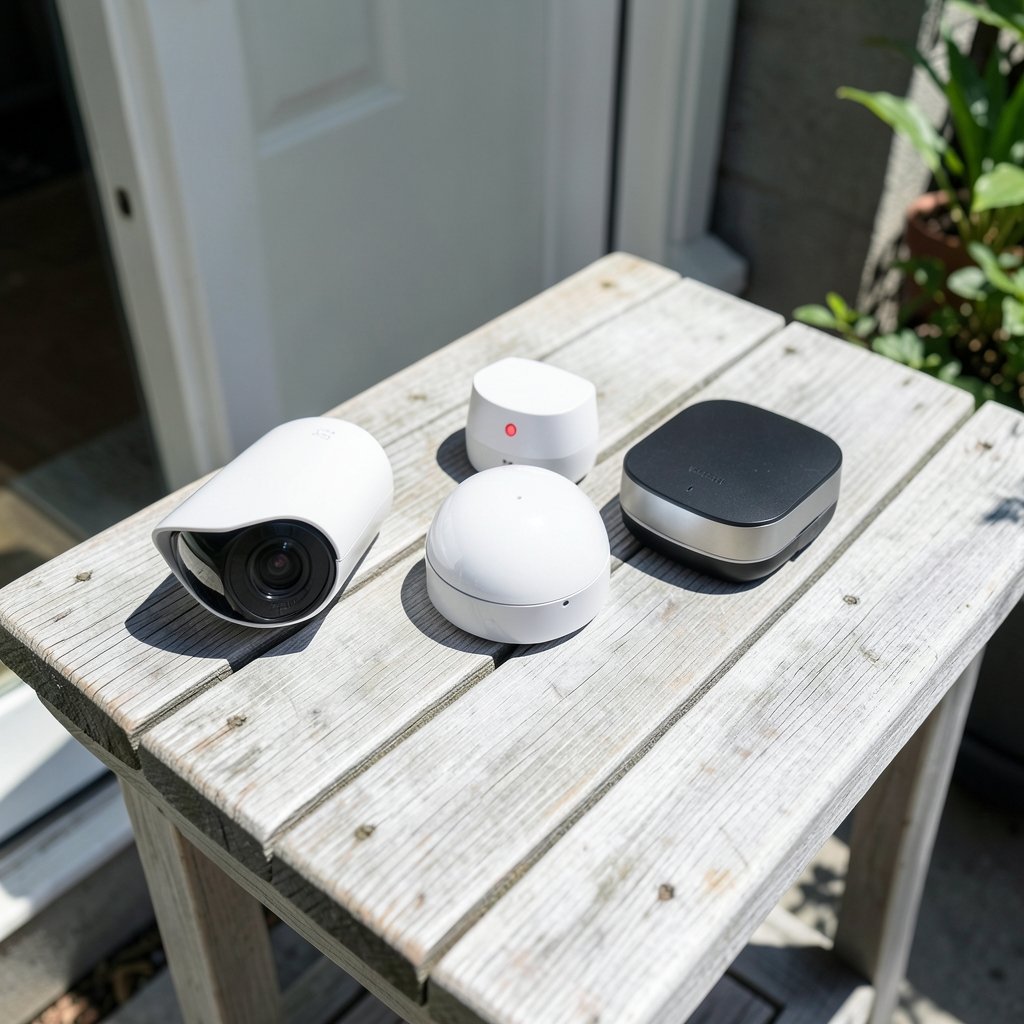
What if the biggest change coming to home security isn’t a sharper lens or a bigger sensor, but a system that watches your home without actually watching it? That’s the strange promise sitting at the center of the 2027 home security conversation. Apple is reportedly building a camera that understands a room without recording it. Meanwhile, the rest of the industry keeps pushing higher resolution, more cloud storage, and smarter alerts. The result is a genuine fork in the road, and picking a side in 2027 means understanding how cameras, sensors, and AI monitoring actually differ.
Why 2027 Became the Year Home Security Split in Two
For years, home security meant one thing: a camera that records video and stores it somewhere. That model is now under pressure from two directions. The first is privacy. The second is regulation.
In Europe, the Cyber Resilience Act (CRA) is set to take full effect in 2027. It requires connected devices to receive security updates for a period of five years and pushes security responsibility into how companies operate, not just what they ship. Companies that fall short face heavy fines. That single rule changes the economics of cheap cameras with no update path.
The second pressure is consumer expectation. Buyers increasingly want systems that recognize a person, a pet, or a delivery without shipping their living room to a server farm. That’s where Apple’s rumored entry matters, and it’s why the company’s plans keep surfacing in coverage from outlets tracking the 2027 timeline.
The Camera Story: Apple’s Privacy-First Bet Against Ring and Nest
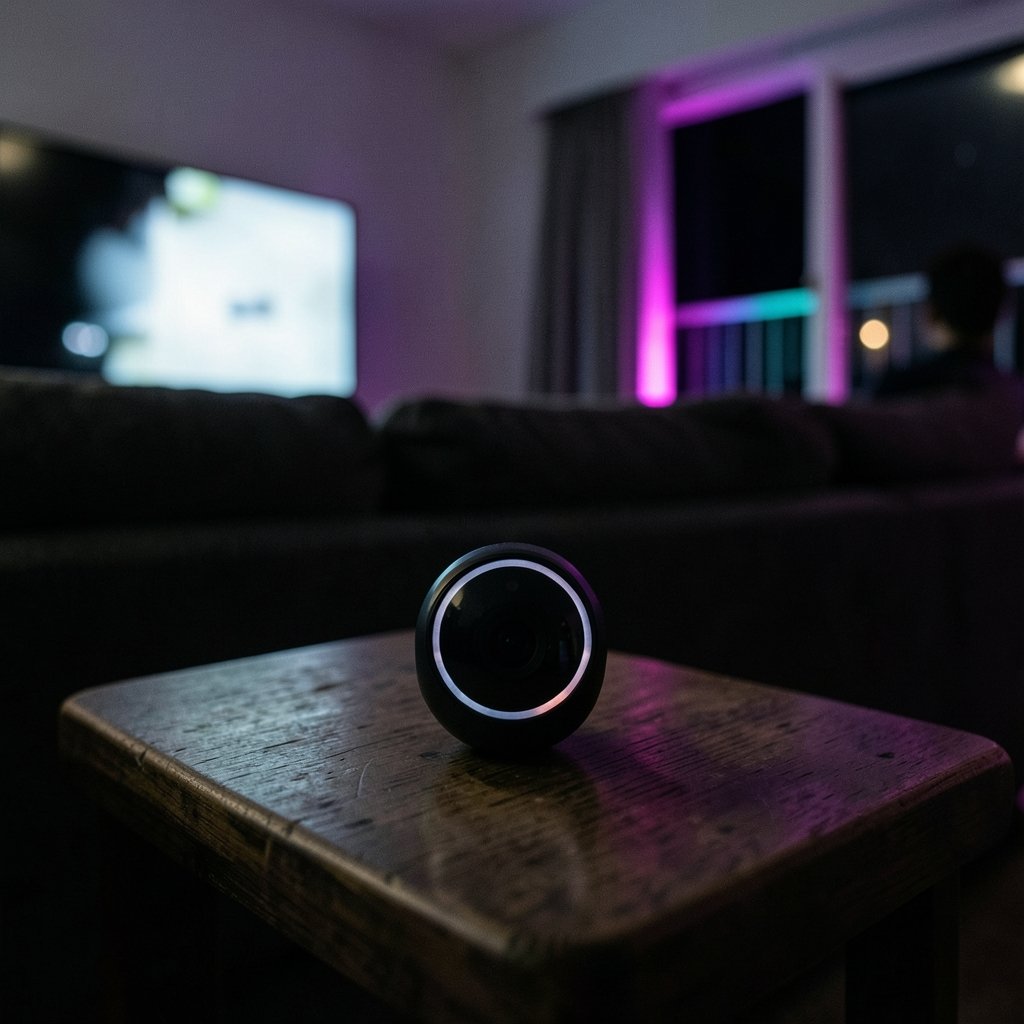
The most talked-about 2027 product isn’t even confirmed. Bloomberg’s Mark Gurman has reported that Apple is preparing a home security camera and a companion monitoring service aimed at 2027, positioning the company against Amazon’s Ring and Google’s Nest.
The twist is how the camera works. Instead of continuously recording video, the device reportedly uses on-device AI to analyze its surroundings and identify who is in a room. It pairs facial recognition with infrared sensors so it can tell family members apart, then output an event signal rather than a stored clip. If someone leaves a room, the lights can switch off. If a specific person walks in, their preferred music can start.
That design has real appeal and a real flaw. As one analysis of Apple’s rumored camera put it, the very feature that protects privacy could also leave you exposed, because a system that doesn’t record has less evidence to review after an incident. It’s a trade-off worth thinking about before you buy into any “no recording” pitch.
What Apple Already Has in Place
Apple isn’t starting from zero. HomeKit Secure Video already lets compatible third-party cameras send footage through end-to-end encryption, with storage counted against iCloud+ plans rather than a separate camera subscription. Home hubs process person, pet, and vehicle detection on-device. Reports suggest Apple’s own camera would build on this foundation, and that iOS updates could add features like 4K support, AI-generated descriptions of video, and searchable clips.
The catch is that none of this is official. Treat every 2027 Apple detail as a rumor until Apple announces it.
Cameras vs. Sensors vs. AI Monitoring: The Real Comparison
Here’s where most buyers get confused. Cameras, sensors, and AI monitoring aren’t three versions of the same thing. They solve different problems, and the strongest systems combine them.
| Category | What it does best | Main weakness | Best for |
|---|---|---|---|
| Cameras | Visual confirmation, evidence, remote viewing | Privacy exposure, storage cost, bandwidth | Driveways, front doors, blind spots |
| Sensors | Instant detection of motion, doors, windows, glass break | No visual context, false triggers | Entry points, rooms without cameras |
| AI monitoring | Filters noise, describes events, automates routines | Subscription cost, model errors, trust questions | Reducing alert fatigue, automation |
A camera tells you what happened. A sensor tells you something happened. AI monitoring decides whether it’s worth telling you at all. In practice, the third layer is what makes the first two bearable. Anyone who has owned a camera knows the pain of a phone that buzzes every time a moth crosses the lens.
Why Sensor Fusion Beats Any Single Device
Academic work on adaptive smart home security points to a consistent finding: systems that combine multiple sensor types and process data at the edge outperform single-device setups. The reason is simple. A camera struggles in fog, glare, or darkness. A motion sensor doesn’t care about lighting but can’t tell a raccoon from a burglar. Fuse the signals and each covers the other’s weakness.
That’s also why privacy-focused sensing is gaining ground. Millimeter-wave radar and infrared presence detection can confirm someone is in a room without capturing an image at all. If you want to explore that route, there’s a practical guide to home assistant presence detection without cameras sensors that walks through the setup logic.
The Subscription Trap Nobody Warns You About
Hardware is the cheap part. The recurring bill is where budgets quietly break.
Ring Protect and Nest Aware both charge for cloud recording and advanced alerts. Apple’s rumored service would reportedly follow the same model, with a fee for AI monitoring layered on top of hardware. That means the true cost of a “cheap” camera is hardware plus years of subscription, and the math looks very different at year five than at checkout.
Two habits help here. First, check whether a camera supports ONVIF, the open standard that lets devices talk to third-party recorders and software. ONVIF support means you can keep recording locally even if you cancel a plan. Second, buy for local storage first and cloud convenience second. A comparison of doorbell cameras without subscription and ONVIF support shows how much you can keep without paying monthly.
If you’re weighing a full outdoor build, it’s worth reading a breakdown of the best outdoor security camera system for 2027 before committing to an ecosystem, because switching later is expensive.
Where the Money Actually Goes: Monitoring Costs Explained
Professional monitoring is another line item that surprises people. Traditional alarm companies charge for a monitoring center that calls you, then calls emergency services. AI monitoring changes the labor model but not necessarily the price, because someone still has to verify and respond.
For larger properties or small businesses, the cost conversation shifts toward SIEM (security information and event management), where pricing depends on data volume, retention, and how many sources feed the system. A plain-language explanation of SIEM pricing and what drives security monitoring cost is useful even for homeowners running serious self-hosted setups, since the same variables apply.
The practical rule: decide your response plan before you buy hardware. A camera that alerts you at work is useless if you can’t act on it. A sensor that triggers a siren is useless if nobody checks it.
Sensors Worth Prioritizing in a 2027 Build
Not all sensors deserve equal budget. Ranked by real-world value:
- Door and window contacts. Cheap, reliable, instant. They catch the most common entry method.
- Glass break sensors. Fill the gap contacts miss when a window shatters.
- Motion sensors with pet immunity. Reduce false alarms without losing coverage.
- Presence sensors (radar or infrared). Enable automation and privacy-friendly occupancy detection.
- Environmental sensors. Smoke, carbon monoxide, and water leak detection protect the home from non-criminal threats, which are statistically more common.
The mistake people make is buying cameras first and sensors later. Cameras are the most visible product, but sensors are the most dependable. A camera can be blinded, covered, or knocked offline. A door contact just reports.
Thermal and Specialty Cameras: Useful or Overhyped?
Thermal imaging gets marketed aggressively, and it deserves a fair hearing. Thermal cameras detect heat signatures rather than visible light, so they work in total darkness, through light fog, and without illuminating the scene. For perimeter detection, that’s genuinely valuable.
But thermal has limits. It struggles with hot surfaces, can be confused by sunlight warming a wall, and usually offers lower resolution than standard cameras. A detailed comparison of how thermal imaging cameras change what you can actually read in a scene makes clear that thermal is a complement, not a replacement.
The practical takeaway: use thermal or specialty cameras on approach paths and dark perimeters, and standard cameras where you need identification.
The AI Layer: What It Really Does Well
AI monitoring earns its keep in three places.
Alert filtering. It separates a person from a swaying branch, which is the single biggest quality-of-life improvement in modern cameras.
Descriptions and summaries. Instead of scrubbing through hours of footage, you get a short account of what happened. Apple’s rumored iOS features lean heavily on this.
Automation. Recognizing who entered a room and adjusting lights or music turns a security system into a home system.
What AI does poorly is judgment under ambiguity. It can misread a uniform, miss a slow approach, or over-trigger on shadows. That’s why the sensible posture is AI as a filter, not a replacement for human review. Set your alerts to the highest-confidence events and accept that you’ll check footage occasionally.
If you’re also evaluating AI tools for other parts of your household or work, a head-to-head comparison of the best AI tools for writers in 2027 is a useful reminder that “AI-powered” labels vary wildly in substance. The same skepticism applies to security marketing.
Common Mistakes Buyers Make
A few patterns show up again and again.
- Buying an ecosystem before checking exit costs. If the cameras only work with one app and one subscription, you’re locked in.
- Ignoring update commitments. With the CRA raising the bar in Europe, ask how long a manufacturer promises security patches.
- Over-cameraing the inside. Interior cameras create privacy risk for family and guests. Sensors often do the job better.
- Skipping the network. A camera system is only as secure as the Wi-Fi it sits on. Separate networks and strong passwords matter more than megapixels.
- Forgetting power and connectivity. A camera that loses power during a storm is a camera that isn’t watching.
Conclusion
The 2027 home security market is splitting into two philosophies. One says capture everything and analyze it later. The other says understand the moment and store as little as possible. Apple’s reported camera sits firmly in the second camp, and the CRA’s 2027 deadline pushes every manufacturer toward stronger security practices whether they like it or not.
For most households, the winning setup isn’t a single product. It’s layered: sensors on every entry point, cameras on the perimeter where identification matters, and an AI layer that filters alerts so you actually respond to the ones that count. Choose your subscription model deliberately, verify update commitments, and prefer open standards where you can. Do that, and the 2027 upgrade cycle becomes an investment rather than an ongoing bill.
FAQ
Will Apple really release a home security camera in 2027?
It’s reported, not confirmed. Bloomberg’s Mark Gurman has said Apple is preparing a privacy-focused camera and monitoring service for 2027, but Apple has made no official announcement. Treat specifications, pricing, and features as rumors until the company confirms them.
Does a camera that doesn’t record video still protect my home?
It can, but with limits. A non-recording camera can detect activity and identify who is present, which is enough for alerts and automation. What it can’t do is give you footage to review after an incident. If evidence matters to you, pair it with a recording device or local storage.
Are sensors better than cameras for home security?
Neither is better across the board. Sensors are more reliable and cheaper for detecting entry, while cameras confirm what’s happening and provide identification. The strongest systems use both, with AI filtering the alerts so you aren’t overwhelmed.
What is ONVIF, and why should I care?
ONVIF is an open standard that lets cameras and recorders from different brands work together. Buying ONVIF-compatible gear means you can record locally and switch software without replacing hardware, which protects you from subscription price increases.
How much should I budget for monitoring subscriptions?
There’s no universal figure, and plans change often. The safer approach is to calculate total cost over five years, including hardware plus monthly fees, and compare that against a local-storage setup with no recurring charge. Check each provider’s official page for current pricing before you commit.
What changes for home security in 2027 because of regulation?
In the EU, the Cyber Resilience Act takes full effect in 2027 and requires connected devices to receive security updates for five years, with penalties for companies that fall short. That should push manufacturers toward longer support windows and better security practices, which benefits buyers everywhere.



