

What if the camera watching your front door could keep recording even if the company behind it vanished tomorrow? That is the quiet promise of a doorbell camera with ONVIF support and no subscription. No monthly bill, no cloud account holding your footage hostage, and no vendor deciding your hardware is too old to keep working. The catch is that this small category is full of near-misses: doorbells that record locally but refuse to talk to your NVR, or ones that speak ONVIF but still nudge you toward a paid plan.
This roundup cuts through that. It covers the specific models that actually deliver local recording plus real ONVIF or RTSP integration, names what each one does well, and flags the limitation that might send you to a different pick.
Quick Comparison: ONVIF Doorbells Without a Subscription
| Model | Power | Resolution | Local Storage | ONVIF / RTSP | Best For |
|---|---|---|---|---|---|
| Reolink Video Doorbell PoE | PoE / wired | 5MP (2560×1920) | microSD up to 256GB | Yes / Yes | New builds and NVR setups |
| Reolink Video Doorbell WiFi | Wired | 2K | microSD up to 256GB | Yes / Yes | Homes with existing doorbell wires |
| Amcrest AD410 | Wired 16–24V AC | 4MP (2560×1920) | microSD up to 128GB | Yes / Yes | Blue Iris and Home Assistant users |
| Aqara G400 Wired | Wired / PoE | 2K (1536×2048) | microSD | Not listed | Apple Home and HomeKit homes |
| Aqara G410 | Battery or wired | 2K | microSD up to 512GB | No | Zigbee and Matter hub builders |
| Eufy Video Doorbell Dual | Wired | 2K | HomeBase 2 (16GB, expandable) | Not stated | Package detection on a budget |
Reolink Video Doorbell PoE: The Cleanest Wired Option
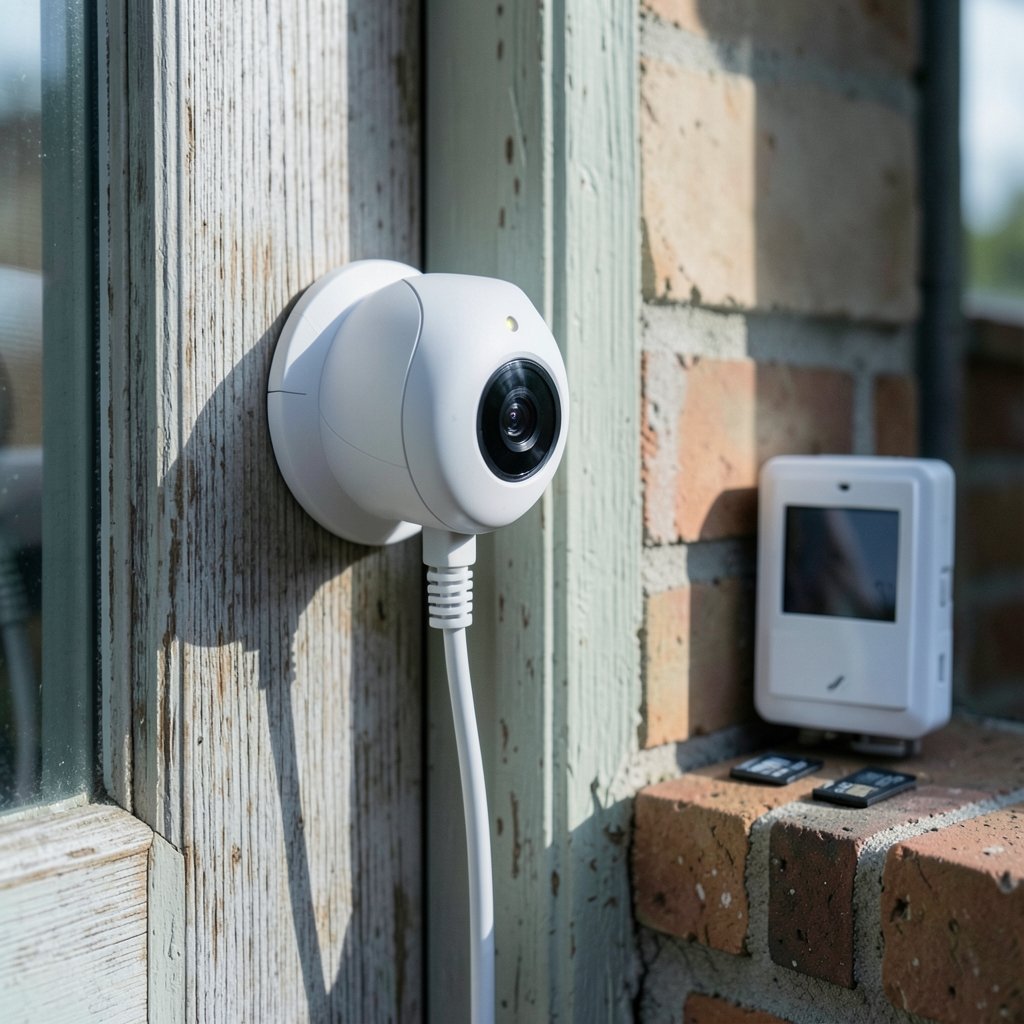
If a network cable can reach the door frame, this is the model most local-first installers reach for first. Power over Ethernet sends both power and data down one cable, so there is no battery to charge and no Wi-Fi signal to fade at the edge of the porch. It records 5MP video at 2560×1920 with a 180-degree diagonal view, stores to a microSD card up to 256GB, and speaks both RTSP and ONVIF.
Who it suits: anyone building a new home, running a cable to an existing camera location, or already owning a PoE switch or NVR. Pulling Cat6 to the door frame and plugging the other end into a PoE switch port or a small injector is the whole install.
What it does well: it hands a clean stream to an NVR, Home Assistant, or Blue Iris without asking for an account. Users running it alongside a Synology NAS report recording to the SD card and the NAS in parallel, with remote access through the Reolink app. It also carries two-way audio over ONVIF, which Alexa and Google Home can pick up.
The real limitation: it is PoE-only. If brick or concrete makes a cable run impossible, this is the wrong model, and you should look at the Wi-Fi version instead. Also budget for a compatible PoE source if you do not own one.
Reolink Video Doorbell WiFi: For Homes With Existing Wiring
Same ecosystem, different power path. This version runs off a 12–24V AC doorbell transformer and connects over 2.4GHz or 5GHz Wi-Fi. It shoots 2K with a 4:3 aspect ratio and a 180-degree viewing angle, includes a 15-degree wedge kit for aiming, and ships with a plug-in chime. Storage is microSD up to 256GB, and ONVIF and RTSP are both supported.
Who it suits: renters-adjacent owners and anyone with a working doorbell chime but no easy Ethernet route.
What it does well: the 4:3 frame shows more of the doorstep vertically, which matters when you want to see a parcel on the mat rather than just a face. The included chime solves the “my old mechanical bell doesn’t ring” problem that trips up many wired doorbells.
The real limitation: unlike some competitors, this doorbell does not drive a mechanical chime directly, so the plug-in chime is not optional in practice. Wi-Fi at the front door is also the weakest signal in most houses, so check coverage before committing.
Amcrest AD410: The Integrator’s Doorbell
This is the model the smart-home crowd buys for one reason: it is one of very few video doorbells with genuine RTSP and ONVIF support, so its 2K feed drops straight into Blue Iris, Home Assistant, or an Amcrest NVR. It shoots 4MP at 2560×1920 with a 164-degree head-to-toe view, does on-device AI person detection, records free to microSD up to 128GB, and carries an IP65 rating.
Who it suits: tinkerers who already run a home server and want the doorbell to be just another camera on the network.
What it does well: it exposes an HTTP API alongside RTSP and ONVIF, and it can push recordings to an SMB or FTP share on a NAS. That combination is rare at this price point.
The real limitation: it is wired-only and needs 16V to 24V AC. If your existing transformer is weaker than that, plan for an upgrade. Night vision is listed at 16 feet, which is honest but shorter than the Reolink PoE model.
Aqara G400 Wired: The HomeKit Answer
Aqara’s wired doorbell is the pick for Apple households. It shoots 2K at 1536×2048 with a 165-degree diagonal view, runs on Wi-Fi 6, and supports both wired and PoE power. It stores to microSD and supports RTSP in wired mode.
Who it suits: anyone whose smart home lives in Apple Home and who wants a doorbell that fits without a separate hub.
What it does well: it accepts 8–24V AC or DC from existing doorbell wires and falls back to Wi-Fi for video, which makes it the practical choice when a cable run is impossible but PoE is still on the table later.
The real limitation: ONVIF is not listed for this model, and RTSP is limited to wired mode. If your NVR demands ONVIF, this is not the doorbell for you.
Aqara G410: A Hub Hidden in a Doorbell
The G410 is the odd one out because it is a doorbell and a Zigbee and Matter hub built into a 2K doorbell form factor. That lets it replace a separate hub purchase for anyone building a Zigbee network. The 2048×1536 camera pairs with an mmWave presence sensor for fewer false alerts from blowing trees and passing cars. It runs on battery or wired power and stores to microSD up to 512GB.
Who it suits: people starting a Zigbee or Matter setup from scratch and wanting one device to do two jobs.
What it does well: the presence sensor is a genuine step up from plain motion detection, and 512GB of card capacity is the largest in this group.
The real limitation: no ONVIF, and RTSP is limited. Treat it as a smart-home doorbell, not a network camera.
Eufy Video Doorbell Dual: Best for Package Detection
Eufy’s dual-camera doorbell points one lens forward and one down at the doorstep, which is the simplest fix for the “porch pirate” blind spot. It records 2K to the included HomeBase 2, which holds 16GB and expands to 128GB, and person detection runs on-device with no subscription.
Who it suits: anyone who cares more about seeing parcels than about NVR integration.
What it does well: the downward camera frames the mat and the ground in front of the door, and battery life is listed at up to 180 days on a charge.
The real limitation: ONVIF support is not stated, and storage lives in Eufy’s own base station rather than on a standard card or NAS. If open protocols are your priority, look elsewhere.
How to Choose Without Getting Burned
Start with power, not features. The single biggest mistake buyers make is ordering a PoE doorbell for a house where no cable can reach the door. If you have existing doorbell wiring, a wired transformer model is the path of least resistance. If you have neither, a battery model or a Wi-Fi unit is the honest answer.
Second, check the protocol list line by line. “Local storage” and “ONVIF” are not the same thing. Plenty of doorbells record to a card but will not stream to an NVR. If you plan to feed a NAS or a home server, confirm RTSP and ONVIF are both named for the exact model rather than the brand alone. The same discipline applies when you are comparing security cameras with local recording and no internet, where the protocol details decide whether the hardware is useful or decorative.
Third, think about the chime. Many wired doorbells will not ring a mechanical bell, so a plug-in chime or a smart speaker announcement becomes part of the plan.
Fourth, be realistic about remote access. Local-first means you cannot watch footage from a beach hotel without port forwarding or a VPN. Most of these models offer optional cloud access, but the whole point is that you should not need it. If remote viewing matters more than privacy, a subscription doorbell may genuinely serve you better.
Finally, if you are weighing a doorbell against a full camera setup, the same trade-offs apply across the category. The guide to outdoor security cameras without a subscription covers how local storage and protocol support play out on larger hardware, and the breakdown of video doorbell local storage without a subscription goes deeper on how these devices handle footage when the cloud is off the table.
The Verdict
For pure ONVIF and NVR integration, the Reolink Video Doorbell PoE is the safest pick, with the Amcrest AD410 close behind for anyone running Blue Iris or Home Assistant. The Reolink WiFi version covers homes with existing wiring, the Aqara G400 wins for Apple households, and the Eufy Dual earns its place on package detection. None of them is perfect, but every one of them lets you keep your footage and skip the monthly bill.
Frequently Asked Questions
What does ONVIF support actually mean on a doorbell?
ONVIF is an open standard that lets cameras and recorders from different brands talk to each other. On a doorbell, it means the video stream can feed a third-party NVR, a NAS, or software like Blue Iris or Home Assistant without the manufacturer’s app acting as a gatekeeper.
Do I need a subscription to record doorbell footage locally?
No. Local-storage doorbells record to a microSD card, a base station, or a network share, and none of that requires a monthly fee. Subscriptions typically pay for cloud storage, smart alerts, and person detection, and many local-first models handle person detection on the device itself.
Can a doorbell without a subscription still send alerts to my phone?
Yes, in most cases. The camera pushes notifications over your home network and through its app. What you generally give up without a subscription is cloud-stored clips you can scroll back through from anywhere, so remote access usually needs port forwarding or a VPN.
Is PoE or Wi-Fi better for a doorbell camera?
PoE is more reliable because one cable carries both power and data, and there is no Wi-Fi signal to fade at the edge of the house. Wi-Fi is easier to install and works with existing doorbell wiring, but coverage at the front door is often the weakest in the home.
Why won’t my new wired doorbell ring my old chime?
Many wired doorbells do not drive a mechanical chime directly and instead ship with a plug-in chime or rely on smart speaker announcements. Check the power requirements too, since some models need 16V to 24V AC and will not work on a weaker transformer.
Can I use a local-storage doorbell in an apartment?
It depends on wiring and mounting rules. Battery models avoid the wiring problem entirely, and the practical guide to smart doorbells for apartments without wiring covers what actually holds up when you cannot drill or run cable.
Conclusion
The best doorbell camera without a subscription and with ONVIF support is the one that matches your power situation first and your software second. Buy for the cable you can actually run, confirm the protocol list for the exact model, and accept that local-first means a little more setup in exchange for footage that stays yours. Get those three things right, and the monthly bill never arrives.



