What if the smartest way to buy a gaming PC in 2027 is the opposite of what the internet told you for twenty years? The old advice was simple: build it yourself and save money. That advice deserves a second look now. Memory and storage prices have swung wildly as suppliers push capacity toward server hardware, and prebuilt systems have quietly improved in exactly the places they used to be weakest. This comparison puts both paths side by side on the same criteria so you can pick with your eyes open.
Prebuilt vs Custom at a Glance
| Criterion | Prebuilt | Custom Build |
|---|---|---|
| Time to first game | Same week, often 2 to 3 days | A weekend plus driver troubleshooting |
| Sticker price | Often $100 to $300 lower during GPU shortages | Usually lower when part prices are calm |
| Parts quality | Varies by integrator; check PSU and RAM | You choose every part |
| Warranty | One invoice, one support contact | One warranty per component |
| Upgrade room | Sometimes limited by proprietary parts | Full control, standard parts |
| Risk of no-boot | Low; systems are stress-tested before shipping | Real for first-time builders |
| Best for | Buyers who value time and single-point support | Buyers who want maximum performance per dollar |
That table is the short version. The honest answer depends on your budget, your patience, and how much you enjoy troubleshooting at midnight.
Why the Old “Always Build It Yourself” Rule Is Wobbling
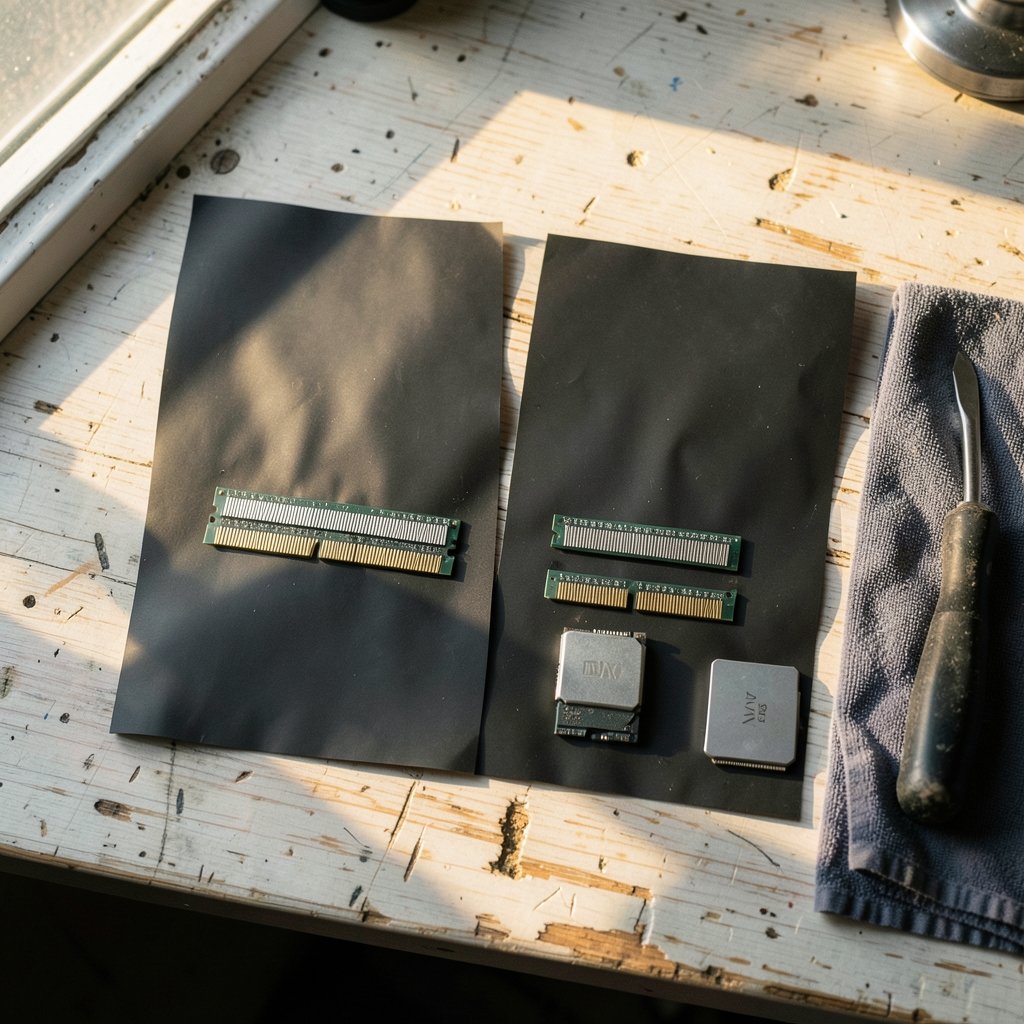
For most of the last two decades the answer was easy: build it yourself, save money, learn something. In 2026 that answer deserves a second look. The AI infrastructure buildout pushed memory and storage suppliers to reallocate capacity toward server DRAM and high-bandwidth memory, and the ripple effects reach anyone buying components one at a time.
The numbers tell the story. In 2024 a 32GB DDR5-6000 kit sold for under $100. Thanks to the memory crunch, the same kit has ranged anywhere from roughly $150 to well over $375 depending on the week. That is one component swinging a build’s total by $100 or more before you touch a graphics card.
System integrators buy in volume at allocation pricing, so a prebuilt can undercut a DIY build by $100 to $300 during a shortage or a launch window. If you are shopping right after a GPU generation launches, check the prebuilt price before you assume DIY wins. That single habit saves more money than any coupon code.
There is a catch, and it matters. A prebuilt at a tempting price almost never ships with a top gaming chip like the Ryzen 7 9800X3D. It uses a cheaper non-X3D chip, slower RAM, or a power supply that leaves no headroom. The sticker wins; the spec sheet sometimes loses. Knowing which corners get cut is the whole game.
What You Actually Pay For With a Prebuilt
Strip away the marketing and a prebuilt sells you five things:
- One warranty. A failed part is the builder’s problem, not a five-vendor email chain where everyone blames everyone else.
- Burn-in and QA. Reputable integrators run a stress test before shipping, which catches most dead-on-arrival components.
- Assembly skill you may not have. Cable management, cooler mounting pressure and BIOS memory training are easy to get subtly wrong.
- Time. Order on Monday, play on Wednesday, versus a weekend of building plus an evening of driver troubleshooting.
- Predictable price. No surprises mid-project because a component moved overnight.
That first point is the real value, and it is routinely dismissed. With a single warranty covering the whole machine, you do not have to work out whether the fault is the memory, the board or the power supply. It is the manufacturer’s problem. If you are the person who would rather not reseat a RAM stick at midnight, that is worth real money.
The friction in PC ownership is rarely catastrophic failure. It is the small stuff: a single misseated DIMM causing a no-boot, an XMP profile that will not post, a fan header plugged into the wrong slot. A tested system removes that entire category of annoyance.
Where Prebuilts Quietly Cut Corners
Look past the headline GPU and CPU. Check the power supply brand and wattage, the RAM speed and whether it runs at rated speed out of the box, and whether the case uses standard parts. Proprietary motherboards and power supplies can lock you out of future upgrades. A machine that cannot take a bigger GPU in three years is a machine with a shorter life than its spec sheet suggests.
If you are weighing specific retail machines, a rundown of the best prebuilt gaming PCs for beginners and the traps to avoid is a useful starting point before you compare specs line by line.
What a Custom Build Actually Buys You
A custom build buys control. You pick every part, avoid proprietary components, and squeeze the most performance out of a fixed budget. When part prices are calm, DIY usually wins on raw performance per dollar because you are not paying for assembly, branding or a support line.
It also buys you an upgrade path. Standard ATX parts mean you can drop in a new GPU, add storage, or swap a cooler without hunting for a proprietary bracket. Over a five-year life, that flexibility often matters more than the initial price gap.
The cost is time and risk. You research compatibility, you wait for parts, you assemble, and you troubleshoot. For a hobbyist, that is half the fun. For everyone else, it is unpaid labor. Be honest about which camp you are in before you order a pile of boxes.
The Middle Path Most People Miss
You do not have to choose between a retail box and a full DIY project. Custom builder services assemble your chosen parts, test the system, and ship it with a single warranty. You get the part selection of DIY with the support of a prebuilt. It usually costs a small assembly fee, and it is the option that fits buyers who know what they want but do not want to build it.
Matching the Rig to Your Screen
Specs mean nothing without context. A $2,000 machine paired with a 1080p 60Hz monitor wastes money, and a budget rig driving a 4K panel will disappoint. Match the hardware to the display first.
| Resolution and refresh | Sensible target | Where to save |
|---|---|---|
| 1080p, 60 to 144Hz | Entry RTX 5060-class card, 6 to 8 core CPU | 16GB RAM is fine; skip premium cooling |
| 1440p, 144 to 240Hz | Mid-range RTX 5070-class card, strong 8-core CPU | 32GB RAM, 1TB NVMe |
| 4K, 120Hz and up | High-end RTX 5080-class card | Do not skimp on the power supply |
Two parts deserve special attention. NVMe storage is now the default; a PCIe 4.0 drive is plenty for gaming, and you will not feel the difference from a Gen5 unit in load times. RAM is where the 2027 market bites hardest. Budget generously, because memory alone can swing a build’s total by a wide margin from one week to the next.
If you are shopping at the top of the market and want a rig that will not disappoint, a guide to the best prebuilt gaming PCs of 2027 is worth reading before you commit, especially on RAM and GPU pairings.
The Console and Handheld Question
Not every buyer needs a desktop at all. A current-generation console delivers a lot of gaming for the money, and the gap between the base and premium models is smaller than the marketing suggests. A comparison of the PS5 Pro vs PS5 specs helps you judge whether the upgrade is worth it for your TV and your games.
Handhelds complicate the picture further. A side-by-side of the Legion Go S vs Steam Deck is the fastest way to see which one fits your commute, your library and your tolerance for tinkering. And if you game on PC, the storefront you buy from shapes your experience as much as the hardware does; a comparison of Steam vs Epic vs GOG covers library, refunds and launcher friction.
Operating System: The Overlooked Variable
Windows is not the only option anymore. Linux gaming has matured to the point where most titles run with little or no fuss, and two distributions dominate the conversation. A comparison of Bazzite vs Nobara is the practical way to choose, since one targets a console-like experience and the other targets desktop users who want a familiar setup.
The takeaway: if you are comfortable outside Windows, a custom build running Linux can save money on licensing and feel faster on modest hardware. If you are not, do not let a forum convince you otherwise. Convenience has value.
AI Tools Are Part of the Buying Decision Now
A gaming PC in 2027 is often a work machine too. Local AI tools, custom chatbots and content generation all want RAM, VRAM and fast storage. If that is part of your plan, read a Chatbase review to see what building a custom GPT bot actually requires; it will tell you quickly whether you need 16GB of VRAM or whether a cloud service covers you. Buy for the workload you have, not the one you might have.
A Practical Buying Checklist
Before you spend a cent, run this list:
- Set a total budget including monitor, keyboard and Windows.
- Pick your resolution and refresh rate first.
- Choose the GPU, then the CPU that will not bottleneck it.
- Price the same spec as a prebuilt and as a DIY parts list on the same day.
- Check the power supply brand, wattage and headroom.
- Confirm the RAM speed and that it runs at rated speed.
- Verify the warranty length and return window in writing.
- Check whether the case and motherboard use standard parts.
Step four is the one people skip. Prices move weekly, so a comparison you made last month is already stale. Do it on the day you buy.
The Verdict by Use Case
Choose a prebuilt if you want to game this week, value one warranty and one support number, or you are buying during a GPU or memory shortage when integrator pricing beats open-market parts. Choose a custom build if you want maximum performance per dollar in a calm market, plan to upgrade over time, or genuinely enjoy the build. Choose a builder service if you want chosen parts without the assembly risk.
Neither path is automatically cheaper. The right answer depends on your skills, your time and how much you value a single point of support. Anyone who tells you one option always wins is selling something.
Conclusion
The best gaming PC of 2027 is the one that matches your screen, your budget and your patience. Prebuilts have closed much of the old quality gap, and in a volatile parts market they sometimes win on price outright. Custom builds still deliver the most control and the best upgrade path, provided you are honest about the time they demand. Compare the same spec both ways on the day you buy, check the parts that spec sheets hide, and pick the path that gets you playing instead of troubleshooting.
FAQ
Is a prebuilt gaming PC worse than a custom build?
Not automatically. Reputable integrators stress-test systems before shipping and back the whole machine with one warranty. The gap appears in the details: cheaper power supplies, slower RAM, or proprietary parts that limit upgrades. Check those three items and a prebuilt can be the better buy, especially during hardware shortages.
When is a custom build actually cheaper?
Custom builds usually win when part prices are calm and you are not paying for assembly or branding. During GPU launches and memory shortages, integrators’ volume pricing can undercut DIY by $100 to $300. Price the identical spec both ways on the same day before deciding.
How much RAM do I need for gaming in 2027?
16GB is the practical floor for 1080p gaming, and 32GB is the safer target for 1440p and up, or for anyone running a browser and a game at once. Memory pricing has been volatile, so budget generously and confirm the speed the kit actually runs at.
Do prebuilts use lower-quality parts?
Some do, and the corners are predictable: power supply, RAM speed and motherboard standard. A good integrator uses off-the-shelf parts you could replace yourself. Ask for the exact PSU model and wattage, the RAM part number, and whether the case takes a standard ATX board.
Should I build my own PC if I have never done it before?
Only if you want to learn and can tolerate a troubleshooting evening. A single misseated stick of RAM or an XMP profile that will not post is the usual first-build hiccup. If that sounds like a chore rather than a challenge, a prebuilt or a builder service is the smarter call.
How long will a gaming PC last before it needs an upgrade?
Most systems stay comfortable for four to six years at their original resolution, with a GPU upgrade around year three or four. Standard parts make that upgrade cheap and simple. Proprietary designs can force a full replacement instead, which is why the case and motherboard matter as much as the graphics card.