
Quick Answer: What are the best prebuilt gaming PCs for beginners?
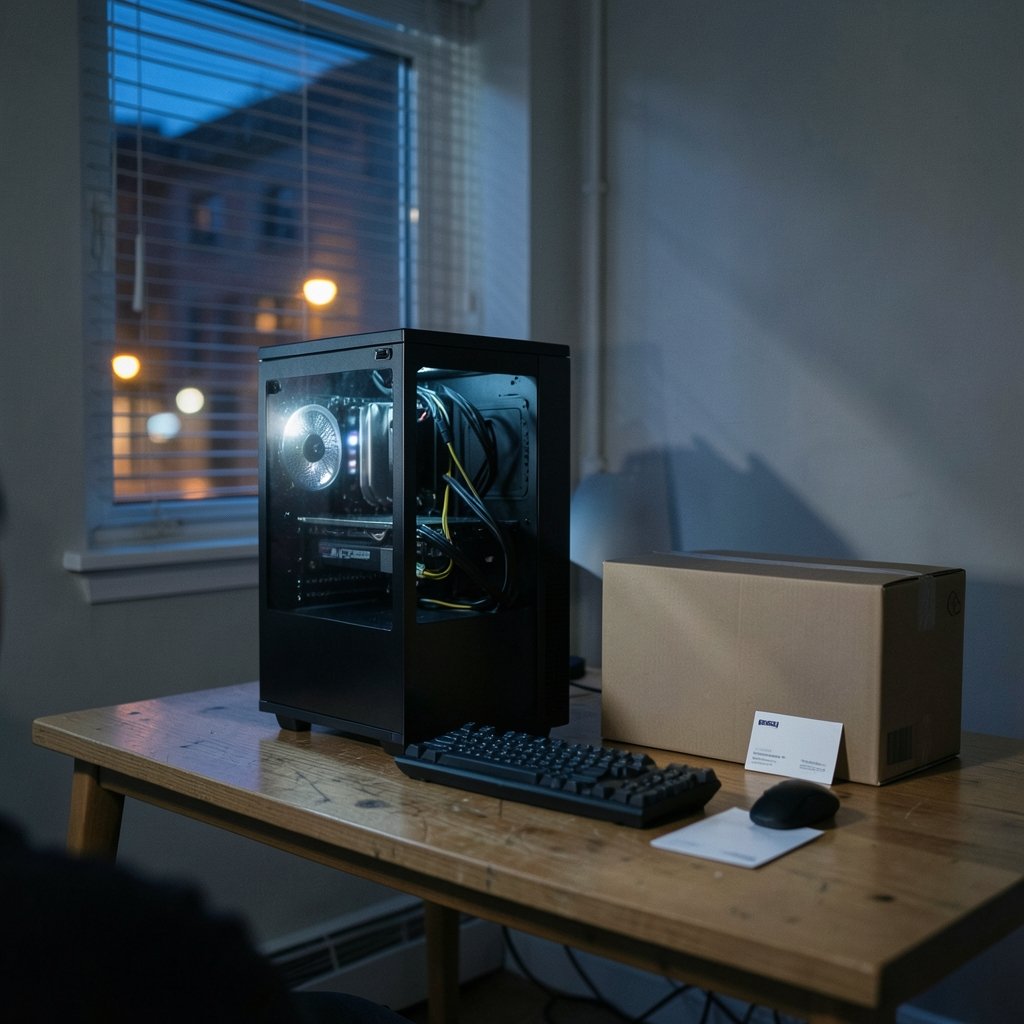
The best prebuilt gaming PC for a beginner is one with standard, off-the-shelf parts inside a normal ATX or micro-ATX case, backed by a clear warranty and sold by a seller with a fair return window. Beginners can buy from boutique system integrators, mass-market brands like Dell, HP, and Lenovo, or retail shops that assemble and test the machine before shipping.
These three paths differ mainly in price, upgradeability, and support quality. Boutique builds usually cost more but use standard parts, while big-brand towers are cheaper but sometimes hide proprietary components that are hard to upgrade later.
Before buying, compare the graphics card and processor pairing, the power supply brand and wattage, RAM and SSD capacity, case form factor, warranty length, and whether opening the case voids coverage.
Why a Prebuilt Makes Sense for a First Gaming PC
Ever opened a parts list, counted twenty separate components, and quietly closed the browser tab? That reaction is normal. Building a PC from scratch is rewarding, but it is also a project. There are sockets to match, BIOS versions to worry about, and a very real chance of bending a CPU pin on a Tuesday night.
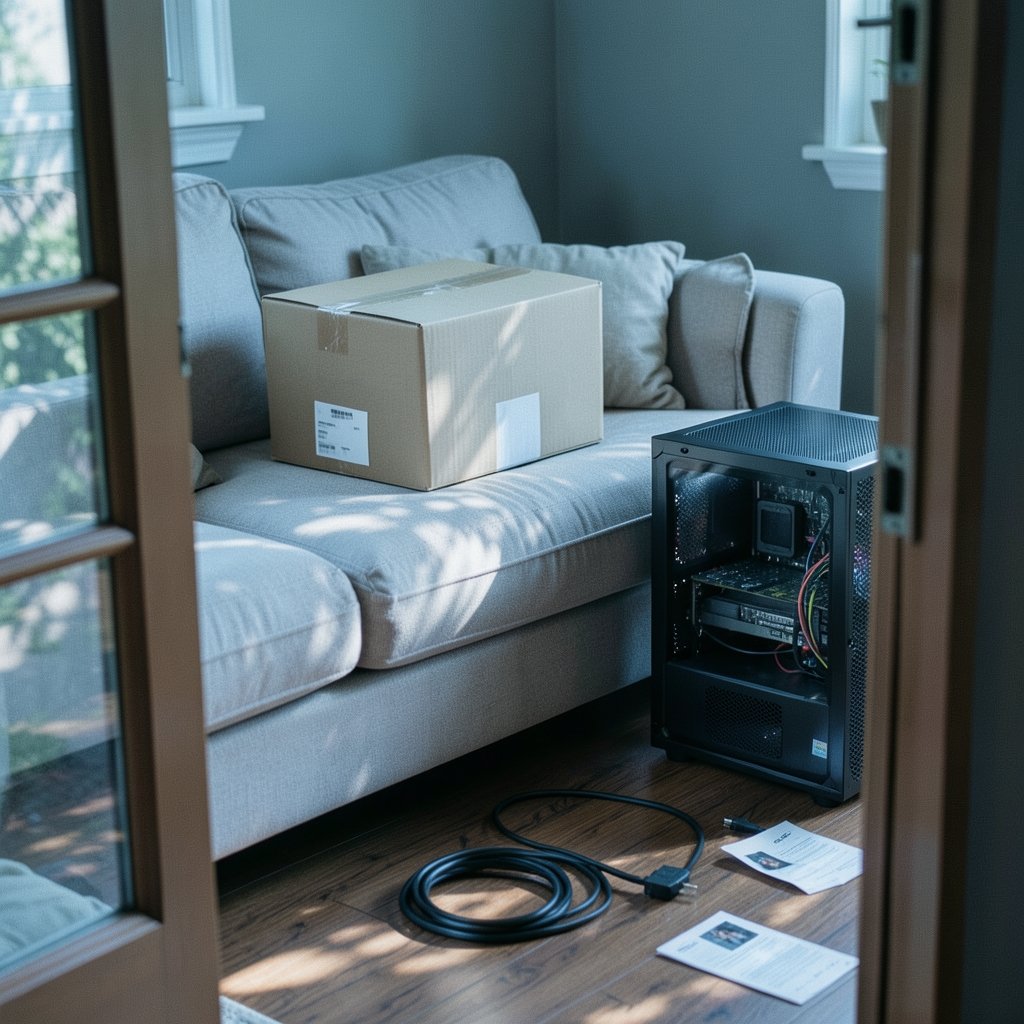
A prebuilt removes most of that friction. Someone else assembles the machine, installs the operating system, and ships it in one box with one warranty. For a first-time buyer, that convenience has genuine value. The trade-off is that the buyer pays for assembly and support, and sometimes inherits parts choices that were made to hit a price point rather than to be sensible.
The key is knowing which prebuilts are worth the premium and which are just expensive boxes with a shiny logo. That is what the rest of this guide covers.
The Three Types of Prebuilt Gaming PC
Not every prebuilt is the same animal. Beginners who understand the categories avoid most of the common mistakes.
| Type | Typical seller | Strengths | Watch out for |
|---|---|---|---|
| Boutique system integrator | Specialist PC builders | Standard parts, tested builds, configurable | Higher price, longer lead times |
| Mass-market OEM | Dell, HP, Lenovo and similar | Low prices, wide retail availability | Proprietary parts, limited upgrades |
| Retail or shop-assembled | Local shops, online retailers | Middle pricing, sometimes standard parts | Quality varies wildly by seller |
Boutique builders generally use off-the-shelf motherboards, power supplies, and cases, which makes future upgrades straightforward. Mass-market OEMs often design their own boards and power supplies, so replacing a graphics card later can mean replacing the power supply too, or discovering the case will not fit it. Retail-assembled systems sit somewhere in between and depend entirely on the shop’s standards.
For a beginner who wants to learn and upgrade over time, the boutique or standard-parts route usually ages better. For someone who just wants a working machine at the lowest price and will replace the whole thing in four years, a mass-market tower can be fine.
Match the PC to the Monitor First
Here is the mistake that costs beginners the most money: buying a powerful PC and pairing it with a cheap 60 Hz office monitor, or buying a budget PC and expecting smooth 4K gaming. The monitor sets the target, and the PC has to meet it.
A 1080p monitor at a high refresh rate is the sweet spot for most first builds. It needs far less graphics horsepower than 1440p or 4K, so the same budget buys a smoother experience. If a 1440p display is the goal, the graphics card tier needs to step up accordingly.
There are secondary factors too. Panel type, response time, and even room lighting change how a display feels in daily use, which is why it helps to read a practical guide on which gaming monitor is worth buying for beginners before locking in a PC budget. The display and the tower should be chosen together, not one after the other.
The Parts That Actually Matter
Spec sheets are written to impress, not to inform. A few numbers deserve real attention.
Graphics card. This is the single biggest factor in gaming performance. The model number matters far less than the specific card, because manufacturers reuse names across wildly different performance tiers. Check independent benchmarks for the exact card, not the family name.
Processor. A strong GPU paired with a weak CPU creates a bottleneck, and money spent on the GPU is wasted. The reverse is also true. Balanced pairings matter more than flagship parts.
RAM. As of early 2025, 16 GB was the widely recommended baseline for gaming, with 32 GB becoming common for multitasking and newer titles. Requirements drift upward over time, so treat any figure as a snapshot rather than a permanent rule.
Storage. An NVMe solid-state drive is the standard now. A hard drive as the main boot drive is a red flag in any new machine.
Power supply. Beginners ignore this part, and it is the one most likely to be cheapened. A named, reputable unit with headroom for a future graphics card upgrade is worth paying for.
Case and motherboard form factor. Standard ATX or micro-ATX parts mean future upgrades are simple. Proprietary shapes mean they are not.
Upgradeability: The Question Beginners Forget to Ask
A prebuilt is not a forever purchase. In three or four years, a new graphics card can double gaming performance for a fraction of the cost of a new PC, but only if the case, power supply, and motherboard cooperate.
Before buying, check three things. First, does the case have physical room for a longer graphics card? Second, is the power supply a standard size with spare wattage and the right connectors? Third, does the motherboard use standard slots?
If the answer to any of these is no, the machine is effectively a sealed box. That is not automatically a dealbreaker, but it should change how much the buyer is willing to pay. A sealed box at a bargain price is fine. A sealed box at boutique pricing is not.
For readers who eventually want to go the other way and assemble a machine themselves, a step-by-step walkthrough of the first gaming PC build for beginners shows how manageable the process becomes once the parts are understood. Many people start with a prebuilt and build their second machine.
Warranty, Returns, and the Fine Print
Warranty terms matter more for beginners than for anyone else, because beginners are the ones who need support. Coverage length is only part of the story.
The details to check are whether opening the case voids the warranty, how long the return window lasts, who pays shipping for repairs, and whether support is local or overseas. Consumer protection rules also vary by country. Buyers in the EU have statutory guarantee rights that exist independently of any manufacturer warranty, while buyers in the US rely more heavily on the manufacturer’s written terms. Knowing which applies changes how much weight to give a generous-sounding warranty claim.
A practical tip: photograph the inside of the case before making any changes. If a dispute arises later, a dated photo of the original configuration is useful evidence.
Common Beginner Mistakes
These come up again and again, and each one is avoidable.
Buying on processor branding alone. A machine advertised by its CPU model may hide a weak graphics card, which is the part that actually drives frame rates.
Ignoring the power supply. Cheap units limit upgrades and, in the worst cases, fail early.
Skipping the monitor budget. A great tower on a poor display delivers a poor experience. Room lighting and panel choice matter more than most buyers expect, and a comparison of gaming monitor versus TV setups and how room lighting changes viewing explains why the display decision deserves its own budget line.
Overpaying for future-proofing. Buying the top-tier card for a 1080p monitor wastes money that could go toward games, a better chair, or a second monitor.
Trusting a single review. Independent benchmark data across several outlets beats any one spec sheet or sponsored video.
How to Vet a Seller Before Spending
A few checks take ten minutes and prevent most regrets.
Choose a seller that publishes the exact parts list, with details beyond the CPU and GPU. Confirm the return window in writing. Search for reports of warranty handling, in addition to delivery speed. Check whether the seller offers a configuration tool, often a sign of standard parts. Compare the total price with the cost of buying the same parts separately; the gap is what the buyer pays for assembly and support, and it should feel reasonable.
For buyers who would rather compare complete systems side by side, a roundup of prebuilt gaming PCs that will not disappoint is a sensible starting point before drilling into individual configurations. Laptop buyers have a different set of trade-offs entirely, covered in a guide to gaming laptops under 1000 that actually fit a budget, since portability changes what counts as good value.
One more habit worth building early: verify claims before repeating them. Marketing copy and forum rumors spread fast, and the same skeptical eye that helps a buyer spot AI hallucinations without technical knowledge works just as well on a spec sheet that promises “ultra settings” without naming a resolution. Even security basics follow the same logic, as a plain explanation of what a web application firewall blocks shows: understand the mechanism, and the marketing becomes easy to read.
Budget Tiers and What They Buy
Exact prices shift constantly, so treat these as shapes rather than figures. An entry tier buys a 1080p machine that handles most games at high settings with sensible frame rates. A mid tier opens up high-refresh 1080p or comfortable 1440p. An upper tier targets 1440p high refresh or entry 4K.
The important insight is that the jump from entry to mid delivers far more visible improvement than the jump from mid to upper. Beginners are usually best served by the middle, with money left over for a quality monitor and a few games.
Conclusion
The best prebuilt gaming PC for a beginner is not the one with the biggest number on the box. It is the one with standard parts, a balanced graphics card and processor pairing, a reputable power supply, and a warranty the buyer actually understands. Boutique builders, mass-market brands, and local shops all sell machines worth owning, but they demand different levels of scrutiny.
Start with the monitor, set a realistic resolution and refresh target, then choose a PC that meets it with headroom to spare. Check upgradeability before price. Read the warranty fine print before checkout. Do those three things, and the first gaming PC becomes a solid foundation rather than a lesson in what to avoid.
FAQ
Is a prebuilt gaming PC worse than building one yourself?
Not inherently. A prebuilt with standard parts performs identically to a self-built machine using the same components. The differences are price, convenience, and support. Self-building usually costs less for equivalent parts, while prebuilts add assembly, testing, and a single warranty.
How much RAM does a beginner gaming PC need?
As of early 2025, 16 GB was the widely recommended baseline for gaming, and 32 GB was becoming common for heavier multitasking. Requirements rise over time, so check current norms at the time of purchase rather than relying on a fixed number.
Can I upgrade a prebuilt gaming PC later?
Often yes, but it depends on the parts inside. Machines using standard ATX or micro-ATX cases, standard power supplies, and off-the-shelf motherboards are easy to upgrade. Some big-brand OEM systems use proprietary parts that limit or block future upgrades.
Does opening the case void the warranty?
It varies by seller and region, so check the terms before buying. Some warranties allow user upgrades, while others void coverage once the case is opened. Photograph the original internal configuration as a precaution.
What should I check first when comparing prebuilts?
Start with the exact graphics card model and its benchmark performance, then confirm the processor pairing is balanced. After that, check the power supply brand and wattage, RAM and SSD capacity, case form factor, warranty length, and return window.
Do I need a special monitor for a gaming PC?
A standard monitor works, but the display sets the performance target. A 1080p high-refresh monitor needs far less graphics power than a 1440p or 4K screen, so choosing the monitor first prevents overspending on a PC that exceeds what the display can show.



