
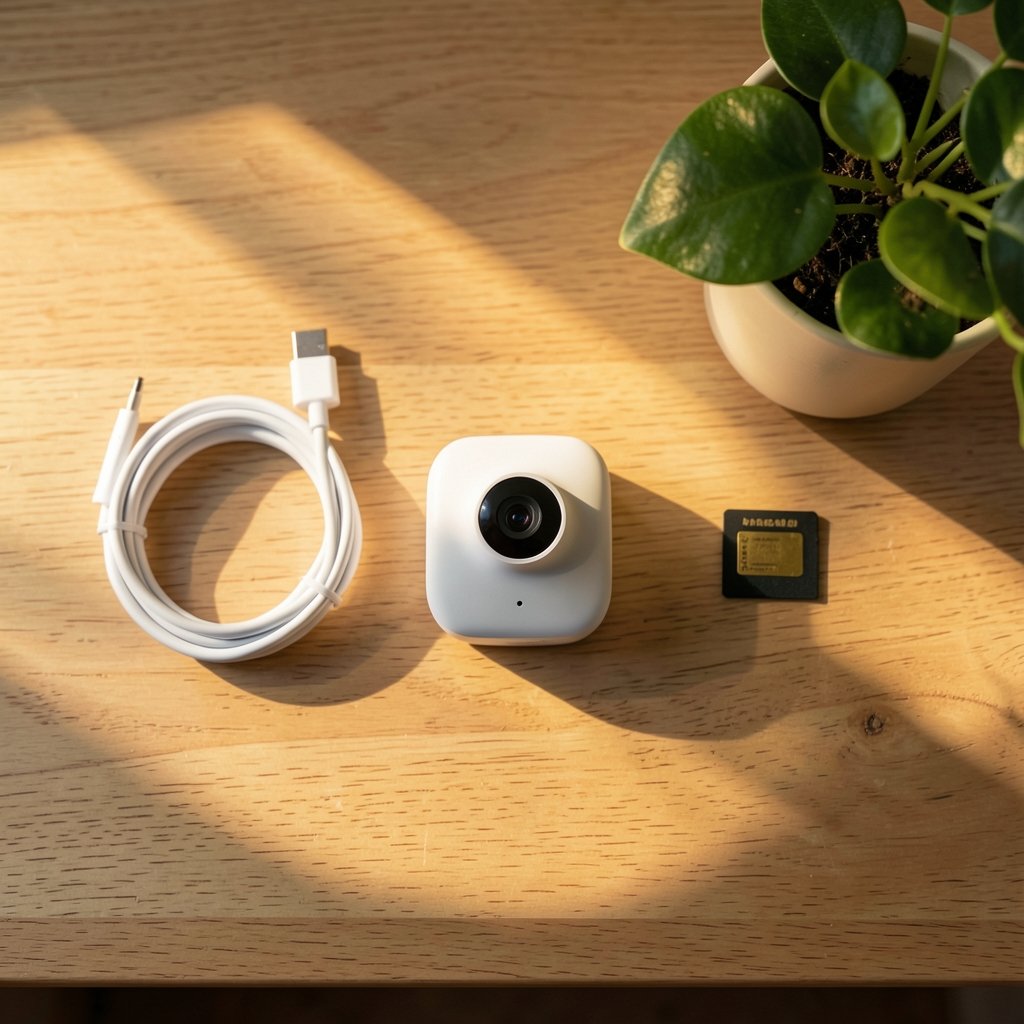
What if your indoor security camera could tell the difference between a burglar and your cat, without sending a single frame to a distant server? That’s the promise of local AI detection, and it’s the single biggest shift in home security hardware heading into 2027. Instead of shipping video clips to the cloud for analysis, these cameras run person, pet, and package recognition right on the device’s own chip. The result is faster alerts, lower bandwidth use, and footage that never leaves your home unless you decide it should.
This roundup cuts straight to the specific cameras worth your money, with a comparison table up front and honest limitations for each pick. If you also run a self-hosted smart home, the same privacy-first logic applies to motion sensing, and you can read more about camera-free approaches in this guide to home assistant presence detection without cameras or sensors.
Comparison Table: Local AI Indoor Cameras at a Glance
| Camera | Resolution | Local AI Features | Storage Options | Best For |
|---|---|---|---|---|
| Aqara G350 | 4K dual-lens | Face, pet, gesture, sound recognition on-device | microSD, NAS, hub | Apple Home users wanting deep AI |
| Eufy Indoor Cam 2K | 2K | On-device person and pet detection | microSD, NAS | Budget buyers avoiding subscriptions |
| Reolink E1 Zoom | 2K PTZ | Edge AI person/pet detection | microSD, NVR | Pan-tilt coverage on a budget |
| Tapo C225 | 2K PTZ | On-device person/pet/vehicle detection | microSD | Mixed ecosystems, free app |
| Wyze Cam v4 | 2.5K | Edge AI person/pet/vehicle/package | microSD | Cheapest solid option |
| Logitech Circle View | 1080p | Local person and motion analysis | HomeKit Secure Video | HomeKit-only households |
| Arlo Essential Indoor 2K (3rd Gen) | 2K | On-device person and animal recognition | Cloud (subscription for history) | Privacy shutter fans |
Aqara Indoor Security Camera G350: The AI Powerhouse

The Aqara G350 is the most ambitious camera on this list. Its dual-lens design pairs a wide-angle view with a telephoto lens, so you get 360-degree pan-tilt coverage and up to 9X zoom without the blur you’d normally see from digital cropping. More importantly, it recognizes faces, pets, gestures, and sounds locally, which means alerts fire fast and the analysis stays on the camera.
It’s also a smart home hub in disguise. The G350 works as a Matter controller, a Thread border router, and a Zigbee hub for other Aqara devices. That matters if you’re building out sensors and switches. The physical privacy shutter retracts the lens when you’re home, which is a nice touch for bedrooms and living areas.
The limitation? It’s an Apple Home-first device, and getting the most out of the AI features usually means staying inside that ecosystem. If you’re on Alexa or Google, you’ll leave features on the table. Check the official product page for current pricing before you buy.
Eufy Indoor Cam 2K: Best Value for Privacy-First Buyers
Eufy has quietly become the default recommendation for people who want solid detection without a monthly bill. The Indoor Cam 2K runs person and pet detection on the camera itself, so it keeps working when the internet drops. Storage goes to a microSD card or a NAS, and there’s no subscription required for the basics.
What it does well: dependable on-device processing, easy setup, and a price that undercuts most competitors. The 2K sensor is sharp enough to identify faces across a room, and the app is genuinely usable without paying for anything.
The real limitation is that Eufy’s advanced cloud features (like richer notifications or extended history) sit behind a paid tier, and the camera’s motion zones take some fiddling to dial in. Budget a little time for setup. For a broader look at cameras that record locally without an internet connection at all, this breakdown of security camera local recording without internet is worth a read.
Reolink E1 Zoom: Pan-Tilt Coverage on a Budget
The Reolink E1 Zoom is the camera to pick if you want to cover a whole room mechanically rather than digitally. It rotates a full 360 degrees and tilts to track movement, and its edge AI handles person and pet detection without pinging a server. You can store clips on a microSD card or push them to a Reolink NVR for effectively unlimited capacity.
What it does well: the pan-tilt mechanism is smooth and quiet, the 2K image is clean in daylight, and RTSP support means it plays nicely with third-party clients and self-hosted setups. If you’ve ever wrestled with common endpoint detection and response mistakes on the IT side, you’ll appreciate how much simpler edge detection is to configure here.
The limitation is night performance. Color night vision needs decent ambient light, and the infrared range is fine but not class-leading. It’s also a wired plug-in unit, so plan your outlet placement.
Tapo C225: The Ecosystem-Friendly Pick
Tapo’s C225 is a 2K pan-tilt camera with on-device person, pet, and vehicle detection, and it’s one of the easiest cameras to slot into a mixed smart home. It works with Alexa and Google Assistant, stores to microSD, and the free app doesn’t nag you constantly to upgrade.
What it does well: the mechanical pan-tilt covers 360 degrees, the AI detection is genuinely local, and the price is aggressive. Setup takes minutes via the app.
The limitation: Tapo’s free tier caps how much you can do with cloud features, and the two-way audio is serviceable rather than great. If you need crisp conversation, look elsewhere. Also verify the exact detection categories on the product page, since firmware updates shift what’s included.
Wyze Cam v4: The Cheapest Way Into Local AI
The Wyze Cam v4 delivers a 2.5K image with wide dynamic range and bright color night vision thanks to a built-in spotlight. Its edge AI sorts subjects into people, pets, vehicles, and packages, and it stores to microSD without a subscription. The IP65 rating means you can even move it outdoors later with an adapter.
What it does well: the resolution-to-price ratio is hard to beat, the Wyze app is one of the most polished free platforms among budget cameras, and Bluetooth pairing makes setup quick.
The limitation: motion-tagged notifications arrive slower than on pricier units, and the speaker distorts at maximum volume. Fine for scaring off a raccoon, less fine for a real conversation. If you’re weighing a full outdoor build later, this guide to the best outdoor security camera system picks covers the weatherproof side of things.
Logitech Circle View: Built for HomeKit Purists
The Circle View is a wired 1080p camera with 180-degree optics and local on-device AI processing for person and motion detection. It’s designed for homeowners who want straightforward security without a monthly subscription and who live inside Apple’s ecosystem.
What it does well: the local processing keeps video data on the camera, the build quality feels sturdy, and it mounts easily. Person and motion detection work reliably in real rooms rather than just lab conditions.
The limitation: 1080p is modest next to the 2K and 4K competition, and HomeKit Secure Video requires a hub like an Apple TV or HomePod plus an iCloud+ plan for clip storage. It’s also the least flexible camera here if you ever want to leave Apple’s ecosystem.
Arlo Essential Indoor 2K (3rd Gen): The Privacy Shutter Specialist
Arlo’s third-generation Essential Indoor camera puts privacy front and center with an automated physical shutter that closes over the lens when you flip on privacy mode in the app. The 2K sensor covers a 130-degree field of view, which is the widest in this comparison, making it a good fit for large nurseries or open-plan living spaces.
What it does well: on-device person and animal recognition cuts false alerts from curtains and shifting light, and the audio detection goes beyond motion by flagging smoke alarms, CO detectors, barking dogs, and crying children. Two-way audio picks up voices clearly across a room.
The limitation is the business model. The camera’s best features, including 60-day video history and activity zones, require a subscription. Without it, you’re working with a much thinner feature set. That’s a real trade-off for a camera at this price point.
How to Choose a Local AI Camera
Once you’ve narrowed the field, a few practical checks separate a good purchase from a frustrating one.
- Confirm the AI runs on-device. Some budget models still push advanced alerts to the cloud. Check the spec sheet for phrases like “edge AI” or “on-device processing,” and verify before buying.
- Decide where footage lives. microSD is cheapest, NAS gives you unlimited capacity, and NVR setups suit multi-camera homes. Cloud storage usually means a subscription.
- Match the field of view to the room. A 130-degree lens suits open spaces; a pan-tilt camera covers awkward corners better.
- Check your smart home ecosystem. HomeKit cameras need a hub; Matter support future-proofs your setup.
- Plan for power. Most of these cameras are plug-in units, so outlet placement matters more than you’d think.
If you’re also automating the rest of your home, running AI locally extends beyond cameras. This roundup of the best offline local AI tools to run models without cloud shows how far on-device processing has come. And if you run a small business, local AI is reshaping customer service too, as these top AI chatbots for local service businesses demonstrate.
Conclusion
The best indoor camera with local AI detection for 2027 depends on where you sit. Apple households should start with the Aqara G350 for its deep on-device recognition and hub features. Budget-conscious buyers who want to skip subscriptions will find the Eufy Indoor Cam 2K or Wyze Cam v4 hard to beat. If you need to cover a whole room, the Reolink E1 Zoom and Tapo C225 deliver pan-tilt coverage with edge processing. And if a physical privacy shutter is non-negotiable, the Arlo Essential Indoor earns its place despite the subscription caveat.
The common thread is simple: local AI means faster alerts, less bandwidth, and footage that stays yours. Pick the camera that fits your ecosystem and storage habits, and you’ll get the privacy benefits without giving up smart detection.
Frequently Asked Questions
What does local AI detection actually mean on a security camera?
It means the camera’s own chip analyzes video for people, pets, vehicles, or packages instead of sending clips to a cloud server. Detection is faster, works offline, and keeps footage on the device.
Do I need a subscription to get person detection?
Not always. Cameras like the Eufy Indoor Cam 2K, Reolink E1 Zoom, Tapo C225, and Wyze Cam v4 run person and pet detection on-device without a monthly fee. The Arlo Essential Indoor is the exception here, since its best features require a subscription.
Can these cameras work without internet?
Several can. Models that store to microSD or a NAS keep recording and detecting locally even when the connection drops. You’ll lose remote viewing and cloud alerts, but the camera itself keeps working.
Which camera is best for Apple HomeKit users?
The Aqara G350 is the strongest fit, with local face, pet, gesture, and sound recognition plus Matter, Thread, and Zigbee hub functions. The Logitech Circle View is a simpler HomeKit-native alternative.
Is 2K resolution enough for indoor cameras?
For most rooms, yes. A 2K sensor identifies faces clearly across a living room or nursery. Step up to 4K if you need to read details at distance or zoom into footage later.
What’s the biggest mistake buyers make with local AI cameras?
Assuming every camera’s AI is local. Some budget models still rely on cloud processing for advanced alerts, so check the spec sheet for on-device or edge AI before you buy.



