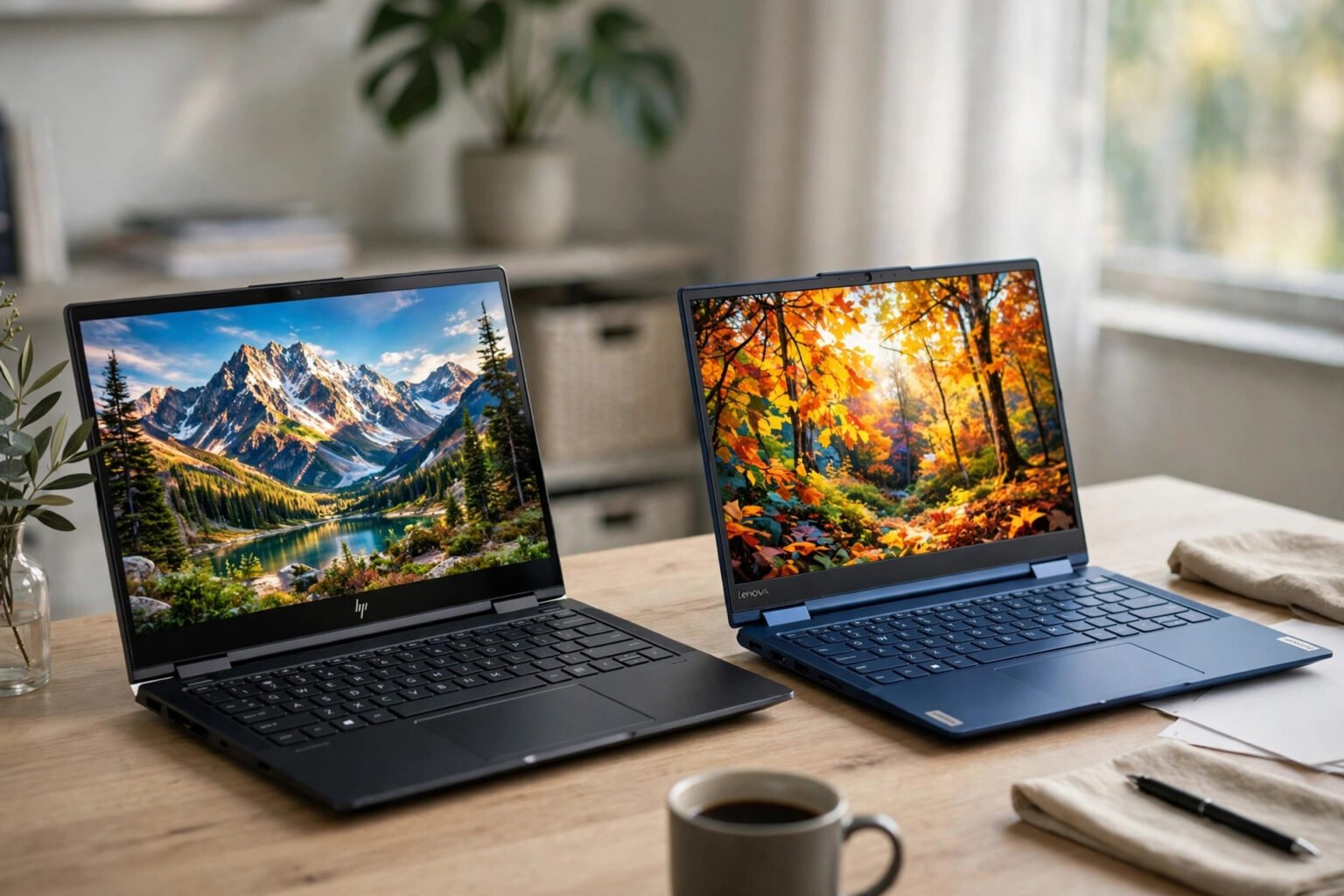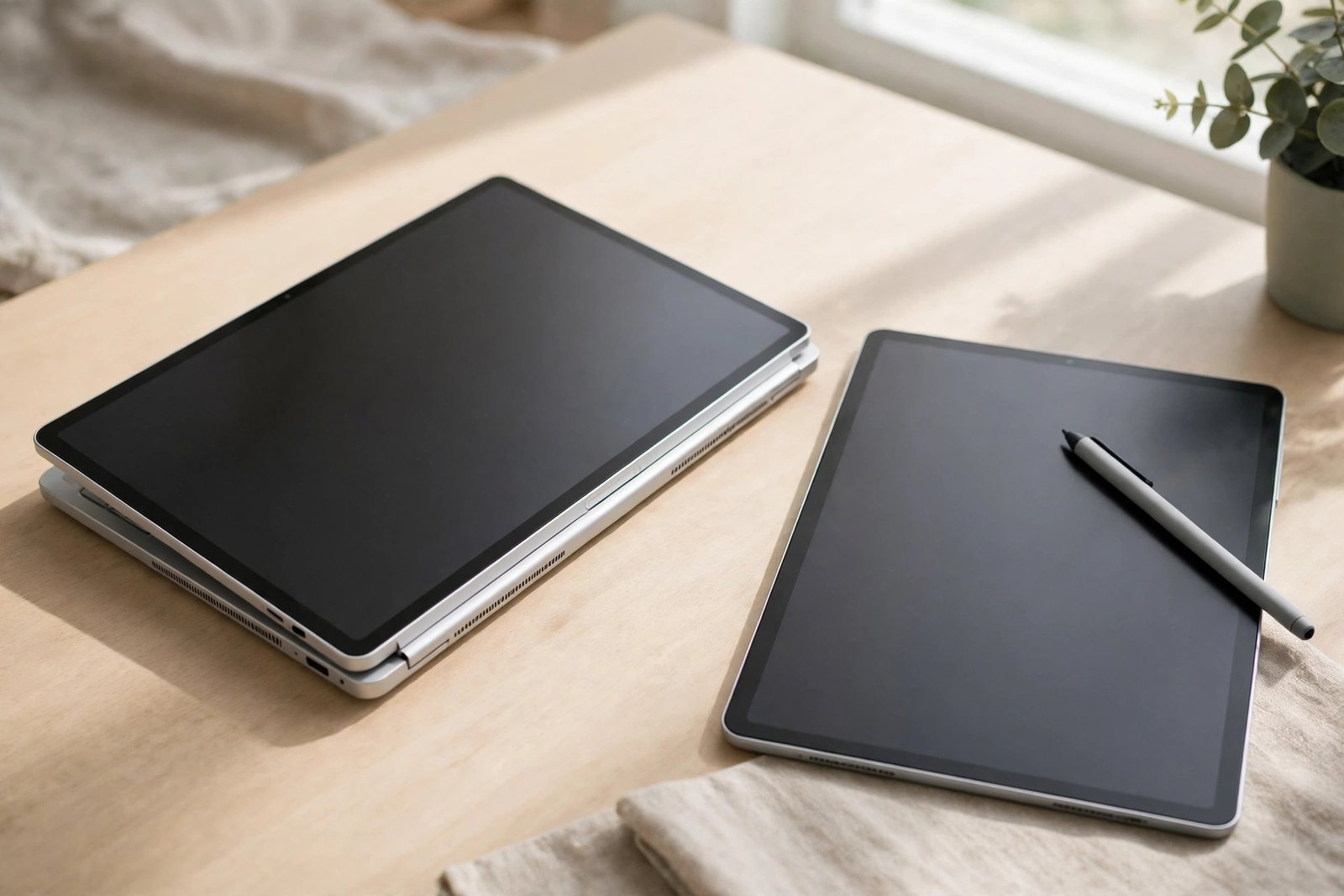
The best 2-in-1 laptops for 2027 are the ones that stop making you choose between a tablet and a laptop. If you want one device for typing, reading, note-taking and video calls, the short answer is this: pick the Microsoft Surface Pro if you want a tablet first, and pick the Lenovo Yoga 9i if you want a laptop first.
That split matters more than any single specification. A detachable gives you a light tablet you can hold in one hand, while a convertible gives you a full laptop that folds back into a tablet shape. Both run the same apps and both can take a stylus.
Key takeaways
- The best 2-in-1 laptops in 2027 split into two kinds: detachable tablets with a keyboard cover, and convertible laptops with a 360-degree hinge.
- Surface Pro is the best tablet-first pick; the Lenovo Yoga 9i is the best laptop-first pick for most people.
- For students, look for a good stylus, a bright screen and a keyboard you can type on for hours.
- Do not judge a 2-in-1 by its processor alone. The hinge, keyboard and screen matter just as much.
What makes a good 2-in-1 laptop?
A good 2-in-1 starts as a good laptop. It needs a fast, efficient chip and a screen that stays readable in a bright room. If it struggles with a dozen browser tabs, a video call and a document open at once, tablet mode will not save it.
The third test is the pen. A good stylus should feel close to writing on paper, with little lag and a comfortable grip. Look for pressure sensitivity and palm rejection, which lets you rest your hand on the screen while you write. Finally, check the keyboard and ports. A 2-in-1 keyboard is often thinner than a standard one, so key travel can feel shallow. A machine with only one or two ports will need a hub sooner than you expect.
Best 2-in-1 laptops 2027 at a glance
| Laptop | Form | Screen | Best for |
|---|---|---|---|
| Microsoft Surface Pro 11 | Detachable tablet | 13-inch touchscreen | Tablet-first use |
| Lenovo Yoga 9i 2-in-1 | Convertible laptop | 14-inch touchscreen | Most people |
| HP Spectre x360 14 | Convertible laptop | 14-inch touchscreen | Premium design |
| ASUS Zenbook 14 Flip OLED | Convertible laptop | 14-inch OLED touchscreen | Vivid screens |
| Samsung Galaxy Book5 Pro 360 | Convertible laptop | 14-inch or 16-inch touchscreen | Large-screen use |
Caption: Five strong 2-in-1 laptops for 2027, split between one detachable tablet and four convertible laptops. Screen sizes are the standard configurations for each model.
The best 2-in-1 laptops for 2027
1. Microsoft Surface Pro 11
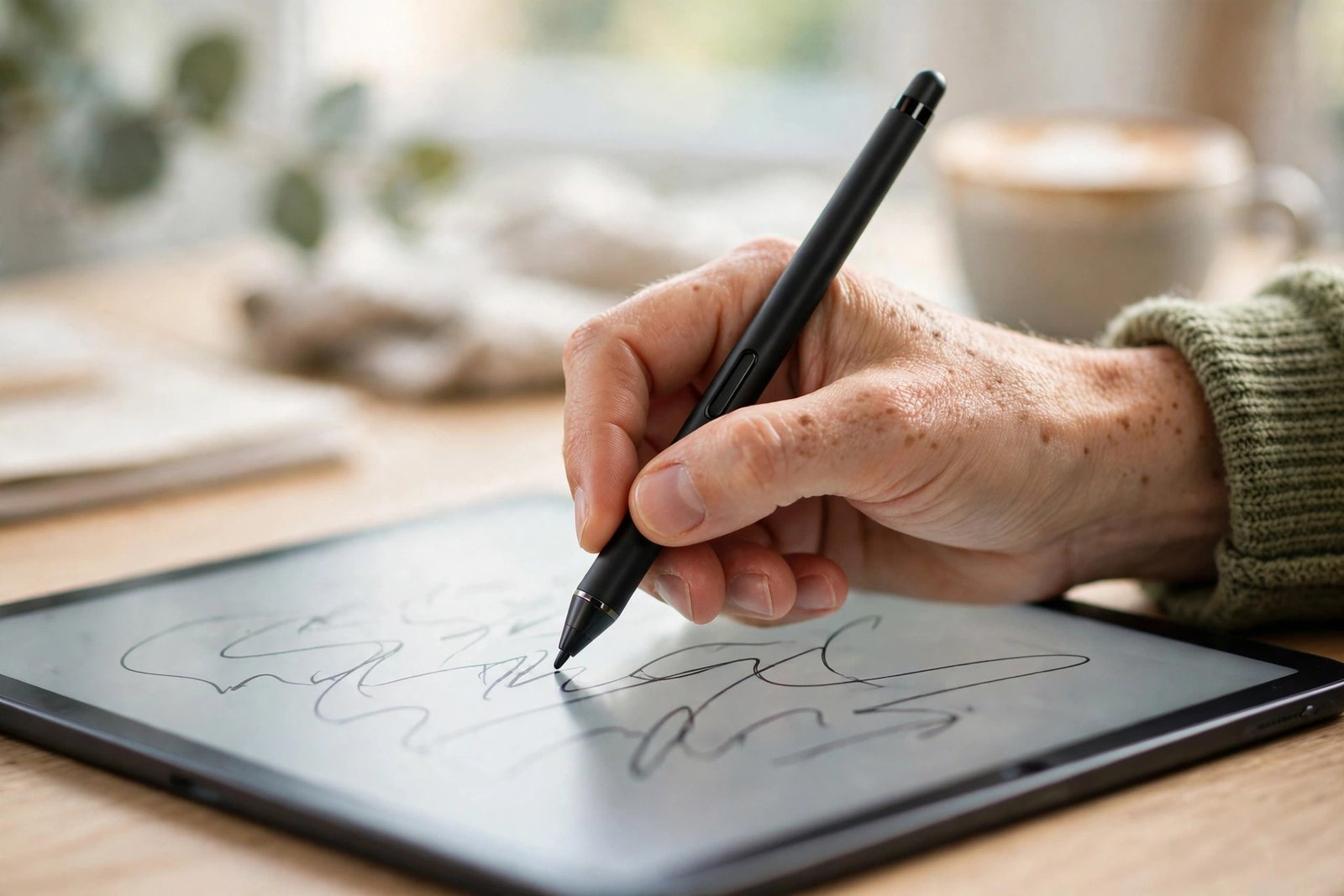
The Surface Pro 11 is the clearest example of a tablet-first 2-in-1. It is a 13-inch touchscreen tablet with a kickstand built into the back, and it becomes a laptop when you attach the keyboard cover. Used on its own, it is light, easy to hold and ideal for reading, annotating and sketching.
It runs on Snapdragon X chips, part of the newer generation of efficient ARM-based processors for Windows laptops. In everyday use that means quiet running and strong battery life for browsing, documents and video calls. The Surface Slim Pen, sold separately or in a bundle, is one of the best stylus experiences on Windows. The trade-off is the keyboard: good for a detachable cover, but never quite as solid as a fixed laptop keyboard on your lap.
Best for: tablet-first use, handwritten notes, reading and sketching, and anyone who wants the lightest device in the bag.
2. Lenovo Yoga 9i 2-in-1
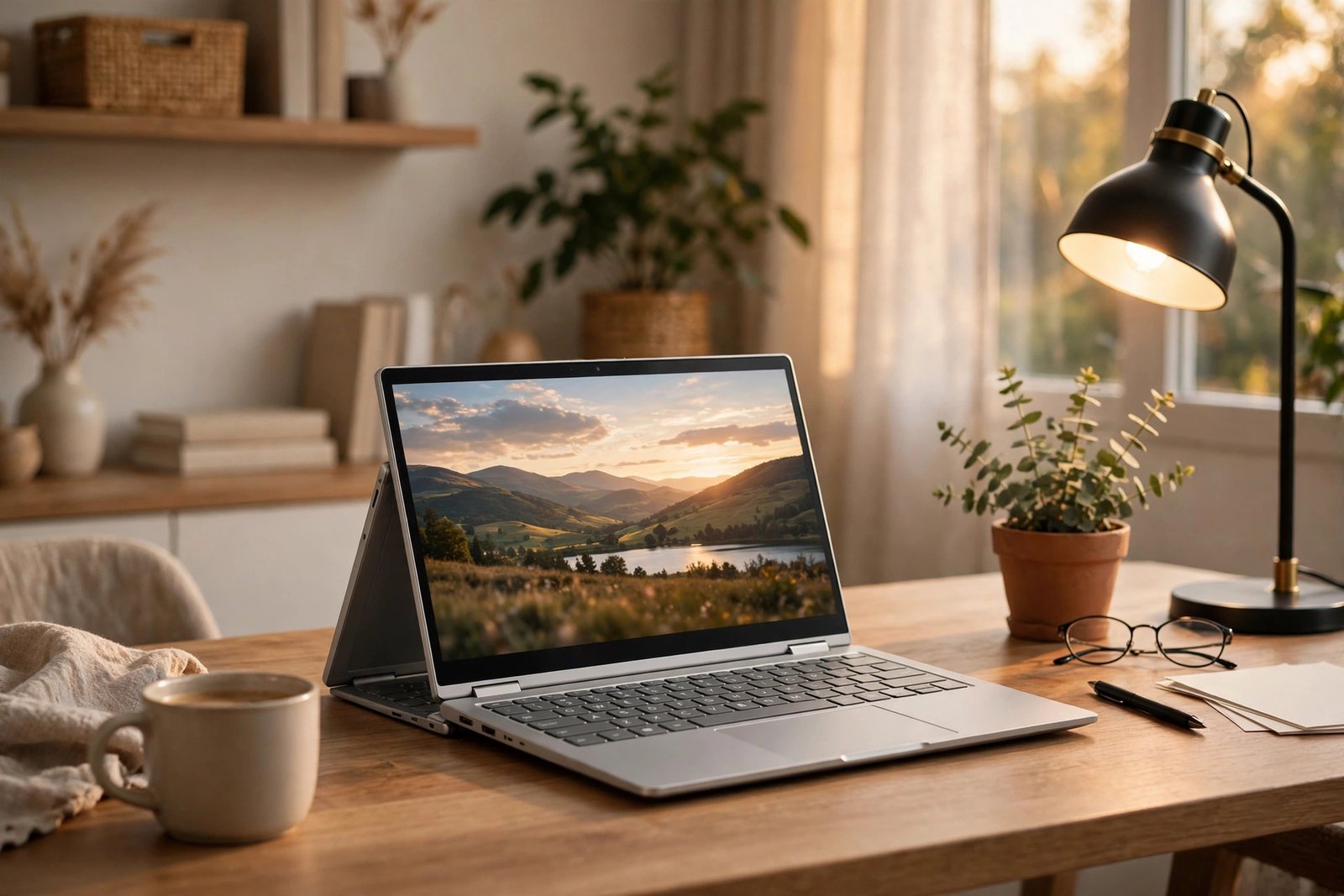
The Lenovo Yoga 9i is the best convertible laptop for most people in 2027, because it gets the laptop part right first. It is a 14-inch convertible with a 360-degree hinge, a comfortable keyboard and a bright touchscreen. Folded back, it works as a tablet. Opened up, it feels like a normal premium laptop.
It runs on Intel Core Ultra chips, with the integrated graphics and AI features that have become standard in this class. That combination handles office work, study, streaming and light photo editing without fuss. The included stylus slots into the body, so you are less likely to lose it. Battery life is strong for a full day of mixed use.
Best for: most buyers, students and office workers who want a proper laptop that also folds into a tablet.
3. HP Spectre x360 14
The HP Spectre x360 14 is the most polished convertible in this list. It is a 14-inch laptop with a gem-cut design, a bright touchscreen and a keyboard that is comfortable for long typing sessions. It looks and feels like a premium product, from the hinge to the speaker grille.
It also runs on Intel Core Ultra chips, and it is tuned for the work most people actually do: email, documents, spreadsheets, video calls and browsing. The webcam is a genuine strength, with good low-light performance. The stylus is included, and the screen is sharp enough for photo editing.
Best for: premium design, video calls and anyone who wants a convertible that looks as good as it performs.
4. ASUS Zenbook 14 Flip OLED
The ASUS Zenbook 14 Flip OLED is the pick for anyone who cares most about the screen. Its 14-inch OLED touchscreen has deep blacks, vivid colour and strong contrast, which makes films, photos and even plain documents look richer than on a standard display. If you watch a lot of video or edit photos, the difference is easy to see.
It is a convertible with a 360-degree hinge, and it runs on Intel Core Ultra chips, so it handles everyday work with ease. The keyboard is comfortable and the machine is slim enough to carry all day. OLED screens use more power on bright, mostly white pages, so battery life can vary with what is on screen. For mixed use, it still lasts a working day.
Best for: media, photo editing and anyone who wants the most vivid screen in a 2-in-1.
5. Samsung Galaxy Book5 Pro 360
The Samsung Galaxy Book5 Pro 360 is the large-screen convertible in this guide. It comes in 14-inch and 16-inch versions, and the larger model is the one to choose if you want a big touchscreen for split-screen work, spreadsheets or drawing. It folds flat, stands in tent mode for presentations, and works as a tablet when you need it to.
It runs on Intel Core Ultra chips, with a bright touchscreen and a stylus included in the box. The keyboard is full-size on the larger model, with a number pad. The main trade-off is size. A 16-inch convertible is heavier and less comfortable to hold as a tablet than a 14-inch model. If you travel light, pick the 14-inch version instead.
Best for: large-screen work, split-screen multitasking and anyone who wants a convertible that can replace a desktop display.
Surface Pro vs laptop: which form is right for you?
Choose a detachable like the Surface Pro if you spend a lot of time reading, annotating or sketching, or if you want the lightest possible setup. Choose a convertible if you type for hours, if you work on your lap, or if you want one machine that does everything. If you rarely write on the screen and never fold the laptop back, you do not need a 2-in-1 at all. A standard laptop will cost less for the same performance.
A checklist before you buy a 2-in-1 laptop
- Decide the form first. Detachable for tablet-first use, convertible for laptop-first use.
- Check the stylus. Is it included, and does it charge in the device?
- Test the keyboard on your lap. A keyboard that is fine on a desk can feel unstable on a train.
- Look at the screen in bright light. Check brightness and reflections, not just resolution.
- Count the ports. Make sure you have enough USB-C and headphone connections.
- Check your software. Confirm specialist apps run well on the chip you are buying.
- Weigh the whole kit. Add the keyboard, pen and charger before you judge portability.
- Set a realistic budget. A cheap hinge or a dim screen is a false economy.
Students should also check whether university software runs on the machine. Our guide to the best laptops for university students covers those choices in more detail. If you travel a lot, our guide to the best lightweight laptops under 1kg is a useful cross-check if portability is your top priority.
Frequently asked questions
What is the best 2-in-1 laptop in 2027?
For most people, the Lenovo Yoga 9i is the best all-round 2-in-1 in 2027, because it is a strong laptop first and a capable tablet second. If you want a tablet first, the Microsoft Surface Pro 11 is the better choice. The right answer depends on whether you type or write more.
Is a 2-in-1 laptop good for students?
Yes, a 2-in-1 is a good choice for many students, especially if you take handwritten notes, annotate lecture slides or sketch diagrams. The best 2-in-1 laptop for students is usually a 14-inch convertible with an included stylus, a comfortable keyboard and a screen that stays readable in a bright lecture room.
Is the Surface Pro a laptop or a tablet?
It is both, by design. The Surface Pro is a tablet with a kickstand and a detachable keyboard cover. With the keyboard attached, it works as a laptop for typing, documents and video calls. Without it, it works as a tablet for reading, notes and sketching. That flexibility is its main strength.
Do 2-in-1 laptops last as long as normal laptops?
A well-made 2-in-1 should last as long as a standard laptop of the same class, provided the hinge is well built. The hinge is the part most likely to wear, so it is worth reading long-term reviews and checking the warranty. Battery health and build quality matter more than the form factor itself.
The bottom line
The best 2-in-1 laptops in 2027 are not the ones with the longest specification list. They are the ones that fit how you actually work. A tablet-first buyer will love the Surface Pro. A laptop-first buyer will love the Yoga 9i. A media lover will notice the Zenbook OLED screen every day.
Start with the form, then the screen, then the pen. If you take notes by hand, the stylus matters more than a small speed difference between chips. If you type all day, the keyboard matters more than a slightly brighter display. If you use Google Docs for notes, our guide to using AI in Google Docs and Sheets shows how to draft and organise your work on a touchscreen laptop.