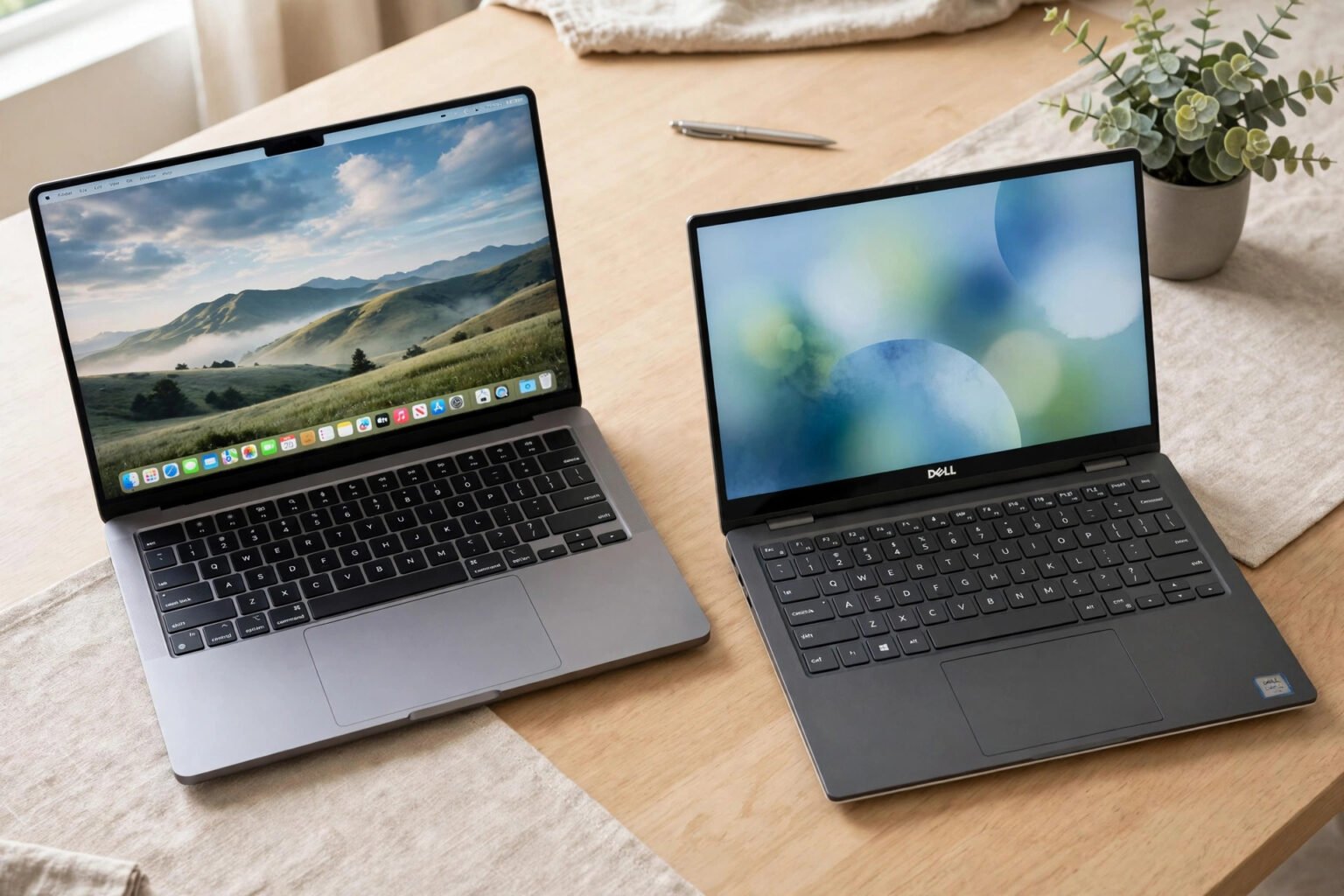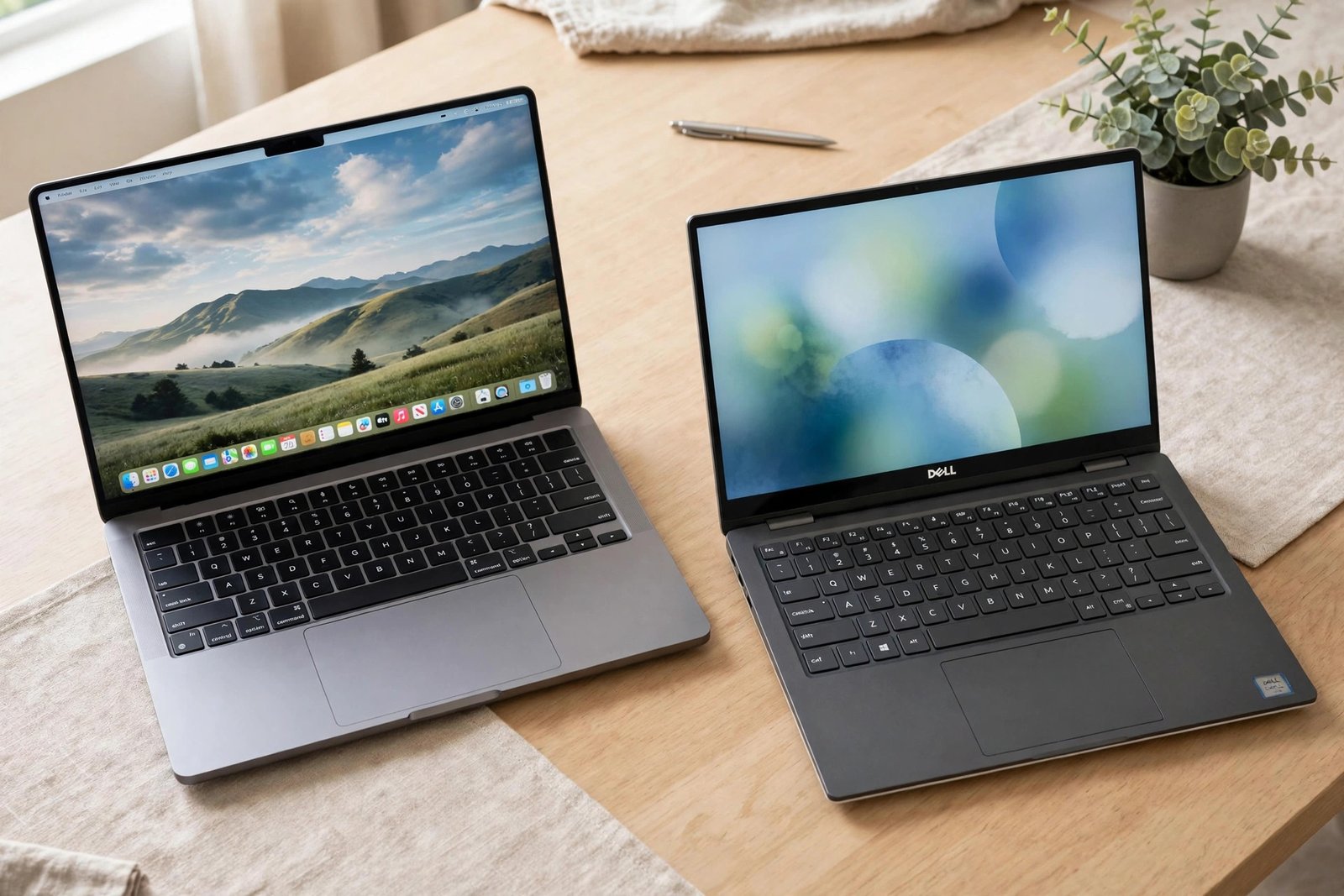
MacBook Pro vs Dell XPS 14 is a fair fight between the best-known premium laptops on macOS and Windows. Both are 14-inch machines with sharp, high-refresh displays and prices that start in the same range. The choice is less about which laptop is better in isolation, and more about which system, display and battery life fit your work.
Here is the short answer: choose the MacBook Pro 14 if you want longer battery life, a brighter display for HDR work and the macOS ecosystem. Choose the Dell XPS 14 if you need Windows software or want a touch OLED screen. The right one depends on your software first, and the hardware second.
Key takeaways: The MacBook Pro 14 (M4) starts at $1,599 in the US, with a 14.2-inch XDR display, up to 24 hours of rated video playback and a 72.4Wh battery. The Dell XPS 14 (9440) launched from around $1,699, with a 14.5-inch FHD+ or 3.2K OLED touch display, Intel Core Ultra 7 chips and a 69.5Wh battery. The MacBook lasts longer away from a charger. The XPS wins on touch, OLED contrast and Windows flexibility. Choose by operating system first.
The operating system decides most of it
Start with software, not specs. The MacBook Pro runs macOS, works best with iPhone and iPad, and suits Final Cut Pro and Logic Pro. The XPS 14 runs Windows 11, and suits Microsoft 365, Windows-only business software and PC games. Switching systems has a cost: new shortcuts, replacement apps and moved files. If your employer or university uses one system, follow that lead.
Best for Apple users: MacBook Pro — macOS, iPhone continuity and Mac-first creative apps.
Best for Windows users: Dell XPS 14 — Windows 11, business software and wider hardware choice.
Performance: Apple silicon vs Intel Core Ultra
The MacBook Pro 14 starts with the Apple M4 chip, a 10-core CPU and a 10-core GPU, with 16GB of memory and 512GB of storage. M4 Pro and M4 Max options add more cores and memory, up to 128GB. Apple silicon stays fast on battery power. The XPS 14 (9440) uses Intel Core Ultra 7 155H or 165H chips, with Intel Arc graphics and an optional Nvidia RTX 4050. Base models have 16GB of LPDDR5x memory and 512GB or 1TB of storage. In everyday use, both feel fast. The MacBook has the edge on efficiency without a charger. The XPS with an RTX 4050 has the edge for Windows games.
Best for performance on battery: MacBook Pro — Apple silicon holds speed well away from a charger.
Best for Windows graphics: Dell XPS 14 with RTX 4050 — a discrete GPU for games and GPU-heavy Windows apps.
Display: XDR brightness vs OLED touch
Both displays are excellent, and they win in different ways. The MacBook Pro has a 14.2-inch Liquid Retina XDR display, with 3,024 by 1,964 resolution, 1,000 nits of sustained brightness, 1,600 nits of peak brightness for HDR and ProMotion up to 120Hz. It is bright in sunlit rooms, smooth when you scroll and strong for HDR video and colour work. It is not a touch screen. The XPS 14 has a 14.5-inch display in two forms: a 1,920 by 1,200 FHD+ IPS panel, or a 3,200 by 2,000 OLED touch panel, both at up to 120Hz. The OLED option has perfect blacks, vivid colour and 100% DCI-P3 coverage. If you work in bright offices, the MacBook wins. If you want touch and OLED contrast indoors, the XPS wins.
Best for brightness and HDR: MacBook Pro — 1,000 nits sustained, 1,600 nits peak HDR.
Best for touch and contrast: Dell XPS 14 OLED — a touch screen with perfect blacks and vivid colour.
Battery life: the MacBook pulls clear
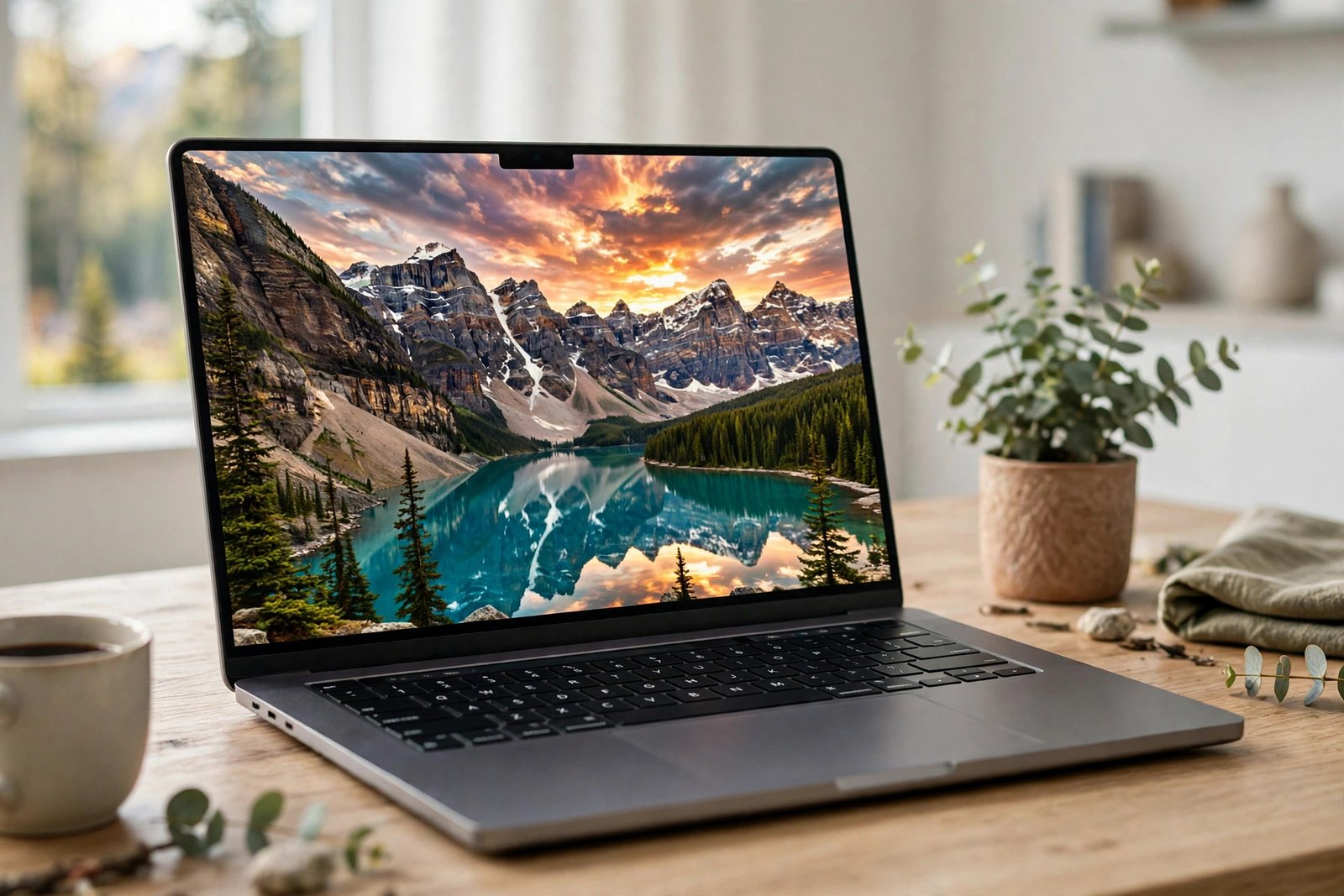
Battery life is the largest practical gap here. Apple rates the base MacBook Pro 14 for up to 24 hours of video playback and up to 16 hours of web browsing, from a 72.4Wh battery. The MacBook lasts a full working day and more in mixed use. The XPS 14 has a 69.5Wh battery, a similar size on paper, yet Windows laptops with Intel chips and OLED screens rarely match Apple silicon in real use. Expect a working day from the FHD+ XPS, and less from the OLED model. If you fly or forget your charger, the MacBook gives you more margin.
Best for battery life: MacBook Pro — up to 24 hours of rated video playback, and strong real-world endurance.
Design, weight and ports
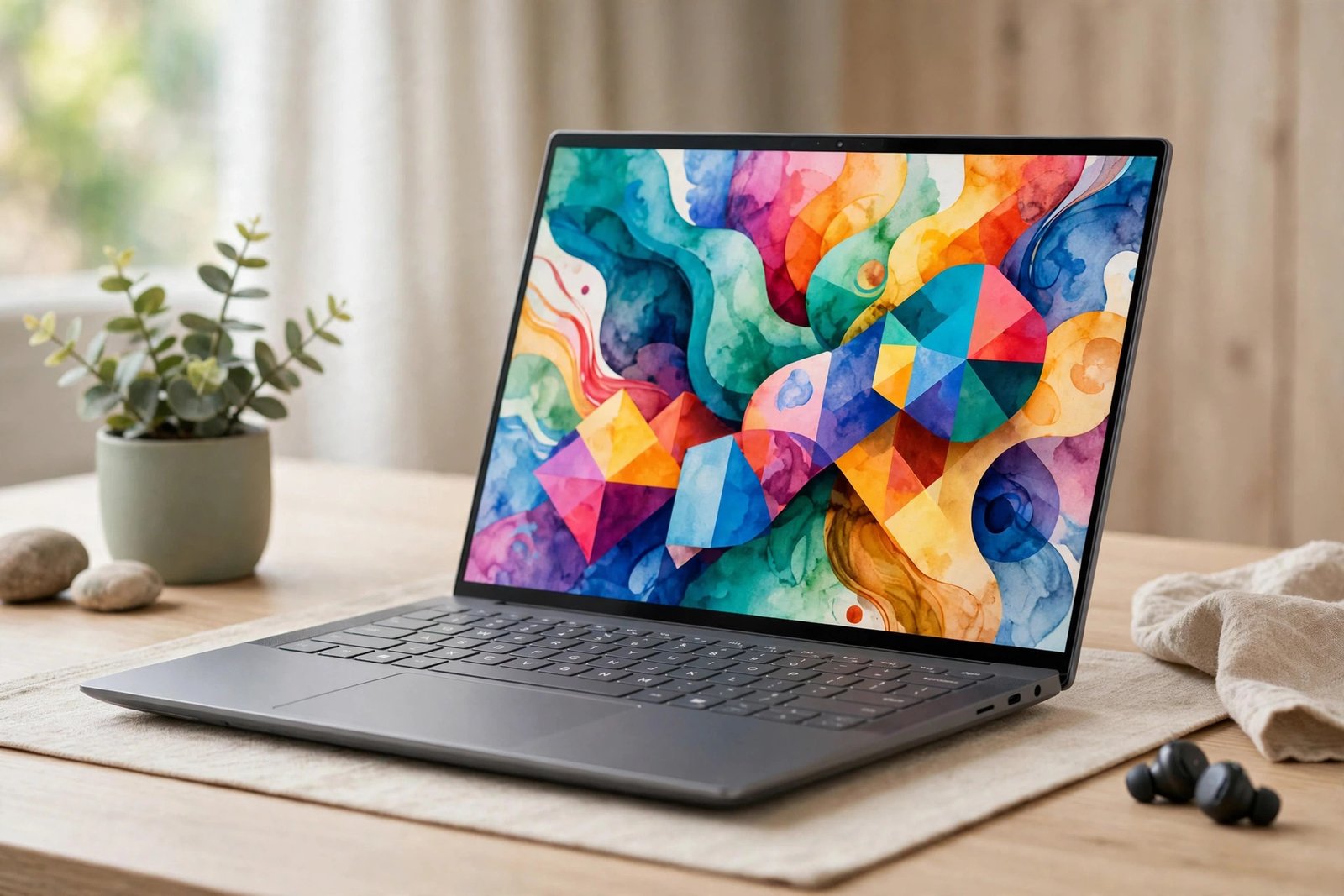
Both look and feel premium, with aluminium bodies and slim bezels. The MacBook Pro 14 weighs about 1.55 kg (3.4 lb) with the base M4 chip. The XPS 14 weighs 1.68 kg (3.7 lb). Both have large trackpads and backlit keyboards. The MacBook has three Thunderbolt 4 ports, HDMI, an SDXC slot, MagSafe 3 and a 3.5mm jack. The XPS has three Thunderbolt 4 USB-C ports, a microSD reader and a 3.5mm jack, with no HDMI or USB-A. Both support Wi-Fi 6E and Bluetooth 5.3.
Best for portability: MacBook Pro — slightly lighter, at about 1.55 kg against 1.68 kg.
Best for built-in ports: MacBook Pro — HDMI and a full-size SDXC slot, with no hub needed for a monitor or camera card.
Price and value
The MacBook Pro 14 with the base M4 chip launched in the US at $1,599, with 16GB and 512GB. The M4 Pro model launched at $1,999, with 24GB and 512GB. The XPS 14 (9440) launched from around $1,699, with an Intel Core Ultra 7 chip, 16GB and 512GB or 1TB. Prices vary by country and retailer, and Dell discounts often, so the XPS can be cheaper in practice. OLED, extra memory and RTX 4050 all add cost. Check current pricing before you buy. Buy the memory and storage you need now: both machines have soldered memory.
Best for value: Dell XPS 14 FHD+ — often discounted, with a strong screen and Windows flexibility for less than an OLED model.
Best for long-term value: MacBook Pro — longer battery life and strong resale value, if macOS suits your work.
Head-to-head comparison
Table 1: MacBook Pro 14 vs Dell XPS 14 — key specifications side by side.
| Feature | MacBook Pro 14 (M4) | Dell XPS 14 (9440) |
|---|---|---|
| Chip | Apple M4, 10-core CPU, 10-core GPU | Intel Core Ultra 7 155H/165H; RTX 4050 optional |
| Display | 14.2-inch XDR, 3,024 x 1,964, 1,000 nits, 120Hz | 14.5-inch FHD+ IPS or 3.2K OLED touch, up to 120Hz |
| Memory | 16GB unified standard, up to 128GB (M4 Max) | 16GB LPDDR5x standard, higher options available |
| Battery (rated) | Up to 24 hours video, 16 hours web; 72.4Wh | 69.5Wh; life varies by display and use |
| Weight | About 1.55 kg (3.4 lb) | 1.68 kg (3.7 lb) |
| Ports | 3x Thunderbolt 4, HDMI, SDXC, MagSafe 3, 3.5mm | 3x Thunderbolt 4 USB-C, microSD, 3.5mm |
| Operating system | macOS | Windows 11 |
| Launch price (US) | From $1,599 (M4), $1,999 (M4 Pro) | From around $1,699 |
Who should buy which?
Choose the MacBook Pro if you use an iPhone and iPad, edit video in Final Cut Pro or want the longest battery life. Choose the XPS 14 if you need Windows-only software or want a touch OLED screen. If you edit video, our guide on how to choose a laptop for video editing explains the priorities that matter most. For another Windows option, our HP Spectre vs Lenovo Yoga comparison covers two strong XPS rivals. If your work lives in Google Docs, our guide on how to use AI in Google Docs and Sheets shows how either laptop can speed up drafting.
Best for most Apple users: MacBook Pro — battery, display and macOS in one package.
Best for most Windows users: Dell XPS 14 — touch OLED, Windows software and a premium build.
Decision checklist: answer before you buy
- List your five most-used apps and check which system runs them best.
- If you need Windows-only software, choose the XPS. If you need Mac-only apps, choose the Pro.
- If you work long days away from a charger, the MacBook is the safer choice.
- Price the exact configuration: OLED, memory and RTX 4050 all add cost on the XPS.
- Check current prices and the return policy before you buy.
Frequently asked questions
Is the MacBook Pro faster than the Dell XPS 14?
For everyday work, both feel fast. The MacBook has the edge on efficiency when unplugged. The XPS with an RTX 4050 has the edge for games.
Which has the better display, MacBook Pro or XPS 14?
The MacBook Pro is brighter, at 1,000 nits sustained, and better for HDR work. The XPS 14 OLED has deeper blacks, vivid colour and touch.
How long does the battery last on the MacBook Pro vs the XPS 14?
Apple rates the Pro for up to 24 hours of video playback and 16 hours of web browsing. The XPS 14 has a 69.5Wh battery, but real-world life is shorter, especially with OLED.
Is the Dell XPS 14 good for video editing?
Yes, especially with OLED and an RTX 4050 option. For long 4K projects, the MacBook Pro is stronger.
Should I buy the XPS 14 OLED or FHD+ model?
Choose OLED for photo editing and touch use indoors. Choose FHD+ for longer battery life and lower cost.
Can I upgrade memory or storage later?
No, not easily. Both have soldered memory. Buy the memory and storage you need at purchase.
Verdict: choose the system, then the laptop
MacBook Pro vs Dell XPS 14 is a fair comparison because both laptops are well built, fast and pleasant to use. The MacBook wins on battery life and display brightness. The XPS wins on touch, OLED contrast and Windows flexibility. That makes the operating system the deciding factor. If macOS suits your apps, buy the MacBook Pro. If Windows suits your work, buy the XPS 14 — FHD+ for battery life, OLED for colour and touch. Check the current price and buy the configuration you need now.