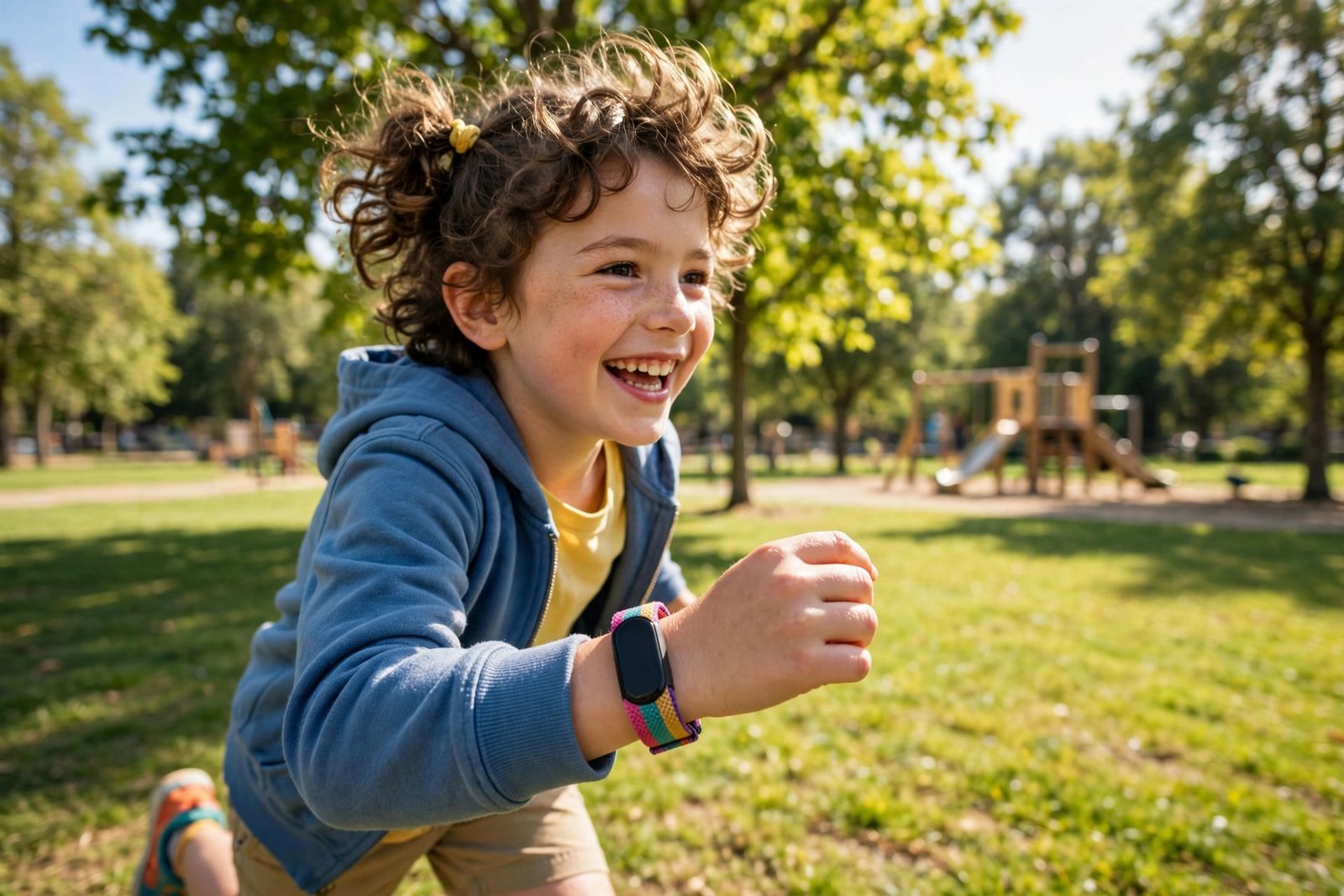
The best fitness trackers for kids in 2027 are the ones children actually want to wear and parents can actually control. A good kids’ tracker should count steps and active minutes, survive school, swimming lessons and the playground, and give parents clear controls over who can contact their child.
The short answer is that most families should choose a tracker with GPS and two-way calling from a known brand, with a parent app that controls contacts, school mode and location alerts. A tracker that needs a phone, shows adverts or lets strangers message your child is the wrong purchase, whatever the price.
Key takeaways
- GPS and two-way calling matter more than step counts: safety features are the real reason to buy.
- Pick a tracker with a parent-controlled contact list, so only approved family members can call or message.
- Look for a school mode that silences distractions during lessons.
- Water resistance and a tough, replaceable strap decide whether it survives a term.
- Check for a subscription: several kids’ trackers need a monthly plan for calling, GPS or games.
What makes a kids’ tracker different
A kids’ fitness tracker is not a small adult tracker. It is a safety device, a motivator and a toy in one, and the balance matters. Children will not wear something uncomfortable or boring, however good its sensors are, so fit, colour choices and fun goals matter more than they do for adults.
The sensors are simpler than an adult watch: an accelerometer counts steps and active minutes, and some models add a heart-rate sensor and sleep tracking. That is enough.
Connectivity is where parents should look hardest. Some trackers use Bluetooth and need a phone nearby; others have their own LTE connection, so a child can call home from the park without a phone at all. LTE models cost more each month, but they are the only ones that work as a standalone safety device.
Parental controls are the other deciding factor. The right tracker lets a parent approve every contact, set a school mode schedule, limit screen time and see location history, all from one app. The wrong one lets a child add friends freely, receive messages from strangers or make purchases in games. Check the parent app before you buy, not after.
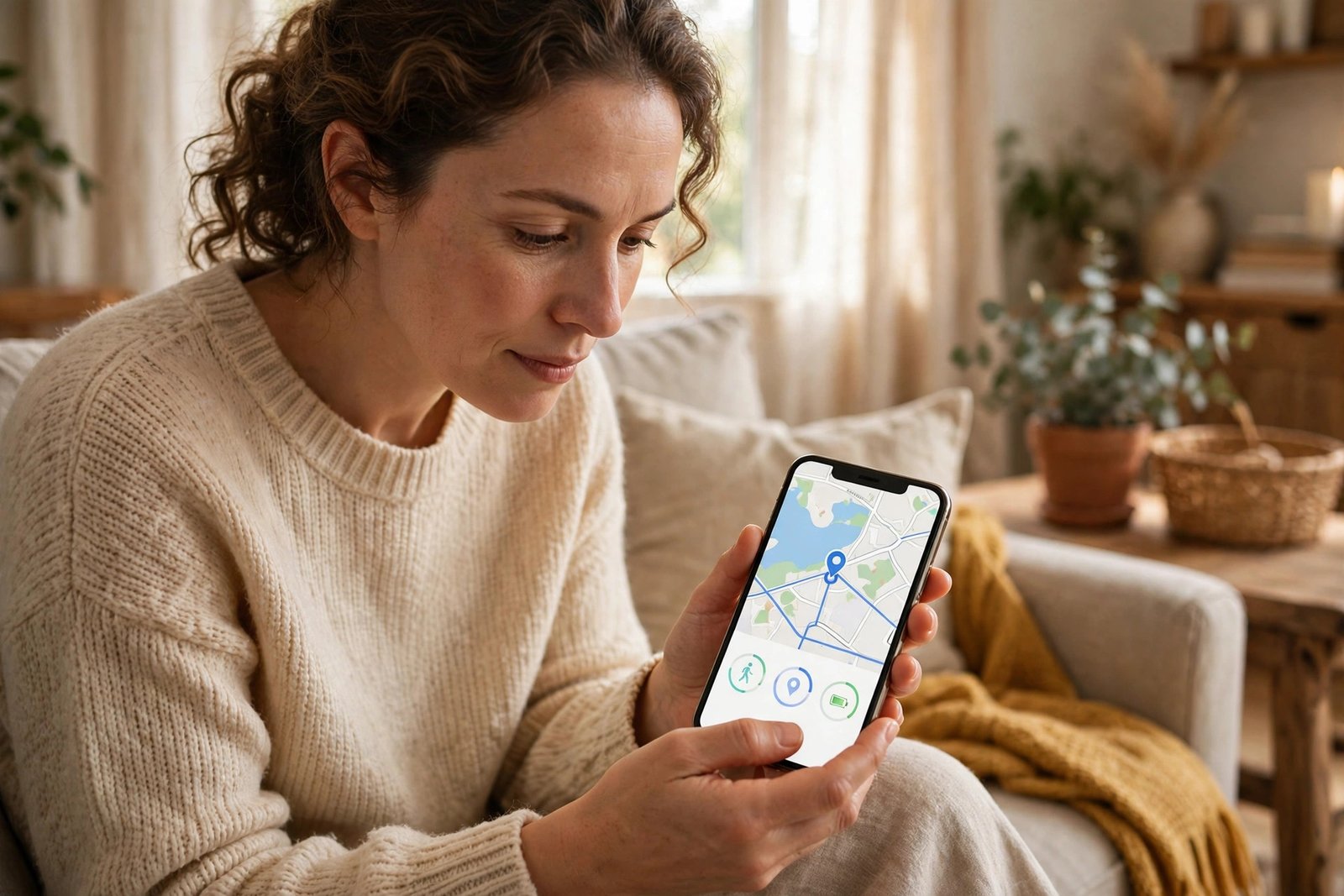
The best fitness trackers for kids compared
| Tracker | Standalone calling | GPS | School mode | Subscription |
|---|---|---|---|---|
| Fitbit Ace LTE | Yes, LTE calls and messages | Yes, with location sharing | Yes | Yes, Fitbit Ace Pass |
| Garmin Bounce | Yes, LTE calls and messages | Yes, with safe zones | Yes, school mode | Yes, Garmin Jr. LTE plan |
| Xplora X6 Play | Yes, LTE calls and messages | Yes, with safe zones | Yes | SIM plan required |
| Fitbit Ace 3 | No, needs a phone nearby | No | No, basic do-not-disturb | No |
| Amazfit Pop 3S Kids | No, Bluetooth only | No | No | No |
Caption: The leading kids’ fitness trackers compared on calling, GPS, school mode and subscription costs. Plans and prices vary by country; check the current price.
The best fitness trackers for kids in 2027
Fitbit Ace LTE
Best for: most families who want calling, GPS and games in one device.
The Ace LTE is the most complete kids’ tracker on sale. It has its own LTE connection, so children can call and message approved contacts without a phone, and parents can see their location in the Fitbit Ace app. Activity goals unlock games rather than rewarding screen time, and the watch is water resistant enough for swimming.
It needs the Fitbit Ace Pass subscription for calling, GPS and most of its games, which adds a monthly cost on top of the watch. Even so, for a family buying one device to cover activity, safety and staying in touch, this is the strongest all-round choice.
Garmin Bounce
Best for: families already using Garmin, and parents who want the clearest safety controls.
The Bounce pairs a slim, comfortable design with LTE calling and messaging, live GPS tracking and safe-zone alerts that notify a parent when a child arrives at school or home. The Garmin Jr. app gives parents control over contacts, and children can check in with a single message rather than a phone call. It tracks steps, active minutes and sleep, and it is water resistant for swimming.
The LTE plan is a separate subscription, and the games are simpler than the Ace LTE’s. What it does best is stay out of the way: it is light, tough and easy for a child to wear all day.
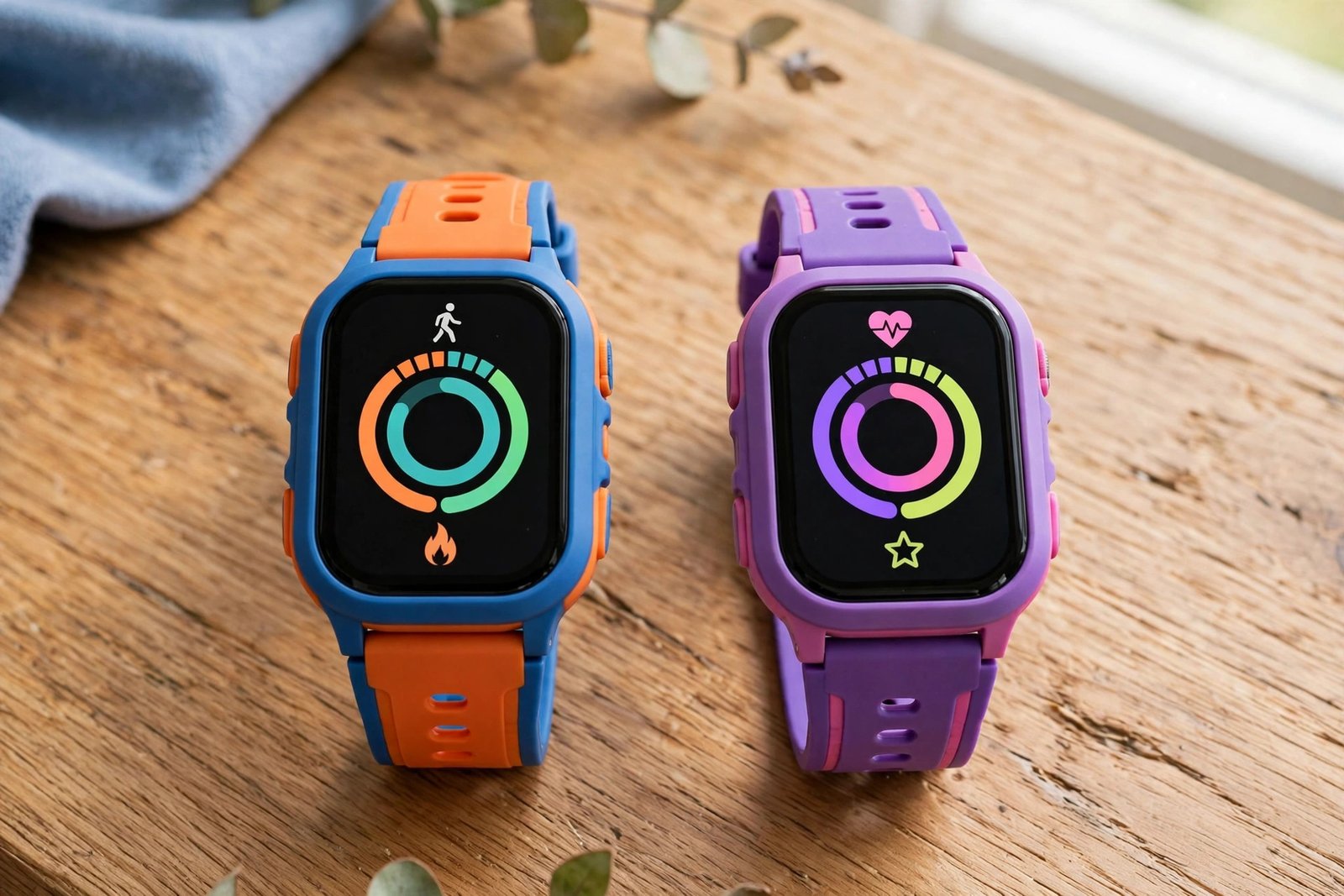
Xplora X6 Play
Best for: younger children who need a phone alternative.
The X6 Play makes calls and sends voice messages only to parent-approved contacts, tracks location with safe zones, and includes a school mode, a step counter and a camera. Parents manage everything from the Xplora app, and there is no open internet access and no social media.
It needs a SIM plan, which adds a monthly cost, and its app and games feel less polished than Fitbit’s or Garmin’s. For a younger child, though, the simplicity is a strength: big buttons, clear calling, and nothing a stranger can reach.
Fitbit Ace 3
Best for: younger children, and families who do not want a subscription.
The Ace 3 is a simple activity band for children aged six and up. It counts steps and active minutes, tracks sleep, and turns goals into badges and animated celebrations. It is slim, comfortable and water resistant, with a battery that lasts around a week, and it needs no subscription at all.
It has no GPS and no calling, so it cannot help you find a child or let them phone home. That is the trade-off for the low price and zero running costs. If your child is always with an adult and you simply want to encourage movement, the Ace 3 does the job well. For older children walking to school alone, look at the LTE options above.
Amazfit Pop 3S Kids
Best for: a low-cost first tracker for a younger child.
The Pop 3S Kids is a bright, lightweight watch with a large display, step counting, sleep tracking and simple activity goals, at a price well below the LTE watches. It is comfortable for small wrists, easy to charge, and cheerful enough that children generally want to wear it.
It is a Bluetooth tracker with no GPS, no calling and no parent-controlled contact list, so it is an activity motivator rather than a safety device. Buy it as a first step into wearables for a young child, and move to an LTE tracker when they start travelling to school or activities on their own.
A parent’s checklist before you buy
Run through this list with your child before you spend anything, and the right tracker becomes obvious.
- How will they contact you? If they travel without an adult, you need LTE calling. If they are always supervised, Bluetooth is fine.
- Who can contact them? Only buy a tracker that lets a parent approve every contact. Open messaging is a deal-breaker.
- Does it have a school mode? A schedule that silences games and notifications during lessons protects both learning and the teacher’s patience.
- Will it survive them? Check water resistance for swimming, a tough strap, and whether the strap and screen protector are replaceable.
- What does it cost each month? Add the subscription to the price. An LTE tracker with a monthly plan costs far more over two years than the box price suggests.
- Does your child like it? Let them try the strap and the screen. A tracker left in a drawer helps nobody.
Getting it right after the unboxing
Set the tracker up together. Add only family contacts, agree the school mode hours, and set safe zones for home, school and regular activities. Show your child how the SOS or check-in button works, and agree when to use it: lost, worried, or running late are good reasons; boredom is not.
Set activity goals with your child, not for them. Sixty minutes of active play a day is a widely used guideline for children, and most of these trackers build their goals around it, but the number matters less than the habit. Celebrate streaks and active days rather than chasing a perfect week, and avoid using the tracker as a punishment.
Sleep tracking is useful context, not a verdict. If the tracker says your child slept poorly, ask how they feel rather than quoting the app at them. And remember that a tracker supports healthy habits; it does not create them.
For older children who are ready for a fuller smartwatch, our guide to the best hybrid smartwatches covers watches that look like ordinary timepieces while tracking activity. Younger children are usually better served by a dedicated kids’ tracker first.
Frequently asked questions
What age should a child get a fitness tracker?
Most brands aim their kids’ trackers at ages six and up, and that is a sensible starting point. A simple band like the Ace 3 suits ages six to nine, while LTE watches with calling suit children aged eight and over who travel without an adult. The right age depends on your child’s maturity and routine, not a number on a box.
Do kids’ fitness trackers need a phone?
Bluetooth trackers need a phone nearby to sync and need a parent’s phone for setup. LTE trackers such as the Ace LTE, Bounce and X6 Play work on their own for calls, messages and GPS, though a parent still manages them from a phone app.
Are kids’ trackers safe from strangers?
A good one is, because parents control the contact list and children can only communicate with approved people. Avoid any kids’ watch that allows open friend requests, public chat or internet browsing. Check the parent app’s controls before you buy.
Should my child wear a tracker at school?
That depends on the school’s policy, so ask first. Most schools allow a tracker in school mode, which silences games and notifications, but some ban wearables entirely.
How accurate are step counts on kids’ trackers?
Reasonably accurate for trends, less so for exact numbers. Children’s shorter strides and energetic play can confuse step algorithms, so daily totals may vary between devices.
Do I have to pay a subscription?
Not always. Simple Bluetooth trackers like the Ace 3 have no subscription. LTE trackers need a monthly plan for calls, messages and GPS, so add that cost when comparing prices.
The bottom line
The best fitness tracker for kids in 2027 for most families is the Fitbit Ace LTE: it combines activity tracking, GPS, calling and games in a device children enjoy wearing, and its parent controls are clear. The Garmin Bounce is the best choice for families who want the simplest safety controls, and the X6 Play is the best phone alternative for younger children.
If your child also tracks sleep, our guide to the best sleep trackers explains how sleep data works, and our guide to how to stop AI agents accessing your email and files is worth reading before any connected device joins your family. Then let your child pick a strap colour, set one fun goal, and start with a walk together.
Safety note: a kids’ tracker is a helpful safety aid, not a replacement for supervision. Agree clear rules with your child about where they may go, who they may contact, and what to do if they feel unsafe. Location tracking can fail indoors, underground or where mobile signal is weak, so it should never be your only safety plan.