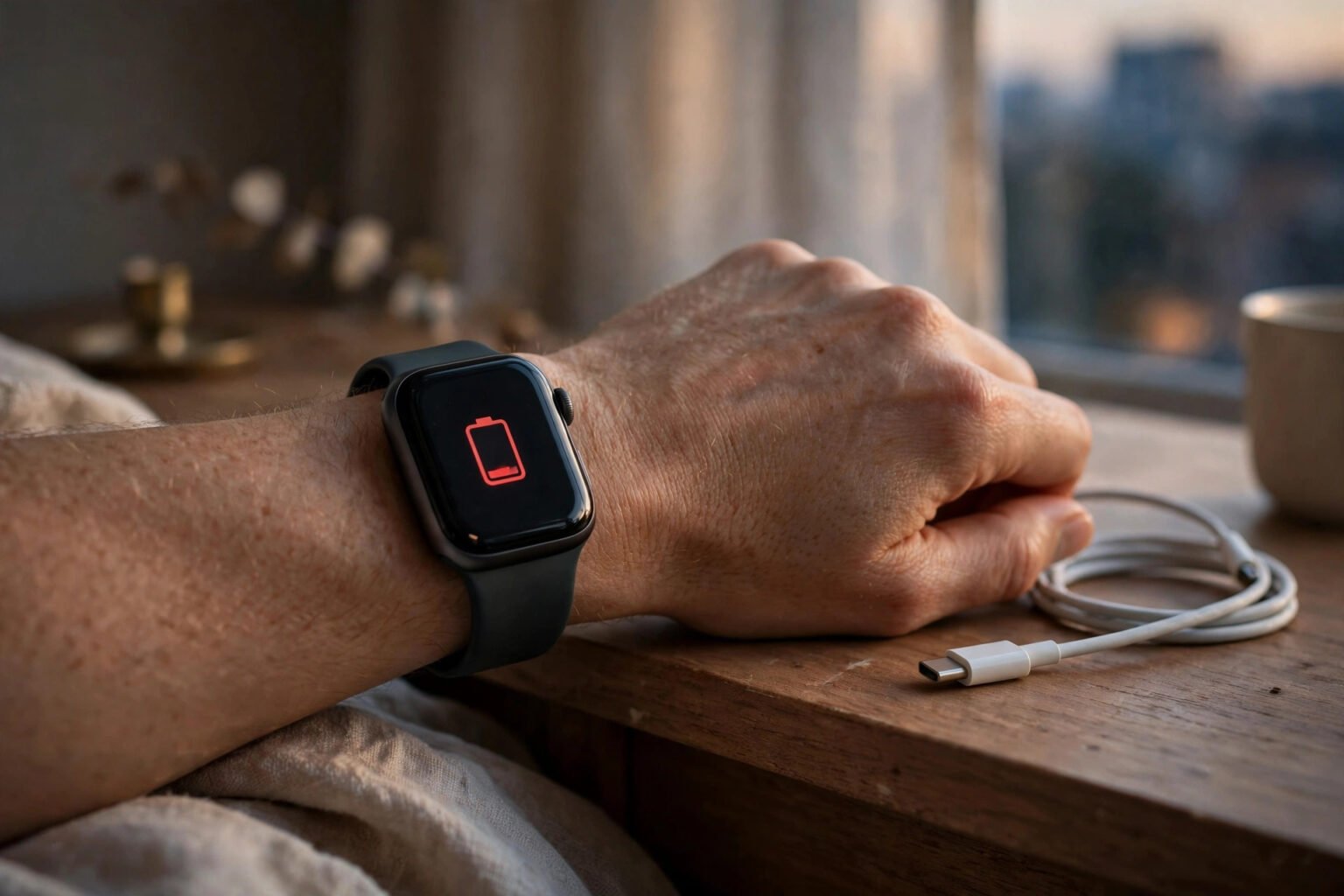
Learning how to extend smartwatch battery life is mostly about finding what is draining it and switching that off. A smartwatch battery usually lasts one to three days on a mainstream watch and one to two weeks on an outdoor watch, and the gap between those figures is almost entirely settings, not hardware.
The short answer is to turn off the always-on display, lower screen brightness, limit notifications and background apps, and use a low-power or battery-saver mode on long days. Those four changes alone can add a day or more to most watches, and they cost you almost nothing in daily use.
Key takeaways
- The screen is the biggest drain: always-on display and high brightness cost more battery than any app.
- Notifications wake the screen constantly, so limiting them to calls and messages from people is the easiest win.
- GPS, music streaming and phone calls over the watch drain battery far faster than step counting.
- Low-power and battery-saver modes work well for long days, but they disable features, so use them deliberately.
- Battery health falls with age and heat: avoid leaving a watch charging in direct sun or a hot car.
Find out what is draining your battery
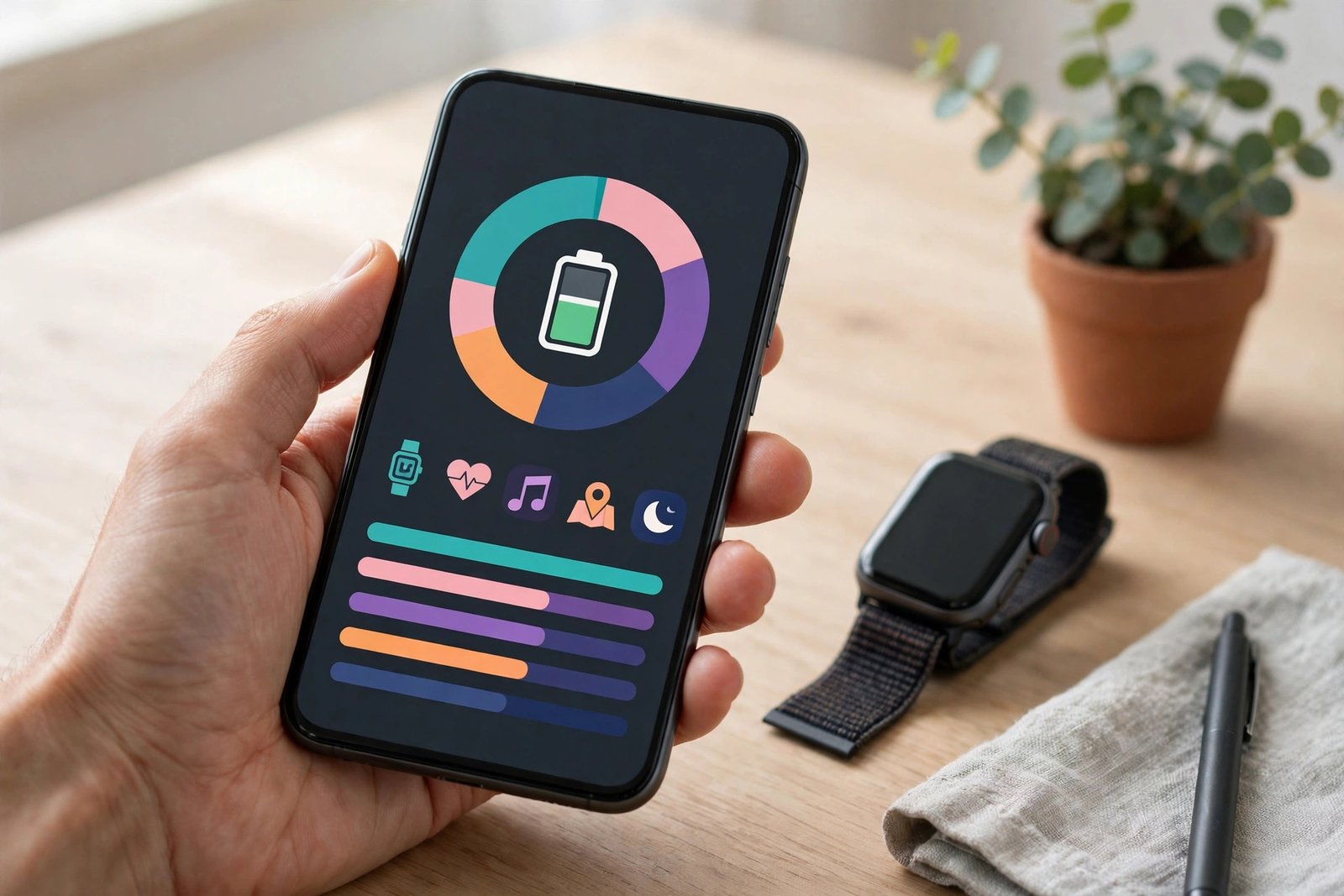
Before you change anything, find the culprit. Most watches show battery use by app or feature: Apple Watch shows it in the Watch app under Battery, Samsung Galaxy Watch in Settings under Battery, Garmin in the Connect app, and Wear OS watches in Settings under Battery. Look for one or two items far ahead of the rest, because a single misbehaving app or a stuck GPS session often explains a sudden drop.
A sudden drain usually has a simple cause. A watch face with live complications, such as weather that updates every few minutes, can cost hours. A fitness app that keeps GPS running after a workout ends is another common cause. So is a watch struggling to hold a Bluetooth connection to a phone that is out of range, or searching for Wi-Fi and mobile signal in a basement or a rural area. If battery life falls off a cliff overnight, restart the watch first: it clears stuck processes and is the fastest fix there is.
Age matters too. A lithium battery loses capacity over hundreds of charge cycles, so a three-year-old watch will not match its launch-day battery life. Most manufacturers offer a battery health check in their app or support pages. If health is below 80 percent, no setting will restore the original life, and a battery replacement is worth considering before you buy a new watch.
The settings that save the most battery
Not all battery tips are equal. The table below ranks the changes by impact, so you can start with the ones that matter and skip the ones that do not.
| Setting | Battery saved | What you lose |
|---|---|---|
| Turn off always-on display | Large: often a full day on Apple and Samsung watches | The screen goes dark until you raise your wrist |
| Lower brightness and shorten screen timeout | Large | A dimmer screen, and it sleeps sooner |
| Limit notifications to people, not apps | Medium to large | You stop seeing every shop and news alert on your wrist |
| Turn off background app refresh | Medium | Apps update when you open them, not in the background |
| Use GPS only during workouts | Large on active days | No continuous location tracking outside exercise |
| Turn off Wi-Fi and mobile data when not needed | Medium | The watch relies on Bluetooth to your phone |
| Disable raise-to-wake if you gesture a lot | Small to medium | You tap the screen to wake it instead |
Caption: The battery-saving settings ranked by impact, and what each one costs you in convenience.
Start with the display. An always-on display keeps the screen lit all day, and on Apple Watch and Galaxy Watch it is the single biggest drain. Turning it off, or setting it to show only during workouts, typically adds the most hours of any single change. Lowering brightness to around half and shortening the wake time to a few seconds adds more, and costs almost nothing indoors.
Next, tame notifications. Every alert lights the screen, vibrates the motor and wakes the processor. Go through the notification list in your phone’s watch app and switch off everything except calls, messages and the two or three apps you genuinely need on your wrist. You will still see everything on your phone; you will simply stop paying battery for it on your watch.
Then check background activity. Apps that refresh in the background, sync music, or track location when you are not exercising all cost battery. Turn off background refresh for apps you rarely open on the watch, and check that no workout app is still recording. On Apple Watch, the Workout app and third-party fitness apps are the usual suspects; on Wear OS, check the location permissions of each app.
A battery checklist for long days
Use this checklist the night before a long day, a hike or a trip, and your watch is far more likely to last until bedtime.
- Charge to 100 percent the night before. A watch that starts at 80 percent has already lost a fifth of its day.
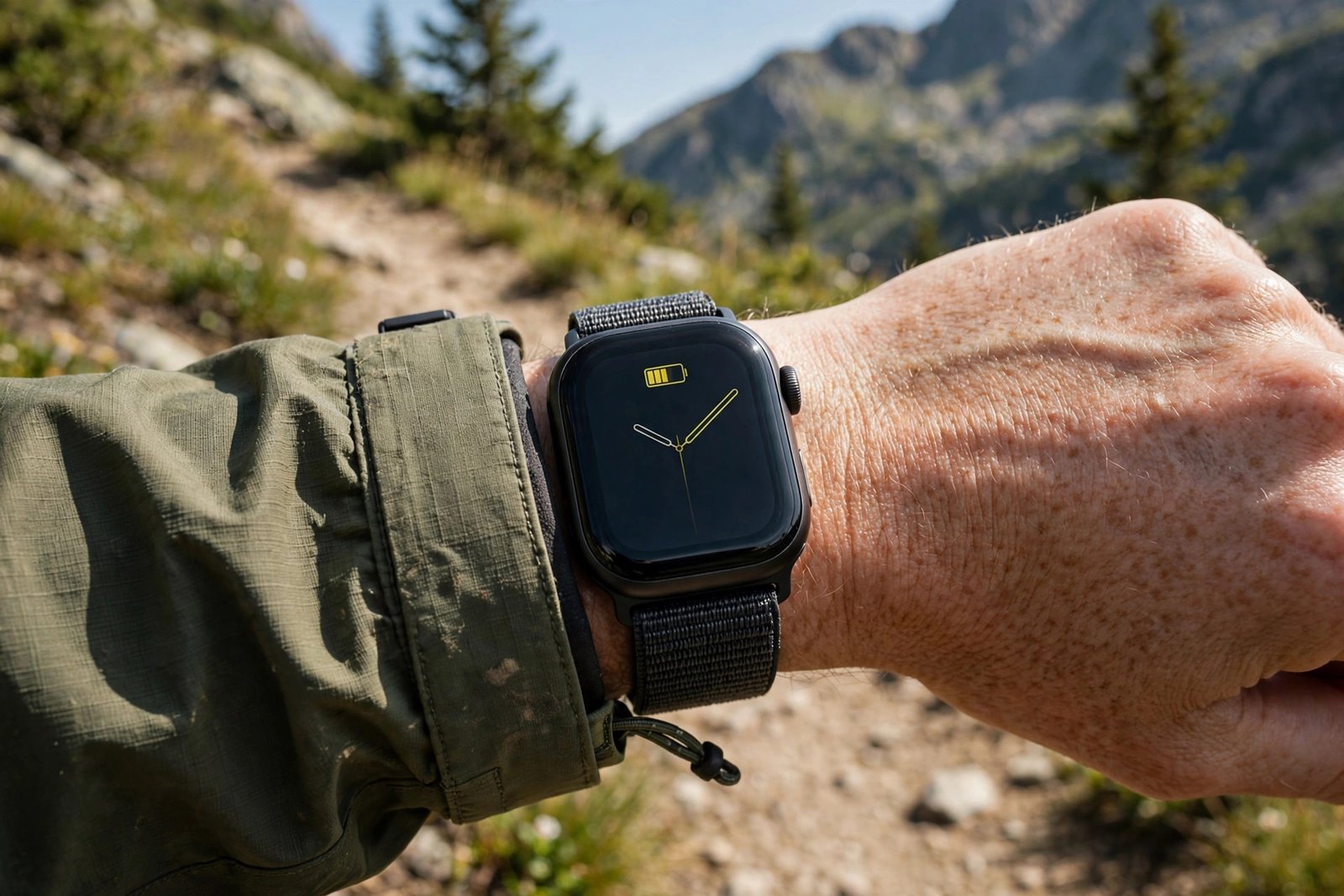
- Switch on low-power mode before you leave. On Apple Watch it is Low Power Mode; on Galaxy Watch it is Power Saving; Garmin offers a battery-saver mode. They limit background activity and sensors, and they add hours.
- Download maps and music offline. Streaming music and maps over mobile data is one of the fastest drains. Download both over Wi-Fi first.
- Turn off the always-on display for the day. You can switch it back on tomorrow; for one long day, the saving is worth it.
- Carry a small power bank and a short cable. Ten minutes of charging at lunch can add hours, and most watches charge quickly from a small bank.
- Close the workout app when you finish. A GPS session left running after a run is the classic silent drain.
- Keep the watch cool. Heat degrades lithium batteries faster than any setting. Do not leave it charging in direct sun or in a hot car.
If you hike regularly, the same thinking applies on the trail: our guide to the best smartwatches for hiking compares watches by GPS battery life, which is the figure that matters outdoors. And if you track sleep, our guide to how to track sleep with Apple Watch explains how to record a night without waking to a dead battery.
Habits that quietly drain the battery
Settings are half the story; habits are the other half. Checking the time by raising your wrist dozens of times a day costs little on its own, but combined with a bright screen and a busy watch face it adds up. A simple watch face with few complications uses noticeably less battery than a face showing weather, calendar, activity rings and a live heart-rate graph.
Phone calls on the watch are expensive too. A ten-minute call over Bluetooth uses far more battery than a day of step counting, and calls over the watch’s own mobile connection use more still. Take long calls on your phone and keep the watch for quick replies.
Music is similar. Streaming from the watch drains battery through Wi-Fi or mobile data and the processor together. Downloaded music played to Bluetooth headphones is far kinder, and downloaded playlists are the better choice for runs and long days.
Charging habits matter over months rather than days. Lithium batteries age fastest when kept at 100 percent in heat, or drained to empty repeatedly. Charging overnight is fine on modern watches, which manage charging to protect the battery, but avoid leaving a watch on a charger in a hot room for days. Some watches offer an optimised charging option that holds the battery at 80 percent until morning: switch it on if yours has it.
Frequently asked questions
Why is my smartwatch battery draining so fast?
The usual causes are the always-on display, a bright screen, too many notifications, a stuck GPS session, or an app refreshing in the background. Check battery use by app in your watch settings, restart the watch, and turn off the always-on display first.
Does turning off Bluetooth save battery?
Barely, and it is not worth it. Bluetooth Low Energy uses very little power, and turning it off stops the watch syncing with your phone. Wi-Fi and mobile data cost far more, so switch those off first when you need to save battery.
Should I use low-power mode all the time?
You can, but you lose features. Low-power mode limits background refresh, the always-on display and some sensors, so sleep tracking and automatic workout detection may suffer. Use it for long days and trips, not as a permanent setting.
How long should a smartwatch battery last?
A mainstream smartwatch lasts one to three days, an outdoor GPS watch one to two weeks, and a hybrid watch three to four weeks. If your watch lasts far less than its rated life, check for a stuck app or a degraded battery.
Does a watch face affect battery life?
Yes. A face with live complications such as weather, stocks or a second time zone updates constantly and uses more battery than a simple face. Animated faces cost more still. A plain face with one or two complications is the kindest choice.
Can I replace a smartwatch battery?
Most manufacturers offer battery replacement, and the cost is usually far less than a new watch. Check the manufacturer’s support page for pricing and turnaround. If the battery health is below 80 percent, replacement is often the best value fix.
The bottom line
The best way to extend smartwatch battery life is to treat the screen as the main cost and everything else as a minor one. Turn off the always-on display, lower the brightness, limit notifications to people, and use low-power mode on long days, and most watches gain a day or more. Check battery use by app once a month, restart the watch when drain appears suddenly, and remember that a battery that has aged below 80 percent health will not be fixed by settings alone.
If you are buying your next watch with battery in mind, our guide to what local AI is and how to run AI offline on your computer explains the offline-first approach that also helps a watch last longer. Start tonight: switch off the always-on display, trim your notifications to the essentials, and see how much further tomorrow’s charge takes you.