Learning how to track sleep with Apple Watch properly takes about ten minutes of setup and one habit change. The watch measures your sleep stages, heart rate and breathing, then shows the results in the Health app each morning. The short answer to the question most owners ask is yes, it works well — but only if you set a sleep schedule, wear the watch snugly, and charge it at the right time of day. Skip any of those three steps and you will get gaps, guesswork and a flat battery at bedtime.
Most people set it up once, glance at the results for a week, then stop. The data is there, but the routine is not. This guide walks through the full setup, explains what each number actually means, and covers the small fixes that turn sleep tracking from a novelty into a habit. It applies to Apple Watch models that support sleep tracking with watchOS, paired with an iPhone. No extra apps or subscriptions are needed for the core features.
Key takeaways
- Set up a sleep schedule in the Health app and let Sleep Focus turn on automatically at bedtime.
- Charge your watch before bed, not overnight: a daytime top-up is the habit that makes sleep tracking work.
- Wear the band snugly, one finger’s width above your wrist bone, for the most reliable heart rate readings.
- Sleep stages are estimates based on heart rate and movement, not medical measurements.
- Judge your sleep by weekly trends, not by any single night’s score.
What you need before you start
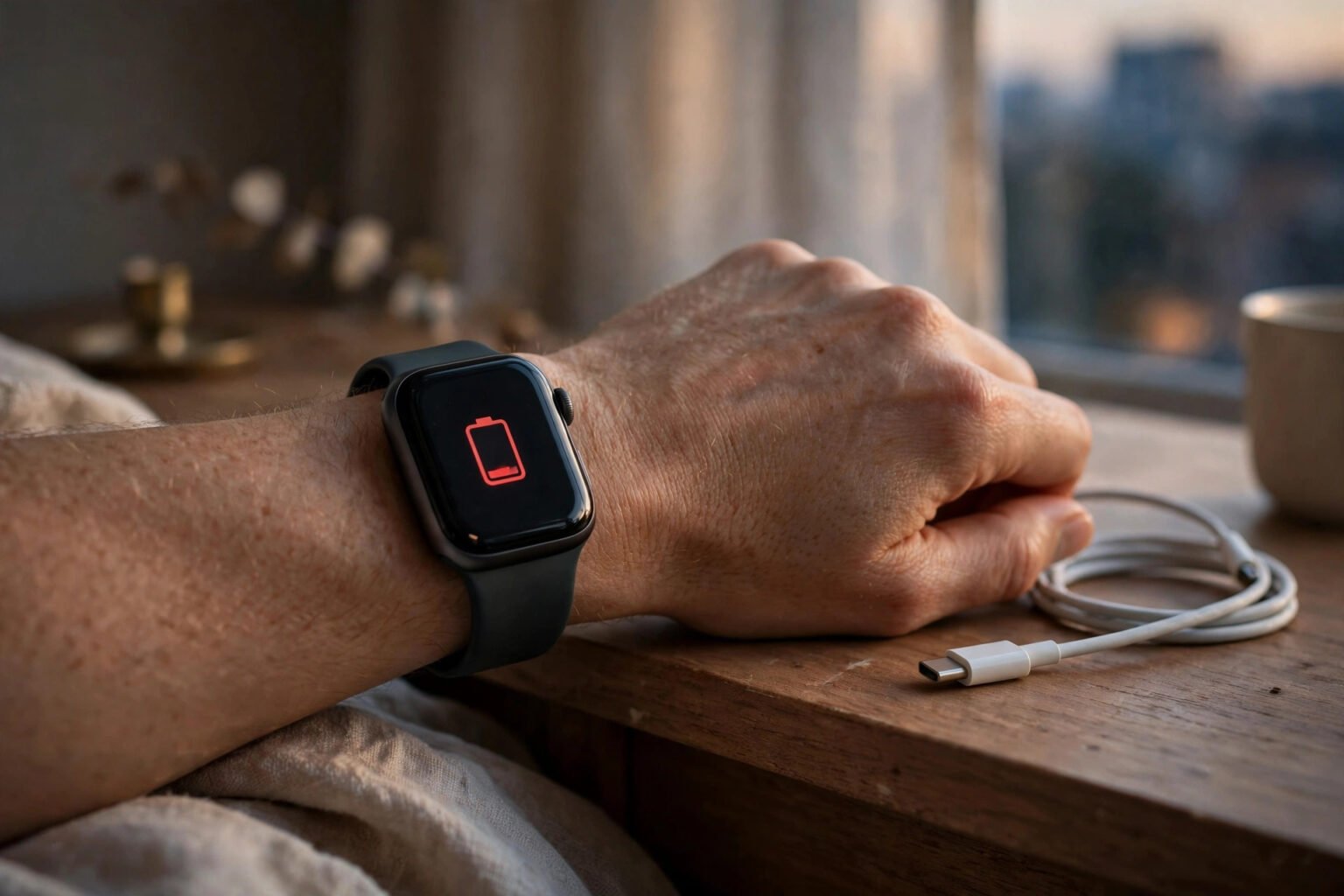
You need an Apple Watch paired with an iPhone, both updated to a recent version of watchOS and iOS. Sleep tracking is built into the Watch and Health apps, so there is nothing to buy and no subscription to start. Check that the watch has enough charge for the night: Apple Watch models typically need charging most days, so a flat battery at 10pm is the most common reason sleep tracking fails.
Your band matters more than you might expect. A snug sport band or sport loop keeps the sensors against your skin, while a loose metal bracelet lets the watch slide around and weakens the heart rate signal. The watch should sit about a finger’s width above your wrist bone and feel secure without cutting off circulation. If the band leaves a mark, it is too tight; if the watch slides freely, it is too loose.
Finally, decide what you want from the data. If you simply want to know how long you slept and whether your bedtime is consistent, the built-in tools are enough. If you want detailed analysis, coaching or a readiness score, a third-party app can add that, but start with Apple’s own features for a week before deciding whether you need more.
Set up sleep tracking step by step
Step 1: Create a sleep schedule
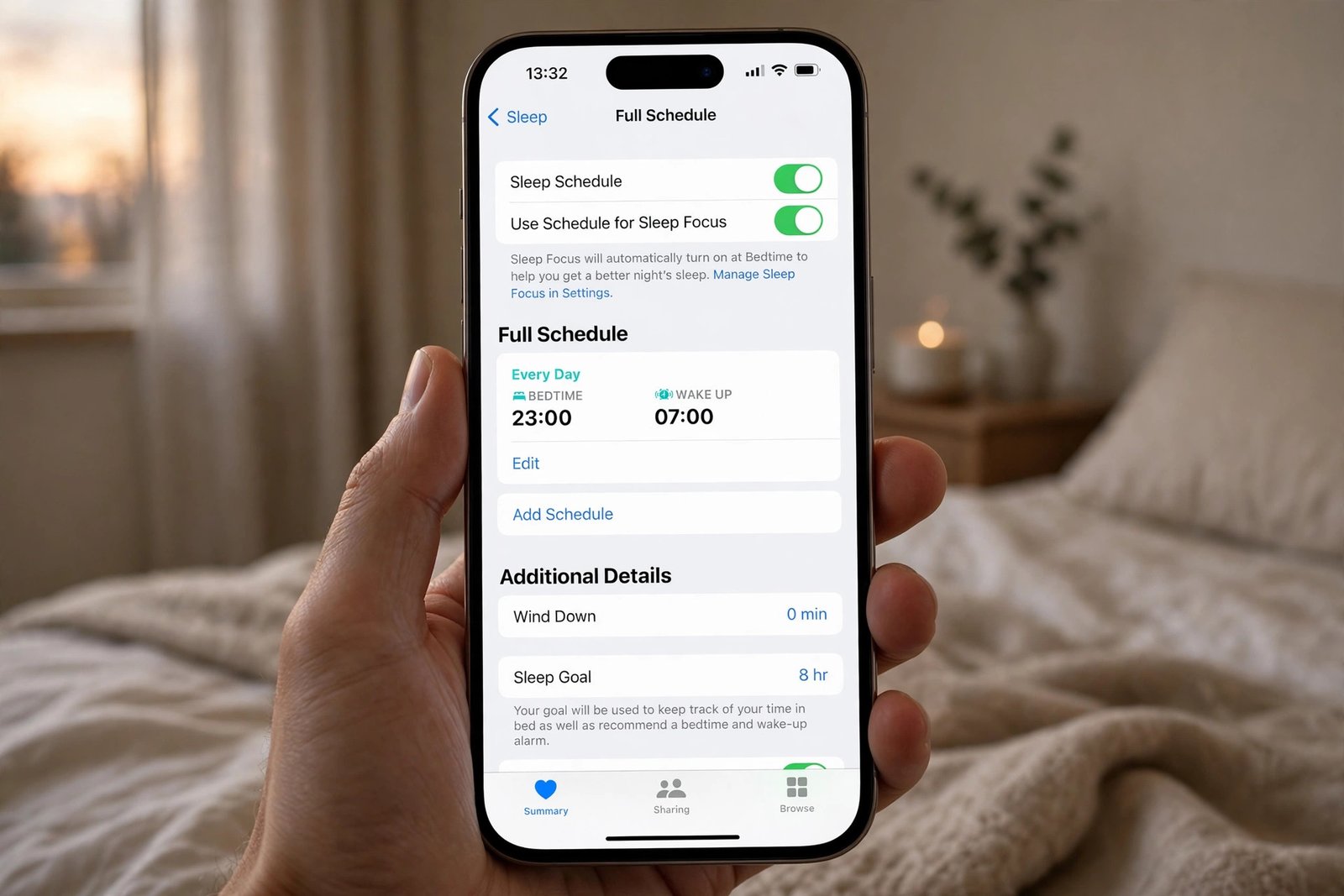
Open the Health app on your iPhone, tap Browse, then Sleep, and tap Set Up Sleep. Choose your bedtime and wake time, and set which days the schedule applies to. You can set different times for weekdays and weekends. This schedule drives everything else: it tells the watch when to expect you to be asleep and when to switch on Sleep Focus.
Step 2: Turn on Sleep Focus
Sleep Focus is a Focus mode that dims the lock screen, silences notifications and reduces distractions at bedtime. You can enable it from the Health app during setup, or from Settings, then Focus, then Sleep on your iPhone. Set it to turn on automatically with your sleep schedule. You can allow calls from chosen people, such as family members, so an urgent call still gets through.
Step 3: Set a wind-down period
Wind Down starts before bedtime and can show a simplified lock screen, suggest a shortcut such as a breathing exercise, and remind you to charge the watch if the battery is low. The charge reminder is the most useful part: if your battery is below a threshold, the watch prompts you to charge before bed, which prevents a dead watch at 2am. Set Wind Down to start 30 to 45 minutes before your bedtime.
Step 4: Charge at the right time
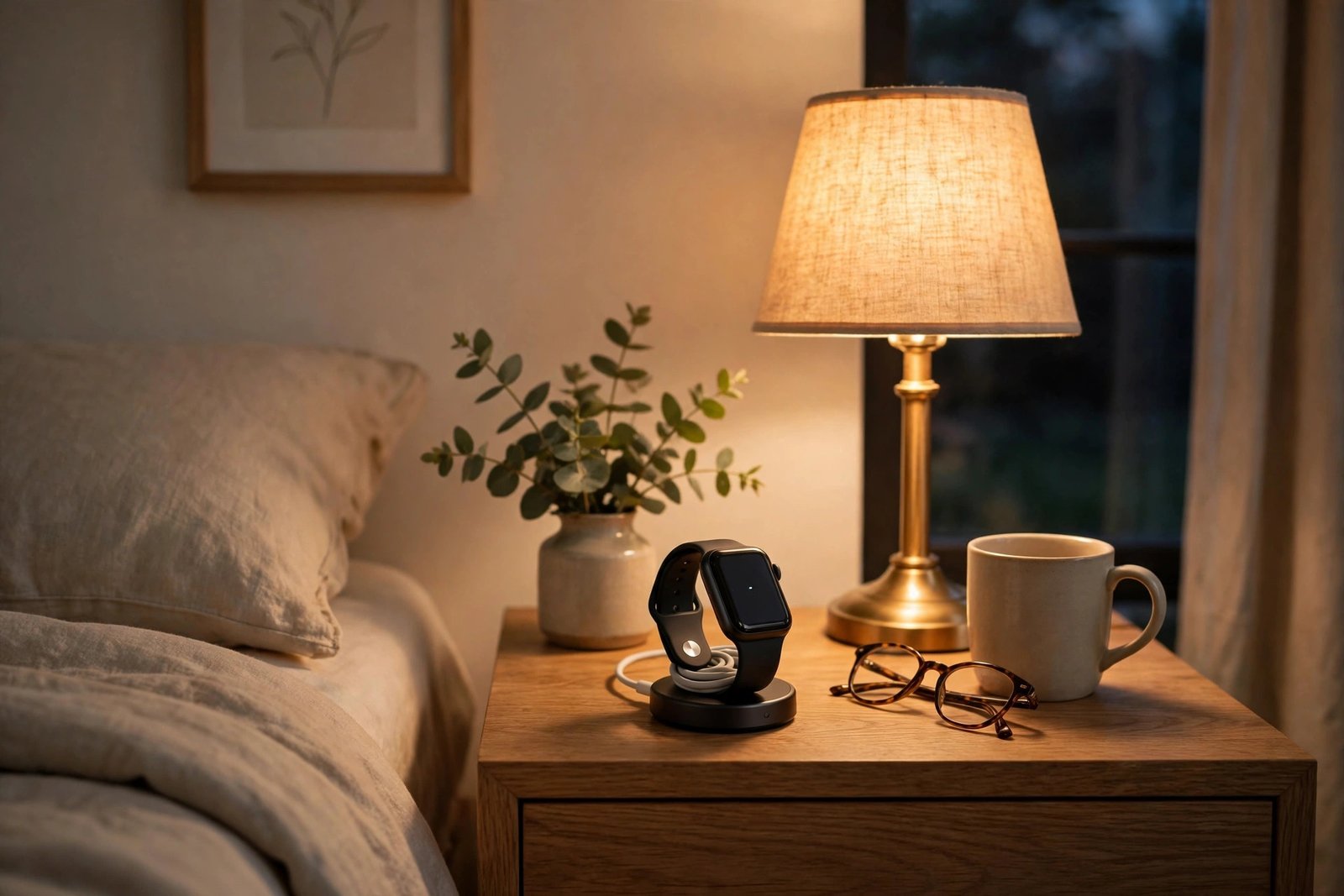
Charge your watch while you get ready for bed, not overnight. A top-up of 30 to 45 minutes during your evening routine is usually enough for the night, and you can charge again while you shower in the morning. If your watch supports fast charging, the evening top-up is even shorter. This one habit is the difference between people who track sleep for months and people who stop after a week.
Step 5: Wear it to bed and check the morning report
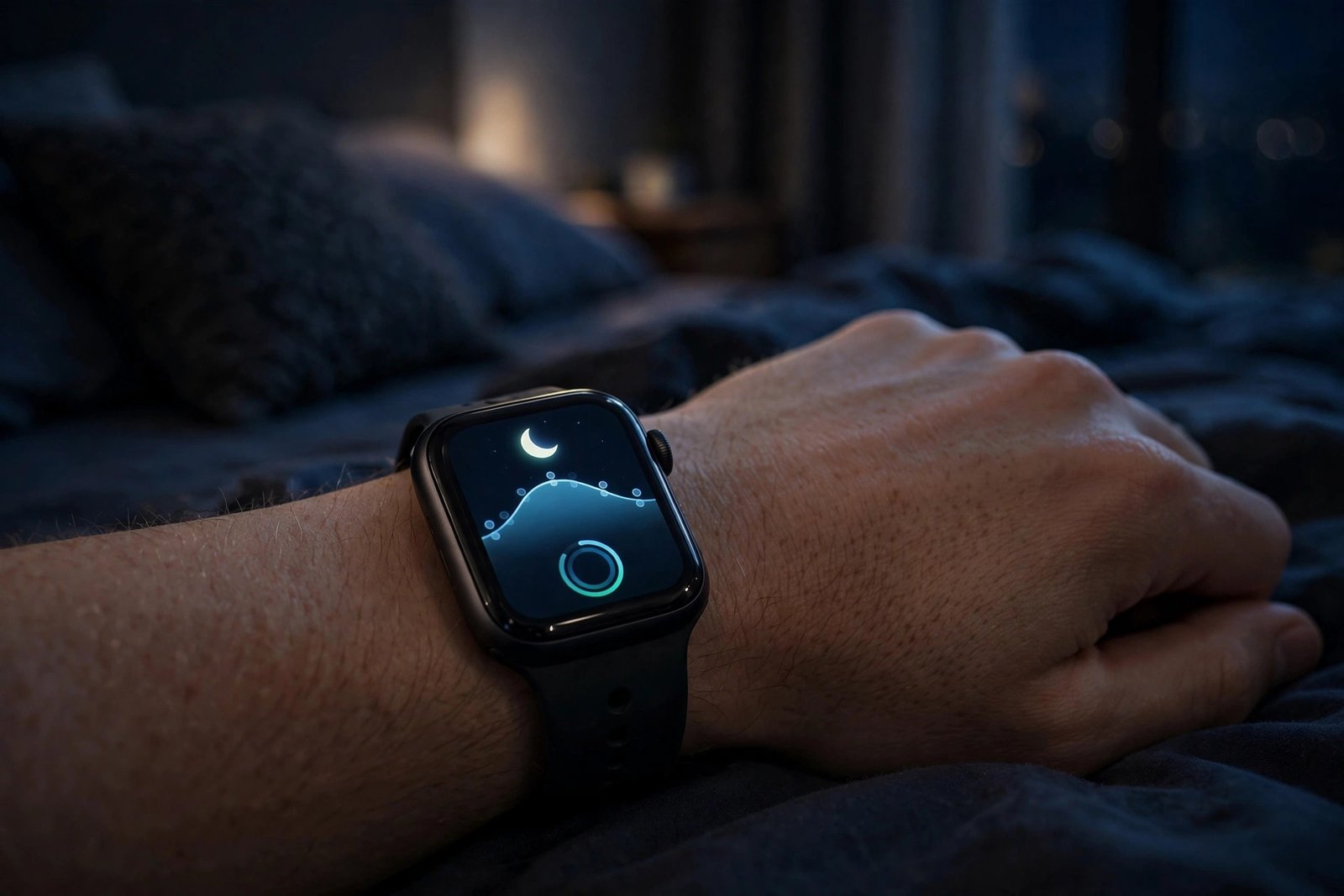
Wear the watch to bed with the band snug. In the morning, open the Health app and tap Browse, then Sleep, to see your sleep stages, time asleep, heart rate and respiratory rate. The Watch app also shows a simple summary. Do not judge the first night too harshly: the first few nights include adjustment, and the trends only become meaningful after a week or two.
How to read your sleep results
The Health app shows your night as a chart of sleep stages: awake, REM, core and deep sleep. Core sleep is the lightest stage and usually makes up the largest share of the night. Deep sleep is the physically restorative stage and tends to happen earlier in the night. REM sleep is linked to dreaming and memory, and tends to happen later. Healthy adults cycle through these stages several times a night, so a chart with mixed stages is normal.
Time asleep matters more than the stage breakdown. The Health app shows time in bed and time asleep separately, and the gap between them is how long you spent awake during the night. Short wake-ups are normal; long stretches awake are worth noting. Compare your average over the week rather than fixating on one bad night, which may have a simple cause such as a late meal or a noisy street.
Heart rate and respiratory rate add useful context. A steady resting heart rate that drifts lower over weeks of regular sleep is a good sign. A sudden rise can reflect illness, stress, alcohol or a heavy evening meal. Respiratory rate is measured in breaths per minute during sleep and tends to stay stable night to night; a noticeable change is worth paying attention to, and discussing with your doctor if it persists.
A checklist for accurate sleep tracking
- Wear it snugly. A loose watch gives weak heart rate readings and patchy stage data.
- Keep a regular schedule. The watch estimates sleep partly from your schedule, so irregular bedtimes make the data noisier.
- Charge before bed. A watch that dies at 3am records half a night, which is worse than no data at all.
- Keep Sleep Focus on. Notifications that wake the screen can disturb your sleep and confuse the tracking.
- Log what matters. Note late caffeine, alcohol or heavy meals, and compare those nights against your usual pattern.
- Update your software. Apple improves sleep tracking with watchOS updates, so keep the watch and phone current.
If you want to compare Apple’s approach with other devices, our guide to the best sleep trackers compares watches, rings and mats side by side. Battery life is the biggest practical obstacle, and our guide on how to extend smartwatch battery life shows settings that help the watch last through the night. And if you want to read the research behind sleep science, our guide on how to use AI to summarise long PDFs and research papers shows how to get through long papers quickly.
Frequently asked questions
Does Apple Watch track sleep automatically?
It tracks sleep once you set up a sleep schedule and wear the watch to bed. Without a schedule, it may still record sleep, but the results are less reliable. Set the schedule first, then let Sleep Focus handle the rest.
How accurate is Apple Watch sleep tracking?
It is reasonably accurate for total sleep time and wake-ups, and less precise for sleep stages, which are estimated from heart rate and movement rather than measured directly. Treat the stage breakdown as a guide and focus on trends.
Why is my Apple Watch not tracking sleep?
The usual causes are a flat battery, a loose band, Sleep Focus turned off, or no sleep schedule set. Check the battery first, then the schedule in the Health app, then the band fit.
Can Apple Watch detect sleep apnoea?
Apple Watch can flag possible signs of sleep apnoea through breathing disturbance notifications on supported models, but it cannot diagnose the condition. Loud snoring, gasping or waking unrefreshed are reasons to speak to your doctor.
Does sleep tracking drain the battery?
Sleep tracking uses some battery, but far less than a workout with GPS. The practical fix is the evening top-up: charge the watch before bed and again in the morning, and the battery will not be a problem.
Do I need a third-party app for Apple Watch sleep tracking?
No. Apple’s built-in tracking covers stages, heart rate and respiratory rate. Third-party apps add coaching, scores and extra charts, which some people enjoy, but try the built-in features for two weeks first.
The bottom line
Tracking sleep with Apple Watch properly comes down to three things: a sleep schedule, a snug band and a charging habit. Set the schedule in the Health app, let Sleep Focus run the bedtime routine, and charge the watch while you get ready for bed. After two weeks, look at the weekly pattern rather than single nights, and pick one change to test — an earlier bedtime, less late caffeine, or a cooler bedroom. The watch will tell you whether it worked. That feedback loop, repeated week after week, is the real value of sleep tracking: not the score, but the steady improvement it helps you see.
This article is for general information only and is not medical advice. If you have ongoing sleep problems, loud snoring, or concerns about your heart or breathing, speak to your doctor.