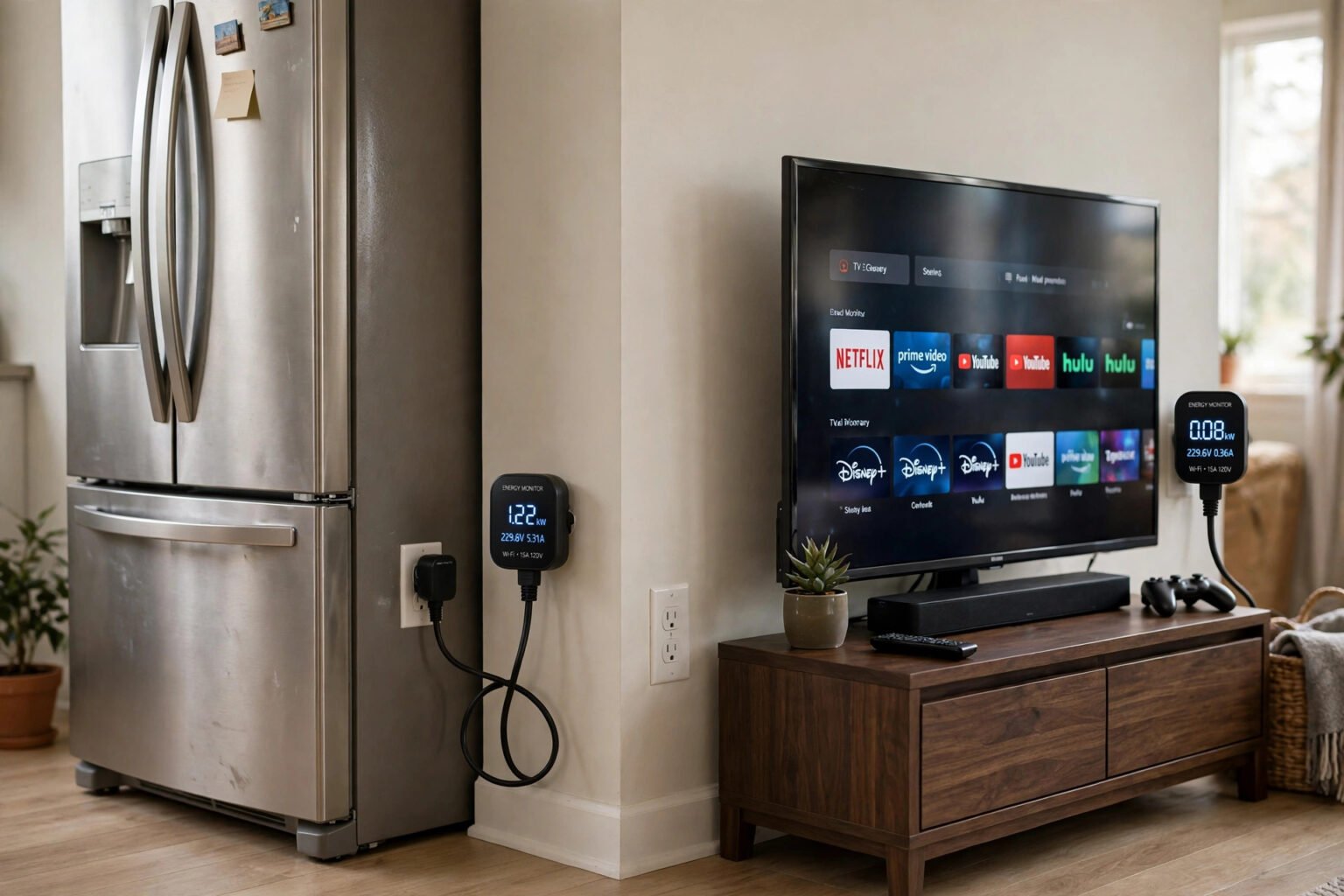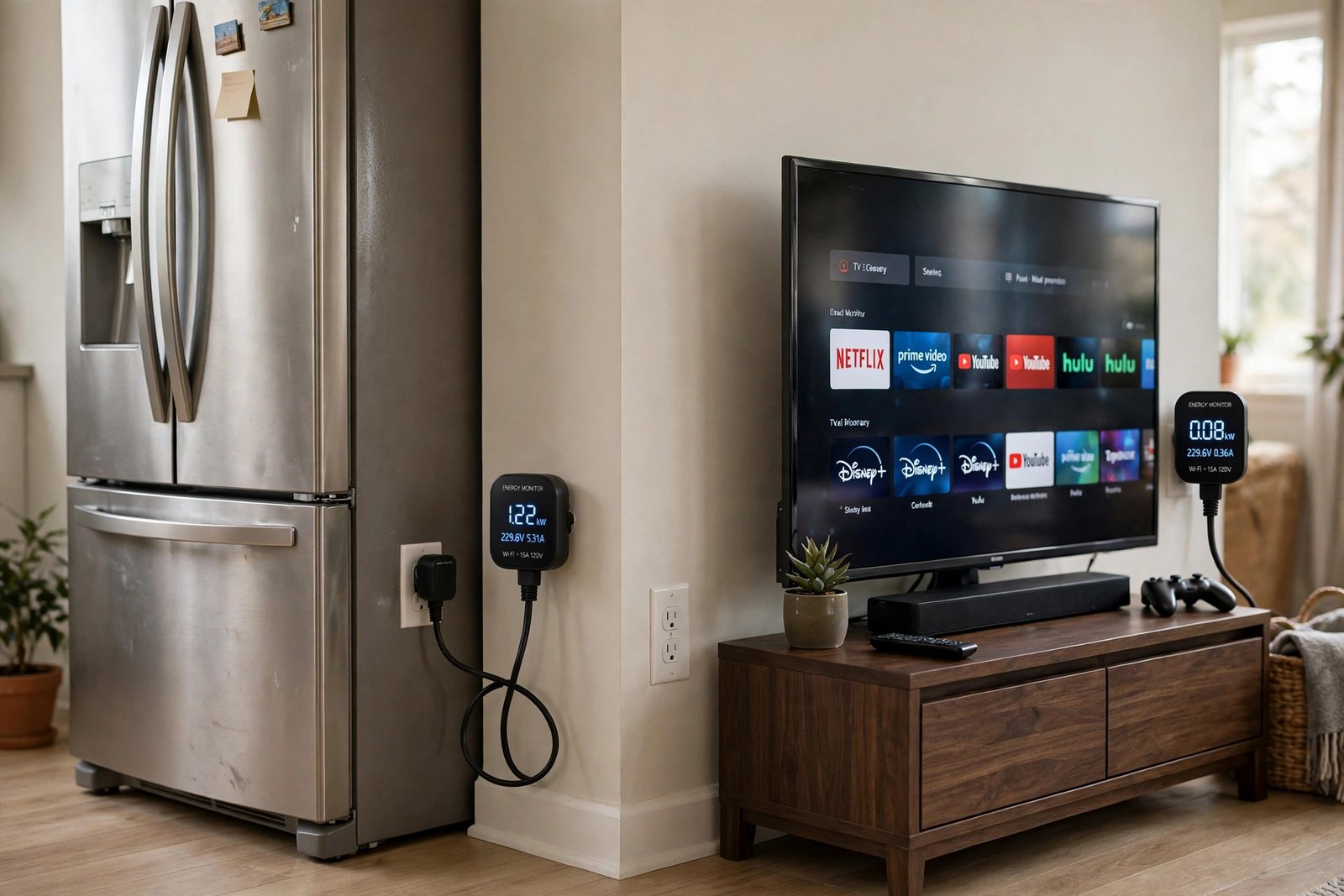
The best smart plugs with energy monitoring turn a vague electricity bill into a clear answer: which device is costing you money? A plug that measures power shows, in real time, how many watts a connected device draws and how much energy it uses over days and weeks, so you can find the standby hogs, the ageing fridge and the heater that runs all night.
Our short answer: the TP-Link Kasa KP125M is the best smart plug with energy monitoring for most people in 2027, combining Matter support, a 15A/1800W rating and clear energy data in the Kasa app. Budget buyers should start with the TP-Link Tapo P110M, while Apple Home households should look at the Eve Energy.
Key takeaways
- The Kasa KP125M is the best all-round energy-monitoring plug for most homes, with Matter support and a 15A/1800W rating.
- The Tapo P110M offers the strongest accuracy for the money and is the best budget pick.
- The Eve Energy is the best choice for Apple Home, with local Thread control and no cloud account.
- Energy data usually lives in the maker’s app, not in Apple Home, Google Home or Alexa.
- A plug measures one device at a time, so start with the suspects: heaters, fridges and anything that runs overnight.
How to choose a smart plug with energy monitoring
Good plugs generally land within a few percent of a dedicated meter, which is plenty for spotting a wasteful appliance or comparing two devices. Treat the readings as reliable trends rather than exact billing figures.
Next, check the load rating. Most plugs in this guide are rated for 15A/1800W, which covers lamps, fans, TVs, computers and small kitchen appliances. The Emporia Smart Plug is an exception at 10A/1200W, so it suits lighter loads only. For heavy appliances such as fridges and air conditioners, you need a plug built for the job, such as the Zooz ZEN15: an overloaded plug can overheat, so the rating is a safety limit, not a suggestion.
Ecosystem support matters more than it used to. Matter-certified plugs work with Apple Home, Google Home, Alexa and SmartThings for on and off control. But Matter does not reliably carry energy data across ecosystems, so your readings will usually stay inside the maker’s own app. The Eve Energy is the exception: it reports energy over Matter, and Apple Home can show its live watts.
Also consider whether the plug needs the cloud. Wi-Fi plugs send data through their maker’s servers, so readings stop if the internet drops. Thread and Zigbee plugs, such as the Eve Energy, work locally through a hub or border router, which is faster and more private. Home Assistant users should look at the Shelly Plug US Gen4, which offers a local API without a cloud account. Finally, think about size: a wide plug can block the second socket on a wall outlet.
TP-Link Kasa KP125M — the best smart plug with energy monitoring for most people
Best for: most homes that want reliable energy data and Matter support in one plug.
The Kasa KP125M is the safest default in 2027. It is Matter-certified over Wi-Fi, works with Alexa, Google Home, Apple Home and SmartThings, and is rated for 15A/1800W with UL certification. The Kasa app shows real-time wattage, daily, weekly and monthly totals, and estimated costs. Setup is quick and multi-packs bring the per-plug cost down. Energy data stays in the Kasa app rather than appearing in other smart home dashboards, which is a minor issue for most buyers.
TP-Link Tapo P110M — the best budget energy-monitoring plug
Best for: budget buyers who want accurate readings for the lowest price.
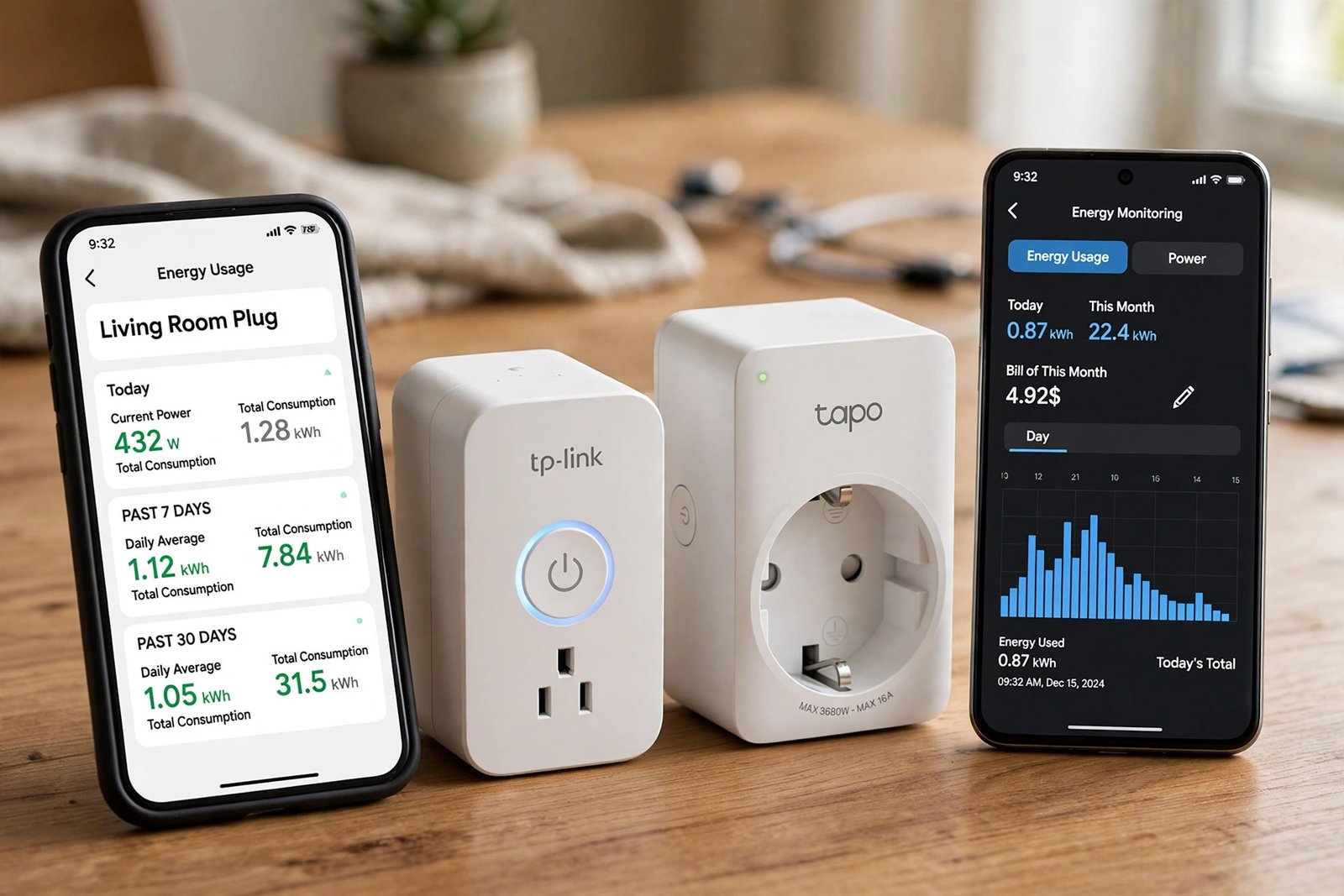
The Tapo P110M is TP-Link’s budget line and the value pick of this guide. It is Matter-certified, rated for 15A, and the Tapo app shows real-time power, historical usage and estimated costs. Round-ups consistently rate it among the most accurate budget plugs, which makes it ideal for the core job of this category: finding out which device is wasting energy. Check the current price before buying, as multi-packs are often heavily discounted. Its energy data does not surface in other platforms’ dashboards.
Eve Energy — the best energy-monitoring plug for Apple Home
Best for: Apple Home households that value privacy and local control.
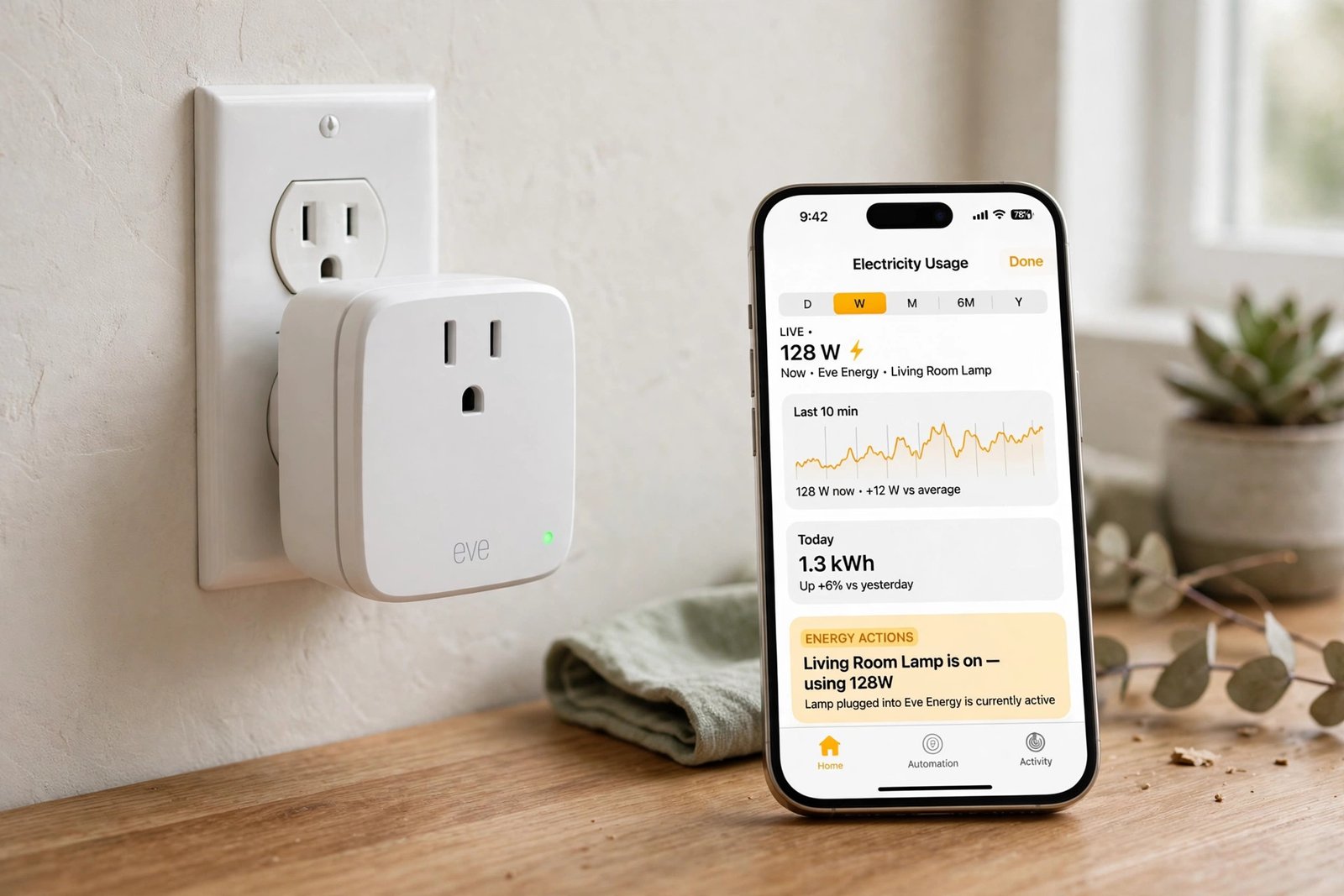
The Eve Energy runs on Matter over Thread, works entirely locally, and needs no cloud account at all. The Eve app shows exceptionally detailed energy data, including real-time consumption, projected monthly costs and years of history. It is rated for 15A/1800W and can report live watts into Apple Home, which no other plug in this guide does as reliably. It also switches itself off above 11A as a safety measure. The price is the drawback: it costs several times more than the TP-Link options, and you need a Thread border router, such as a HomePod mini or recent Apple TV.
Emporia Smart Plug — the best plug for detailed energy data
Best for: data enthusiasts who want detailed graphs and exportable history.
The Emporia Smart Plug is built for people who want to study their energy use rather than glance at it. Its app shows detailed graphs, supports data export, and pairs with Emporia’s Vue whole-home energy monitor. It works with Alexa and Google Home for control, and its readings are consistently rated as detailed and dependable. The catch is its 10A/1200W rating, which rules it out for heaters and large appliances, and its energy data stays inside the Emporia app.
Shelly Plug US Gen4 — the best energy-monitoring plug for power users
Best for: Home Assistant users and tinkerers who want local control and scripting.
The Shelly Plug US Gen4 is the enthusiast’s pick. It supports Wi-Fi, Bluetooth, Zigbee and Matter, offers a native local API, and can run scripts and automation rules on the device itself. That means your energy data and automations keep working without a cloud connection, and the plug feeds directly into Home Assistant dashboards. It is rated for 15A/1800W. Setup is more involved than the TP-Link options, so beginners should choose the Kasa KP125M instead.
Zooz ZEN15 — the best energy-monitoring plug for heavy appliances
Best for: fridges, air conditioners, pumps and other heavy appliances.
The Zooz ZEN15 is a Z-Wave plug built for high-draw appliances that would strain or damage a standard smart plug. It handles heavy loads, reports energy use, and is the plug to choose for a fridge, a window air conditioner, a dehumidifier or a sump pump. It works locally through a Z-Wave hub, with no cloud dependency. You will need a Z-Wave hub, which adds cost and complexity.
Best smart plugs with energy monitoring: comparison table
| Plug | Protocol | Load rating | Energy data shows in | Best for |
|---|---|---|---|---|
| Kasa KP125M | Wi-Fi + Matter | 15A / 1800W | Kasa app, SmartThings | Most people |
| Tapo P110M | Wi-Fi + Matter | 15A | Tapo app, SmartThings | Budget buyers |
| Eve Energy | Thread + Matter | 15A / 1800W | Apple Home, Eve app | Apple Home users |
| Emporia Smart Plug | Wi-Fi | 10A / 1200W | Emporia app only | Detailed data |
| Shelly Plug US Gen4 | Wi-Fi, Zigbee, Matter | 15A / 1800W | Shelly app, Home Assistant | Power users |
| Zooz ZEN15 | Z-Wave | Heavy appliances | Hub dashboard | Fridges and AC units |
Table: the best smart plugs with energy monitoring in 2027 compared on protocol, load rating, where energy data appears and who each plug suits best.
Use this table to narrow the field, then check the two details that matter most: the load rating of anything you plan to plug in, and where the energy data will actually appear.
A practical checklist before you buy
- List your suspects first: write down the devices you want to measure, such as the fridge, the heater, the TV setup and the home office, then buy that many plugs.
- Check the load rating: match the plug to the device, and use a heavy-appliance plug such as the Zooz ZEN15 for fridges and air conditioners.
- Confirm your ecosystem: Matter covers on and off control almost everywhere, but energy data usually stays in the maker’s app, so check where readings appear.
- Count your outlets: smart plugs are wide, so measure the gap between sockets if you plan to use two side by side.
- Set your electricity rate: enter your tariff in the app so the cost estimates mean something.
- Plan your first week: leave each plug on one device for several days, including a weekend, before moving it on.
Once your plugs are running, check the totals weekly, not daily. Look for the device whose standby draw never drops to zero and the old kit that costs more to run than to replace. If you are building out a wider smart home, our guide to the best smart home hubs explains how these plugs fit into a larger setup, and our guide to the best doorbell cameras with no monthly fees covers another way to cut ongoing smart home costs.
Frequently asked questions
Do smart plugs with energy monitoring actually save money?
They can, but the plug itself saves nothing; the information does. A plug shows you which device is drawing power and when, and the saving comes from what you change afterwards, such as switching off standby loads or replacing an inefficient appliance.
How accurate are energy-monitoring smart plugs?
Good plugs generally land within a few percent of a dedicated meter, which is accurate enough to compare devices and spot waste. They are not billing-grade instruments, so do not use them to dispute a utility bill.
Can I see energy data in Apple Home, Google Home or Alexa?
Usually not. Matter handles on and off control across platforms, but energy data generally stays in the maker’s own app. The Eve Energy is the exception in this guide, as Apple Home can show its live watts. Check your platform’s current support before buying.
Can I use a smart plug with a fridge or a space heater?
Only with a plug rated for the load. Standard 15A plugs suit most household devices, but heavy appliances need a purpose-built plug such as the Zooz ZEN15. Never use a plug on a device that draws more than its rated load.
The bottom line
The best smart plug with energy monitoring in 2027 is the one that matches your home. For most people that is the Kasa KP125M: Matter support, a 15A/1800W rating and clear energy data at a fair price. Budget buyers should pick the Tapo P110M, Apple Home households should pick the Eve Energy, and anyone monitoring a fridge or air conditioner should pick the Zooz ZEN15. Buy three or four plugs, put them on your biggest suspects, and let a week of readings tell you where your money is going. For a wider view, our guide to the best smart speakers with displays shows how a screen-based speaker can display the same home data at a glance.
Electrical safety note: smart plugs are mains devices. Never exceed the rated load, never use a plug with a damaged casing or a loose socket, and never use one outdoors unless it is specifically rated for outdoor use. If a plug feels hot, smells of burning or trips a breaker, remove it and stop using it. When in doubt, ask a qualified electrician.