Finding the best smart home hubs 2027 is really a question about which ecosystem you already live in. A hub is the box — or the speaker, or the display — that lets your lights, locks, sensors and thermostats talk to each other and work when you are away from home.
The short answer is this: most households should buy the hub that matches their voice assistant. Alexa households should start with the Amazon Echo Hub, Google households with the Nest Hub, and Apple households with a HomePod mini. For automations that survive an internet outage, the Hubitat Elevation C-8 Pro is the strongest local-first choice.
Key takeaways
- A hub commissions new devices, bridges Thread onto your network, and runs automations and remote access.
- Matter is the common language that lets devices from different brands work together; Thread is the low-power mesh network many battery devices use.
- Buy the hub that matches your voice assistant first.
- A Thread border router matters if you plan to add battery sensors, locks or blinds; without one, those devices cannot join your network.
- Local control decides whether your lights work when the broadband goes down.
Matter and Thread, explained in plain English
Matter is a standard, agreed by Apple, Google, Amazon, Samsung and others, that lets a smart device from one brand work with the app and voice assistant of another. A Matter-certified light bulb can be controlled from Apple Home, Google Home or Alexa, and it can be shared between them. That is a genuine improvement on the old days, when a device bought for one system was often useless in another. Matter does not guarantee that every feature works everywhere.
Thread is the radio network that many Matter devices use. It is a low-power mesh, which means battery-powered sensors and locks can run for months on a small battery, and each mains-powered Thread device extends the network a little further. Thread devices cannot talk to your Wi-Fi router directly, so they need a Thread border router — a hub with a Thread radio — to bridge them onto your home network. Zigbee and Z-Wave are older mesh standards still widely used in sensors.
The best smart home hubs at a glance
| Hub | Ecosystem | Thread border router | Screen | Best for |
|---|---|---|---|---|
| Amazon Echo Hub | Alexa | Yes | 8-inch touch | Best Alexa dashboard |
| Google Nest Hub (2nd gen) | Google Home | Yes | 7-inch touch | Best Google display |
| Apple HomePod mini | Apple Home | Yes | None | Best Apple / privacy |
| Samsung SmartThings Station | SmartThings | Yes | None | Best budget Matter hub |
| Aqara Hub M3 | Aqara / Matter | Yes | None | Best Matter bridge |
| Hubitat Elevation C-8 Pro | Multi-platform | No | None | Best local control |
Caption: “Thread border router” means the hub can bridge Thread devices onto your network. Check the exact model before you buy, as some variants differ.
The best smart home hubs in 2027
Amazon Echo Hub
Best for: Alexa households that want a wall-mounted control panel.
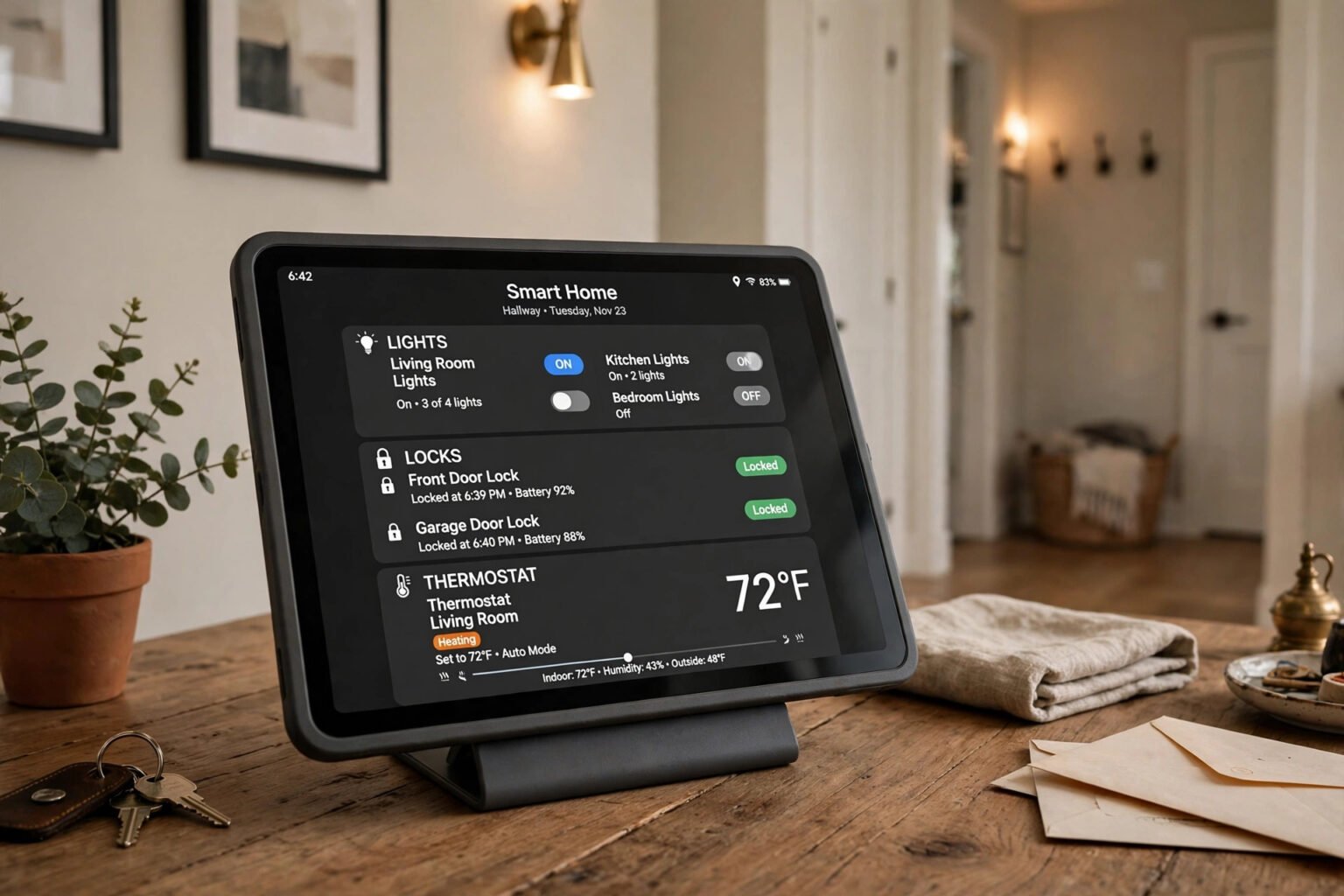
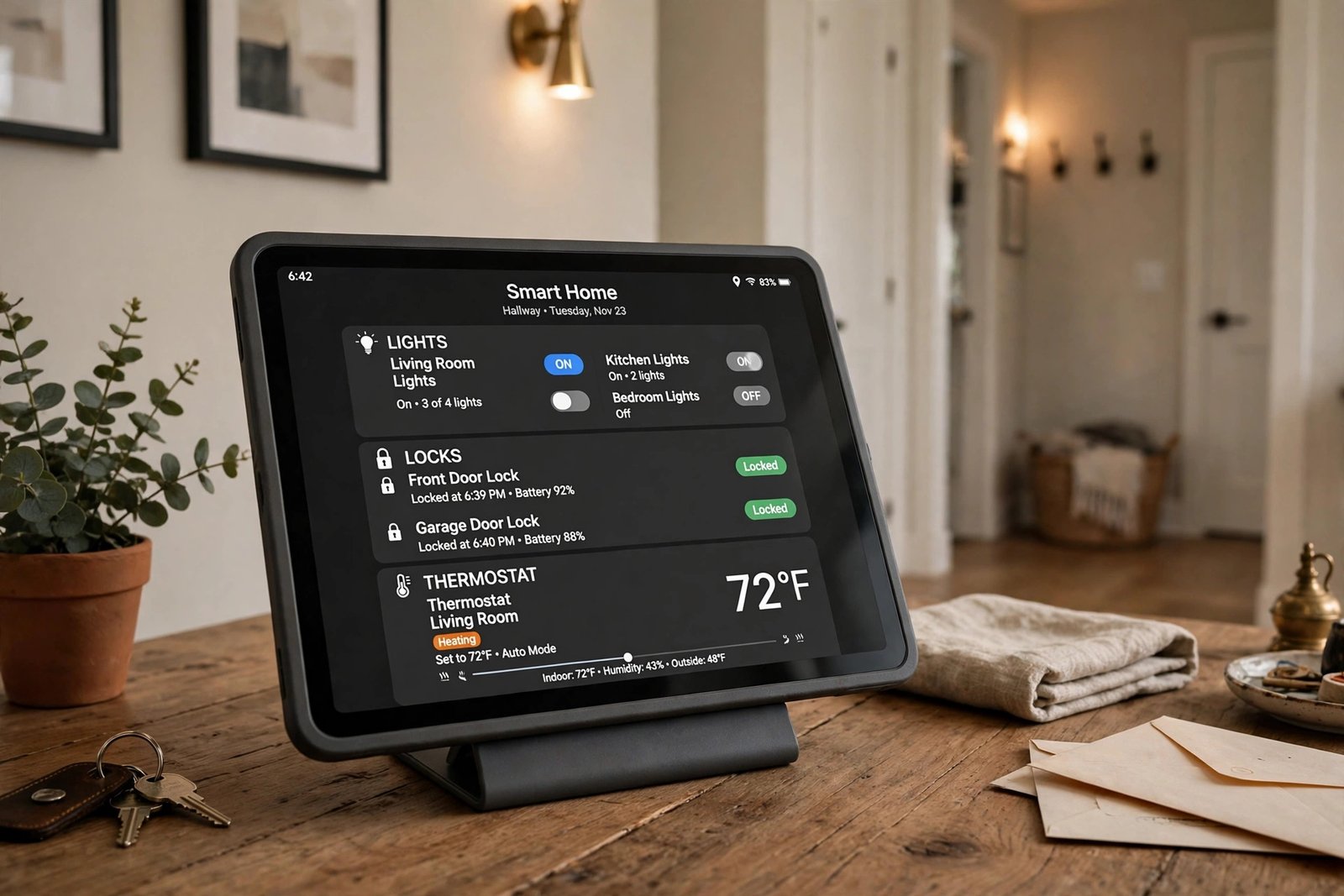
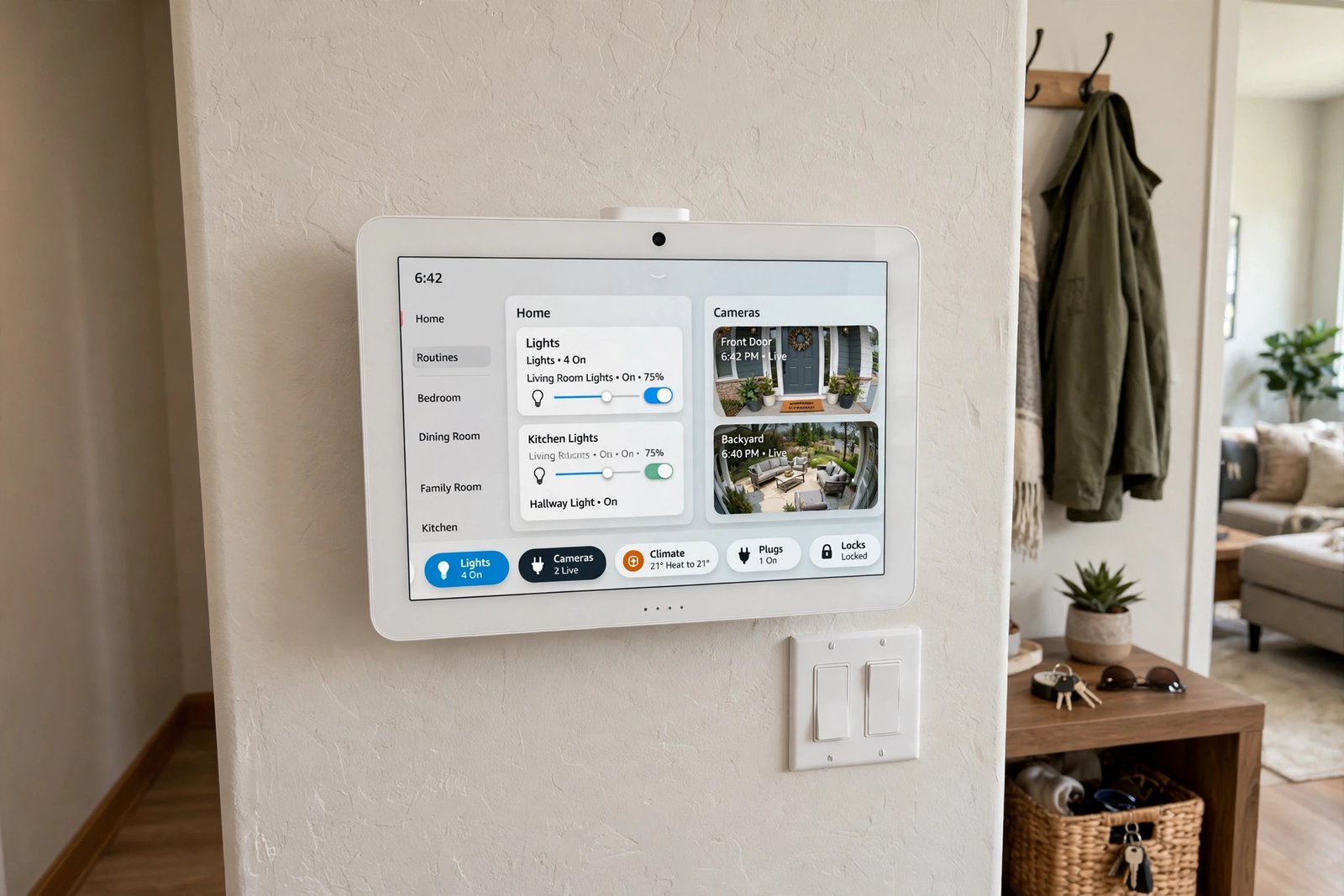
The Amazon Echo Hub is a dedicated smart home dashboard: an 8-inch touchscreen showing your lights, locks, cameras and routines in one place. It supports Wi-Fi, Bluetooth, Zigbee, Matter, Sidewalk and Thread. Anyone in the household can see and control the home without opening an app. It is a dashboard first and a speaker second, not a replacement for an Echo Show. If you want a voice speaker with a screen as well, our round-up of the best smart speakers and displays covers the Echo Show range.
Google Nest Hub (2nd gen)
Best for: Google households that want a compact touchscreen hub.
The Google Nest Hub (2nd gen) is a 7-inch touchscreen display that doubles as a Matter controller and a Thread border router, which makes it a complete hub for a Google Home household in a single device. It shows your calendar, the weather, recipes and camera feeds, it controls Matter and Thread devices locally, and it works with Google Assistant for voice control. It is a bedside clock, a kitchen display and a smart home hub in one. It suits households already using Google accounts, Gmail and Google Calendar.
Apple HomePod mini
Best for: Apple households and anyone who values privacy and local control.
The HomePod mini is the cheapest way into a proper Apple Home setup, and it becomes a home hub automatically when you add it to a room in the Home app. It is both a Matter controller and a Thread border router, so it supports modern Matter and Thread accessories, and Apple requires a home hub for remote access, sharing control with family members and running automations. Supported Thread accessories can be controlled locally. It only works inside Apple Home, so it will not control Alexa-only or Google-only devices.
Samsung SmartThings Station
Best for: a low-cost first Matter and Thread hub, especially in a Samsung household.
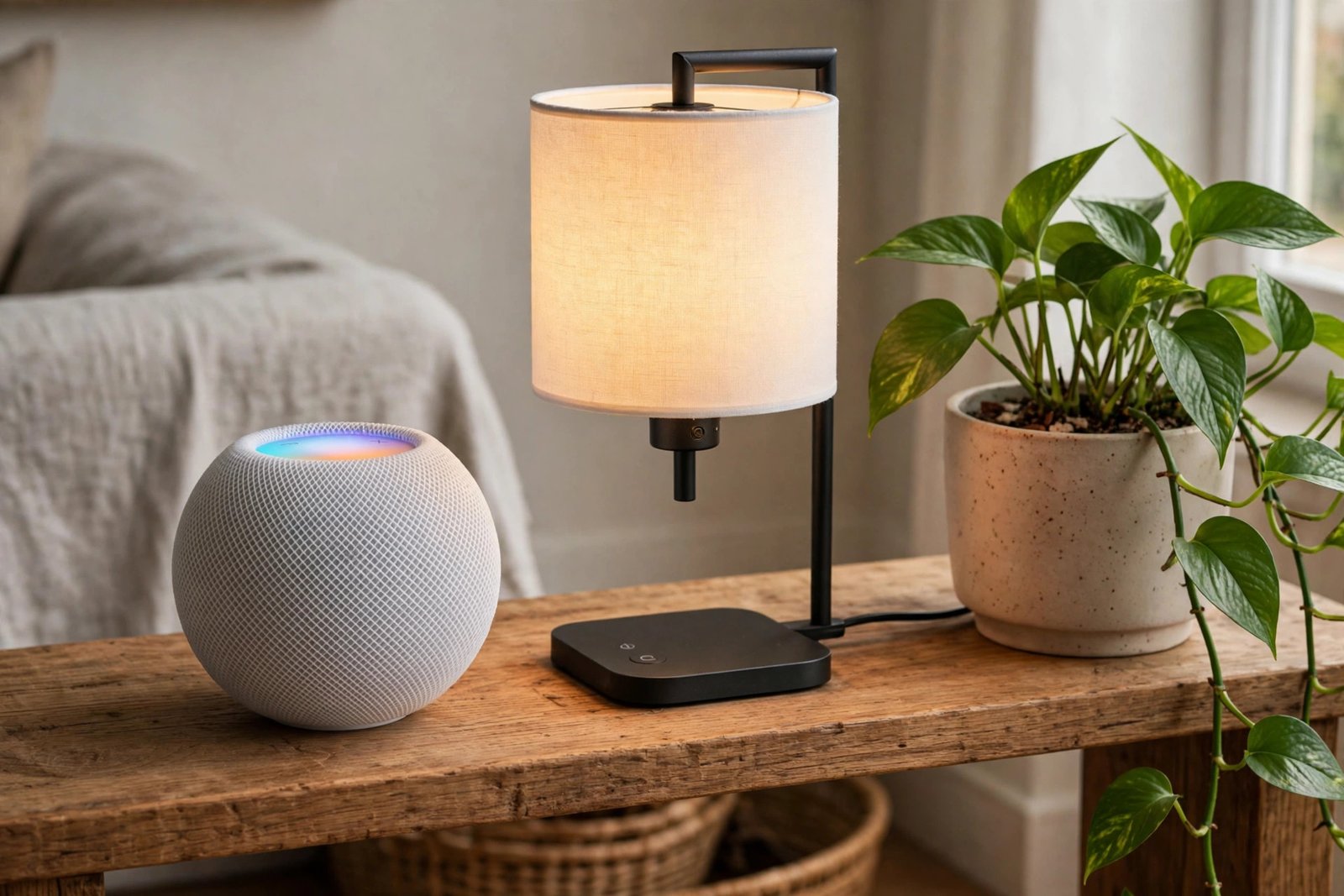
The Samsung SmartThings Station is a small, inexpensive hub that supports Matter and Thread, and it doubles as a wireless charger for a phone, which makes it easy to place on a bedside table or a hallway shelf. It runs the SmartThings platform, which works with a wide range of brands and lets you build routines that mix devices from different makers. It gives you a Thread border router and a Matter controller for less than most display hubs here. It has no screen and no voice assistant, so you will still want a speaker or a phone for voice control.
Aqara Hub M3
Best for: Aqara-heavy homes and anyone bridging devices between ecosystems.
The Aqara Hub M3 is a Matter controller and Thread border router with a Zigbee radio, dual-band Wi-Fi and Power over Ethernet, which makes it one of the most flexible hubs on this list. It runs Aqara automations locally on the hub, it has a built-in infrared blaster for controlling older non-smart appliances such as air conditioners and televisions, and it can bridge Aqara devices into Apple Home, Google Home, Alexa and SmartThings through Matter. If you own Aqara sensors and want them in Apple Home or Google Home, this is the hub that does it.
Hubitat Elevation C-8 Pro
Best for: households that want automations to run locally, without the cloud.
The Hubitat Elevation C-8 Pro is the hub for people who want their smart home to keep working when the broadband goes down. It has built-in Zigbee 3.0 and Z-Wave 800 radios, Matter controller support, Wi-Fi and Ethernet, and its automations execute locally on the hub rather than depending on a cloud service. Rules run on the device in your home, response times are fast, and your data stays local. Setup is more involved than an Echo Hub or a HomePod mini, and there is no voice assistant built in.
Which hub should you buy?
Start with your voice assistant, because that is the decision you will live with every day. If your household uses Alexa, buy into Amazon’s range; if it uses Google Assistant, buy into Google’s; if it uses Siri, buy into Apple’s. Matter lets a device be shared between Apple Home, Google Home and Alexa, but one ecosystem is always smoother than two.
If you plan to add battery-powered sensors, locks or blinds, you need a Thread border router; every hub here except the Hubitat C-8 Pro has one. If you own Zigbee or Z-Wave devices, check the hub’s radios: the Echo Hub and Hubitat cover Zigbee, the Hubitat also covers Z-Wave, and the Apple and Google hubs cover neither. If your broadband is unreliable, the Hubitat C-8 Pro or the HomePod mini are the strongest choices. If you are still choosing the devices themselves, our guide to the best smart plugs for energy monitoring is a good place to start, since a smart plug is the cheapest way to test a new ecosystem.
A checklist before you buy
- Name your ecosystem. Alexa, Google or Apple — buy the hub that matches the voice assistant your household actually uses.
- Check the Thread radio. You need a Thread border router for battery-powered Matter accessories.
- List your existing devices. Zigbee and Z-Wave kit needs a hub with those radios.
- Decide on a screen. A display hub suits a kitchen or hallway; a screenless hub suits a shelf or a bedside table.
- Check remote access. Apple Home requires a home hub for control away from home.
- Check local control. If your broadband drops often, a hub that runs automations locally is worth the extra setup.
- Count the household. Make sure everyone who needs control can be added.
- Check the price of the whole system. The hub is cheap; the sensors, locks and lights are the real cost.
Frequently asked questions
Do I need a smart home hub in 2027?
You need one if you want remote access, automations and Thread devices. Wi-Fi devices can work without a hub, but Thread accessories need a border router, and Apple Home requires a hub for remote access and automations.
What is the difference between Matter and Thread?
Matter is the common language that lets devices from different brands work together, while Thread is the low-power mesh network that many battery-powered Matter devices use to communicate. A hub needs to be a Matter controller and a Thread border router.
Which smart home hub works with Alexa, Google and Apple at the same time?
No single hub is native to all three, but Matter lets a device be shared between them. The Aqara Hub M3 is the most flexible bridge on this list, exposing Aqara devices to Apple Home, Google Home, Alexa and SmartThings through Matter.
Can a smart home hub work without the internet?
Some can, for some things. The Hubitat Elevation C-8 Pro runs automations locally on the hub, so its rules keep working without broadband. The HomePod mini also handles supported Thread accessories locally. Amazon and Google display hubs depend more on the cloud, so some routines stop working offline.
Is a smart display the same as a smart home hub?
Not quite. A smart display such as the Echo Hub or Nest Hub adds a screen for visual controls, cameras and media, but the hub job — commissioning devices, bridging Thread and running automations — is separate. Some displays include a hub, and some speakers act as hubs without any screen.
Which hub is best for a rental home?
The Samsung SmartThings Station or a HomePod mini are the best choices for a rental, because neither needs wall-mounting and both move with you. Avoid hubs that need permanent mounting or wired installation, and if you want to control the front door, our guide to the best smart locks for Airbnb covers locks that suit rented and shared properties.
The bottom line
The best smart home hub is the one that matches the ecosystem you already use. Alexa households should start with the Echo Hub, Google households with the Nest Hub, and Apple households with a HomePod mini. The SmartThings Station is the best low-cost start, the Aqara Hub M3 the best bridge, and the Hubitat C-8 Pro the best choice for local control. Your next step is simple: name your voice assistant, list the devices you already own, and check whether you need a Thread border router before you buy.
Privacy note: a smart home hub can record when doors open, when rooms are occupied and when you are away from home. Review each platform’s privacy settings, limit camera and microphone access to the rooms that need it, use a strong unique password with two-factor authentication.