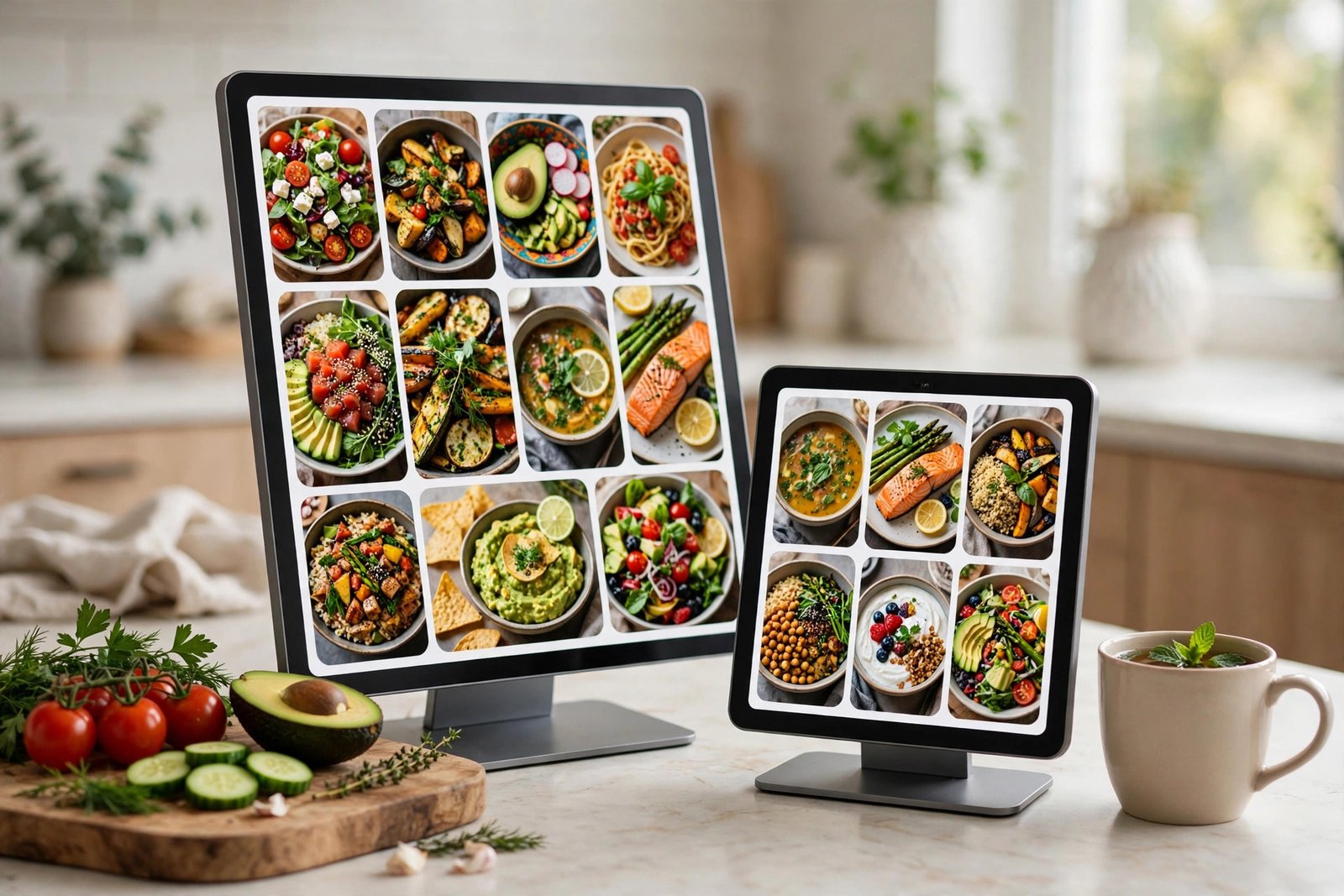
The best smart displays for the kitchen in 2027 turn a counter or a stretch of wall into a recipe book, a timer, a video screen and a family noticeboard in one device. The right one depends less on the largest screen than on the voice assistant your household already uses, the counter space you can spare and whether you want a camera in the room where you cook.
Our short answer is that the Amazon Echo Show 11 suits most Alexa households, the Google Nest Hub (2nd Gen) suits small counters and privacy-conscious cooks, and the Echo Show 15 suits families who want a wall-mounted hub. If you already use Alexa, start with the Echo Show 11 or the smaller Echo Show 8. If you already use Google services, start with the Nest Hub or the Nest Hub Max.
Key takeaways
- The Echo Show 11 is the best all-round kitchen display for Alexa households, with a large Full HD screen and a built-in smart-home hub.
- The Google Nest Hub (2nd Gen) is the best compact choice: a 7-inch screen, no camera, and a small footprint that suits crowded counters.
- The Echo Show 8 is the best middle ground for Alexa users who want a bigger screen than a bedside display without giving up much counter space.
- The Echo Show 15 suits wall mounting and shared family schedules; it is awkward on shallow counters.
- The Nest Hub Max is the best large Google display, with a camera for video calls and a screen that reads well across the room.
- No mainstream kitchen display is designed to be splashed or immersed, so placement away from the sink and hob matters more than any water-resistance claim.
How to choose a smart display for the kitchen
Start with your voice assistant. If your household already asks Alexa for timers, shopping lists and music, an Echo Show will slot straight into habits you already have. If your calendars, photos and reminders live in Google services, a Nest Hub will feel more natural. Switching assistants for a single screen means relearning commands and rebuilding routines, and the kitchen is the worst place to do that while your hands are covered in flour.
Next, measure the space honestly. A display needs a flat, stable surface with room for its power cable and enough clearance to read it from where you actually stand to cook. A 7-inch or 8-inch screen fits most counters. A display of around 11 inches needs a clear stretch of worktop. A 15-inch or 21-inch screen is really a wall-mounted device, and it needs a suitable wall, a power route and a spot where glare from a window will not wash it out.
Recipes need large, clear text you can read from a step or two away, ideally without touching the screen. A larger screen helps, as does a display that stays bright in daylight.
Think about the camera and smart-home control. A camera turns a kitchen display into a video-calling device, which is handy for calling family while you cook, but some households do not want a camera in the kitchen at all. The Nest Hub (2nd Gen) has no camera, which is a genuine selling point for privacy-conscious buyers. Echo Show models have cameras and a physical shutter to cover them. Some displays also include a built-in hub that connects directly to compatible lights, plugs and sensors, while others rely on your existing Wi-Fi setup. If you are starting from scratch, our guide to how to set up a smart home for beginners explains how the hub, Wi-Fi and voice assistant fit together.
The best smart displays for the kitchen in 2027
Amazon Echo Show 11 — the best overall kitchen display
Best for: most Alexa households who want one large, capable kitchen screen.
The Echo Show 11 is the strongest all-round kitchen display in 2027. Its 10.95-inch Full HD touchscreen (1920 x 1200) is large enough to read a recipe from across the worktop, and its spatial audio fills a kitchen better than the smaller Echo Show models. It has a 13MP camera, a physical shutter, and a built-in hub supporting Zigbee, Matter and Thread. In daily use it handles timers, recipes, shopping lists, music, video and smart-home control.
Google Nest Hub (2nd Gen) — the best compact kitchen display
Best for: small counters, privacy-conscious households and Google users.
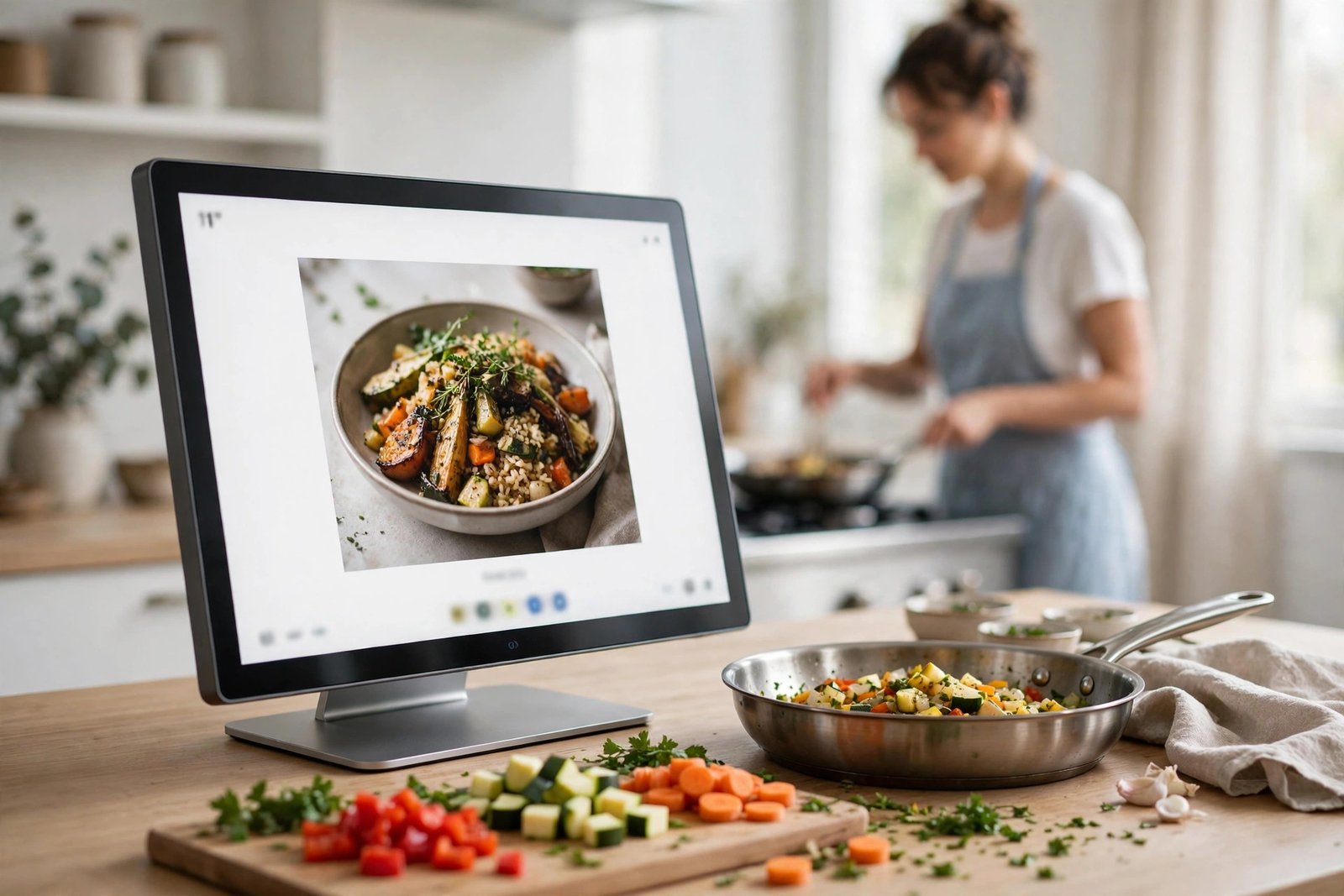
The Nest Hub (2nd Gen) is the easiest kitchen display to live with when space is tight. Its 7-inch screen sits neatly on a crowded counter, and because it has no camera, there is nothing to cover or worry about in a room where people come and go. It still handles timers, recipes, YouTube videos, photos and Google Calendar. The trade-offs are a small screen and modest sound: recipe text is readable at arm’s length but not from across a large kitchen.
Amazon Echo Show 8 — the best mid-size Alexa display
Best for: Alexa users who want a balance of screen size, sound and counter space.
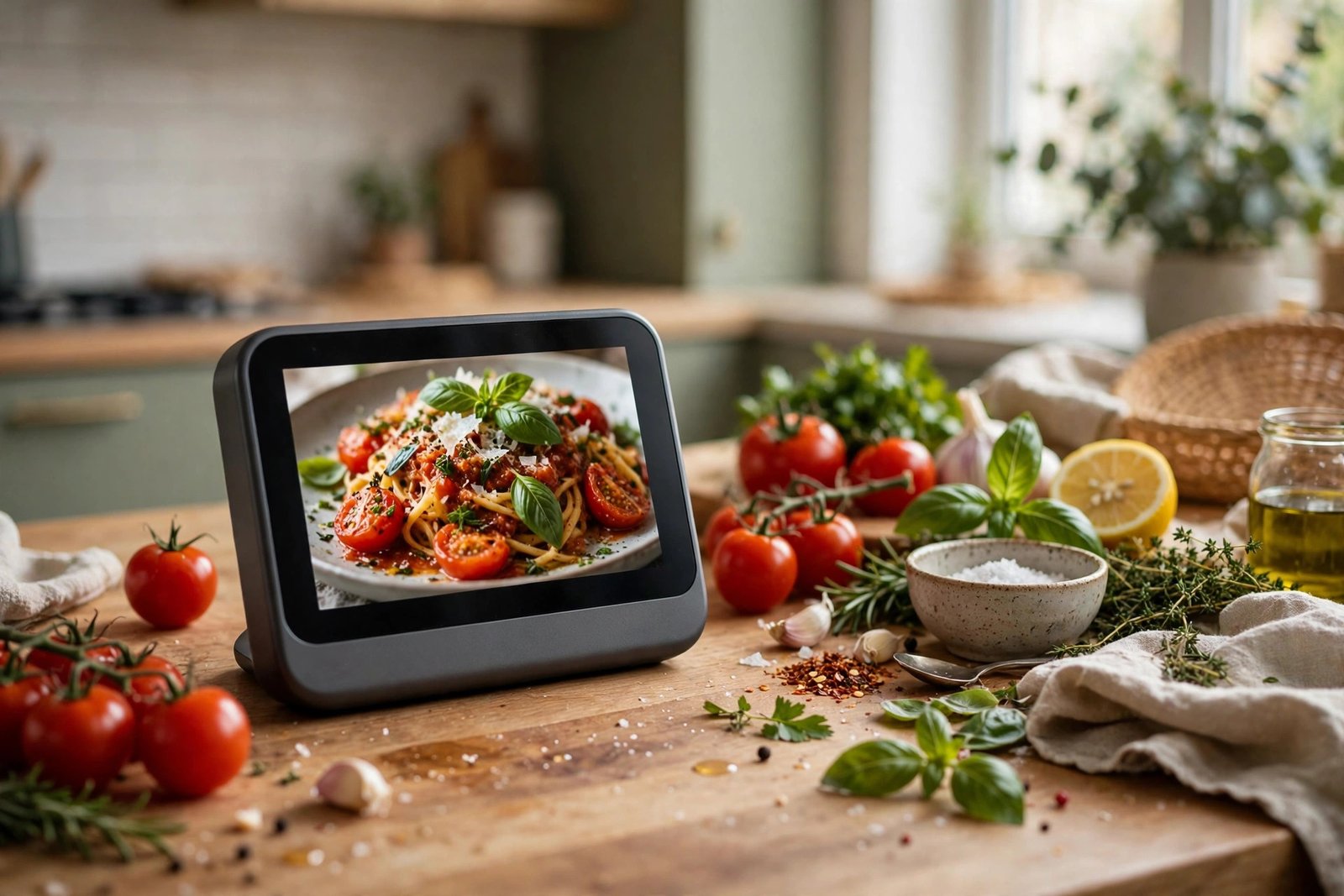
The newest Echo Show 8 sits between the compact Echo Show 5 and the larger Echo Show 11, and for many kitchens it is the sweet spot. Its 8.7-inch HD touchscreen (800 x 1340) is large enough for recipes and video at normal cooking distance, and its spatial audio is a clear step up from the smallest Echo displays. It supports the same Alexa routines, timers and smart-home controls as its larger sibling. Choose the Show 8 if the Show 11 feels too large for your counter.
Amazon Echo Show 15 — the best wall-mounted family display
Best for: families who want a shared kitchen dashboard on the wall.
The Echo Show 15 (2nd Gen) is a different kind of kitchen display: a 15.6-inch Full HD screen designed to be wall-mounted, in landscape or portrait, with glanceable widgets for calendars, shopping lists, notes and smart-home controls. It also has Fire TV built in, so it can double as a small kitchen television for recipes and shows while you cook. On a wall it works well, keeping the counter clear. On a counter it is awkward, so buy it only if you have a suitable wall and a power socket nearby.
Google Nest Hub Max — the best large Google display
Best for: Google households who want video calls and a screen that reads across the room.
The Nest Hub Max is Google’s largest kitchen display, with a 10-inch HD screen, stereo speakers and a 6.5MP Nest camera that doubles as a home monitor. It is the natural Google counterpart to the Echo Show 11: big enough for recipes and video at distance, good for video calls, and well integrated with YouTube, Google Photos and Google Calendar. Its screen is smaller and lower in resolution than the Show 11, but in normal use the difference is modest. Choose the Hub Max if your household runs on Google and you want a camera for calls.
Best smart displays for the kitchen: comparison table
| Display | Best for | Screen | Camera | Smart-home hub | Main compromise |
|---|---|---|---|---|---|
| Echo Show 11 | Most Alexa kitchens | 10.95-inch Full HD | 13MP, physical shutter | Built in (Zigbee, Matter, Thread) | Needs clear counter space |
| Nest Hub (2nd Gen) | Small counters, privacy | 7-inch | None | Via Google Home setup | Small text, modest sound |
| Echo Show 8 | Balanced Alexa pick | 8.7-inch HD | Yes, with shutter | Via Alexa setup | Smaller than Show 11 |
| Echo Show 15 | Wall-mounted family hub | 15.6-inch Full HD | Yes | Via Alexa setup | Awkward on a counter |
| Nest Hub Max | Large Google kitchen | 10-inch HD | 6.5MP Nest camera | Via Google Home setup | Lower resolution than Show 11 |
Table: the leading kitchen smart displays compared on screen, camera, hub support and the compromise that matters most.
Use the table to narrow the choice, then decide on assistant and placement. If you plan to control plugs and lights from the display, our guide to the best Wi-Fi smart plugs for Alexa shows which plugs pair most easily with an Echo Show.
A practical checklist before you buy
- Match the assistant: buy Alexa if your household uses Alexa, and Google if it uses Google services; do not switch for one screen.
- Measure the counter or wall: check the width, depth and power socket position before ordering, not after the box arrives.
- Test readability at cooking distance: recipe text should be legible from where you stand, not just from directly in front of the screen.
- Decide on the camera: choose the camera-free Nest Hub if you do not want a camera in the kitchen, or check the shutter on any Echo Show.
- Check smart-home compatibility: confirm your lights, plugs and sensors work with Alexa or Google Home, and whether you need a built-in hub.
- Plan for steam and splashes: place the display away from the sink and hob, and wipe it down regularly; these displays are not designed to be immersed.
Frequently asked questions
What is the best smart display for the kitchen in 2027?
For most households, the Echo Show 11 is the best all-round choice if you use Alexa, and the Nest Hub (2nd Gen) is the best compact choice if you use Google. The Echo Show 15 is the best wall-mounted family display. Choose by assistant first, then by the space you have.
Is the Echo Show 11 better than the Nest Hub Max for the kitchen?
It depends on your assistant. The Echo Show 11 has a larger, sharper Full HD screen and a built-in smart-home hub, while the Nest Hub Max has better integration with Google services, YouTube and Google Photos. Alexa households should pick the Show 11; Google households should pick the Hub Max.
Do I need a camera on a kitchen smart display?
No. A camera is useful for video calls while you cook, but it is not needed for recipes, timers, calendars or smart-home control. If you do not want a camera in the kitchen, the Nest Hub (2nd Gen) has none, and Echo Show models have a physical shutter you can close.
Can a smart display replace a kitchen television?
A wall-mounted Echo Show 15 or Echo Show 21 with Fire TV can work as a small kitchen television for recipes and shows, but a countertop display is better as a companion screen than a replacement. If you mainly want video while you cook, a larger wall-mounted model is the better choice.
Are smart displays safe near a sink or hob?
They should be kept away from direct splashes, steam and heat. Mainstream kitchen displays are not designed to be sprayed or immersed, so place the display on a dry stretch of counter or a wall away from the sink and hob, and keep the power cable clear of water.
The bottom line
The best smart display for the kitchen in 2027 is the one that matches your assistant and fits your space. For most Alexa kitchens, that is the Echo Show 11, with the Echo Show 8 as the compact alternative and the Echo Show 15 for wall-mounted family use. For Google kitchens, it is the Nest Hub (2nd Gen) for small counters or the Nest Hub Max for a larger screen and video calls. Measure the space, decide on the camera, and check current prices before you buy — then put the display where you actually cook. For a seasonal use of the same smart-home setup, see our guide to the best smart plugs for Christmas lights.