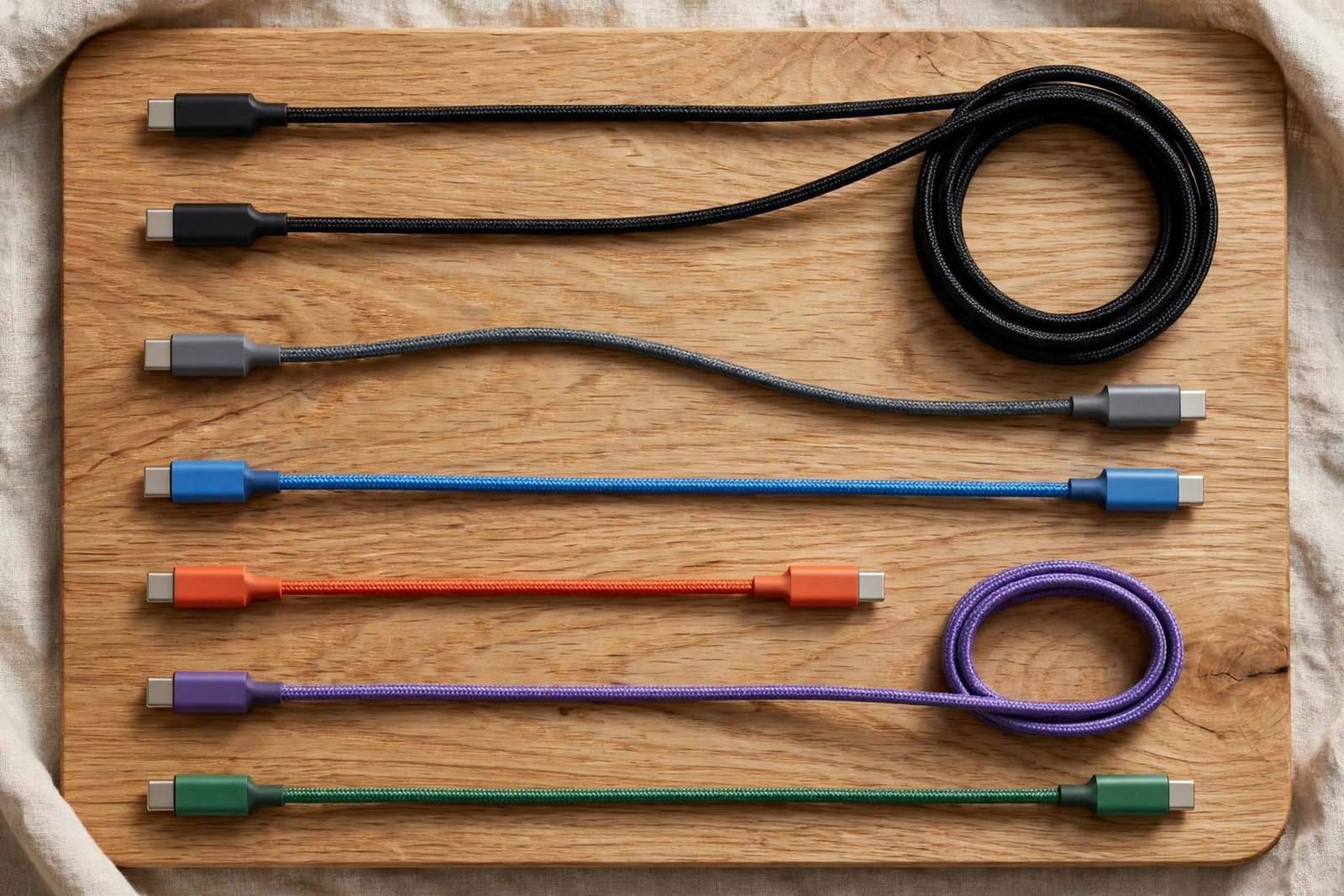
Choosing the best USB-C cables for fast charging is harder than it looks, because most USB-C cables look identical. The difference is inside: the wattage a cable can carry, the chip that tells the charger what it can handle, and the quality of the connectors.
The short answer is to buy a certified cable rated for at least 60W, with an E-Marker chip if you need 100W or more, in the shortest length that reaches comfortably. That covers fast charging for a phone, a tablet and most laptops, without paying for speed you will never use. This guide explains the ratings, then picks the best cable for each use.
Key takeaways
- Wattage is the rating that matters most for fast charging: 60W covers phones and tablets, 100W covers most laptops, 240W covers the largest laptops.
- Cables rated above 60W need an E-Marker chip to tell the charger what they can carry.
- Shorter cables charge faster and more reliably than long ones at the same rating.
- USB-C cables vary in data speed too: USB 2.0 is slow, USB 3.2 and USB4 are fast.
- Buy certified cables from known brands, and replace any cable that is frayed or loose.
- Check current prices before you buy, as cable prices change often.
Wattage ratings: 60W, 100W and 240W explained
USB-C cables are rated by the power they can carry safely. The three ratings you will see most are 60W, 100W and 240W.
A 60W cable handles fast charging for phones, tablets, handheld consoles and small laptops. It is the most common rating, and it is enough for most buyers. If you charge an iPhone, an Android phone or an iPad, a 60W cable is all you need.
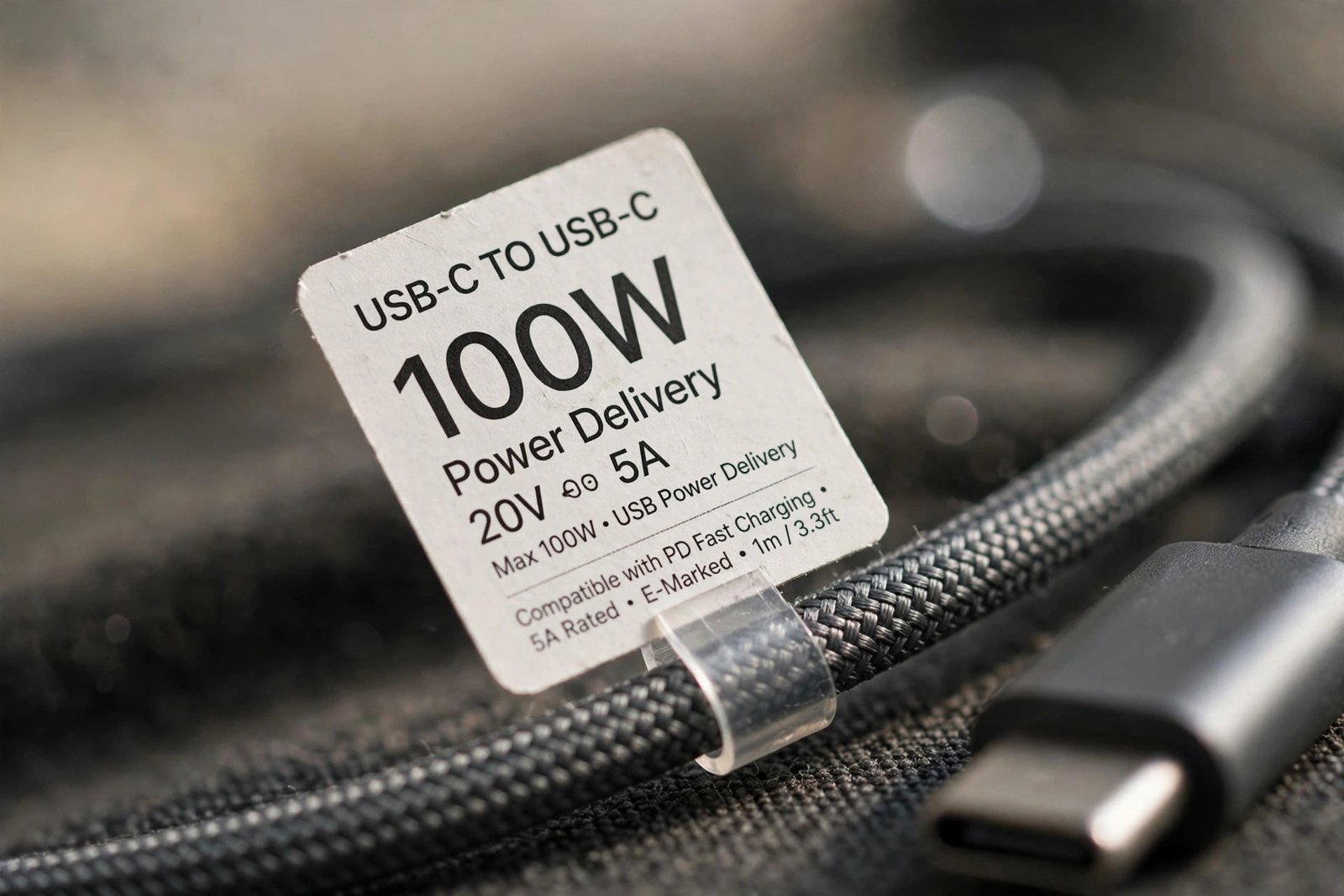
A 100W cable suits larger laptops, including most 14-inch and 16-inch models. It carries 20 volts at 5 amps, and it needs an E-Marker chip, which is a small chip inside the connector that identifies the cable to the charger. Without that chip, a charger will not deliver more than 60W through the cable, even if the cable is thick enough to carry it.
A 240W cable is the newest rating, under the USB Power Delivery 3.1 standard. It carries 48 volts at 5 amps, and it suits the largest laptops and workstations. Most buyers do not need 240W, but it is a sensible choice if you want one cable that will handle any device you own in the next few years.
Do not assume a cable’s rating from its thickness or price. A thick cable may still be rated for 60W, and a slim cable may be rated for 100W. The rating should be printed on the packaging, the product page, or the cable itself.
The E-Marker chip: what it does and when you need it
The E-Marker chip is a small electronic marker inside a USB-C cable. It tells the charger and the device what the cable can carry: its wattage, its voltage and its data speed. It is required for cables rated above 60W, and for cables that support USB 3.2 or USB4 data speeds.
You cannot see an E-Marker chip, and you cannot test for it by looking at the cable. You have to trust the maker’s specification. That is why certification matters: a certified cable has been tested to carry what its label claims, including the E-Marker information.
For phone charging at 20W or 30W, an E-Marker chip is not needed. For laptop charging at 100W or 240W, it is essential. If you buy a cable for a laptop, check that the product page mentions an E-Marker chip or a 100W or 240W rating with USB-IF certification.
Length: shorter is better for fast charging
Length affects charging more than most buyers expect. A longer cable has more resistance, which means more energy is lost as heat, and the voltage reaching the device is slightly lower. At the same wattage rating, a 1-metre cable charges more reliably than a 3-metre cable.
For a desk or a bedside table, a 1-metre cable is usually the best choice. It is long enough to reach from a plug to a phone, and short enough to stay tidy. A 2-metre cable suits a sofa or a car, where the plug is further away. A 3-metre cable is useful only when you have no other option, and it should be rated for the full wattage you need.
Very long cables also wear out faster, because they are pulled, coiled and stepped on more often. If you need a long cable, choose a braided one, and route it where it will not be tugged.
Best overall: a certified 100W USB-C to USB-C cable
Best for: most buyers who want one cable for a phone, a tablet and a laptop.
A certified 100W USB-C to USB-C cable is the best all-round choice. It fast-charges phones and tablets, charges most laptops at full speed, and includes an E-Marker chip, so the charger knows what it can carry. Choose a 1-metre or 2-metre length, and a braided or silicone jacket if the cable will travel.
Check that the cable is USB-IF certified, or that it comes from a brand with a clear warranty and a published wattage rating. A 100W cable from a known brand costs little more than a 60W cable, and it removes the cable as a bottleneck for years.
Best for phones only: a 60W USB-C cable, short and tidy
Best for: anyone who charges a phone or tablet and does not need to charge a laptop.
A 60W cable is all a phone needs, and it is cheaper, lighter and more flexible than a 100W cable. Choose a 1-metre length for a desk or bedside, and a USB-C to USB-C cable for newer phones, or a USB-C to Lightning cable for older iPhones.
For iPhone owners, a certified Lightning cable matters more than wattage. Look for MFi certification, which means Apple has certified the cable. If you are choosing a charger to go with the cable, our guide on how to choose a fast charger for iPhone explains wattage and USB PD in detail.
Best for laptops: a 240W USB4 cable
Best for: owners of large laptops who want one cable for charging and fast file transfers.
A 240W USB4 cable is the most capable cable you can buy. It charges the largest laptops, transfers files at up to 40 gigabits per second, and can drive a monitor. It is the right choice if you use one cable for everything: charging, a dock and an external drive.
It is also the most expensive type, and it is overkill if you only charge a phone. Buy it for a laptop setup, not for a bedside table. Check that the cable is certified for both 240W and USB4, as some cables claim one and not the other.
Best for travel: a short, braided two-pack
Best for: travellers who need a spare cable and want something tough enough for a bag.
A two-pack of short, braided 60W or 100W cables is the practical travel choice. One cable lives in the bag, one stays in the hotel room, and a failure does not leave you without a charger. Choose 0.5-metre or 1-metre lengths, which pack neatly and do not tangle.
A travel cable should have a good strain relief and a warranty of at least a year. If you travel with a laptop and a phone, make both cables 100W, so either one can charge either device. For a desk setup at the other end, a dual-monitor dock can be the other half of the kit; see our guide to the best USB-C docking stations for dual monitors for the dock side of the setup.
Compare the main cable types at a glance
| Cable type | Power | Data speed | Best for |
|---|---|---|---|
| 60W USB-C to USB-C | 60W | USB 2.0 usually | Phones and tablets |
| 100W USB-C to USB-C | 100W | USB 2.0 or 3.2 | Phones, tablets, most laptops |
| 240W USB4 | 240W | Up to 40Gb/s | Large laptops, docks, drives |
| USB-C to Lightning | 20–30W | USB 2.0 | iPhone 14 and earlier |
| Short braided travel | 60–100W | USB 2.0 | Bags, cars, hotels |
Caption: Match the cable’s wattage to the most demanding device it will charge, and pay for data speed only if you transfer files.
A checklist for buying a USB-C cable
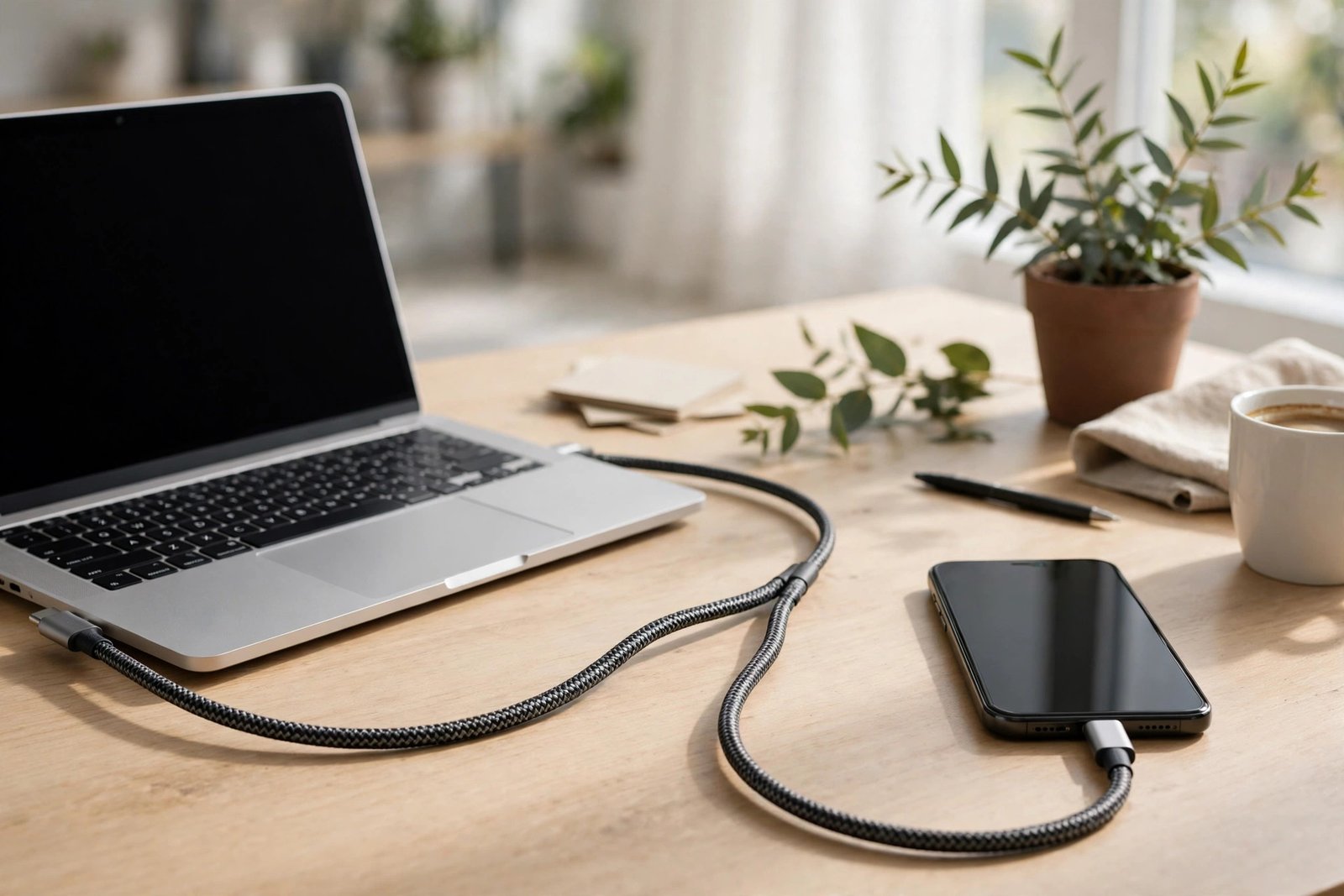
Use this checklist before you buy, and you will not pay for speed you do not need, or buy a cable that holds your charger back.
- What will it charge? Phones and tablets need 60W; most laptops need 100W; the largest laptops need 240W.
- Which connectors do you need? USB-C to USB-C for newer devices, USB-C to Lightning for older iPhones.
- Is it certified? Look for USB-IF certification, and MFi certification for Lightning cables.
- Does it have an E-Marker chip? It should, if it is rated above 60W or for USB 3.2 or USB4.
- What length do you need? Choose the shortest length that reaches comfortably, usually 1 metre.
- Will it travel? A braided or silicone jacket and good strain relief suit a bag or a car.
- Do you transfer files? If so, pay for USB 3.2 or USB4; if not, buy for wattage only.
If you are kitting out a new phone, our roundup of the best iPhone 17 accessories covers the cases and chargers that pair well with a good cable.
Frequently asked questions
Will any USB-C cable fast-charge my phone?
No. The cable must be rated for the power your charger delivers. A cable rated for 15W will slow charging even with a 65W charger. Check the wattage rating on the packaging or product page.
Does a 240W cable charge a phone faster than a 60W cable?
No. The phone draws only what it needs, usually 20W to 30W. A 240W cable charges a phone at the same speed as a 60W cable, but it will also charge a large laptop at full speed.
What is an E-Marker chip in a USB-C cable?
It is a small chip inside the connector that tells the charger and device what the cable can carry, including wattage and data speed. Cables rated above 60W need one for the charger to deliver the full power.
Why does my cable charge slowly but work for data?
The cable may be rated for low power but full data speed, or it may be damaged. Power and data use different wires inside the cable, so one can fail while the other works. Try a different cable to test it.
How long should a USB-C cable last?
A well-made cable should last two to three years of daily use. Replace it if it frays, feels loose in the port, charges intermittently, or gets hot. A damaged cable is not worth keeping.
The bottom line
The best USB-C cable for fast charging is the one rated for your most demanding device, in the shortest length that reaches, from a brand you trust. For most buyers that is a certified 100W USB-C to USB-C cable, one metre long, with an E-Marker chip.
Your next step is to check the cables you already own. Look for a wattage rating, test any cable that charges slowly with a known good charger, and replace the ones that are unrated, frayed or loose. Buy the right cable once, and your charger can finally do its job.