Learning how to choose a fast charger for iPhone starts with a simple fact: the charger matters more than the phone’s battery size. A good charger fills your iPhone quickly and safely, while a poor one charges slowly, runs hot and can wear the battery out sooner.
The short answer is to buy a USB Power Delivery charger of at least 20W, with a certified USB-C cable that matches your iPhone’s port. That combination charges an iPhone 8 or later to about 50 per cent in around 30 minutes, according to Apple, when the phone is not in heavy use. This guide explains wattage, cables, MagSafe and safety, so you can pick the right charger the first time.
Key takeaways
- Choose a USB Power Delivery (USB PD) charger of at least 20W for fast charging.
- Match the cable to your iPhone: USB-C to Lightning for iPhone 14 and earlier, USB-C to USB-C for iPhone 15 and later.
- A 20W charger suits most iPhones; a 30W charger suits larger Pro Max models and shared use with an iPad.
- Buy chargers and cables with recognised certification, such as MFi for Lightning cables.
- MagSafe is convenient, but wired charging is faster and cooler.
- Check current prices before you buy, as charger prices change often.
Wattage: how much power do you need?
Wattage is the headline number on a charger, and it is the easiest to misunderstand. More watts does not always mean faster charging. It means the charger can deliver more power if the phone asks for it.
A 20W charger is the baseline for iPhone fast charging. It is enough for most iPhones, including standard and smaller Pro models, and it is the size Apple uses as its reference for the 50 per cent in around 30 minutes figure. If you charge overnight or top up during the day, 20W is usually all you need.
A 30W charger is a better choice if you own a larger iPhone, such as a Pro Max, or if you want one charger for both an iPhone and an iPad. It also leaves headroom for a second port. A 65W or higher charger is useful mainly for a laptop, and it will still charge an iPhone safely, because the phone limits what it draws.
Do not buy a charger below 20W for fast charging. A 5W or 10W charger will still charge your iPhone, but slowly, and it will struggle to keep up if you use the phone while it charges. If you already own a 5W charger from an older iPhone, keep it as a spare, not as your main charger.
USB Power Delivery, PPS and GaN explained
USB Power Delivery, or USB PD, is the charging standard that makes iPhone fast charging work. It lets the charger and the phone agree on the right voltage and current. Without USB PD, a USB-C charger may still work, but it will charge at a basic speed.
Look for USB PD on the box or product page. Most reputable chargers list it clearly. If a charger does not mention USB PD, do not assume it supports fast charging, even if it has a USB-C port and a high wattage rating.
Programmable Power Supply, or PPS, is an extension of USB PD that adjusts voltage in small steps. It is more common on Android phones, and it does little extra for an iPhone. You do not need to pay more for PPS if you only charge an iPhone.
GaN, short for gallium nitride, is a material used in newer chargers. GaN chargers run cooler and can be smaller than older silicon chargers of the same wattage. A GaN charger is a sensible choice if you travel or want a compact plug, but GaN alone does not make charging faster. The wattage and USB PD support still matter more.
Match the cable to your iPhone model
The cable is where most people go wrong. A fast charger needs a cable rated for the power it delivers, and the right connector at each end.
iPhone 15 and later models use a USB-C port, so you need a USB-C to USB-C cable. iPhone 14 and earlier models use a Lightning port, so you need a USB-C to Lightning cable. The charger end is USB-C in both cases. A charger with only a USB-A port cannot fast-charge an iPhone, whatever cable you attach.
Check the cable’s wattage rating. A cable rated for 60W handles a 20W or 30W iPhone charger with ease. A cable rated for 240W is fine too, and it is useful if the same cable will charge a laptop. A thin, unbranded cable may not carry enough power, even if it fits.
For Lightning cables, look for MFi certification, which means Apple has certified the cable to its standard. Uncertified Lightning cables can charge slowly, trigger warnings on the phone, or stop working after an iOS update. For USB-C cables, look for USB-IF certification or a clear wattage and data-speed rating from a known brand. If you need a spare cable for a laptop as well, our guide to the best USB-C cables for fast charging explains the ratings in more detail.

Wired charging vs MagSafe vs wireless
Wired charging is the fastest and most efficient way to charge an iPhone. It loses the least energy as heat, and it works with the widest range of chargers. If speed matters, use a cable.
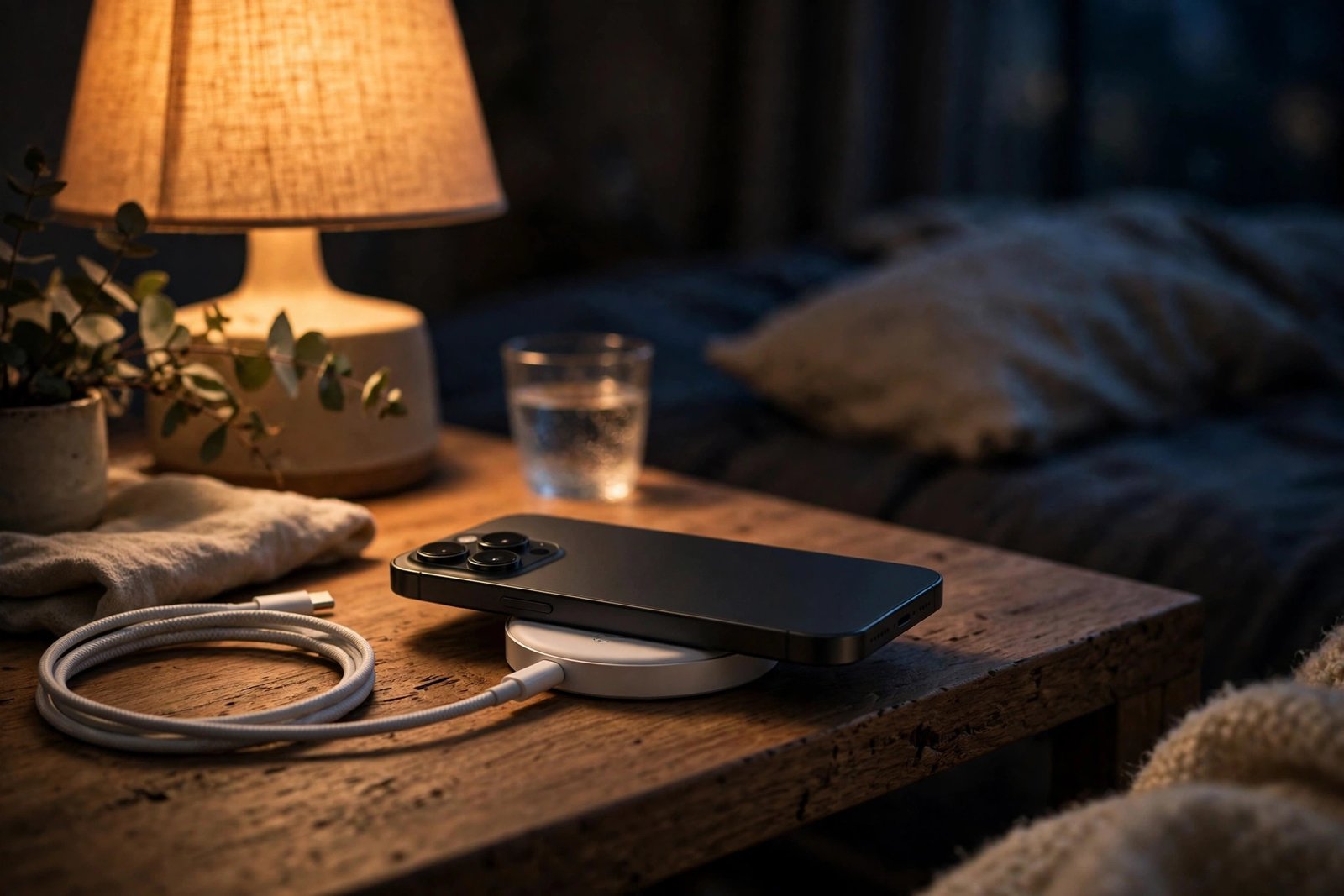
MagSafe is Apple’s magnetic wireless system. It aligns the charger with the back of the phone and charges at up to 15W with a MagSafe charger, or up to 25W with a newer MagSafe charger and a compatible iPhone. That is slower than a 20W wired charger in practice, because wireless charging loses energy as heat. MagSafe is still useful on a desk or a bedside table, where you can snap the phone on and off without fumbling for a cable.
Standard Qi wireless charging is slower still, at up to 7.5W on an iPhone. It is fine for overnight charging, but it is a poor choice if you need a quick top-up before leaving the house.
Heat is the real difference. Wireless charging warms the phone more than wired charging, and heat is the main enemy of long-term battery health. If you use wireless charging every day, take the case off when you can, and keep the phone out of direct sun while it charges.
Safety, certification and battery health
Safety is not a detail to skip. A cheap, uncertified charger can damage your phone, overheat or fail. Buy chargers from known brands, and look for certification marks such as CE, UKCA or UL, depending on where you live. A charger that costs far less than every comparable model is a warning sign, not a bargain.
Check the charger for damage before each trip. A cracked case, a bent prong or a frayed cable is a reason to replace it. Do not use a charger that smells of burning, feels unusually hot, or makes a buzzing sound.
Battery health is a separate concern, and fast charging does not ruin a battery on its own. Heat does the damage. To keep the battery healthy, avoid charging in a hot car, do not leave the phone in direct sun while it charges, and do not play demanding games while fast charging. Apple’s Optimised Battery Charging feature, which learns your routine and holds the charge at 80 per cent until you need it, is worth leaving switched on.
If your iPhone gets hot while charging, unplug it and let it cool. A warm phone is normal during fast charging; a phone too hot to hold is not.
Compare the main charger types at a glance
| Charger type | Typical power | Best for | Watch out for |
|---|---|---|---|
| 20W USB-C PD | 20W | Most iPhones, daily use | Only one device at a time |
| 30W USB-C PD | 30W | Pro Max models, iPhone plus iPad | Larger and pricier than 20W |
| Dual-port GaN | 20–40W shared | Phone plus watch or AirPods | Wattage shared between ports |
| MagSafe | 15–25W | Desk or bedside convenience | Slower and warmer than wired |
| Qi wireless pad | 7.5W | Overnight charging | Too slow for a quick top-up |
Caption: A 20W USB-C PD charger suits most iPhones; choose 30W or a dual-port model only if you have a clear use for the extra power.
A checklist for buying the right charger
Use this checklist before you buy, and you will avoid the most common mistakes.
- Which iPhone do you own? iPhone 15 and later need USB-C to USB-C; iPhone 14 and earlier need USB-C to Lightning.
- How fast do you need it? 20W covers daily use; 30W suits larger phones and shared charging.
- Does it support USB PD? If the box does not say so, do not assume fast charging.
- Is the cable rated for the power? Check for 60W or higher, and MFi certification for Lightning cables.
- How many devices will you charge? One port is fine for one phone; two ports suit a phone plus AirPods or a watch.
- Is it certified and from a known brand? Look for recognised safety marks and a warranty of at least a year.
- Where will you use it? A compact GaN charger suits travel; a dual-port charger suits a desk or bedside.
If you are buying accessories at the same time, our roundup of the best iPhone 17 accessories covers cases, MagSafe wallets and stands that work well with a fast charger. For a broader buying guide, see how to choose a smartphone before you upgrade your handset.
Frequently asked questions
Can I use a 30W or 65W charger with my iPhone?
Yes. The iPhone negotiates with the charger and draws only the power it needs. A higher-wattage charger will not force extra power into the battery, and it is safe to use with a suitable cable.
Why is my iPhone charging slowly with a fast charger?
Check the cable first. A USB-A cable, a damaged cable or an uncertified Lightning cable can all slow charging. Also check that the charger supports USB PD, and that the phone is not overheating or running a demanding app while it charges.
Is MagSafe faster than a cable?
No. Wired charging with a 20W USB-C PD charger is faster than MagSafe in practice. MagSafe is more convenient, but it charges more slowly and generates more heat.
Does fast charging damage the iPhone battery?
Fast charging itself does not damage the battery in normal use. Heat is the main cause of battery wear, so avoid charging in hot conditions and leave Optimised Battery Charging switched on.
The bottom line
Choosing a fast charger for iPhone comes down to three decisions: a USB PD charger of at least 20W, a certified cable that matches your iPhone’s port, and a brand you trust. Get those right and your iPhone will charge to about half full in around 30 minutes, without unnecessary heat or risk.
Your next step is simple. Check which port your iPhone has, check the wattage and certification of the charger you already own, and replace it only if it falls short. Buy the charger and the cable together, check current prices, and keep the old charger as a spare.