When shopping for the best portable monitors for travel 2027, look for models that are light, bright enough for a hotel room or a train seat, and simple to power from a single USB-C cable. If you want one answer, choose a 15.6-inch 1080p IPS panel with USB-C, a built-in stand and a weight under 1 kg, because that combination works with almost every modern laptop and fits in most laptop bags. The right choice still depends on how you work, how much bag space you can spare and whether you edit photos, write code or mainly answer email on the move.
Key takeaways
- A 15.6-inch 1080p IPS portable monitor is the safest all-round travel choice.
- Brightness matters more than resolution on the move: look for at least 300 nits if you work near windows.
- One USB-C cable for video and power is the simplest setup; carry a second cable and a small charger as a backup.
- A built-in kickstand or a smart cover is worth more than a slightly thinner panel.
- Check the current price and the exact ports on your laptop before you buy, because USB-C support varies.
Why a second screen changes travel work
A laptop screen is fine for one task at a time. It becomes cramped when you need a document open beside a spreadsheet, a video call beside your notes, or a reference page beside the draft you are writing. A portable monitor removes that friction without turning your bag into a desktop setup.
What to look for before you buy
Panel type and size
Most travel monitors use an IPS panel, which gives wide viewing angles and consistent colour when you are not sitting directly in front of the screen. That matters on a train or in a shared workspace, where your position changes often. OLED portable monitors offer deeper blacks and stronger contrast, but they usually cost more and need more care with static images.
Size is a balance. A 13.3-inch screen is the easiest to carry and works well beside a 13-inch laptop. A 15.6-inch screen gives you more room for two windows, and it remains the most common size for a reason. Larger 17-inch models exist, but they are harder to fit in a standard bag and add noticeable weight.
Resolution and brightness
For most travel work, 1080p at 15.6 inches is sharp enough for documents, email, browsing and video calls. A 4K portable monitor looks crisper, especially for photo editing, but it uses more power and can make text very small unless you adjust your display scaling.
Brightness is often overlooked. A panel rated at 250 nits is fine in a dim hotel room, but it can look washed out near a bright window. If you often work in cafes, airport lounges or trains, aim for 300 nits or more. Check the manufacturer’s specification rather than relying on marketing terms such as “vivid” or “ultra-bright”.
Ports, power and compatibility
USB-C is the key feature to check. A monitor with USB-C DisplayPort Alt Mode can receive video and power through one cable from a compatible laptop. Some monitors also have Mini HDMI for older laptops, consoles and cameras, which is useful if you travel with more than one device.
Weight, stand and protection
Weight is the number that matters most after a long day of carrying a bag. Many good travel monitors weigh between 700 g and 900 g, including the cover. Anything much heavier starts to feel like a second laptop.
The stand matters just as much. A built-in kickstand lets you set the screen at a comfortable angle on a small table. A magnetic smart cover can double as a stand, but it is often less stable on a train tray table.
The best portable monitors for travel in 2027
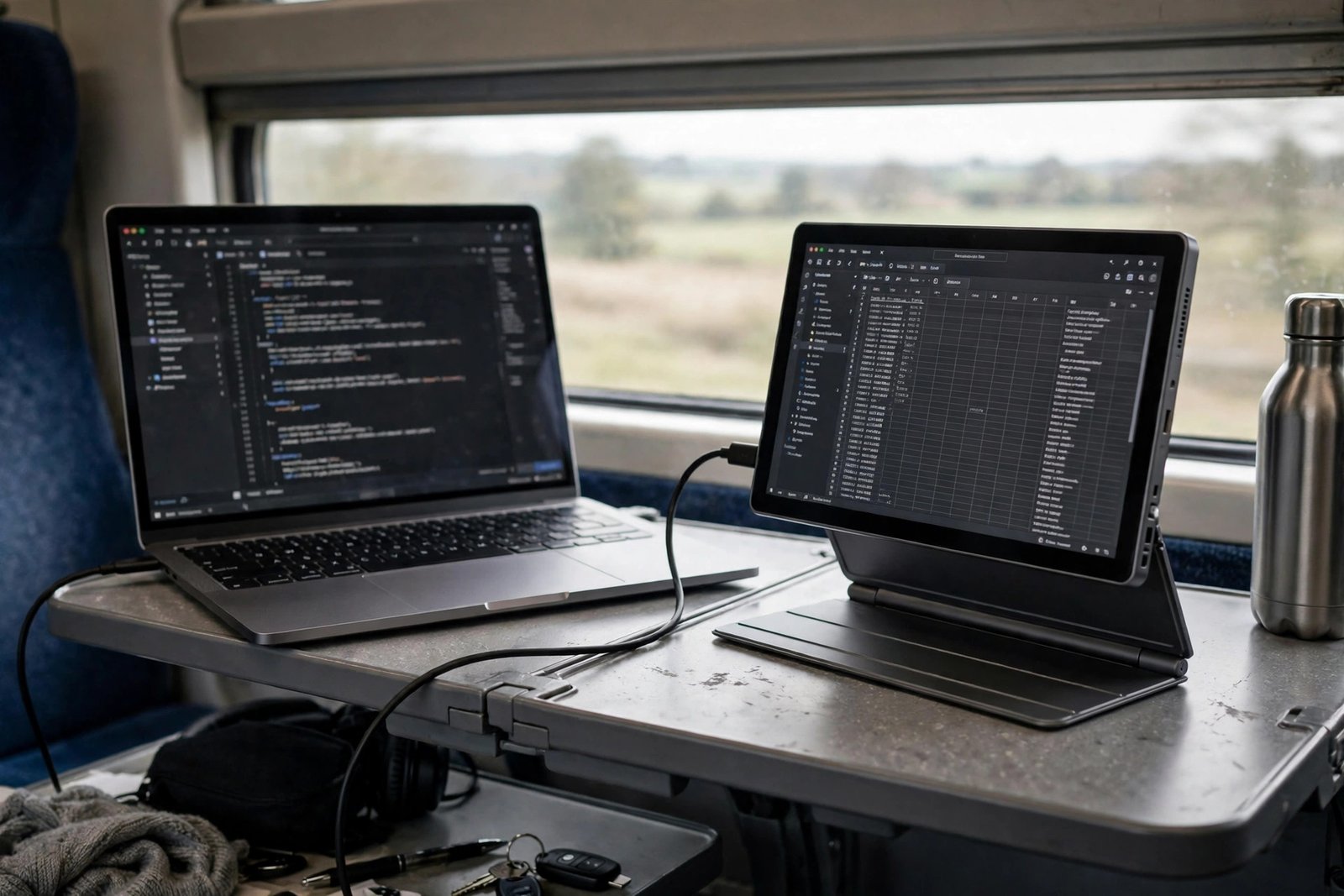
The picks below cover the main travel needs: a reliable all-rounder, a light everyday model, a flexible mid-range choice and a touchscreen for note-taking and presentations. Check the current price and the exact specification for the model you choose, because retailers often sell similar-looking versions with different ports or panels.
ASUS ZenScreen MB16ACV
The ASUS ZenScreen range has long been a safe choice for travellers who want a straightforward second screen. The MB16ACV is a 15.6-inch 1080p IPS model with USB-C and a smart cover that doubles as a stand. It is light, easy to set up and well suited to documents, email and video calls.
It does not try to do everything. The brightness is adequate indoors rather than outstanding, and the built-in speakers are best treated as a backup. Its strength is reliability: one cable, a familiar layout and a design that fits easily beside a laptop.
Best for: business travellers who want a dependable, lightweight second screen for everyday work.
Lenovo ThinkVision M14
The Lenovo ThinkVision M14 is one of the most travel-friendly designs in this category, with a slim profile and a low weight that makes it easy to carry every day. It is a 14-inch 1080p IPS monitor with USB-C, and its adjustable base allows a useful range of tilt angles.
The smaller screen means slightly less room than a 15.6-inch model, but it pairs neatly with a 13-inch or 14-inch laptop and leaves more space on a small desk.
Best for: commuters and frequent flyers who want the lightest practical second screen.
ViewSonic VG1655
The ViewSonic VG1655 is a practical mid-range option for travellers who want a 15.6-inch 1080p IPS screen with both USB-C and Mini HDMI. That second port makes it more flexible if you also connect a console, a camera or an older laptop while you are away.
It includes a cover that works as a stand, and the overall design is built for regular packing and unpacking rather than occasional use.
Best for: travellers who need HDMI as well as USB-C, for work and entertainment on the same trip.
Espresso Displays 15 Touch
The Espresso 15 Touch adds a touchscreen to the travel monitor formula, which changes how you use it. You can tap, scroll and pinch to zoom, annotate a document, or control a presentation without reaching for the trackpad. It is a 15.6-inch 1080p IPS panel with a slim aluminium design and USB-C connectivity.
Touch is not essential for everyone, and it adds cost. It is most useful for designers, presenters and anyone who works with PDFs, maps or touch-friendly apps. If you mainly type documents and answer email, a non-touch model will serve you just as well for less money.
Best for: presenters, designers and note-takers who want touch control on the move.
Portable monitors compared
| Monitor | Screen | Resolution | Main connection | Standout feature |
|---|---|---|---|---|
| ASUS ZenScreen MB16ACV | 15.6-inch IPS | 1080p | USB-C | Reliable all-rounder with smart cover |
| Lenovo ThinkVision M14 | 14-inch IPS | 1080p | USB-C | Slim, light design for daily carry |
| ViewSonic VG1655 | 15.6-inch IPS | 1080p | USB-C, Mini HDMI | Flexible ports for work and play |
| Espresso Displays 15 Touch | 15.6-inch IPS touch | 1080p | USB-C | Touchscreen for notes and presentations |
Table: Portable monitors for travel compared by size, resolution, connection and standout feature. Check the current specification before you buy, because model revisions can change ports and brightness.
Travel setup checklist
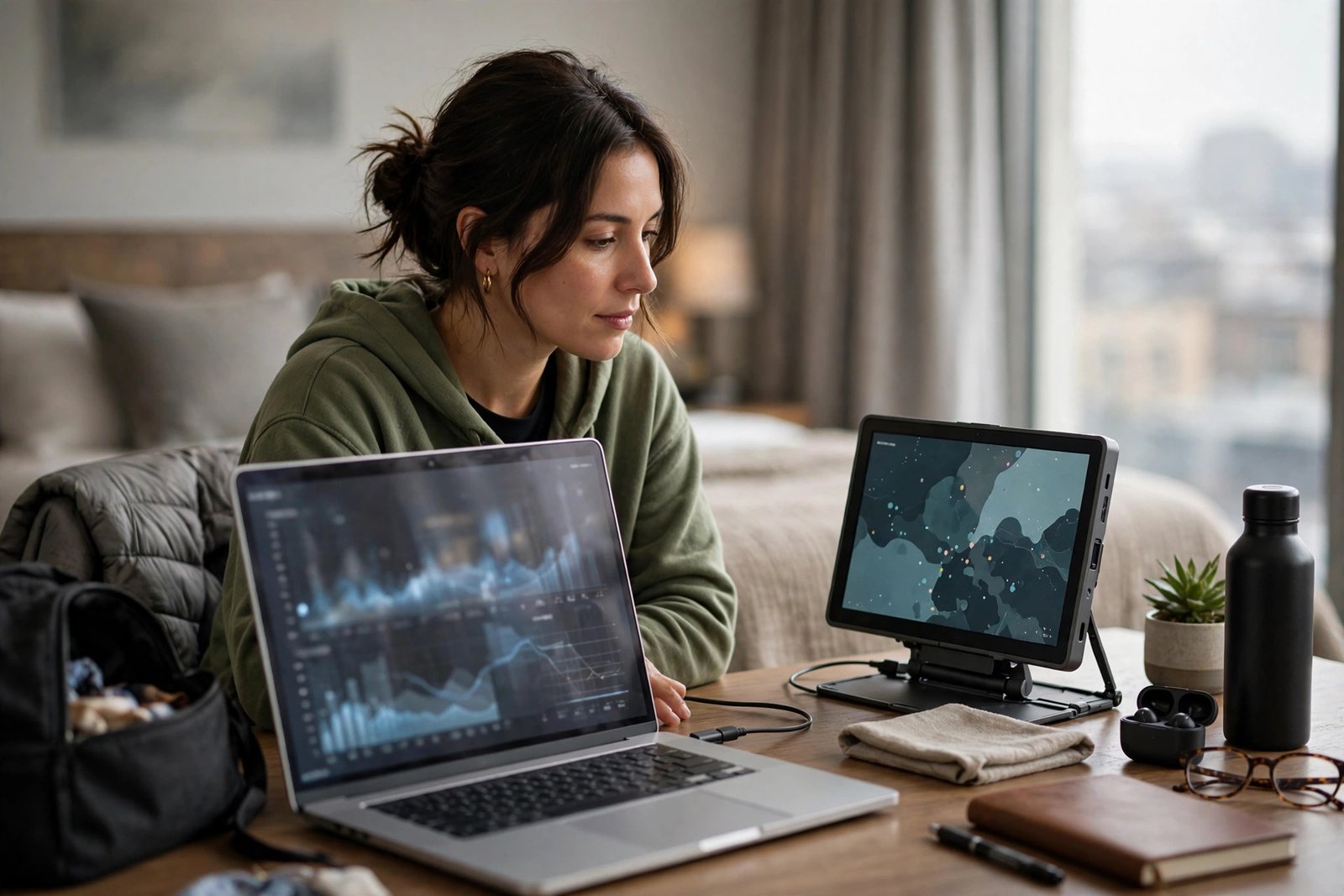
Use this checklist before you leave, so the monitor works the first time you need it.
- Confirm your laptop USB-C port supports video output, or pack a Mini HDMI cable and adapter.
- Test the monitor at home with the exact cable and charger you plan to travel with.
- Pack a second USB-C cable, in case the first one is damaged or left behind.
- Check the monitor fits in your bag with its cover on, beside your laptop and charger.
- Carry a small USB-C charger or power bank if your laptop cannot power the screen alone.
- Turn the brightness down when you are on battery power, to extend your working time.
How to choose in five minutes
If you are short on time, work through this decision framework. First, measure your bag and your usual working space: if space is tight, choose a 14-inch model. If you have room, a 15.6-inch screen is more comfortable for split-screen work.
Next, check your laptop ports. If it has USB-C with video output, a USB-C-only monitor is fine. If it does not, or if you also want to connect a console, choose a model with Mini HDMI. Finally, think about where you will use it most: office and hotel work favour a standard IPS screen, while presentations favour touch. Choosing for your main use, rather than for every possible use, usually gives you the best value.
For a fuller home setup, it is worth comparing these travel screens with the best monitors for a home office, because a desk monitor and a travel monitor solve different problems. If you often work from a laptop at a desk as well, a guide to setting up dual monitors with a laptop can help you arrange both screens comfortably. And if you travel with a MacBook, the best ultrawide monitors for MacBook Pro show what a larger desk setup can offer when you are back home.
Frequently asked questions
Do portable monitors need a separate power supply?
Not usually. Most modern portable monitors draw power through USB-C from the laptop, especially at normal brightness. If the screen flickers or will not turn on, connect a USB-C charger to the monitor’s second port or use a power bank.
Is 1080p enough for a 15.6-inch portable monitor?
For documents, email, browsing and video calls, yes. Text remains readable and the screen uses less power than a 4K panel. Choose 4K only if you edit photos or video, or if you regularly work with fine detail.
Can I use a portable monitor on a plane?
Yes, if you have enough tray-table space and the seat in front does not recline into it. A 13.3-inch or 14-inch model is easier to use in economy than a 15.6-inch screen. Keep the brightness low and store the monitor safely for takeoff and landing.
How do I protect a portable monitor in my bag?
Use the cover supplied with the monitor, or a padded sleeve, and keep it flat against your laptop rather than loose beside hard objects. Avoid placing heavy items on top of it, and do not force it into a bag that is already full.
The bottom line
The best portable monitor for travel is the one you will actually carry and use. For most people in 2027, that is a 15.6-inch 1080p IPS screen with USB-C, a good stand and a weight under 1 kg. It adds a useful second workspace without adding much bulk, and it works with almost every modern laptop.
If you travel light, go smaller. If you present often, consider touch. Otherwise, keep it simple, test the setup before you leave, and check the current price and specification for the exact model you choose. Your next step is to measure your bag, confirm your laptop’s USB-C video support, and pick the size that fits your working day.