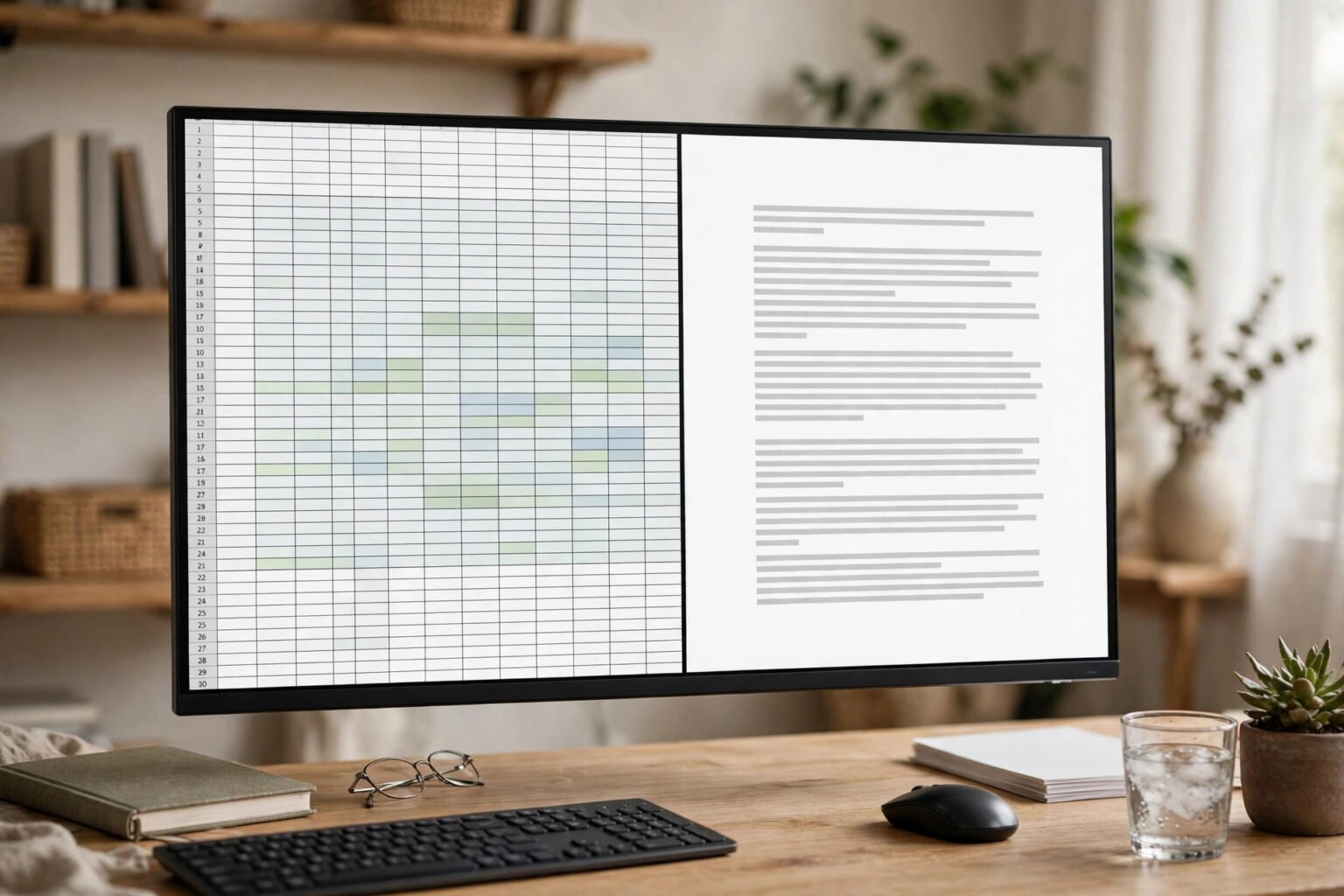
The best monitors for home office 2027 setups share one quality: they make a full working day feel easier on your eyes, your neck and your focus. The best choice for most people is a 27-inch 4K monitor with a height-adjustable stand, because it gives you sharp text, room for two windows side by side and a comfortable viewing position without taking over your desk.
This guide compares the strongest home office monitors of 2027, from affordable 27-inch screens to ultrawide displays and colour-accurate panels, judged on text sharpness, eye comfort, adjustability, connectivity and value.
Key takeaways
- A 27-inch 4K monitor is the best starting point for most home offices, with sharp text and room for two apps side by side.
- Screen size matters more than brand: 27 inches suits most desks, 32 inches suits large desks, ultrawide suits spreadsheet work.
- A height-adjustable stand and a flicker-free panel matter more for comfort than a brighter screen.
- USB-C with power delivery is the most useful feature for laptop users.
- Spend on resolution and ergonomics first; high refresh rates add little for office work.
How to choose a home office monitor
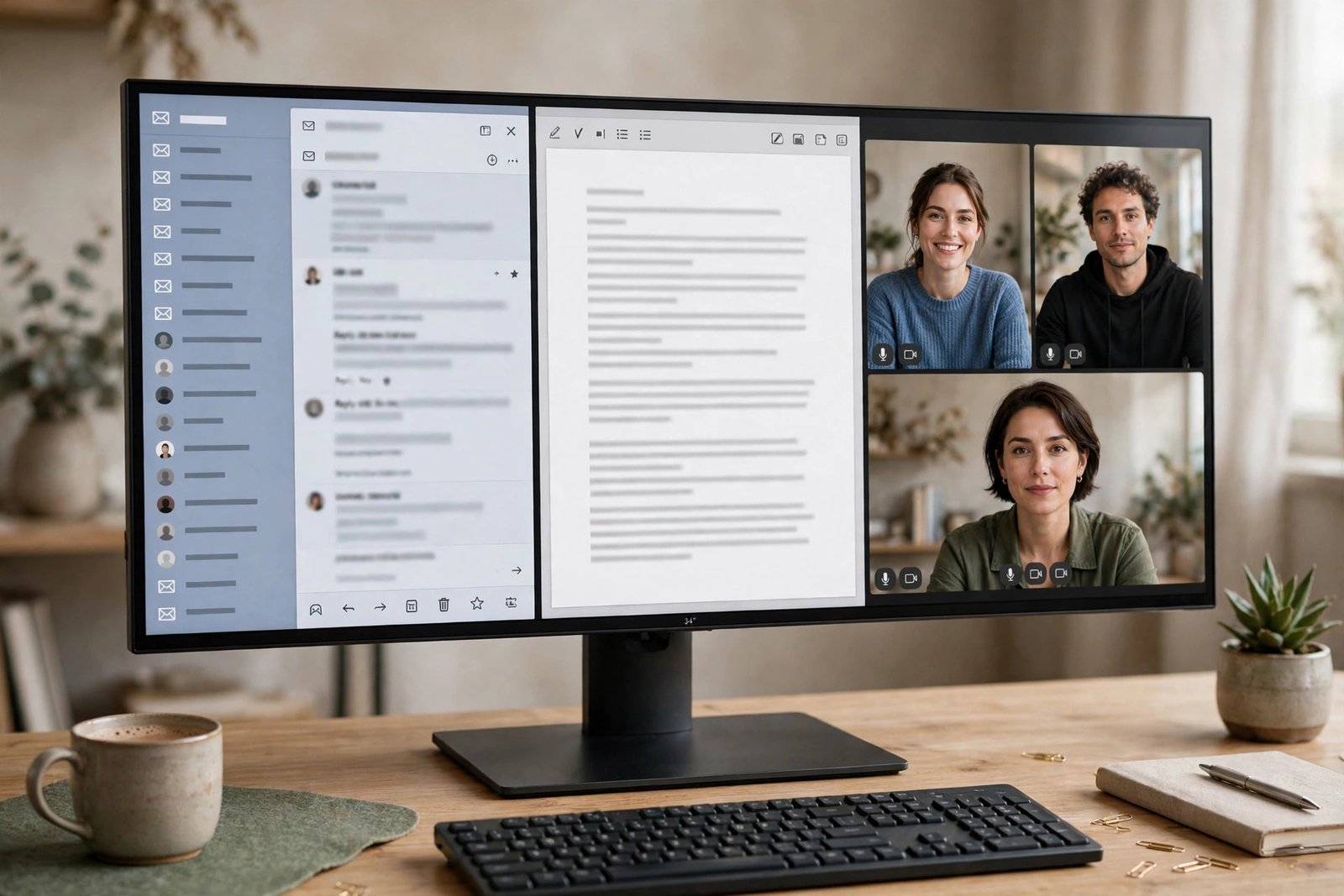
Start with size. A 24-inch monitor is fine as a second screen, but most people will feel cramped using it as their only display. A 27-inch screen is the sweet spot: large enough for two documents side by side, small enough for a standard desk, and available at every price point. A 32-inch monitor gives you more room still, but it needs a deeper desk. Ultrawide monitors, typically 34 inches across, replace two screens with one wide panel and suit people who juggle email, documents and video calls all day.
Next, think about resolution. A 27-inch monitor should be 4K (3,840 x 2,160) or at least QHD (2,560 x 1,440) for sharp text. A 1080p panel at 27 inches shows visible pixelation. At 32 inches, 4K is the right choice; QHD stretched across that size looks soft.
Panel type affects viewing angles and colour. IPS panels are the standard choice for office work: colours stay consistent when you shift in your chair, and text stays clear at the edges. VA panels offer deeper blacks and stronger contrast, which suits video, but their viewing angles are narrower. OLED looks superb but costs far more, with little benefit for documents and video calls.
Ergonomics deserve as much attention as the picture. Your monitor should let you place the top of the screen at or just below eye level, which means a stand that adjusts for height, tilt and swivel. Look for a flicker-free backlight and a low blue light mode too; both reduce eye strain over long days.
Connectivity is the feature people regret overlooking. If you use a laptop, a USB-C port that delivers power lets you connect display, charging and peripherals through one cable. Check the output: 65W covers most ultrabooks, while larger laptops may need 90W or more. Extra USB ports act as a small hub for a keyboard, mouse and webcam.
Finally, be honest about how you use the screen. If you edit photos or video, colour accuracy matters and a factory-calibrated panel is worth paying for. If you mostly write, browse and join video calls, a mid-range 4K IPS panel will serve you just as well.

The best monitors for home office in 2027
Dell UltraSharp U2723QE — the best home office monitor overall
Best for: most home workers who want a sharp, reliable 4K screen with excellent connectivity.
The Dell UltraSharp U2723QE remains the default recommendation for a home office in 2027. Its 27-inch 4K IPS panel renders text crisply, colours look natural out of the box, and the anti-glare coating handles bright rooms well. The stand adjusts for height, tilt, swivel and pivot, so you can set the screen exactly where your eyes want it.
Connectivity is where this monitor earns its price. USB-C delivers up to 90W of power to a laptop, and the built-in hub adds USB-A ports, DisplayPort and HDMI, so a single cable can run your whole desk. The IPS Black panel gives it deeper blacks than a standard IPS screen. Check the current price before buying, as Dell runs frequent promotions on this model.
LG UltraFine 27UP850 — the best value 4K monitor for home office
Best for: buyers who want 4K sharpness and USB-C charging without paying a premium.
The LG 27UP850 is the value pick in this guide. Its 27-inch 4K IPS panel is sharp and bright, it covers a wide colour range, and it includes USB-C with up to 96W of power delivery. The stand adjusts for height, tilt and pivot, and the slim bezels make it look far more expensive than it is.
Samsung Smart Monitor M8 — the best monitor for small home offices
Best for: small desks and people who want a monitor that doubles as a smart TV.
The Samsung Smart Monitor M8 takes a different approach: it is a 32-inch 4K monitor with smart TV features built in, so it can stream video, run apps and mirror your phone without a computer attached. For a small home office that doubles as a living space, that flexibility is genuinely useful. It includes a slim, adjustable stand and a camera that attaches magnetically for video calls.
The trade-offs are real. The VA panel has narrower viewing angles than an IPS screen, and it has fewer ports than a dedicated office monitor. But if your desk is in a bedroom or a shared room and you want one screen for work and entertainment, the M8 is a clever solution.
BenQ PD2705U — the best monitor for creative home office work
Best for: photo editors, designers and video editors who need accurate colour.
The BenQ PD2705U is built for creative work. Its 27-inch 4K IPS panel is factory calibrated for accurate colour and covers a wide colour gamut. The stand is fully adjustable, and the monitor includes a KVM switch, which lets you control two computers with one keyboard and mouse — handy if you run a work laptop and a personal machine side by side.
For pure office work it is more monitor than most people need, and it costs more than the value picks here. But if colour accuracy affects your income, the premium pays for itself. USB-C delivers 65W of power, which covers most ultrabooks.
LG 34WR50QC — the best ultrawide monitor for home office
Best for: people who want two screens’ worth of space without a second monitor.
An ultrawide monitor replaces a dual-screen setup with one seamless panel, and the LG 34WR50QC is a sensible way to try the format. Its 34-inch curved display gives you room for three windows at once: email, a document and a chat app. The curve keeps the edges at a comfortable viewing distance, and the QHD resolution keeps text reasonably sharp.
Ultrawide screens are not for everyone. Video calls can look stretched, and the monitor needs a wide desk. But if your work involves comparing documents or keeping several apps visible at once, the extra width changes how you work. If you already run two monitors and are curious about a single-panel alternative, our guide to the best ultrawide monitors for MacBook Pro covers the format in more depth.
Dell S2722QC — the best budget home office monitor
Best for: buyers who want a solid 27-inch 4K screen at the lowest sensible price.
The Dell S2722QC proves that you do not need to spend heavily to get a good home office monitor. Its 27-inch 4K IPS panel is bright and sharp, the stand tilts and adjusts for height, and USB-C with 65W power delivery covers most laptops.
What you give up is refinement: the stand is less flexible than the UltraSharp range, the ports are fewer, and the colour accuracy is good rather than excellent. For a first home office setup or a second workstation, those compromises are easy to live with. Check the current price, as this model is often discounted.
Best monitors for home office: comparison table
| Monitor | Size / resolution | Best for | USB-C power | Stand |
|---|---|---|---|---|
| Dell UltraSharp U2723QE | 27-inch 4K IPS | Most home workers | 90W | Height, tilt, swivel, pivot |
| LG UltraFine 27UP850 | 27-inch 4K IPS | Value 4K buyers | 96W | Height, tilt, pivot |
| Samsung Smart Monitor M8 | 32-inch 4K VA | Small spaces, streaming | 65W | Height, tilt |
| BenQ PD2705U | 27-inch 4K IPS | Creative work, colour accuracy | 65W | Height, tilt, swivel, pivot |
| LG 34WR50QC | 34-inch ultrawide QHD | Multi-window work | 65W | Height, tilt |
| Dell S2722QC | 27-inch 4K IPS | Budget buyers | 65W | Height, tilt |
Table: the best home office monitors of 2027 compared on size, resolution, USB-C power and stand adjustment.
Home office monitor checklist
- Measure your desk first: a 27-inch monitor needs roughly 60cm of width; a 32-inch or ultrawide needs more.
- Check your laptop’s charging needs: look up its charger wattage, then pick a monitor whose USB-C power matches or beats it.
- Confirm the ports match: make sure your laptop has USB-C, HDMI or DisplayPort, and buy the right cable if one is not included.
- Plan the viewing height: the top of the screen should sit at or just below eye level; a height-adjustable stand makes this easy.
- Test the setup for a week: eye strain, neck ache or constant window shuffling are signs the size or resolution is wrong, not that you need to get used to it.
- Fix flicker early: if your screen flickers or your eyes tire quickly, check your refresh rate and cable before assuming the monitor is faulty. Our guide to fix monitor flickering on Windows 11 walks through the common causes.
Frequently asked questions
What size monitor is best for a home office?
A 27-inch monitor is the best size for most home offices. It shows two windows side by side comfortably, fits on a standard desk and pairs well with 4K resolution. Choose 32 inches if your desk is deep enough.
Is an ultrawide monitor better than two monitors?
It depends on your work. An ultrawide gives you one seamless space with no bezel in the middle, which suits spreadsheets and document comparison. Two monitors suit people who want one screen for calls and one for work, or different orientations. If you are torn, read our guide to the best curved monitors for home office before deciding.
Is a 4K monitor worth it for office work?
Yes, for a 27-inch or larger screen. 4K makes text noticeably sharper, which reduces eye strain during long reading and writing sessions.
How far should I sit from my monitor?
Sit about an arm’s length away, roughly 50 to 70cm from the screen. Larger screens need more distance, so a 32-inch monitor suits a deeper desk.
The bottom line
The best monitor for your home office is the one that fits your desk, your laptop and your working day — not the most expensive screen on the shelf. For most people, that means the Dell UltraSharp U2723QE: a sharp 27-inch 4K panel, a fully adjustable stand and USB-C charging that tidies your whole desk into one cable. If your budget is tighter, the LG 27UP850 delivers the same core experience for less, and the Dell S2722QC covers the essentials at the lowest sensible price.
Start by measuring your desk and checking your laptop’s charger wattage, then pick the monitor that matches those two numbers. A good monitor is the single upgrade that improves every hour you spend working from home.