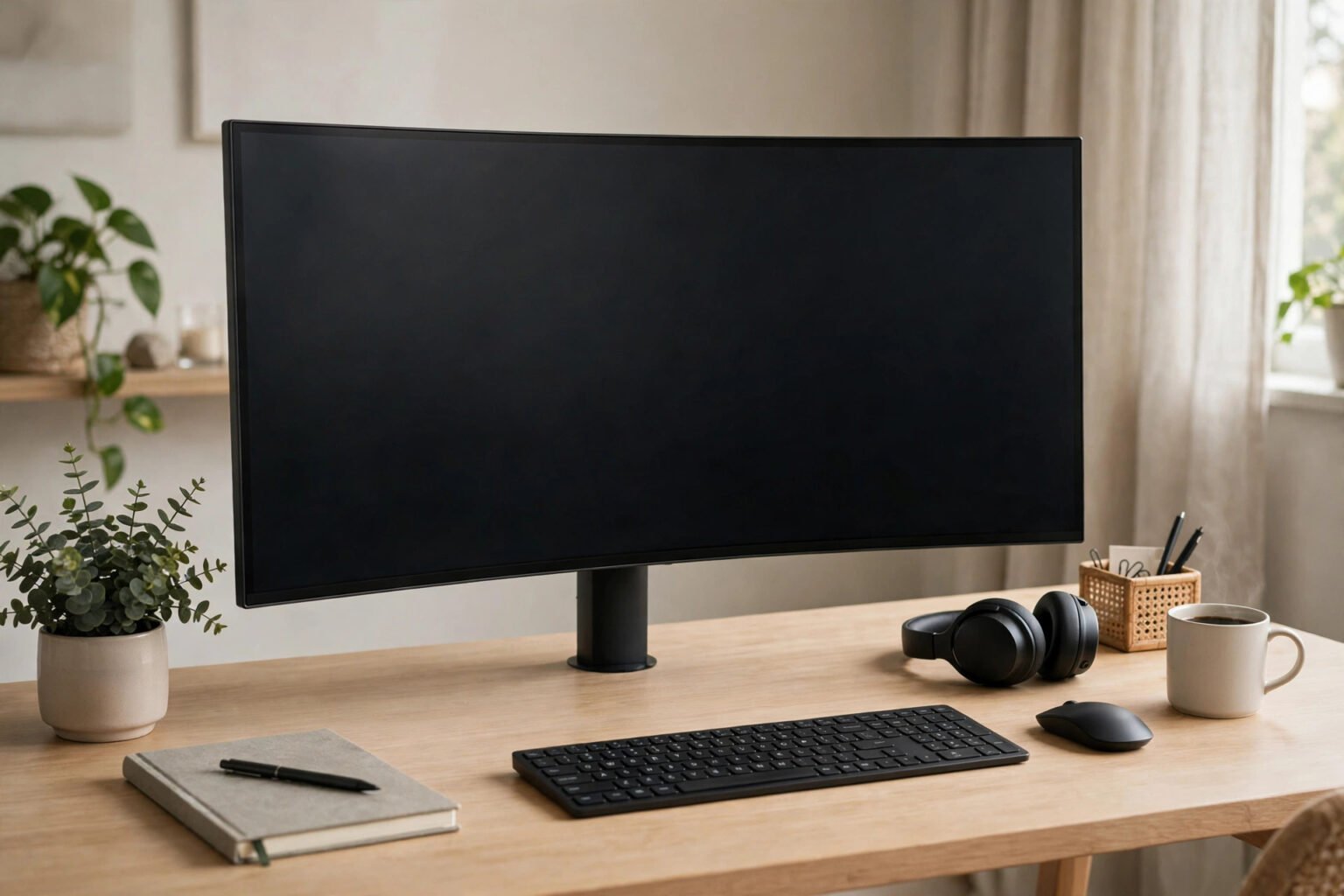
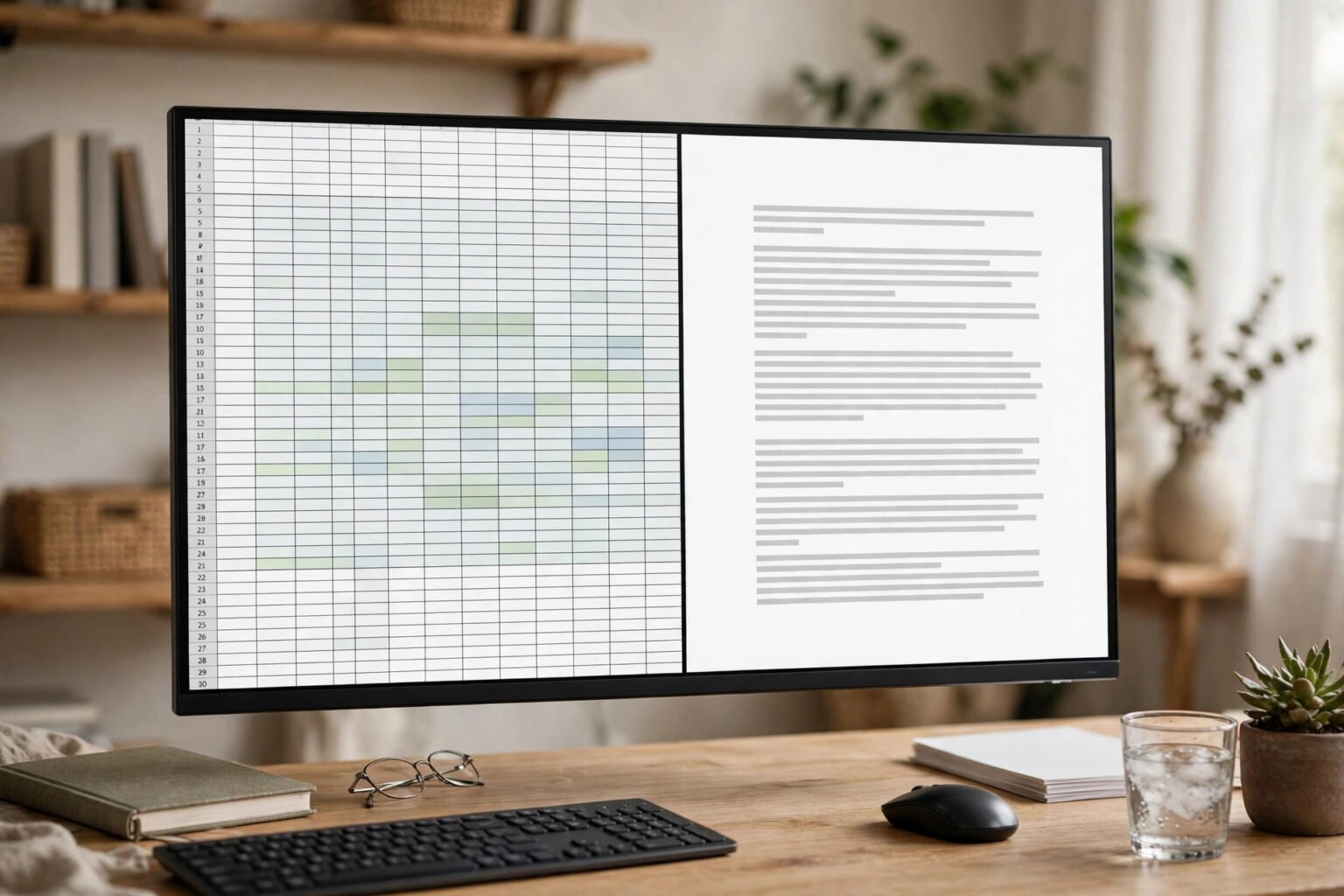
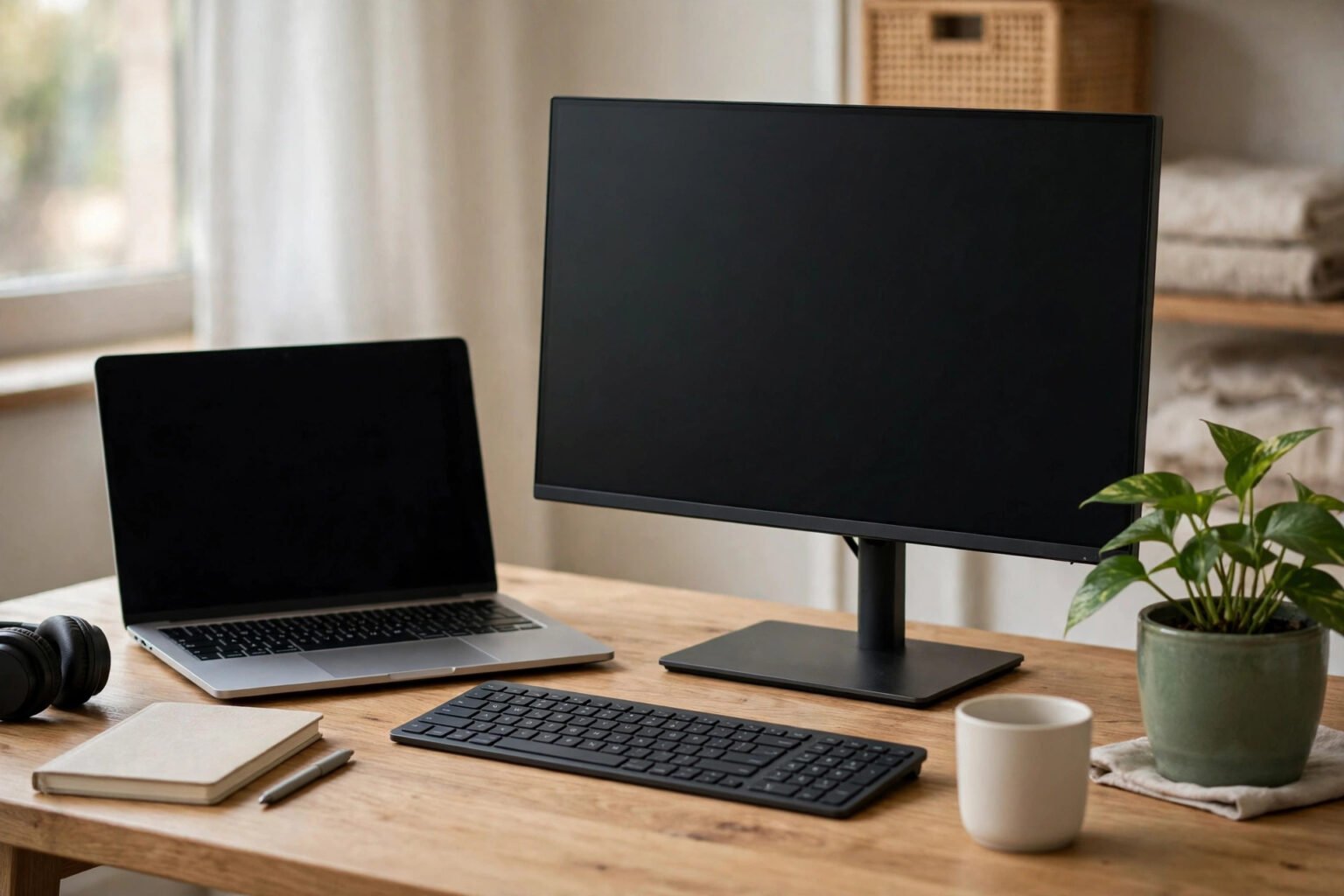
The best 32-inch monitors for productivity 2027 has to offer give you something a 27-inch screen cannot: room to work without constantly shuffling windows. A 32-inch 4K display shows a full document, a spreadsheet and a chat window at once. For most people, the best choice is a 32-inch 4K IPS monitor with USB-C power delivery, which combines the extra space with crisp text and single-cable convenience.
This guide compares the strongest 32-inch monitors for productivity, from affordable large screens to colour-accurate panels for creative work, judged on text sharpness, screen space, eye comfort, connectivity and value.
Key takeaways
- A 32-inch 4K monitor is the best productivity size for people who keep several windows open.
- 4K resolution is essential at 32 inches; QHD looks soft and makes text harder to read.
- USB-C with power delivery is the most useful feature for laptop users, turning one cable into display, charging and peripherals.
- Your desk needs depth as well as width: sit at least 70cm from a 32-inch screen.
- A height-adjustable stand matters more than a brighter panel when you sit at a screen all day.
Why a 32-inch monitor works for productivity
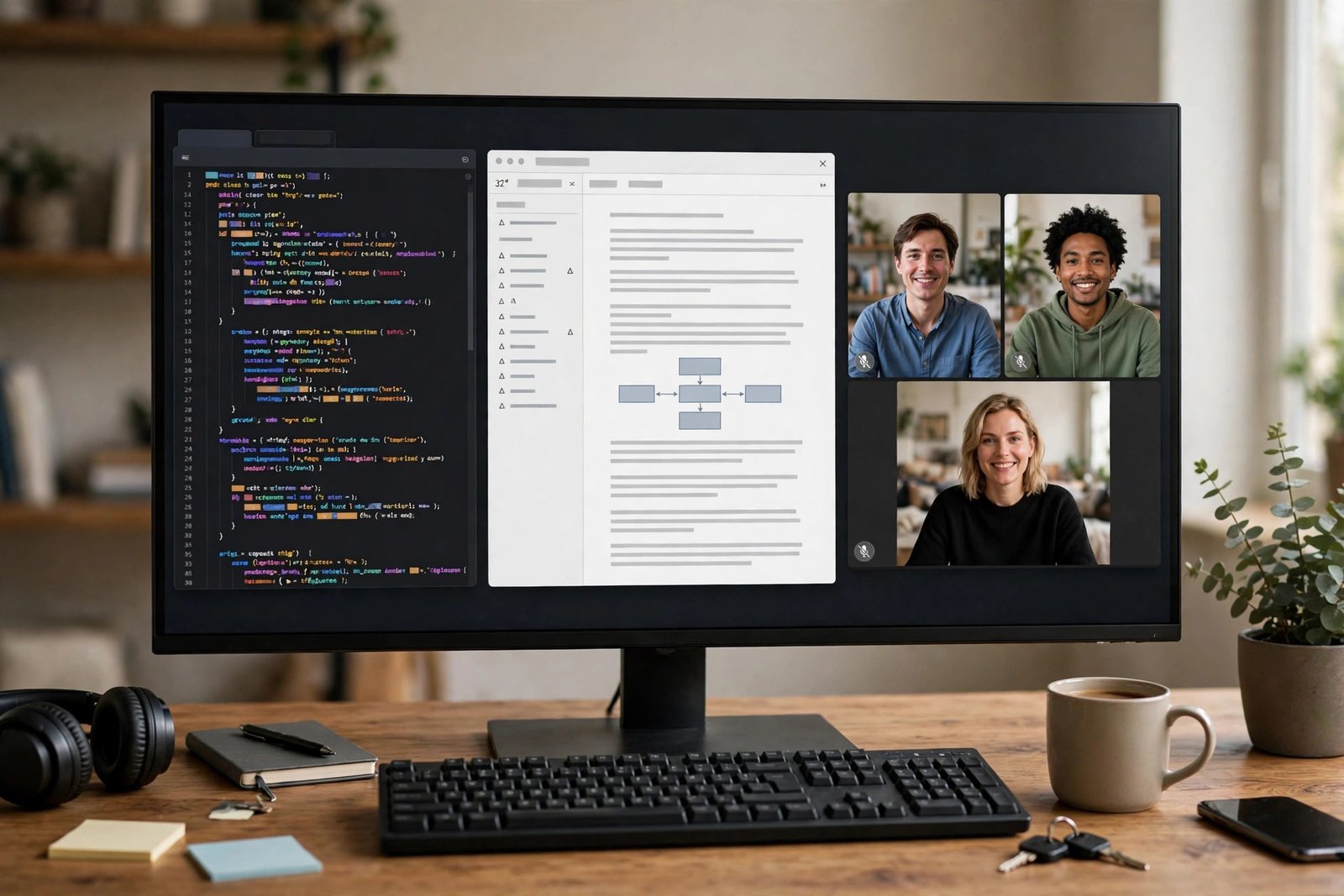
The case for a 32-inch monitor is simple: more screen space means less time managing windows. On a 27-inch display, two windows side by side feel tight, and a third means constant switching. On a 32-inch 4K screen, two full-size windows sit comfortably next to each other, and a third can stay visible in the corner. That matters for writers comparing sources, analysts working across spreadsheets, and developers keeping code, documentation and a preview open at once.
Resolution is what makes the size work. A 32-inch panel at 4K (3,840 x 2,160) packs enough pixels to keep text sharp. A 32-inch QHD panel (2,560 x 1,440) stretches the same pixels across a larger area, so text looks softer. For productivity, where you read text for hours, 4K is the minimum that makes sense at this size.
Panel type matters too. IPS panels are the default for productivity: colours stay accurate when you move in your chair, and the whole screen looks even from edge to edge. VA panels offer deeper blacks and stronger contrast, which suits video, but their viewing angles are narrower. If you edit photos or video, look for factory colour calibration; if you mostly write and browse, a standard IPS panel is enough.
Ergonomics become more important as the screen gets bigger. A 32-inch monitor weighs more and sits higher on your desk, so a sturdy, height-adjustable stand is essential. The top of the screen should sit at or just below eye level, and you should sit roughly 70 to 80cm away. If your desk is shallow, a monitor arm can push the screen back; check for a standard VESA mount first.
Connectivity decides how pleasant the monitor is to live with. If you work from a laptop, USB-C with power delivery changes your daily routine: one cable carries the picture, charges the laptop and connects your keyboard and mouse through the monitor’s built-in hub. Check the wattage: 65W covers most ultrabooks, while larger laptops need 90W or more. If you use a desktop, HDMI and DisplayPort are enough.
The best 32-inch monitors for productivity in 2027
Dell UltraSharp U3223QE — the best 32-inch monitor overall
Best for: most people who want a large, sharp 4K screen for all-day work.
The Dell UltraSharp U3223QE is the benchmark 32-inch productivity monitor in 2027. Its 32-inch 4K IPS Black panel renders text crisply and produces deeper blacks than a standard IPS screen. Colours look natural out of the box, and the anti-glare coating handles bright home offices well. The stand adjusts for height, tilt, swivel and pivot.
Connectivity is the standout feature. USB-C delivers up to 90W of power to a laptop, and the built-in hub adds USB-A ports, DisplayPort, HDMI and an Ethernet port, so a single cable can run your entire desk. Check the current price before buying, as Dell runs frequent promotions on this model.
LG UltraFine Ergo 32UN880 — the best 32-inch monitor for ergonomics
Best for: people who want a large screen on a flexible arm, without buying one separately.
The LG 32UN880 ships with a clamp-style monitor arm instead of a standard stand. The arm lets you pull the screen close, push it back, raise it and swivel it with one hand, which makes it easy to adjust your posture through the day. It also frees up desk space underneath.
The panel itself is a 32-inch 4K IPS display with good colour accuracy and USB-C delivering 60W of power. That wattage covers most ultrabooks but may not keep larger laptops charged under heavy load. The arm is the reason to buy this monitor: if you want a flexible setup without shopping for an arm separately, the 32UN880 is a smart, tidy solution.
BenQ PD3205U — the best 32-inch monitor for creative work
Best for: photo editors, designers and video editors who need accurate colour on a large screen.
The BenQ PD3205U is built for creative professionals. Its 32-inch 4K IPS panel is factory calibrated, covers a wide colour gamut, and includes dedicated modes for different colour spaces. A built-in KVM switch lets you control two computers with one keyboard and mouse. The stand is fully adjustable.
For general office work it is more monitor than most people need, and it costs more than the value picks here. But if colour accuracy affects your income, the large, calibrated screen pays for itself. USB-C delivers 90W of power, which covers most laptops. Readers who edit photos regularly should also read our guide to the best monitors for photo editing before deciding.
Samsung ViewFinity S8 — the best value 32-inch 4K monitor
Best for: buyers who want a large 4K screen for productivity at a sensible price.
The Samsung ViewFinity S8 is the value pick among 32-inch 4K monitors. Its 32-inch 4K IPS panel is bright and sharp, it covers a wide colour range, and it includes USB-C with 90W of power delivery. The stand adjusts for height, tilt and pivot.
It lacks the deeper blacks of the Dell UltraSharp and the factory calibration of the BenQ. But for everyday productivity — writing, spreadsheets, browsing and video calls — the picture quality is difficult to fault. If you want the 32-inch experience without the premium price, this is the monitor to buy.
ASUS ProArt PA329CRV — the best 32-inch monitor for colour-critical work
Best for: designers and video editors who need verified colour accuracy.
The ASUS ProArt PA329CRV is a serious tool for colour-critical work. Its 32-inch 4K IPS panel is factory calibrated, covers a wide colour gamut, and carries Calman verification, which means its colour accuracy has been independently checked. USB-C delivers 96W of power.
It is a specialised monitor, and its price reflects that. If your work involves print, video or brand colours, the calibration is worth paying for. If your work is mostly documents and email, the Dell or the Samsung above will serve you just as well for less.
Dell S3221QS — the best budget 32-inch monitor
Best for: buyers who want a large 4K screen at the lowest sensible price.
The Dell S3221QS is the budget way into a 32-inch 4K setup. Its curved VA panel gives you a 32-inch 4K display with strong contrast and built-in speakers that are better than most monitor speakers.
The compromises are real: VA viewing angles are narrower than IPS, so colours shift slightly at the edges, and there is no USB-C port, so laptop users will need HDMI or DisplayPort plus a separate charger. But if you use a desktop PC and want the largest screen for the least money, the S3221QS is a strong choice.
Best 32-inch monitors for productivity: comparison table
| Monitor | Panel | Best for | USB-C power | Stand |
|---|---|---|---|---|
| Dell UltraSharp U3223QE | 32-inch 4K IPS Black | Most productivity users | 90W | Height, tilt, swivel, pivot |
| LG UltraFine Ergo 32UN880 | 32-inch 4K IPS | Flexible arm setup | 60W | Clamp arm included |
| BenQ PD3205U | 32-inch 4K IPS | Creative work | 90W | Height, tilt, swivel, pivot |
| Samsung ViewFinity S8 | 32-inch 4K IPS | Value 4K buyers | 90W | Height, tilt, pivot |
| ASUS ProArt PA329CRV | 32-inch 4K IPS | Colour-critical work | 96W | Height, tilt, swivel, pivot |
| Dell S3221QS | 32-inch 4K VA curved | Budget buyers | None | Height, tilt |
Table: the best 32-inch monitors for productivity in 2027 compared on panel, USB-C power and stand.

32-inch monitor decision framework
- Measure your desk first: a 32-inch monitor needs roughly 80cm of width and at least 70cm of depth.
- Check your laptop’s charging needs: look up its charger wattage, then pick a monitor whose USB-C power delivery matches or beats it.
- Decide IPS or VA: choose IPS for accurate colours and wide viewing angles; choose VA for stronger contrast and a lower price.
- Plan the viewing height: the top of the screen should sit at or just below eye level.
- Think about a second screen: a 32-inch monitor can replace two screens, but some people still prefer a small second display for calls. Our guide to setting up dual monitors with a laptop covers the options.
- Test the setup for a week: eye strain or neck ache are signs the size or position is wrong, not that you need to get used to it.
Frequently asked questions
Is a 32-inch monitor too big for a home office?
Not if your desk is deep enough. Sit 70 to 80cm from a 32-inch screen and it feels spacious rather than overwhelming. On a shallow desk, a 27-inch monitor is the better choice.
Is 4K necessary on a 32-inch monitor?
Yes. At 32 inches, 4K keeps text sharp and readable, which matters when you read for hours. A QHD panel at this size stretches fewer pixels across a larger area, so text looks soft.
Is a 32-inch monitor better than two 27-inch monitors?
It depends on your work. One 32-inch 4K screen gives you a seamless space with no bezel in the middle, which suits spreadsheets and document comparison. Two 27-inch monitors suit people who want one screen for calls and one for work. If you use a Mac mini, our guide to the best 4K monitors for Mac mini covers both setups.
Do I need USB-C on a 32-inch monitor?
If you work from a laptop, USB-C with power delivery is the most useful feature you can buy: one cable carries the picture, charges the laptop and connects peripherals. If you use a desktop PC, HDMI or DisplayPort is enough.
Should I choose a curved or flat 32-inch monitor?
A gentle curve helps on a 32-inch screen because it keeps the edges at a similar distance from your eyes. A flat panel is better for precise design work, where a curve can distort straight lines. For general productivity, either works well.
The bottom line
A 32-inch monitor changes how you work: fewer window switches, more context on screen, and a setup built for a full working day. For most people, the Dell UltraSharp U3223QE is the right pick — a sharp 32-inch 4K panel, a fully adjustable stand and USB-C charging that tidies your desk into one cable. If your budget is tighter, the Samsung ViewFinity S8 delivers the same core experience for less.
Measure your desk depth, check your laptop’s charger wattage, then pick the monitor that matches those two numbers. A good 32-inch monitor is the single upgrade that improves every hour you spend at your desk.