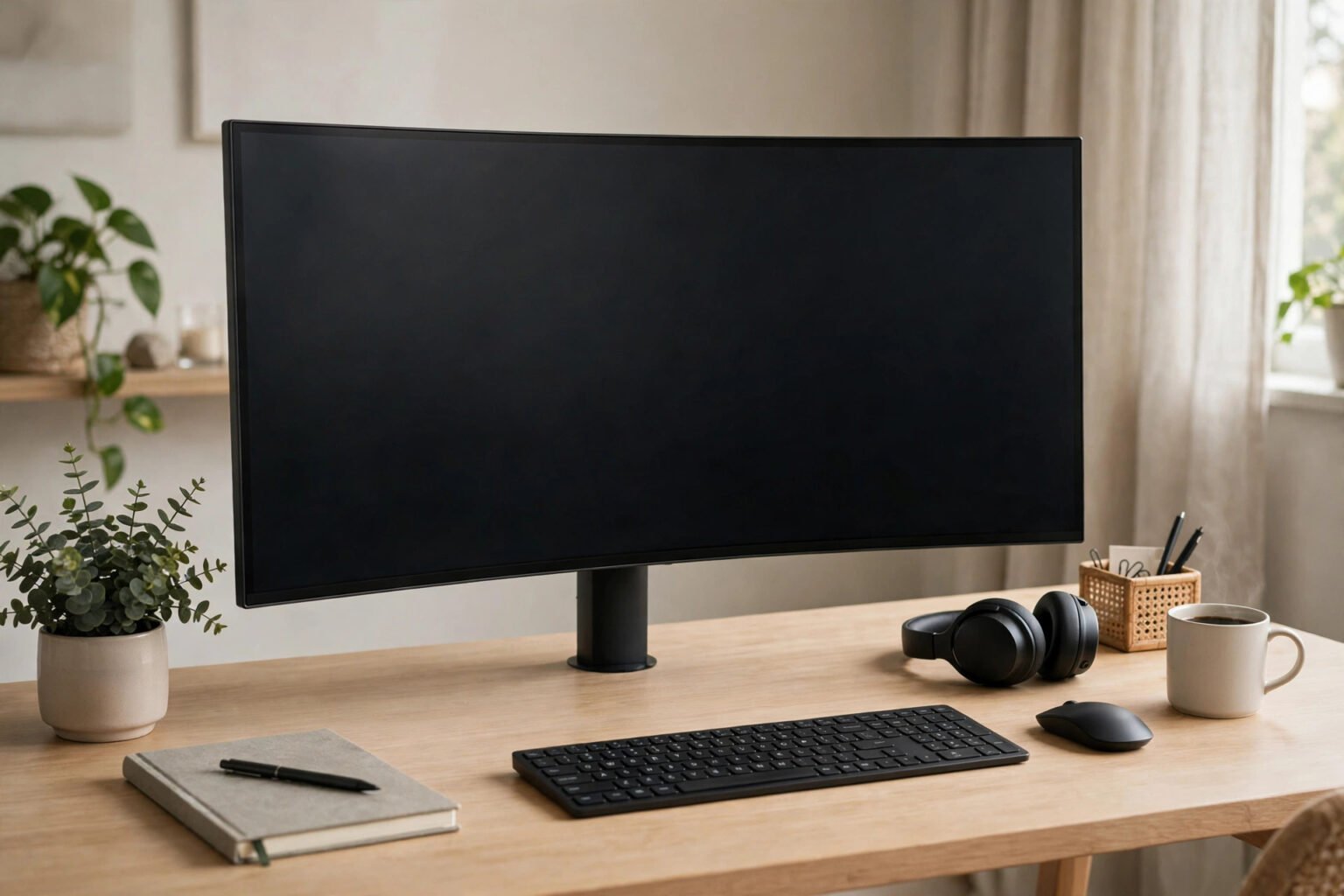
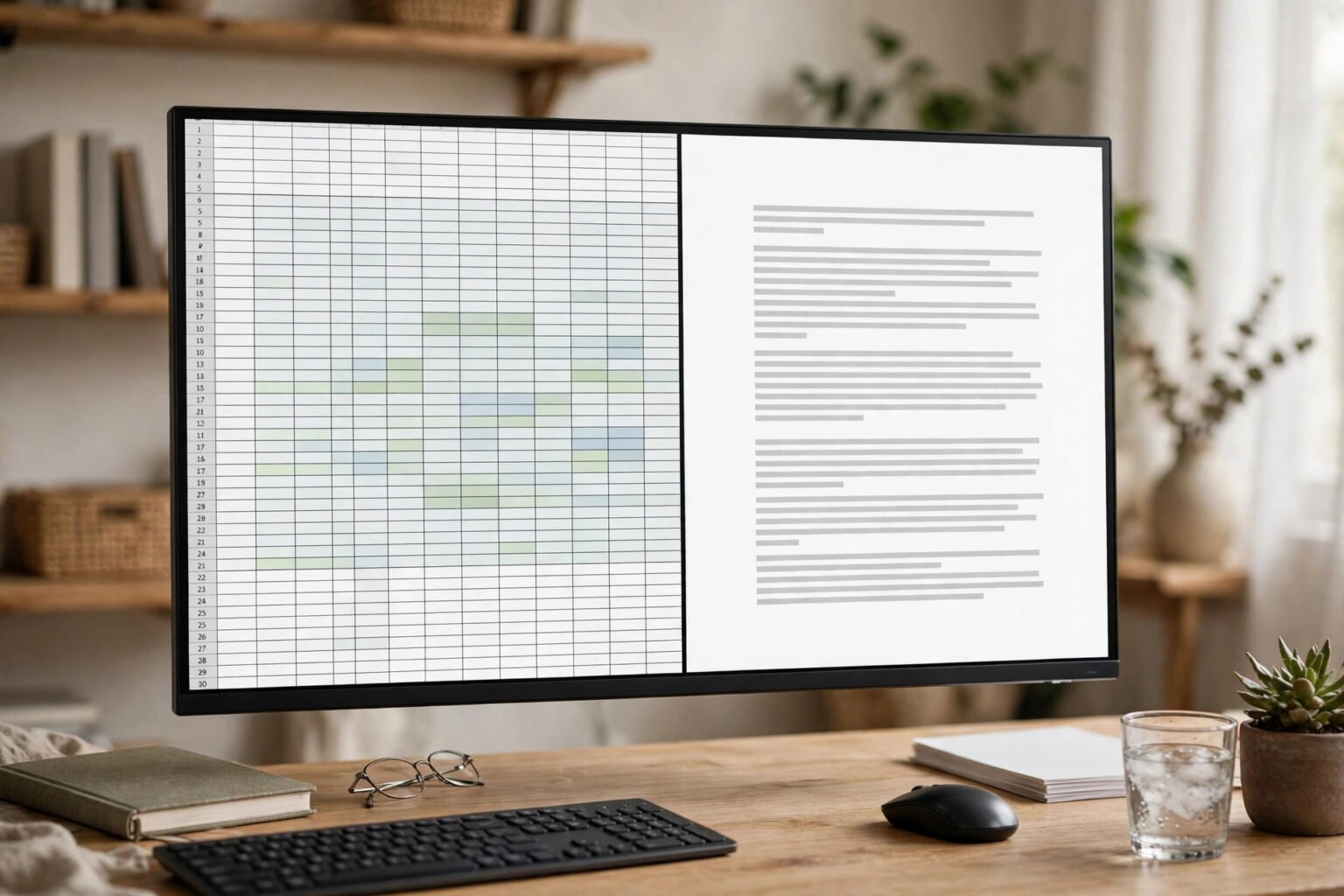
The best curved monitors for home office use in 2027 are 34-inch ultrawides that replace two flat screens without a centre bezel, and the Dell S3425DW is the strongest all-round choice for most desks. It pairs a 3440 × 1440 panel with a 120 Hz refresh rate, USB-C charging at 65 W and 95% DCI-P3 colour coverage, so one screen can hold email, a document and a video call side by side.
A curved screen helps because it keeps the left and right edges at a more even distance from your eyes than a flat ultrawide of the same width. That matters most at 34 inches and above. The curve does not make a poor panel good, however. Resolution, panel type, USB-C power and the stand still decide whether a monitor is pleasant for eight hours a day.
Key takeaways
- Best overall: Dell S3425DW — 34-inch 3440 × 1440, 120 Hz, USB-C 65 W, 95% DCI-P3.
- Best value ultrawide: LG 34WR55QK-B — 34-inch 3440 × 1440, 100 Hz, USB-C 65 W, HDR10.
- Best for professional work: Dell UltraSharp U3423WE — IPS Black, 120 Hz, USB-C 90 W, KVM switch.
- Best for work and play: Samsung Odyssey G5 G55H — 34-inch, 180 Hz, 1000R curve, HDR10.
- Best small-desk curved monitor: Samsung S36GD — 27-inch Full HD, 100 Hz, 1800R curve.
- Choose 1500R for most desks, 1000R for immersion and 1800R for a gentler curve.
How to choose a curved monitor for a home office
Size and resolution
A 27-inch curved monitor suits a desk 60 cm deep or less. A 34-inch ultrawide is the sweet spot for most home offices: wide enough for two full windows, yet able to fit a standard desk with a laptop beside it. A 49-inch super-ultrawide replaces two 27-inch screens, but it needs a deep desk and enough distance to take in the full width.
Match resolution to size. At 27 inches, 2560 × 1440 looks noticeably sharper than Full HD for text. At 34 inches, 3440 × 1440 is the minimum worth buying. At 49 inches, look for 5120 × 1440, which keeps the same pixel density as a 27-inch 1440p screen.
Curve, panel and colour
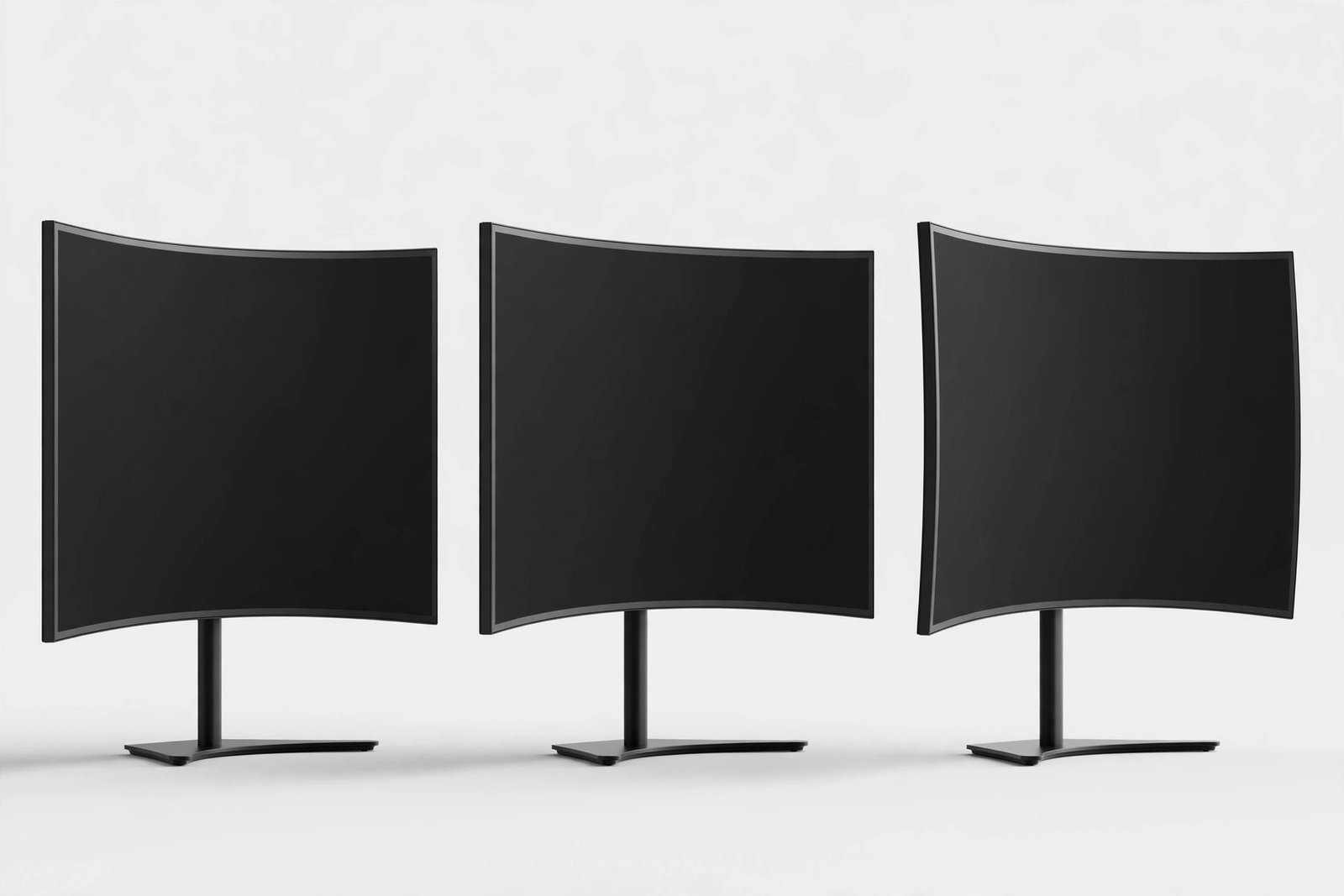
The curve is measured in R, the radius in millimetres of the circle the panel would form if extended. A smaller number means a tighter curve. A 1000R panel wraps further into your peripheral vision and suits games and video. A 1500R panel is the balanced choice for most home offices. An 1800R panel is gentler still and suits shared viewing.
VA panels usually offer stronger contrast, deeper blacks and a lower price, which suits documents and video. IPS panels usually offer wider viewing angles and more consistent colour, which matters for photo editing and design. IPS Black, used by Dell, is a variant with roughly twice the contrast of standard IPS. For colour work, check stated coverage: 95% or more of DCI-P3, or close to 100% of sRGB, will handle most office and light creative work well.
USB-C and the one-cable desk
If you use a laptop as your main computer, USB-C power delivery matters most. A 65 W port will keep most 13-inch and 14-inch laptops charged during normal office work. A 90 W port is safer for larger laptops. Also check the hub: USB-A ports, a downstream USB-C port and, ideally, Ethernet can replace a separate dock. A KVM switch is useful if you share one keyboard and mouse between two computers. For a broader view of flat and curved options, see our guide to the best monitors for home office.
At a glance: the five picks compared
Table 1: Comparison of the five curved monitors in this guide, by size, resolution, refresh rate and USB-C charging.
| Monitor | Size and resolution | Panel and curve | Refresh rate | USB-C charging |
|---|---|---|---|---|
| Dell S3425DW | 34 in, 3440 × 1440 | VA, 1800R | 120 Hz | 65 W |
| LG 34WR55QK-B | 34 in, 3440 × 1440 | VA, 1500R | 100 Hz | 65 W |
| Dell UltraSharp U3423WE | 34 in, 3440 × 1440 | IPS Black, 1900R | 120 Hz | 90 W |
| Samsung Odyssey G5 G55H | 34 in, 3440 × 1440 | VA, 1000R | 180 Hz | Not stated |
| Samsung S36GD | 27 in, 1920 × 1080 | VA, 1800R | 100 Hz | Not stated |

1. Dell S3425DW — Best curved monitor for home office overall
Best for: most home offices that want one wide screen for work, calls and video in the evening.
The Dell S3425DW balances size, sharpness, colour and connectivity. Its 34-inch VA panel runs at 3440 × 1440, so a spreadsheet, a browser and a chat window can sit side by side. The 120 Hz refresh rate makes scrolling feel smoother than a standard 60 Hz office screen.
Colour coverage is listed at 95% DCI-P3, which is strong for a general office monitor and ample for web work, presentations and light photo editing. USB-C at 65 W carries video and charging over one cable for most slim laptops, and built-in speakers suit a small room.
2. LG 34WR55QK-B — Best value curved ultrawide
Best for: home workers who want a 34-inch ultrawide at the lowest sensible price.
The LG 34WR55QK-B delivers the core ultrawide experience without the premium price. It is a 34-inch panel at 3440 × 1440 with a 100 Hz refresh rate, HDR10 support and USB-C charging at 65 W. Picture-by-picture mode lets you show two sources side by side.
The 1500R curve is the balanced choice for productivity: it wraps the screen around your view enough to keep the edges readable, without the strong arc of a 1000R gaming panel. Colour is good for the price, but this is not the pick for colour-critical design work.
3. Dell UltraSharp U3423WE — Best for professional and colour work
Best for: designers, editors and professionals who need accurate colour and a full docking hub.
The Dell UltraSharp U3423WE is the professional pick in this guide. Its 34-inch IPS Black panel runs at 3440 × 1440 and 120 Hz, with factory calibration and roughly twice the contrast of standard IPS. Wide viewing angles keep colour consistent when you lean back or share the screen.
USB-C at 90 W charges even a 16-inch laptop while driving the display, and the built-in hub adds Ethernet, USB-A ports and a KVM switch, so one keyboard and mouse can control two computers. It replaces a monitor, a dock and a KVM switch in one purchase. Compare it with our guide to the best 32-inch monitors for productivity.
4. Samsung Odyssey G5 G55H — Best for work and play
Best for: home workers who want a fast, immersive screen for games and video after work.
The Samsung Odyssey G5 G55H is a 34-inch curved VA panel at 3440 × 1440 with a 180 Hz refresh rate, a 1 ms response time, HDR10 and AMD FreeSync. The 1000R curve is the tightest in this guide, which makes games and films feel more enveloping. For office work, that same curve keeps the edges of a wide spreadsheet within easy view.
Scrolling feels smoother at 180 Hz than at 60 Hz, although the difference is smaller than the jump from 60 Hz to 120 Hz. The panel is VA, so contrast is strong, but viewing angles are narrower than IPS. USB-C charging is not listed as a headline feature, so if you dock a laptop you will need a separate charger or a dock.
5. Samsung S36GD — Best small-desk and budget curved monitor
Best for: small desks, spare rooms and buyers who want a curved screen for under the price of an ultrawide.
The Samsung S36GD is a 27-inch curved monitor at 1920 × 1080 with a 100 Hz refresh rate, an 1800R curve and TUV-certified eye comfort features. It is the smallest and most affordable pick in this guide, and the right choice when a 34-inch screen would dominate the room.
Full HD at 27 inches is less sharp than 1440p at the same size, so text will look softer than on the other picks here. For email, video calls, browsing and general office work, it is still perfectly usable. If you work with large spreadsheets or design files every day, save for a 34-inch 1440p model instead.
Checklist: buy the right curved monitor first time
- Measure the desk: allow at least 70 cm of depth for a 34-inch ultrawide, plus room for the stand or arm.
- Check charging: 65 W for most slim laptops, 90 W or more for larger models.
- Match resolution to size: 1440p for 27-inch, 3440 × 1440 for 34-inch, 5120 × 1440 for 49-inch.
- Pick the curve: 1500R for balanced office use, 1000R for immersion, 1800R for shared viewing.
- Check the stand and ports: height adjustment matters for long days; USB-C and a hub matter for laptops.
- Test the return policy: buy from a retailer that allows a return if the curve or size does not suit your room.
If your current monitor flickers, dims or loses signal, the fault is often a cable, driver or refresh-rate setting rather than the panel itself. Our guide to fixing monitor flickering in Windows 11 walks through the checks in order before you consider a replacement.
Frequently asked questions
What size curved monitor is best for a home office?
A 34-inch ultrawide at 3440 × 1440 is best for most home offices. It replaces two screens, fits a standard desk and gives you room for two full windows side by side. Choose 27 inches for a small desk.
Is a curved monitor better than a flat monitor for work?
For a single user sitting centrally in front of a wide screen, yes. The curve keeps the edges at a more even distance from your eyes.
What does 1500R mean on a curved monitor?
It means the panel follows the arc of a circle with a radius of 1,500 mm. A smaller number, such as 1000R, means a tighter curve. A larger number, such as 1800R, means a gentler curve.
Do I need USB-C on a curved monitor?
You do not need it, but it is very useful with a laptop. USB-C can carry video, data and charging over one cable.
Is 100 Hz enough for office work?
Yes. A 100 Hz or 120 Hz screen feels smoother than a 60 Hz screen when you scroll and move windows, and it is ample for office work, video calls and streaming. Higher refresh rates matter more for gaming.
Will a curved monitor work with a laptop?
Yes, if the monitor has the right port. Most modern laptops can drive a 3440 × 1440 monitor over USB-C, DisplayPort or HDMI. Check your laptop’s stated maximum external resolution and the cable you use.
Conclusion
The best curved monitor for your home office is the one that fits your desk, your laptop and your working day, not the largest or fastest screen you can afford. For most people, that is the Dell S3425DW: a 34-inch ultrawide with a sharp 1440p panel, smooth 120 Hz motion, wide colour and one-cable USB-C charging. If you want to spend less, the LG 34WR55QK-B gives you the same width for less money. If colour and docking matter most, step up to the Dell UltraSharp U3423WE.
Measure your desk, check charging and confirm the return policy, then order the pick that matches those facts. Set it at eye level and give yourself a week to adjust to the curve.