The best silent mechanical keyboards for office work let you keep the feel of a proper mechanical board without broadcasting every keystroke to the room. A standard mechanical keyboard can be a genuine nuisance in a shared office or on a video call, yet the quiet alternatives are no longer a compromise. Dampened switches, foam-filled cases and low-profile designs have closed the gap between silent and satisfying, so the real question is which kind of quiet suits the way you type.
Our short answer is that the Logitech MX Mechanical is the safest all-round pick for most office workers, thanks to its Tactile Quiet switches and wireless multi-device switching. If you want a premium typing feel, the Keychron Q1 Max ordered with silent switches is the step up, while the Cherry KC 200 MX is the straightforward wired option for people who simply want silence without fuss.
Key takeaways
- Silent switches use small dampeners to cushion both the downstroke and the upstroke, which is where most keyboard noise comes from.
- Quiet is a property of the whole keyboard, not just the switch: case foam, gasket mounting and keycap material all affect the sound.
- Low-profile boards are naturally quieter and easier to switch to from a laptop keyboard.
- Hot-swappable boards let you change switches later without soldering.
- Avoid clicky switches entirely in shared offices.
What makes a mechanical keyboard silent
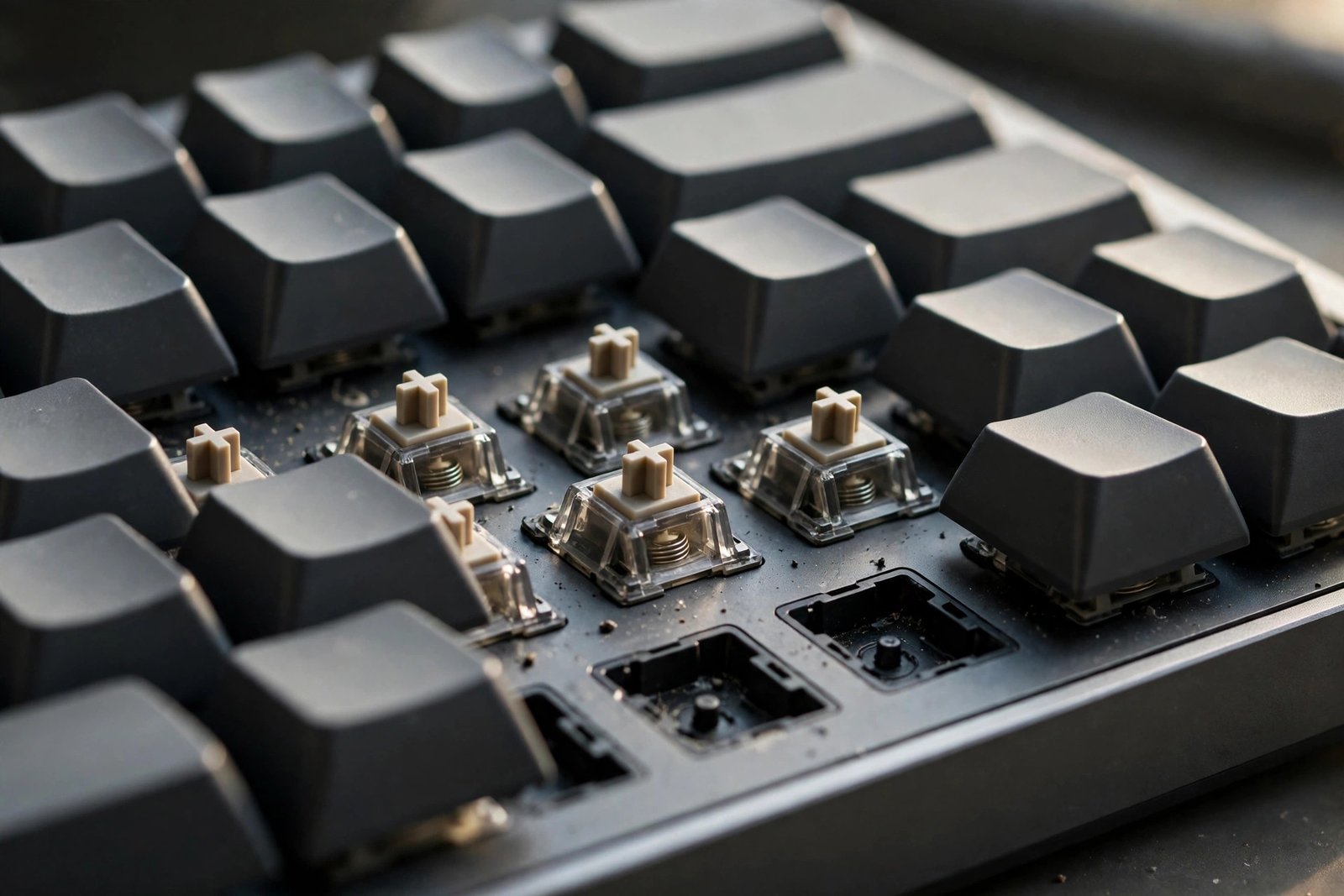
A mechanical keyboard is noisy for three reasons, and a genuinely quiet board addresses all three. First, the switch itself clicks or clacks as it moves down and springs back up. Silent switches, such as Cherry MX Silent Red and Gateron Silent Red, add small rubber dampeners inside the switch that cushion both impacts. Logitech takes a different route with its Tactile Quiet switches, which keep a gentle tactile bump while removing the sharp click.
Second, the case and mounting matter. A hollow plastic case amplifies every keystroke, while a board with acoustic foam, a gasket mount or a heavier aluminium case absorbs it. This is why the Keychron Q1 Max sounds noticeably softer than a budget board fitted with the same switches. Third, thick PBT keycaps tend to produce a deeper, duller sound than thin ABS keycaps, which can sound rattly and high-pitched.
No silent board is truly silent, but a good one brings the noise down to the level of a normal laptop keyboard or below, so colleagues stop noticing it and microphones stop picking it up.
How to choose a silent mechanical keyboard for the office
Start with the layout. A full-size board gives you a number pad, which matters if you work with spreadsheets or enter figures all day. A tenkeyless board drops the number pad and brings your mouse closer to your body. A 75% board, like most of the picks below, keeps the function row and arrow keys in a compact footprint and is the best compromise for most desks.
Next, choose your switch feel. Silent linear switches, such as Cherry MX Silent Red, travel smoothly from top to bottom with no bump. They are the quietest option and suit fast typists, but some people find them too light. Silent tactile switches add a small bump as the key registers, which helps you feel each keystroke without the noise. If you are coming from a laptop keyboard, a low-profile tactile switch will feel the most familiar.
Then consider connection and compatibility. Most office workers benefit from Bluetooth and multi-device switching, which lets one keyboard serve a work laptop, a personal laptop and a tablet. Check that the board works with your operating system, and look for Mac key legends and a macOS mode if you use a Mac. Finally, think about hot-swappable switches, which let you pull switches out and push new ones in without soldering. For readers who already own a mechanical board, our guide to how to clean a mechanical keyboard covers maintenance that also helps with sound, since dust and grit under the keycaps can make any board noisier than it should be.
The best silent mechanical keyboards for the office at a glance
Logitech MX Mechanical — the best silent mechanical keyboard for most offices
Best for: most office workers who want a quiet mechanical keyboard that simply works.
The Logitech MX Mechanical is the most office-ready board on this list. Its Tactile Quiet switches give you a clear tactile bump with almost no click, and the low-profile design feels familiar to anyone moving from a laptop keyboard. It connects over Bluetooth or Logitech’s Bolt receiver, switches between three devices at the press of a button, and works with Windows and macOS.
Check the current price before buying, as Logitech boards are frequently discounted.
Logitech MX Mechanical Mini — the best compact silent keyboard for the office
Best for: hybrid workers and small desks who want the MX Mechanical feel in a smaller footprint.
The MX Mechanical Mini is the same idea in a 75% layout, with the same Tactile Quiet switches and the same three-device switching. Dropping the number pad brings your mouse hand closer to your body and frees up desk space, which makes it a good fit for hot-desking and home offices alike. It is also easier to carry in a bag than a full-size board.
If you use a tablet as a second device, our guide to the best keyboards for iPad Air covers compact options designed around tablets.
Keychron Q1 Max — the best premium silent mechanical keyboard
Best for: typists who want the quietest, most refined mechanical feel and are happy to choose their switches.
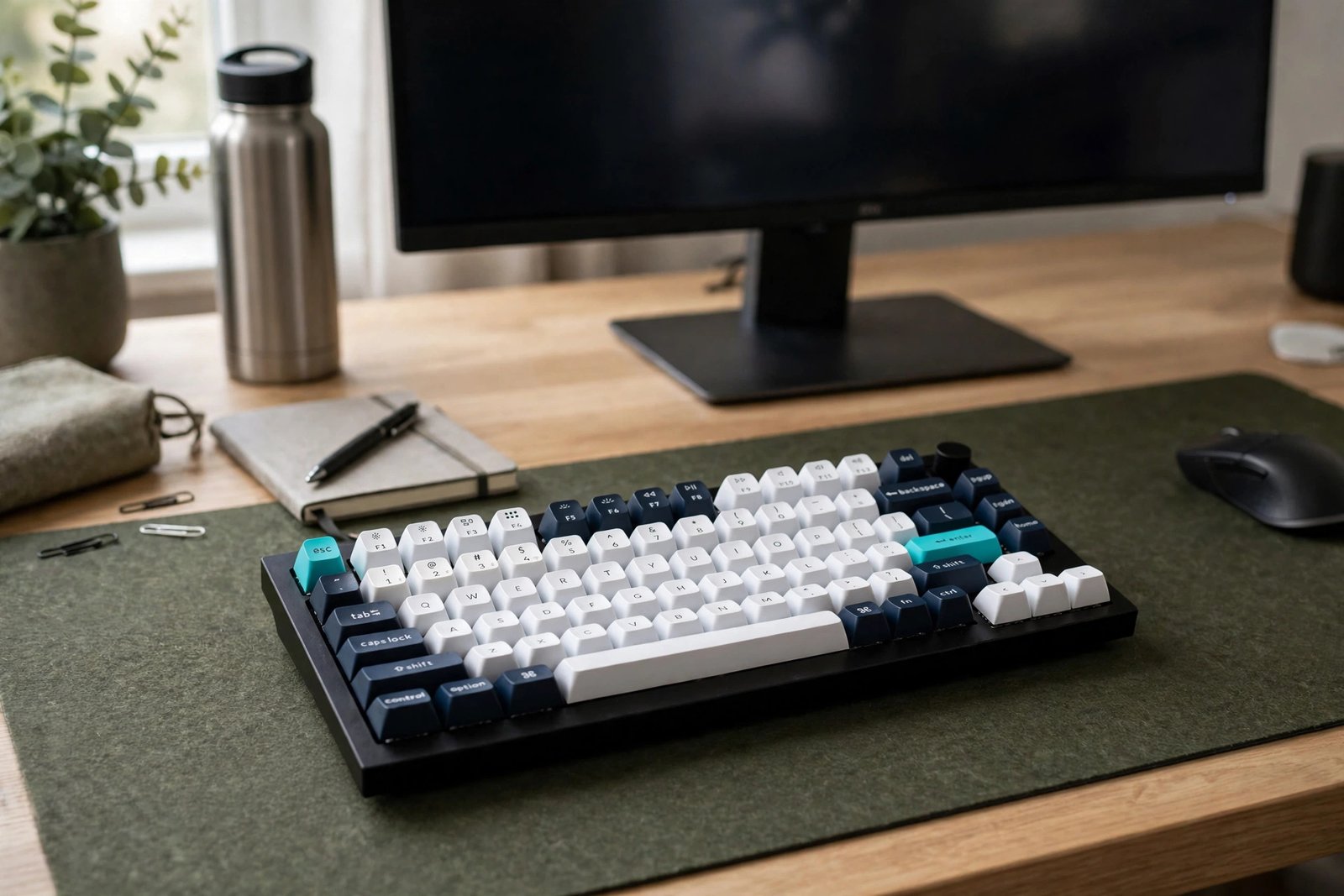
The Keychron Q1 Max is a 75% aluminium board with a double-gasket mount and layers of acoustic foam, which together make it one of the softest-sounding keyboards you can buy. Order it with silent linear switches and it is remarkably quiet for a full mechanical board, with a deep, muted sound rather than a sharp clack. It is hot-swappable, so you can change switches without tools, and it supports QMK and VIA for remapping keys.
Check the current price and the switch options carefully when ordering, as the silent-switch version is the one you want.
Cherry KC 200 MX — the best simple wired silent keyboard
Best for: office workers who want a no-fuss wired keyboard with genuine Cherry silent switches.
The Cherry KC 200 MX is refreshingly straightforward. It is a full-size wired keyboard fitted with Cherry MX2A Silent Red switches, which dampen both the downstroke and the upstroke and are noticeably quieter than standard Cherry switches. There is no software to install, no battery to charge and no wireless connection to drop during a call. You plug it in and type.
Keychron K8 Max — the best tenkeyless silent keyboard
Best for: typists who want a tenkeyless layout with silent switches and wireless freedom.
The Keychron K8 Max is a tenkeyless board with a gasket mount, hot-swappable sockets and a choice of switches, including silent options. It connects over Bluetooth, 2.4GHz wireless or USB-C, supports QMK and VIA for remapping, and works with Windows and macOS. The tenkeyless layout keeps the function row and navigation keys while dropping the number pad, which brings your mouse closer and suits smaller desks.
It is a more enthusiast-flavoured board than the Logitech options, and you will need to choose the right switch option when ordering. But for typists who want a tenkeyless layout, wireless connectivity and the freedom to change switches later, it is the most flexible pick here. Readers weighing a split layout instead should read our guide to the best split keyboards for ergonomics, which covers boards designed around wrist comfort rather than silence alone.
Best silent mechanical keyboards for the office: comparison table
| Keyboard | Layout | Switches | Wireless | Hot-swappable | Best for |
|---|---|---|---|---|---|
| Logitech MX Mechanical | Full-size | Tactile Quiet, low-profile | Yes, 3 devices | No | Most office workers |
| Logitech MX Mechanical Mini | 75% | Tactile Quiet, low-profile | Yes, 3 devices | No | Small desks, hybrid work |
| Keychron Q1 Max | 75% | Silent linear (choose at order) | Yes, Bluetooth + 2.4GHz | Yes | Premium typing feel |
| Cherry KC 200 MX | Full-size | Cherry MX2A Silent Red | No, wired USB | No | Simple, reliable wired use |
| Keychron K8 Max | Tenkeyless | Silent options available | Yes, Bluetooth + 2.4GHz | Yes | Tenkeyless, flexible setup |
Table: the best silent mechanical keyboards for the office compared on layout, switches, wireless connectivity and who each board suits best.
A practical checklist before you buy
- Check the switch, not just the brand: confirm the board you are ordering has silent or Tactile Quiet switches, as most of these models also sell in clicky or standard versions.
- Match the layout to your work: a number pad matters for spreadsheets, while a tenkeyless or 75% board suits smaller desks and brings your mouse closer.
- Test the feel if you can: silent linear switches feel smooth and light, while silent tactile switches give you a bump to aim for.
- Confirm multi-device support: if you switch between a work laptop and a personal machine, three-device Bluetooth switching saves constant re-pairing.
- Check Mac and Windows support: look for Mac key legends and a macOS mode if you use a Mac.
- Consider a desk mat: a thick desk mat under the keyboard absorbs vibration and makes any board a little quieter, for very little money.
Frequently asked questions
What is the quietest mechanical keyboard switch for the office?
Silent linear switches, such as Cherry MX Silent Red and Gateron Silent Red, are generally the quietest, because their internal dampeners cushion both the downstroke and the upstroke.
Are silent mechanical keyboards really silent?
No keyboard is truly silent, and a heavy typist will still be audible in a very quiet room. A good silent mechanical keyboard is roughly as quiet as a normal laptop keyboard, which is quiet enough for open-plan offices and video calls.
Is a low-profile keyboard better for office work?
For most office workers, yes. Low-profile keyboards sit closer to a laptop keyboard in height and feel, which makes them easier to switch to, and their shorter key travel tends to produce less noise.
Should I buy a hot-swappable silent keyboard?
If you are unsure which switch feel you prefer, yes. A hot-swappable board lets you change switches without soldering, so you can try a different feel later or replace a faulty switch in seconds.
Do I need a wrist rest with a silent mechanical keyboard?
It depends on the height of the board. Low-profile boards usually sit low enough to use without one, while taller mechanical boards can benefit from a wrist rest that keeps your wrists level.
The bottom line
The best silent mechanical keyboards for the office prove that you do not have to choose between a satisfying keyboard and a polite one. For most office workers, the Logitech MX Mechanical is the right starting point: quiet, wireless, full-size and ready to use with no setup. If you want the finest typing feel, order the Keychron Q1 Max with silent switches. If you want the simplest option, plug in the Cherry KC 200 MX. Whichever you choose, confirm the switch type before you order and check the current price, as these boards are often discounted.