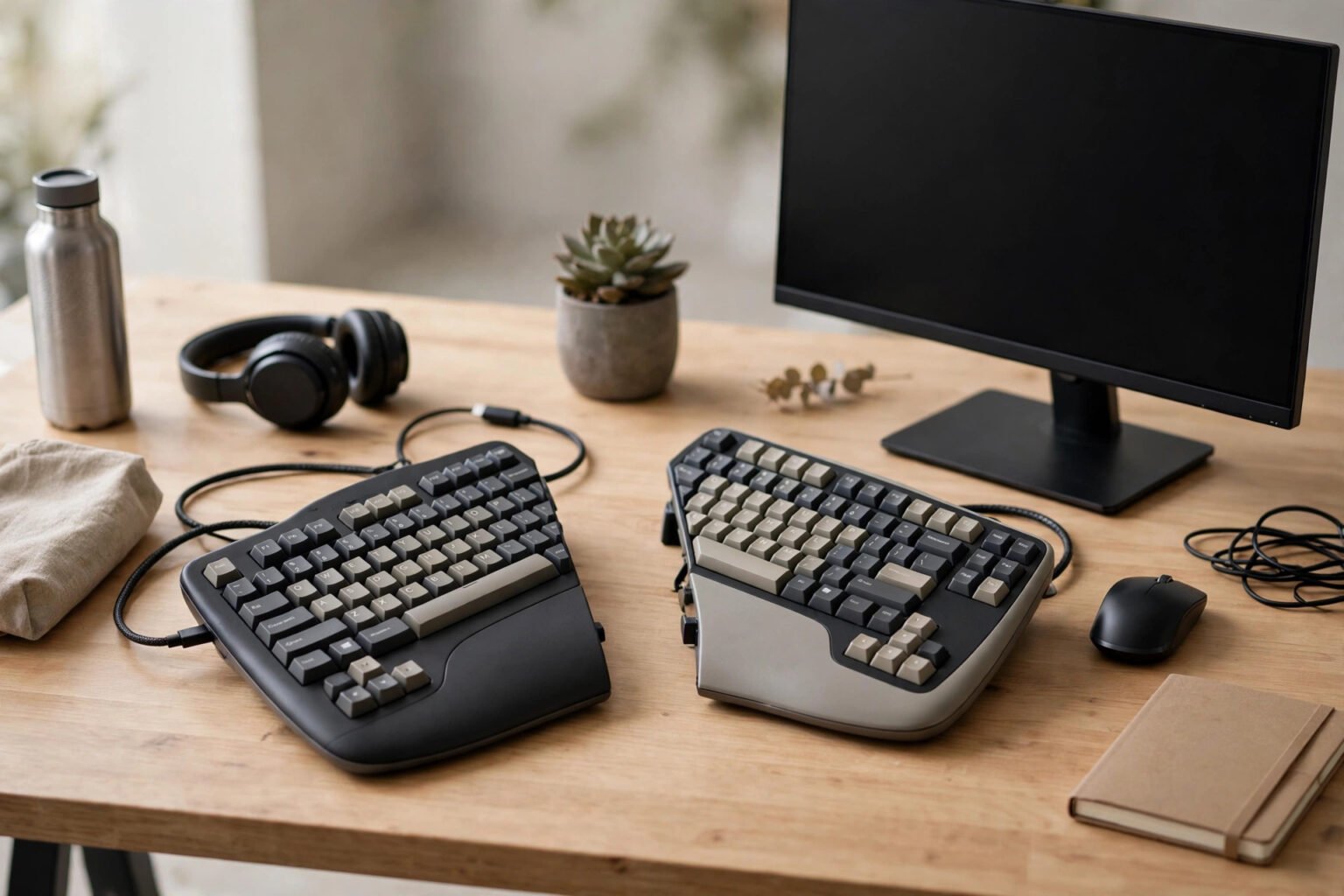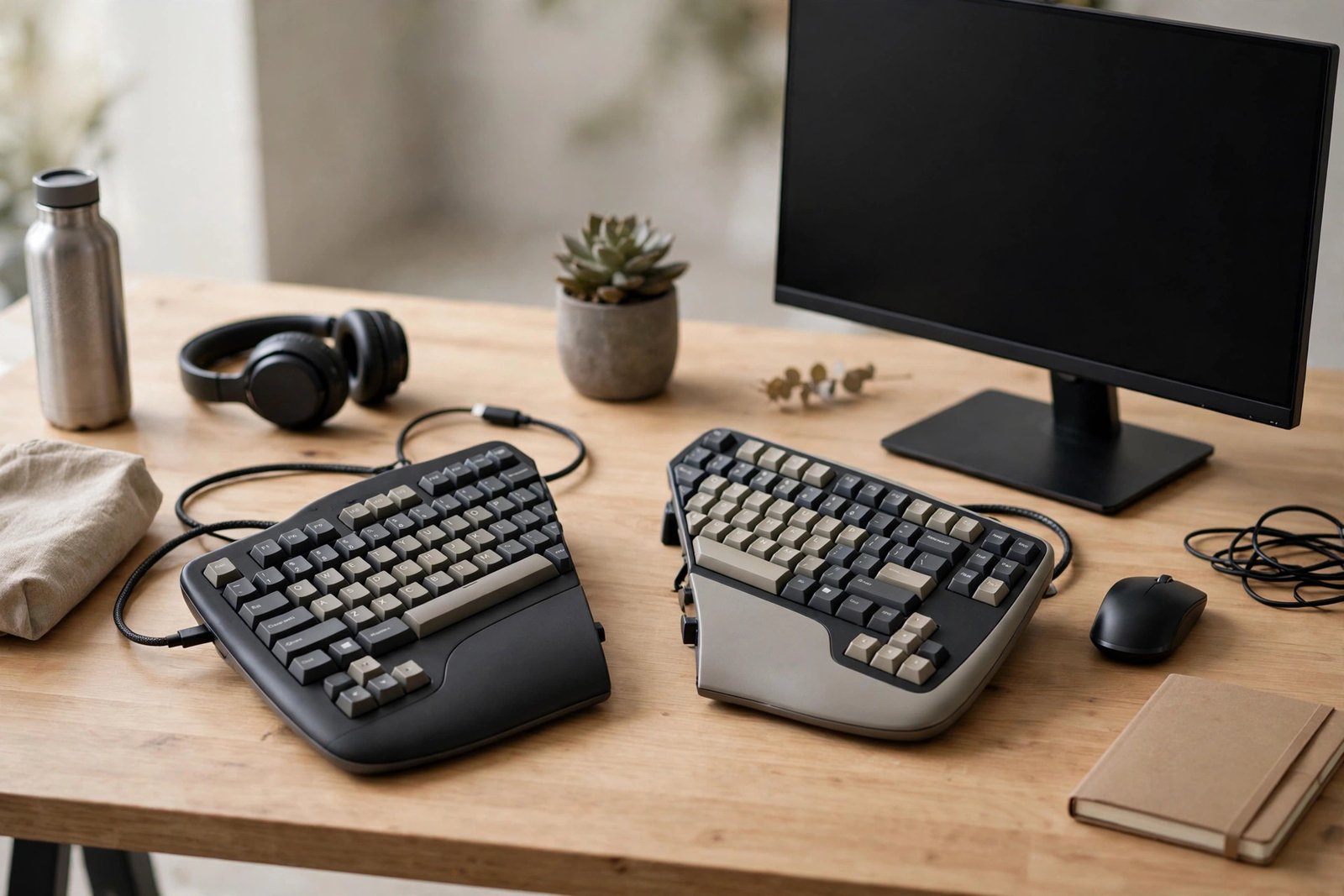
The best split keyboards for ergonomics solve a problem that a standard keyboard creates every working day: they let your hands sit shoulder-width apart, with your wrists straight instead of bent inwards. On a normal keyboard, your forearms angle inwards and your wrists twist to reach the keys, and over thousands of keystrokes a day that posture adds up. A split keyboard separates the two halves so each hand can sit in its natural position, and the best models add tenting, which tilts each half so your thumbs sit higher than your little fingers.
Our short answer is that the Logitech Ergo K860 is the best starting point for most people, with a gentle split and a cushioned wrist rest and no learning curve at all. If you type all day, the Kinesis Advantage360 Pro is the most thorough ergonomic keyboard you can buy, while the Keychron Q11 is the best-value mechanical split.
Key takeaways
- A split keyboard’s main benefit is hand separation: it lets your wrists stay straight instead of bending inwards.
- Tenting tilts each half of the keyboard, which reduces the twisting of your forearms as well as your wrists.
- Columnar layouts align keys in straight columns matched to finger length, but they take weeks to learn.
- Row-staggered splits keep the familiar key layout and need almost no adjustment.
- A split keyboard helps posture, but it is not a cure for wrist pain; persistent pain should be checked by a clinician.
What a split keyboard actually does
A standard keyboard forces a compromise. Your shoulders are wider than the keyboard, so your forearms angle inwards, your wrists bend sideways and your palms rotate flat. That posture, held for hours, is what ergonomic keyboards are designed to fix. A split keyboard attacks the first part of the problem by separating the left and right halves, so each hand can sit directly in front of its shoulder with the wrist straight.
Tenting addresses the second part. When your palms lie flat on a desk, your forearms are twisted. Tilting each half of the keyboard upwards on its inner edge lets your forearms rest in a more neutral position. Some boards, such as the ZSA Moonlander, let you adjust the tenting angle for each half independently. Others, such as the Kinesis Advantage360 Pro, build a fixed tent into a contoured case.
Row-staggered boards keep the familiar arrangement of a normal keyboard, so you can touch-type on them immediately. Columnar boards line the keys up in straight columns matched to finger length and move more work to the thumb clusters, but they ask you to relearn where the keys are.
How to choose a split keyboard for ergonomics
Start with how much change you can tolerate. If you need to stay productive from day one, choose a row-staggered split such as the Keychron Q11 or the Kinesis Freestyle2, or a curved one-piece board such as the Logitech Ergo K860. You will type at full speed almost immediately. If you are willing to spend two to four weeks typing more slowly while your hands relearn the layout, a columnar board such as the ZSA Moonlander or a contoured board such as the Kinesis Advantage360 Pro offers a bigger long-term change in posture.
Next, decide whether you want a mechanical keyboard. Mechanical splits, such as the Q11, Moonlander and Advantage360 Pro, offer hot-swappable switches, a more satisfying feel and the ability to choose silent switches for a shared office. Membrane and scissor-switch boards, such as the Ergo K860, are quieter out of the box and cheaper, but you cannot change the feel later. If you share an office, look for a mechanical split that can take silent switches; our guide to the best silent mechanical keyboards for the office covers quiet switch options in more depth.
Then look at tenting and adjustability: a fixed tent is simpler, while an adjustable tent lets you find the angle that suits your hands. Wireless halves are tidier but need charging, while wired halves are cheaper and never run flat. If you work from a laptop, a split keyboard pairs well with a laptop stand, and our guide to the best laptops for business travel covers machines that pair well with an external keyboard on the move.
The best split keyboards for ergonomics at a glance
Logitech Ergo K860 — the best split keyboard for most people
Best for: anyone who wants ergonomic comfort tomorrow, with no learning curve.
The Logitech Ergo K860 is not a true split: it is a one-piece keyboard with a curved, gently split key layout and a built-in cushioned wrist rest. That is precisely why it is the best starting point for most people. You sit down and type at full speed, while the curved layout reduces wrist bending and the wrist rest supports your palms. It connects wirelessly over Bluetooth or Logitech’s receiver, working with Windows and Mac out of the box.
Check the current price before buying, as it is frequently discounted.
Kinesis Advantage360 Pro — the best split keyboard for heavy typists
Best for: heavy typists who want the most thorough ergonomic design available from a mainstream maker.
The Kinesis Advantage360 Pro is the reference point for contoured ergonomic keyboards. Its two halves are fully separate and wireless, the keys sit in concave wells matched to the natural curl of your fingers, and the case builds in a fixed tent. The columnar layout and thumb clusters reduce finger travel and move work away from your little fingers, and the board is programmable, so you can remap keys and build layers for shortcuts.
Expect a couple of weeks of slower typing before it clicks, and four to six weeks before you are back to full speed. It is also the most expensive board on this list.
ZSA Moonlander — the best split keyboard for programmers and tinkerers
Best for: programmers and customisers who want full control over layout, tenting and keys.
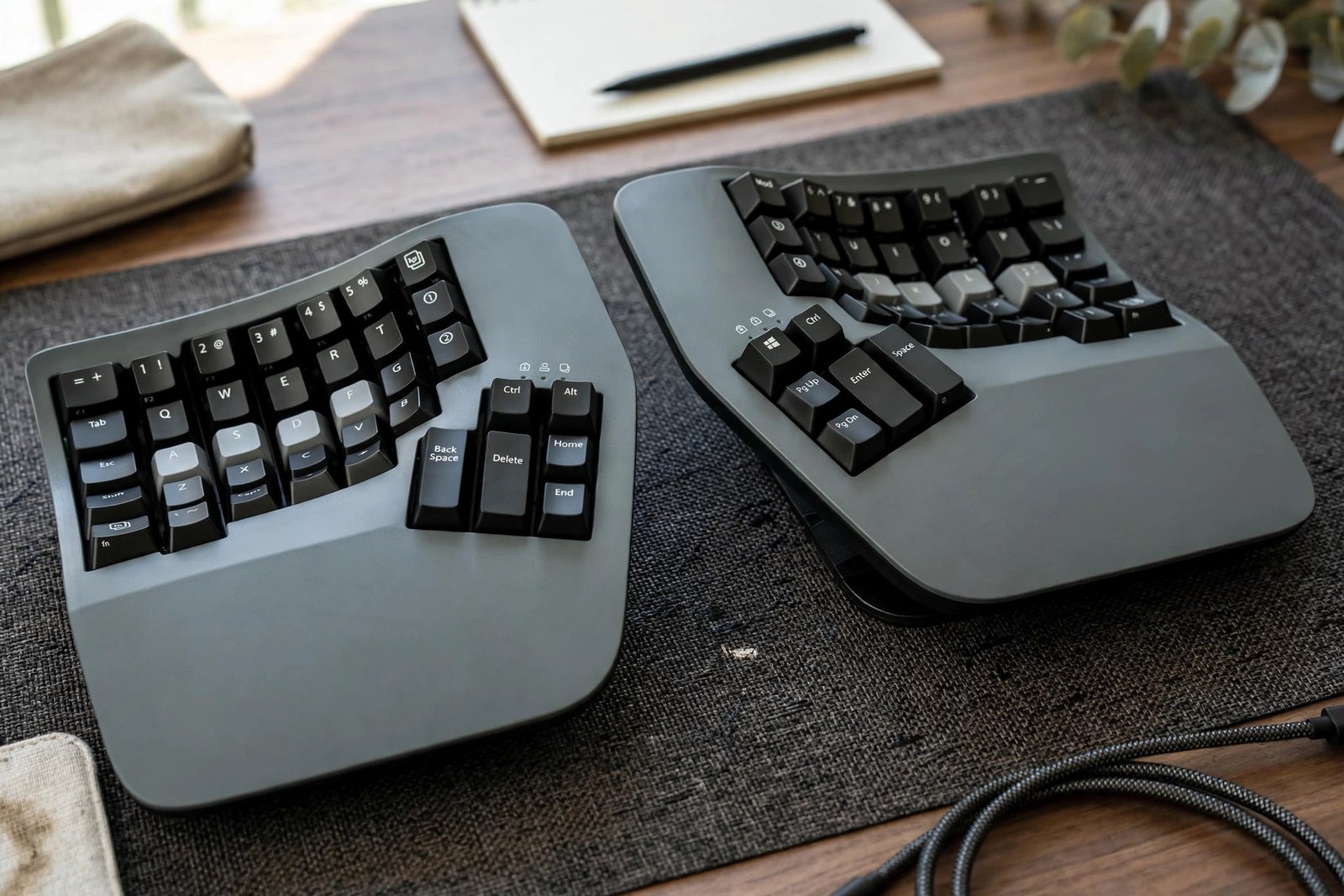
The ZSA Moonlander is a fully split, columnar mechanical keyboard with a thumb cluster on each half and legs that let you tent each half independently. It is hot-swappable, so you can change switches without soldering, and its Oryx configurator makes remapping keys and building layers unusually straightforward. The columnar layout shortens finger travel, and the adjustable tenting lets you dial in the exact angle your hands prefer.
The columnar layout takes weeks to learn, the two halves connect by cable, so it is not a wireless desk, and it is expensive.
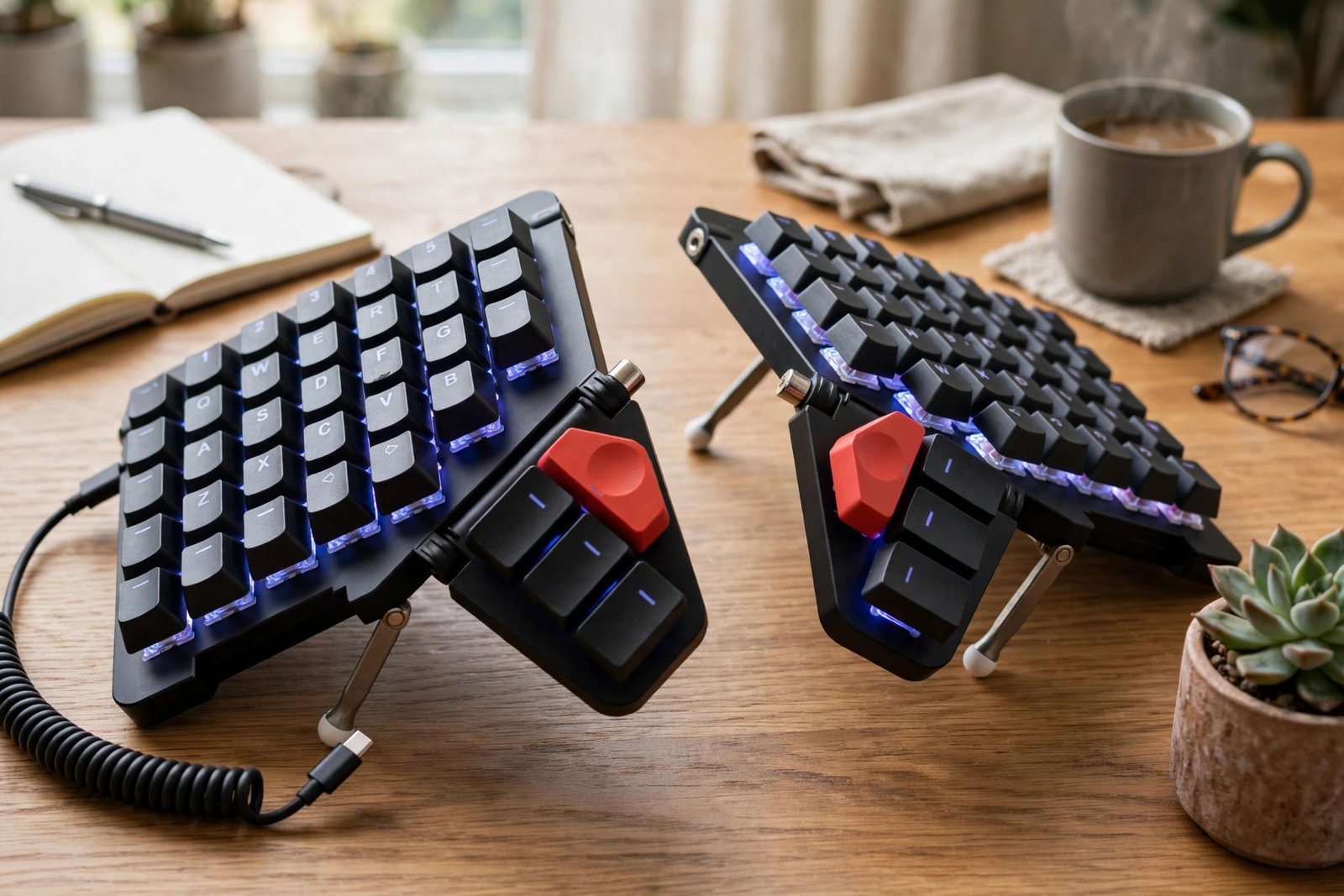
Keychron Q11 — the best value mechanical split keyboard
Best for: typists who want a proper mechanical split without paying a premium price.
The Keychron Q11 is a fully split mechanical keyboard with a familiar row-staggered layout, which means you can touch-type on it almost immediately. It is hot-swappable, so you can fit silent switches for a shared office, and it supports QMK and VIA for remapping keys. Two rotary encoders, one on each half, can be set to control volume, scrolling or other shortcuts. It connects by USB-C, with a wireless version also available, and works with Windows and macOS.
Its halves are flat, so you will need a separate stand for a tented angle, and it is wired in its standard form.
Kinesis Freestyle2 — the best budget split keyboard
Best for: first-time split keyboard buyers who want the core benefit at the lowest cost.
The Kinesis Freestyle2 is the simplest idea on this list: a standard row-staggered keyboard cut in two, with the halves joined by a cable. There is nothing to relearn, no columnar layout and no thumb cluster to master. You simply pull the halves apart to shoulder width and type as normal. An optional accessory kit adds tenting, and the board is available in versions for PC and Mac.
Keeping any mechanical board clean helps it last, and our guide to how to clean a mechanical keyboard covers the routine.
Best split keyboards for ergonomics: comparison table
| Keyboard | Split type | Layout | Tenting | Wireless | Best for |
|---|---|---|---|---|---|
| Logitech Ergo K860 | One-piece curved | Row-staggered | Fixed gentle curve | Yes | Most people, no learning curve |
| Kinesis Advantage360 Pro | Full split, contoured | Columnar, key wells | Fixed contoured tent | Yes | Heavy typists, maximum comfort |
| ZSA Moonlander | Full split | Columnar, thumb clusters | Adjustable, per half | No, wired | Programmers, customisers |
| Keychron Q11 | Full split | Row-staggered | Via accessory stand | Wired (wireless version available) | Best-value mechanical split |
| Kinesis Freestyle2 | Full split | Row-staggered | Via optional kit | No, wired | Budget first split |
Table: the best split keyboards for ergonomics compared on split type, layout, tenting, wireless connectivity and who each board suits best.
A practical checklist before you buy
- Be honest about the learning curve: row-staggered splits need almost no adjustment, while columnar and contoured boards take two to six weeks to feel natural.
- Separate the halves properly: place each half directly in front of its shoulder, not just slightly apart, or you lose the main benefit.
- Try tenting gradually: start with a small angle and increase it over days, rather than jumping straight to the steepest setting.
- Check the connection: wireless halves are tidier but need charging, while wired halves are cheaper and never run flat.
- Choose your switches: if you pick a mechanical split for a shared office, fit silent switches and keep the board quiet.
- Fix the rest of the desk too: set your chair and monitor height so your elbows sit level with the keyboard, and take regular breaks from typing.
Frequently asked questions
Do split keyboards really help with wrist pain?
A split keyboard can reduce the wrist bending and forearm twisting that contribute to discomfort, by letting your hands sit in a more neutral position. That is a real ergonomic benefit, but it is not a treatment.
How long does it take to get used to a split keyboard?
Row-staggered splits such as the Keychron Q11 and Kinesis Freestyle2 need almost no adjustment, and most people type at full speed within a day. Columnar and contoured boards such as the ZSA Moonlander and Kinesis Advantage360 Pro typically take two to four weeks to feel comfortable, and four to six weeks to reach your previous typing speed.
Is the Logitech Ergo K860 a true split keyboard?
No, it is a one-piece keyboard with a curved, gently split key layout. It gives you part of the benefit of a split, with no learning curve and no separate halves to position.
Should I choose a mechanical or membrane split keyboard?
Mechanical splits offer hot-swappable switches, a more satisfying feel and the option of silent switches, but they cost more and need more setup. Membrane splits such as the Ergo K860 and Freestyle2 are quieter out of the box, cheaper and simpler.
What is tenting on a split keyboard?
Tenting tilts each half of the keyboard so the inner edge sits higher than the outer edge, with your thumbs higher than your little fingers. This lets your forearms rest in a more neutral position instead of twisting flat.
The bottom line
The best split keyboards for ergonomics are about buying the amount of change you will actually stick with. For most people, the Logitech Ergo K860 is the right first step: comfortable, quiet and familiar from day one. If you type all day, the Kinesis Advantage360 Pro is the most thorough keyboard you can buy, while the Keychron Q11 is the best-value mechanical split. Give your choice at least three weeks, and check the current price before you buy. This article is not medical advice, and persistent wrist pain should be checked by a clinician.