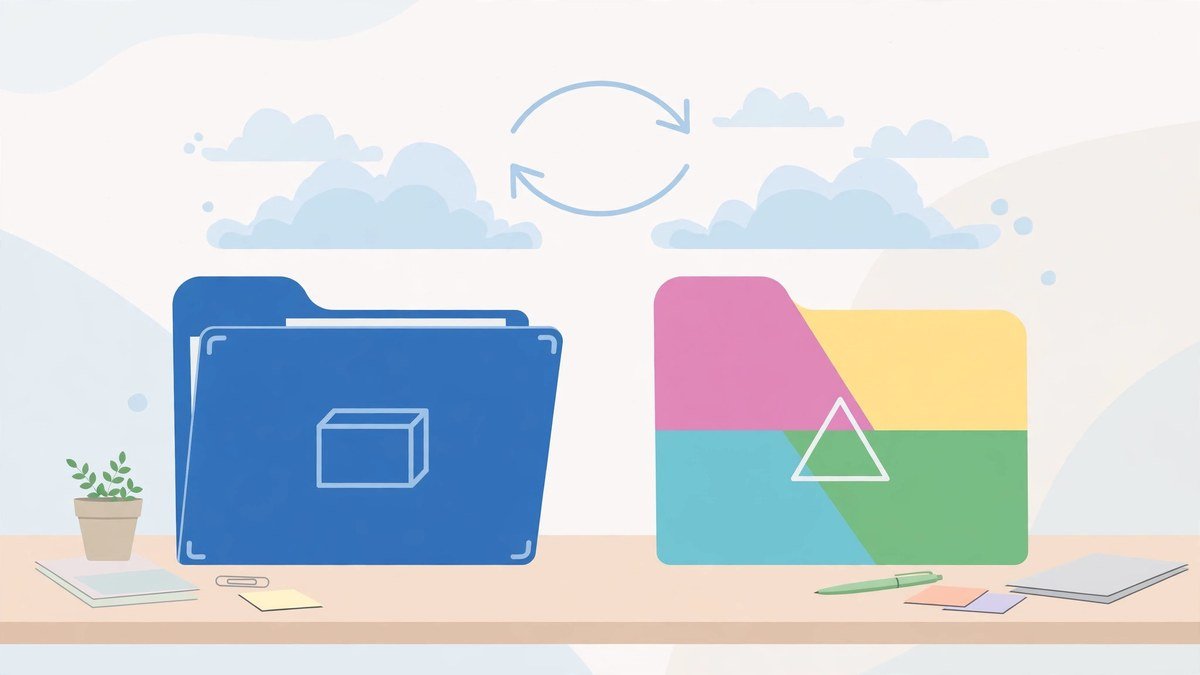
Dropbox and Google Drive are the two cloud storage services most people compare first, and for good reason. Between them they hold the files of hundreds of millions of individuals and businesses, from a freelancer’s portfolio to a whole company’s shared drives. Both sync files across your devices, both let you share a link instead of emailing an attachment, and both offer a free plan to get started. Yet they were built for different jobs, and the one that fits your work depends on what you actually do with your files every day.
The choice matters because cloud storage is sticky. Once your documents, photos, and project folders live in one service, moving them is slow and disruptive. Links you have shared, folders your team relies on, and the apps connected to your account all have to move too. What matters most in this comparison is not which service has the longer feature list, but which one matches how you work: how much space you need, whether you collaborate in documents or share finished files, which apps you already use, and how much you are willing to pay each month.
In short, Dropbox wins for people who share finished files and want the most reliable sync on the market, while Google Drive wins for people who live inside Google’s office apps and want the most free storage. The rest of this guide compares the two across price, storage, sync, sharing, collaboration, security, apps, and support, so you can pick with confidence.
Key takeaways
- Google Drive is the better pick for most people — 15 GB free, deep integration with Google Docs, Sheets, and Slides, and strong value on paid plans.
- Dropbox is the better pick for file sharing and sync reliability — its desktop sync engine is still the fastest and most dependable in the business.
- Both paid plans start at roughly the same price, but Google gives you more free space and cheaper family options, while Dropbox gives you more polished sharing controls.
- If your team edits documents together in real time, Google Drive wins outright. If your team passes large media files back and forth, Dropbox wins.
- Neither service is a true backup on its own — keep a separate backup of anything you cannot afford to lose.
At a glance: Dropbox vs Google Drive
| Feature | Dropbox | Google Drive |
|---|---|---|
| Free storage | 2 GB | 15 GB (shared with Gmail and Photos) |
| Starting paid price | Plus plan, around $10 per month for 2 TB — check current pricing | 100 GB plan, around $2 per month — check current pricing |
| Best for | Sharing files and reliable sync | Collaborating in documents and value |
| Sync | Block-level sync, very fast, Smart Sync on demand | Good sync, streaming files on demand |
| Office apps | Works with Microsoft 365 and Google files; Paper for notes | Docs, Sheets, and Slides built in, real-time co-editing |
| Sharing controls | Links with passwords, expiry dates, and download controls | Links with viewer, commenter, and editor roles |
| Security | 256-bit AES encryption, two-factor authentication, remote wipe | 256-bit AES encryption, two-factor authentication, account recovery |
| Apps | Windows, Mac, iOS, Android, Linux, web | Windows, Mac, iOS, Android, web |
Dropbox — Best for sharing files and dependable sync
Dropbox is the original cloud storage service, and it still does the core job — keeping your files identical on every device — better than anyone else. Its desktop app uses block-level sync, which means that when you change one small part of a large file, only the changed part is uploaded, not the whole file. For video editors, designers, and anyone working with large files, that difference is felt every single day: saves upload in seconds instead of minutes, and a dropped connection resumes where it stopped instead of starting over.

Sharing is where Dropbox earns its keep. You can send a link to any file or folder, set a password on it, add an expiry date, and stop downloads if you only want someone to view. For freelancers handing work to clients, that control is the whole point: the client sees the finished file, nothing else, and the link stops working when you say so. Dropbox also shows you who has viewed a shared file and lets you see version history for up to 180 days on paid plans, so an accidental overwrite is a two-click fix rather than a disaster.
Dropbox works well with the tools people already use. It integrates with Microsoft 365, so Word and Excel files open and save back to Dropbox, and it plays nicely with Slack, Zoom, and most design tools. Dropbox Paper, its built-in notes app, is a capable place for meeting notes and project briefs, though it is not a full office suite. The free plan is the weak point: just 2 GB, which fills up fast, so Dropbox is really a paid service for most people. Paid plans start with Plus at around $10 per month for 2 TB of space, and business plans add team folders, admin controls, and advanced sharing. If you want the fullest picture of what else is on the market, our roundup of the best cloud storage services compares Dropbox against the wider field.
Pros: Fastest, most reliable sync; excellent sharing controls with passwords and expiry; strong version history; works well with Microsoft 365 and design tools.
Cons: Only 2 GB free; no full office suite of its own; paid plans cost more per gigabyte than Google’s entry plans.
Google Drive — Best for collaboration and value
Google Drive is the cloud storage that comes with a Google account, and that is its biggest advantage. Every Gmail user already has 15 GB free, shared across Gmail, Google Photos, and Drive, which is seven times what Dropbox gives away. For students, small teams, and anyone who already lives in Gmail, that free tier alone covers documents, spreadsheets, and a reasonable photo library without paying anything.
Where Drive pulls away is collaboration. Google Docs, Sheets, and Slides are built into the service, and several people can edit the same document at the same time, watching each other’s cursors move, leaving comments, and suggesting changes that can be accepted or rejected. No downloading, no conflicting copies, no “final_v3_REAL” filenames. For teams that write, plan, and report together, this is the single most valuable feature in cloud storage, and Dropbox has nothing that matches it directly. If your team works remotely, our guide to the best collaboration tools for remote teams covers the wider set of apps that pair well with Drive.
Drive’s paid plans are strong value. Google One, the paid tier, starts at around $2 per month for 100 GB, and the 2 TB plan sits at roughly the same price as Dropbox Plus while adding family sharing for up to five other people. Drive for desktop streams files on demand, so you can browse a huge library without filling your hard drive, and offline access works well for Docs files. The trade-offs are real, though: the desktop sync engine is good but not as fast or as resilient as Dropbox’s with very large files, the interface can feel cluttered because Drive, Docs, and shared folders all live in one place, and the 15 GB free tier is shared with Gmail, so a full inbox eats into your storage. Drive also has no Linux desktop app, which matters to a small but vocal group of users.
Pros: 15 GB free; best-in-class real-time collaboration in Docs, Sheets, and Slides; cheapest entry-level paid plans; family sharing on Google One.
Cons: Sync is slower with very large files; free storage is shared with Gmail and Photos; no Linux desktop app; interface can feel busy.
Head to head: price, sync, sharing, and collaboration
On price, Google Drive wins for most buyers. The free tier is far larger, the cheapest paid plan is a fraction of Dropbox’s entry price, and the 2 TB plan includes family sharing that Dropbox charges more for. Dropbox only starts to look competitive at the business level, where its admin tools and sharing controls justify the premium. If budget is the deciding factor, Drive is the clear answer.
On sync, Dropbox wins. Block-level sync, instant uploads of small changes, and a desktop app that rarely misses a beat make it the safer choice for large files and unreliable connections. Google Drive’s sync is fine for documents and photos, but it is slower with big media files and its desktop app has a longer history of quirks, such as files appearing duplicated or sync pausing without a clear warning.
On sharing, Dropbox wins on control and Google wins on simplicity. Dropbox gives you passwords, expiry dates, and download controls on shared links, which matters when you send work to clients. Google makes sharing easier inside a team: one click, pick a role, and the person is in. For internal teamwork, Google’s model is smoother; for external sharing, Dropbox’s is safer.
On collaboration, Google Drive wins by a wide margin. Real-time co-editing in Docs, Sheets, and Slides is the reason many teams choose Drive in the first place, and Dropbox’s Paper and Microsoft 365 integration do not match the experience of editing the same document together live. On security, both are solid: 256-bit AES encryption at rest, encryption in transit, and two-factor authentication. Dropbox edges ahead on version history and file recovery on paid plans, while Google benefits from the account-level security of a Google account, including advanced protection and detailed activity checks.
The verdict: which one should you pick?
Pick Google Drive if you work in documents, spreadsheets, and presentations with other people. If your day is spent in Google Docs, if your team comments and edits together, or if you want the most storage for the least money, Drive is the right call. Students, small businesses, and families get the best deal here, and the 15 GB free tier means you can try it properly before paying anything.
Pick Dropbox if you share finished files with clients, work with large media files, or need sync you never have to think about. Designers, video editors, photographers, and freelancers who send deliverables will get more from Dropbox’s sharing controls and its sync engine than from anything Drive offers. If your files are the product, Dropbox is the tool built for moving them around.
Pick both if you can afford it, and many professionals do: Drive for documents and teamwork, Dropbox for client deliveries and large files. They coexist happily on the same computer. But if you must choose one, let your work decide — documents and collaboration point to Google Drive, files and sharing point to Dropbox. Storage alone should not be confused with backup, either: a dedicated backup service keeps versioned copies even if you delete a file by mistake, which is why our comparison of the best cloud backup services is worth reading before you trust either service with your only copy of anything important.
How to choose
Start by listing what you actually store. If it is mostly documents and spreadsheets, Drive’s collaboration will save you more time than any sync advantage. If it is mostly photos, video, and design files, Dropbox’s sync and sharing will matter more. Then check what your team already uses: switching a whole team to a new service costs more in lost time than any monthly saving. Finally, count the real cost. Google’s free tier is generous, but if your Gmail is full, that 15 GB disappears fast; Dropbox’s 2 GB free tier is barely a trial. Work out what you will pay in a year, not a month, and check whether the plan includes the sharing controls and version history you need — those are often what separate the cheap plan from the right one.
Checklist: before you pay
- Check how much free storage you actually have left — Gmail counts against Drive’s 15 GB.
- Try the free plan for two weeks with real files before committing to a paid tier.
- Confirm the renewal price, not just the first-month or first-year offer.
- Test sharing with a colleague or client and check the controls on the link.
- Make sure version history covers the window you need — 30 days is not enough for everyone.
- Keep a separate backup of anything irreplaceable; cloud sync is not the same as backup.
Frequently asked questions
Is Dropbox or Google Drive cheaper?
Google Drive is cheaper for most people. Its free tier is 15 GB against Dropbox’s 2 GB, and its cheapest paid plan costs around $2 per month for 100 GB, while Dropbox Plus starts at around $10 per month for 2 TB. At the 2 TB level the two are priced similarly, but Google adds family sharing at that tier.
Which is better for sharing files with clients?
Dropbox is better for client sharing. You can password-protect a link, set an expiry date, disable downloads, and see who has viewed the file. Google Drive sharing is simpler, but its controls are built around team roles rather than client-facing links.
Can I use both Dropbox and Google Drive at the same time?
Yes. Many people use Drive for documents and collaboration and Dropbox for large files and client deliveries. Both desktop apps run side by side without conflict, though running two sync engines does use more system resources.
Which one syncs large files faster?
Dropbox syncs large files faster. Its block-level sync uploads only the changed parts of a file, so editing a large video or design file uploads in seconds rather than re-uploading the whole file. Google Drive is fine for documents and photos but slower with very large media.
Is Google Drive safe for business files?
Yes, for most businesses. Drive encrypts files in transit and at rest, supports two-factor authentication, and business plans add admin controls, audit logs, and data loss prevention. Highly regulated industries should check compliance requirements first, as they would with any cloud service.
What happens to my files if I stop paying?
On both services, your files stay in place but you lose the ability to add or sync new ones once you exceed the free limit. Google may restrict Gmail and Drive uploads after a grace period, and Dropbox switches the account to read-only until you free up space or resubscribe. Download your files before cancelling if you are close to the limit.
The bottom line
Google Drive is the better cloud storage service for most people in 2027. It gives you more free space, cheaper paid plans, and the best real-time collaboration available anywhere. If your work lives in documents and your team edits together, the choice is straightforward.
Dropbox is the better choice for a narrower but important group: people who move large files, share finished work with clients, and need sync that simply never fails. Its premium is real, but for that work it earns it. Choose by what you do with your files, not by which logo you like, and you will pick the right one first time.
Note: Prices and plans change. Check each service’s current plan details before buying — no link is provided here by design, all links in this article go to other occcy.com guides.