The best AI tools for students in 2027 are the ones that help you learn faster without doing the learning for you — and most of the best ones are free. If you want a short answer, start with ChatGPT or Claude for explaining difficult topics, Notion AI or a good note-taking app for organising your work, Grammarly for polishing writing, and Semantic Scholar for research. The rest of this guide compares the leading options, explains how to use them without falling foul of your university’s rules, and shows where the free tiers end and the paid plans begin.
Students face a particular problem with AI. The tools are powerful, widely available and often free, which makes them tempting to lean on. But the point of studying is building knowledge in your own head, and most universities now have clear AI policies — breaching them can mean a failed assignment or worse. The trick is to use AI for the parts of studying that are genuinely mechanical — explaining, organising, checking — and to keep the thinking for yourself.
Key takeaways
- ChatGPT and Claude lead for explaining topics and working through problems; both have free tiers.
- Notion AI, Grammarly and Semantic Scholar cover organising, writing and research for little or no cost.
- Always check your university’s AI policy before using any tool on assessed work.
- Use AI to understand and practise, not to produce work you submit as your own.
What makes a good AI tool for students
A good student AI tool has to pass three tests that matter more on a student budget and timetable than anywhere else. First, it has to be affordable — ideally free, or cheap enough that a student discount makes it realistic. Second, it has to be genuinely useful for studying, not just impressive in a demo. A tool that explains a concept clearly, helps you test yourself, or organises your notes is worth more than one with a hundred features you will never open. Third, it has to be safe to use on academic work, which means understanding your institution’s rules and choosing tools that keep your work private.
ChatGPT: best for explaining anything
Best for: getting a difficult topic explained in plain language, working through practice problems, and brainstorming ideas.
ChatGPT is the most widely used AI assistant among students, and for good reason. It can explain a concept at whatever level you need, walk through a worked example step by step, quiz you on a topic, or help you outline an essay. Its free tier is capable enough for most study tasks, and the paid tier adds more powerful models and features such as file uploads and more detailed analysis.
The key skill is prompting: ask specifically, ask it to test you, and ask it to point out where your understanding is wrong. Check current pricing for the paid plan, and check whether your university provides access — some now do.
Claude: best for long documents and careful writing
Best for: working with long readings, summarising lecture notes, and getting thoughtful feedback on your own writing.
Claude is known for handling long documents well and for giving careful, nuanced answers. For students, that makes it useful for summarising long readings, working through a set of lecture notes, or getting feedback on a draft you have written yourself. Its free tier covers a useful amount of use, and the paid tier raises the limits.
Claude is also worth knowing about because of how it handles your data. Its terms are generally clearer than many competitors about not training on your conversations by default in some plans, but terms change, so read the current policy before uploading anything sensitive. As with every tool here, never submit AI-generated text as your own work, and check your university’s policy first.
Notion AI: best for organising your studies
Best for: keeping notes, deadlines, reading lists and revision plans in one place, with AI help to summarise and organise them.
Notion is a popular note-taking and organisation app among students, and its AI features add summarising, brainstorming and drafting help inside your notes. You can ask it to summarise a page of lecture notes, turn a messy set of bullet points into a structured revision plan, or generate practice questions from your own material. That last use — generating questions from your own notes — is one of the best study applications of AI there is, because it turns passive reading into active testing.
Notion has a free tier for individual use that covers the basics, with AI features available as an add-on or in paid plans. Check current pricing, and check whether your university offers Notion’s education plan, which can make the paid features free or heavily discounted.

Grammarly: best for polishing your writing
Best for: catching grammar and clarity problems in essays, reports and applications before you submit them.
Grammarly checks grammar, spelling and punctuation, and its paid tier adds suggestions on tone, clarity and conciseness. For students writing in a second language, or for anyone who wants a second pair of eyes on an essay, it is genuinely useful. It works as a browser extension, a desktop app and inside common writing tools, so it fits into whatever workflow you already have.
Grammarly’s free tier covers basic grammar and spelling, which is enough for many students. The premium tier adds the deeper style suggestions. Check current pricing, and check whether your university provides a licence — many do, and students often do not realise it. Grammarly is a writing aid, not a writing service: it improves text you have written yourself, which is exactly the kind of AI help most universities allow.
Semantic Scholar: best free research tool
Best for: finding and understanding academic papers without paying for a database.
Semantic Scholar is a free academic search engine from the Allen Institute for AI, and it is one of the best free resources available to students. It indexes a very large corpus of papers, offers search that understands meaning rather than just keywords, and provides short AI-generated summaries of many papers. For an undergraduate essay or a postgraduate literature review, it is often the fastest way to find relevant sources.
Because it is free, there is no reason not to use it alongside your university library’s databases. Its summaries are useful for deciding whether a paper is worth reading in full, but they are not a substitute for reading it. For a fuller comparison of research tools, see our guide to the best AI tools for researchers.
Quizlet: best for revision and testing
Best for: turning your notes into flashcards and practice tests that actually stick.
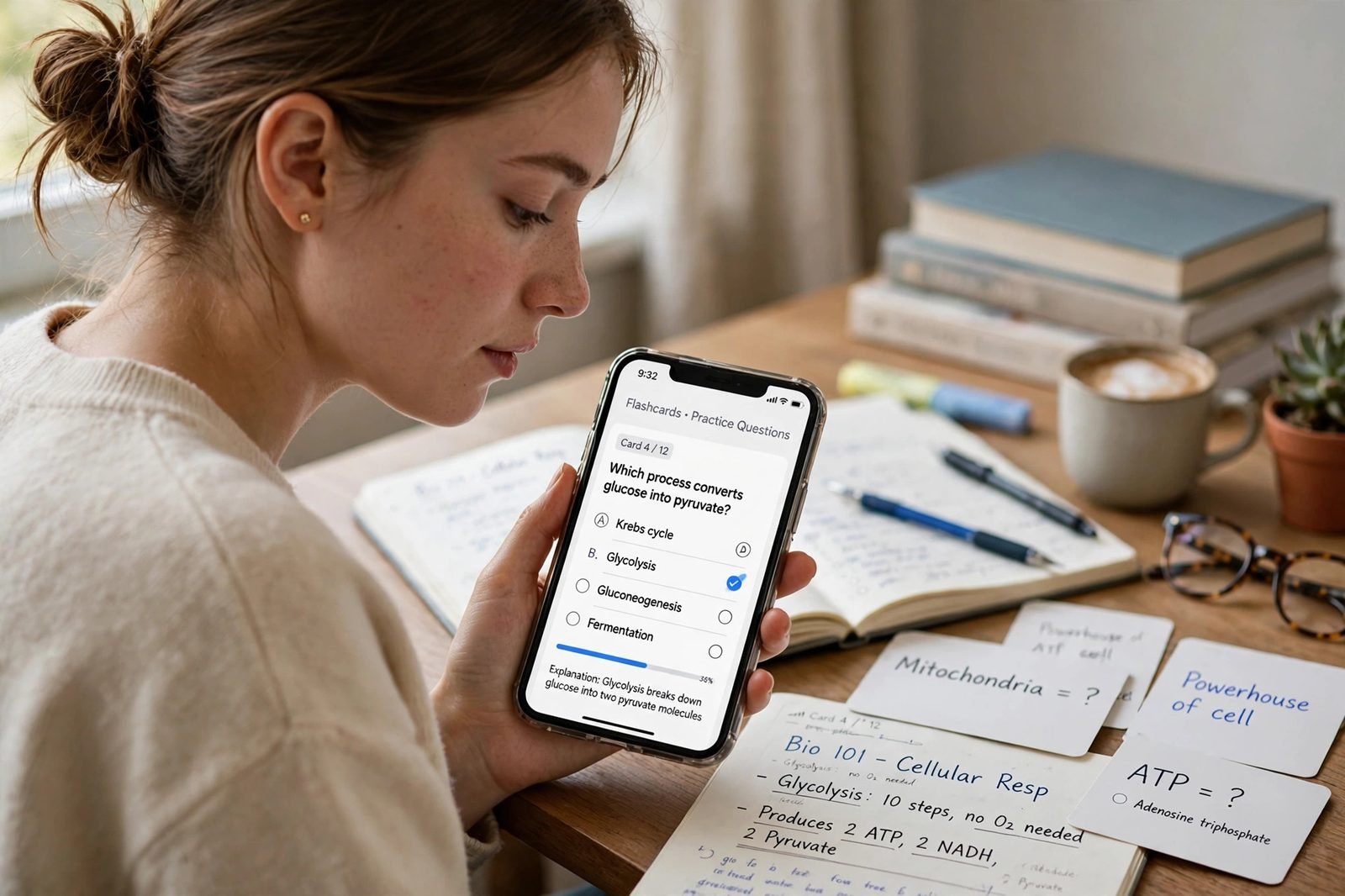
Quizlet has been a student favourite for years, and its AI features now generate flashcards and practice questions from your notes or readings automatically. The evidence for flashcards and self-testing as study methods is strong — testing yourself beats re-reading your notes every time — so a tool that makes testing easy is worth having.
Quizlet has a free tier with the core flashcard features and a paid tier that adds AI-generated sets and more advanced study modes. Check current pricing. The best way to use it is to make your own sets from your own notes rather than relying on sets made by other students, because the act of creating the cards is itself part of the learning.
How the leading tools compare
| Tool | Best for | Price model | Standout feature |
|---|---|---|---|
| ChatGPT | Explaining topics | Free tier, paid plan | Versatile tutor and brainstorming partner |
| Claude | Long documents | Free tier, paid plan | Careful summaries and writing feedback |
| Notion AI | Organising studies | Free tier, paid add-on | Turns notes into revision plans and quizzes |
| Grammarly | Polishing writing | Free tier, paid plan | Grammar and clarity checks in your workflow |
| Semantic Scholar | Research | Free | Large free academic corpus with summaries |
| Quizlet | Revision | Free tier, paid plan | AI-generated flashcards and practice tests |
A practical checklist for using AI well at university
Getting value from AI as a student is mostly about habits, not tools. Work through this checklist at the start of term.
- Read your university’s AI policy first. Know what is allowed, what must be disclosed, and what counts as misconduct. Policies vary widely between institutions and even between departments.
- Use AI to understand, not to produce. Ask for explanations, summaries and practice questions. Write your own essays, reports and answers.
- Ask the tool to test you. “Quiz me on this chapter, one question at a time, and tell me where I go wrong” is one of the most effective prompts a student can use.
- Keep your work private. Avoid uploading personal data or anything sensitive to free tools without reading the privacy terms. For more on this, see our guide on how to use AI safely at work without sharing private data.
Staying on the right side of academic integrity
Academic integrity rules about AI are still settling, but the direction is clear: most universities allow AI as a study aid and prohibit submitting AI-generated work as your own. The line between the two is usually about authorship. Using a tool to understand a topic, organise your notes, check your grammar or generate practice questions is generally fine. Asking a tool to write your essay, then submitting it with your name on it, is not.
Disclosure is becoming common too. Some universities and departments ask students to state how they used AI in an assignment, and some journals and courses have specific declaration forms. When in doubt, disclose. It costs nothing and it protects you.
FAQs
Is it cheating to use AI tools for studying?
Using AI to explain topics, organise notes or test yourself is generally allowed. Submitting AI-generated work as your own is not. Always check your university’s specific policy.
Which AI tool is best for students on a budget?
Start with the free tiers of ChatGPT, Claude and Semantic Scholar, plus Grammarly’s free tier. Between them they cover explaining, writing and research at no cost, and many universities provide paid tools for free.
Can AI tools help me revise for exams?
Yes, and this is one of their best uses. Ask a tool to generate practice questions from your notes, or use Quizlet to build flashcards. Self-testing is one of the most effective revision methods there is.
Can I use AI to help with a dissertation?
You can use it for research, organisation, summarising and proofreading, following your university’s policy. The analysis, argument and writing must be your own, and most universities require disclosure of AI use.
The bottom line
The best AI tools for students in 2027 are the ones that make you a better learner, not a faster copier. ChatGPT and Claude for understanding, Notion AI for organising, Grammarly for polishing, Semantic Scholar for research and Quizlet for revision will cover almost everything a student needs, mostly for free. Read your university’s policy, use the tools to understand and practise, and keep the thinking and writing for yourself. That is how you get the benefit without the risk — and how you actually learn the material. If you are heading into the world of work after graduation, our guide to the best free AI tools for business in 2027 shows which of these tools carry over into professional life.