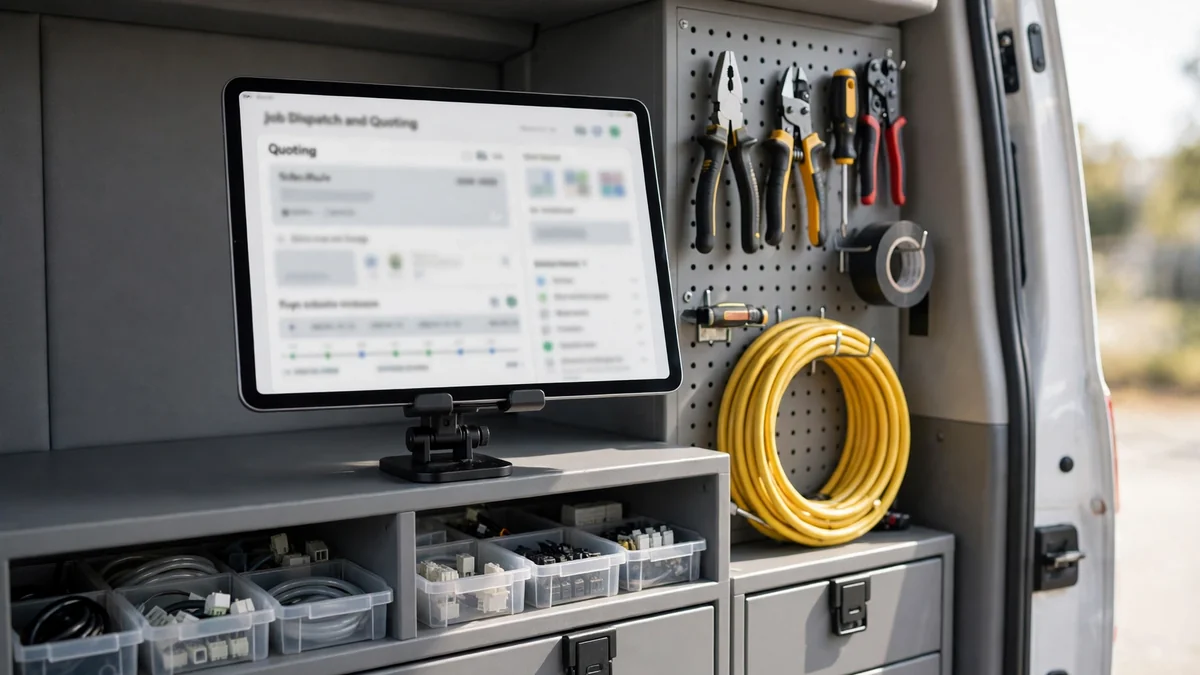
Electrician business software is the difference between a day spent chasing paperwork and a day spent on billable work. The right platform handles scheduling, dispatch, quoting, invoicing, and customer follow-up in one place, so a one-van outfit and a twenty-technician firm can both stop losing hours to phone tag, paper job cards, and late payments. For most electrical contractors, the software pays for itself the first time a missed call turns into a booked job instead of a lost one.
What matters most is not the longest feature list but the fit. A solo electrician needs fast quotes, simple invoicing, and a calendar that works from a van. A growing firm needs a dispatch board, a pricebook, and reporting that shows which jobs actually make money. The tools below cover that full range, from simple scheduling apps to full business platforms, and every one of them is built for field service work rather than adapted from generic office software.
We judged each option on dispatch, quoting, invoicing, payments, mobile usability, accounting integrations, and value. Prices below are starting figures from public listings — confirm current plan details before you buy.
Key takeaways
- Jobber is the best overall pick for most electrical firms, balancing scheduling, quoting, and invoicing at a fair starting price.
- ServiceTitan is the strongest choice for larger teams that need deep dispatch, pricebook, and reporting tools.
- Housecall Pro is the easiest to learn, making it a strong fit for small teams and owner-operators.
- Expect to pay from around $29 to $65 a month for small-team tools, and custom pricing for the big platforms.
- Do not pay for features you will not use — a solo electrician rarely needs a full enterprise platform.
At a glance: the shortlist
| Product | Best for | Starting price | Standout limit |
|---|---|---|---|
| Jobber | Most electrical firms | From around $29 per month | Reporting is basic on the entry plan |
| ServiceTitan | Larger teams and growth | Custom pricing | Expensive and takes time to set up |
| Housecall Pro | Small teams and ease of use | From around $65 per month | Advanced reporting needs a higher tier |
| FieldEdge | Dispatch-heavy shops | From around $249 per month | Higher entry cost for small firms |
| simPRO | Commercial and project work | Custom pricing | Steeper learning curve |
| Workiz | Value and built-in phone tools | From around $65 per month | Fewer deep integrations |
| Kickserv | Solo electricians | From around $59 per month | Fewer automations than rivals |
| Service Fusion | Invoicing and payments | From around $139 per month | Interface feels less modern |
Jobber — Best overall
Jobber is the most balanced electrician business software on this list, and that balance is why it leads. It covers the full job cycle — request, quote, schedule, dispatch, invoice, and payment — without asking a small firm to learn an enterprise system. An electrician can build a quote on site, send it from a phone, convert it to a job with one tap, and invoice before leaving the driveway.
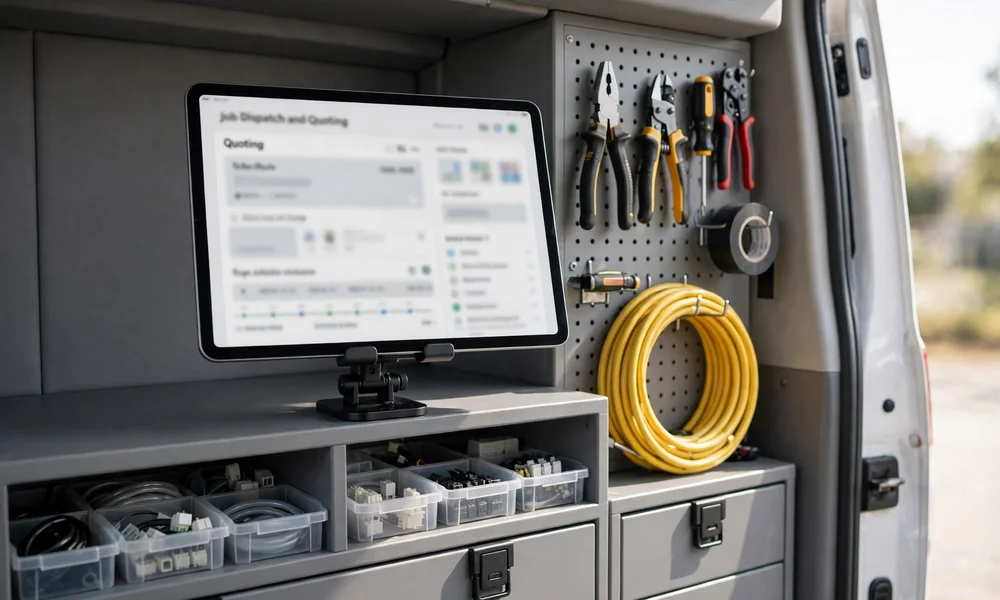
Scheduling is drag-and-drop, with a calendar that shows who is where and which jobs are unassigned. Jobber also handles recurring work, which matters for electrical firms that do regular maintenance, testing, and inspection visits. The mobile app works well in the field, including offline in basements and new builds with poor signal.
Integrations cover the tools most electricians already use, including QuickBooks Online and Xero, plus payment processing through Jobber Payments. Reporting is solid for day-to-day use — revenue, outstanding quotes, and job completion — though the deeper analytics live on higher plans. For a firm comparing options, Jobber sits comfortably alongside the broader field service management software market while staying simpler to run than the enterprise platforms. Pricing starts from around $29 a month on annual billing for the entry plan, with higher tiers adding automation, GPS tracking, and online booking. Check current pricing before choosing a tier, because plan names and limits change.
Pros: Fast quoting and invoicing from the field, strong mobile app, clean client hub, good accounting integrations.
Cons: Reporting is basic on the entry plan, some automation features need a higher tier, no deep inventory management.
ServiceTitan — Best for larger teams
ServiceTitan is the heavyweight of this list, built for electrical firms that run multiple crews and want every part of the business in one system. Dispatch is the centerpiece: a live board shows technicians, job status, and capacity, and dispatchers can drag jobs between techs as the day shifts. The pricebook is a real advantage for electricians, letting firms build consistent, professional pricing for common work — panel upgrades, rewires, EV charger installs — instead of relying on each technician to work out a number on the spot.
The platform goes well beyond scheduling. It includes a CRM with full customer history, marketing tools for follow-up campaigns and review requests, inventory tracking, payroll support, and reporting that shows profitability by job type, technician, and marketing channel.
The trade-off is cost and complexity. Pricing is custom and quoted per business, and it sits well above the small-team tools on this list. Onboarding takes weeks rather than days, and firms usually need a dedicated person to manage the system at first. For a firm with ten or more technicians, or one planning to grow to that size, ServiceTitan is the most complete option available, and its scale is the point.
Pros: Best-in-class dispatch board, strong pricebook, deep reporting, full CRM and marketing tools.
Cons: Custom pricing is expensive, onboarding is long, overkill for solo operators and very small teams.
Housecall Pro — Best for small teams
Housecall Pro is the easiest tool on this list to pick up, which is exactly why so many small electrical firms choose it. Setup takes hours, not weeks, and the interface is plain enough that a technician can learn it on the first job. Scheduling, dispatch, estimates, invoicing, and payments are all present, and online booking lets customers pick a time slot without calling the office. That alone recovers jobs that would otherwise go to a competitor who answers faster.
The consumer-facing features are a strength. Customers get text updates when a technician is on the way, with a live map and a photo of the person coming to their door. After the job, the system can request a review automatically and offer financing options for larger work such as panel replacements or rewires. The mobile app covers the full job flow, from viewing the day’s schedule to collecting a signature and taking payment on site.
Where Housecall Pro gives ground to the bigger platforms is reporting and depth. Advanced analytics and some automation features sit on higher tiers, and firms with complex commercial work may find the project tools thinner than simPRO or ServiceTitan. Integrations include QuickBooks and popular payment tools, and the add-on marketplace covers most gaps. Pricing starts from around $65 a month on annual billing, and the tiers scale by number of users and features. Check current pricing to confirm which tier includes the features you need.
Pros: Very easy to learn, strong customer notifications and online booking, good review and financing tools.
Cons: Advanced reporting needs a higher tier, less depth for complex commercial projects, some features are paid add-ons.
FieldEdge — Best for dispatch-heavy shops
FieldEdge is built around the dispatch board, and for electrical firms that live or die by how well the day is scheduled, that focus pays off. The board shows every technician, every job, and every open slot in real time, and dispatchers can reassign work as emergencies come in. The system was designed for trades, so the language and workflow match how an electrical office actually works, rather than forcing a generic scheduling model onto the trade.
Quoting is handled through a pricebook and flat-rate pricing, which helps firms quote consistently and protect margins on common jobs. FieldEdge also includes customer management, service agreements, invoicing, and a mobile app that gives technicians job details, customer history, and the ability to capture signatures and payments. The QuickBooks integration is one of the stronger ones in this category, syncing customers, invoices, and payments without double entry. For firms that already run their books in QuickBooks, that sync alone saves hours each week.
The entry cost is higher than the small-team tools here, with pricing often quoted from around $249 a month, so it suits firms with enough volume to justify it. But for a shop where dispatch is the daily bottleneck, FieldEdge is one of the most capable options, and its long history in the trades shows in the details.
Pros: Excellent real-time dispatch board, strong QuickBooks sync, flat-rate pricebook, trade-focused workflow.
Cons: Higher starting price, interface feels dated in places, setup takes longer than the simpler tools.
simPRO — Best for commercial and project work
simPRO is the pick for electrical contractors whose work is not just one-off callouts but projects, maintenance contracts, and asset servicing. It handles the full lifecycle of a job, from quote to project management to invoicing, and it tracks assets and service history in a way the simpler tools do not. For a firm maintaining the electrical systems of offices, schools, or apartment blocks, that history — which panels were replaced, when the last test was done, what is due next — is the core of the business.
Quoting in simPRO is detailed, with multi-stage quotes, cost tracking, and the ability to manage variations as a project changes. Project managers can see labor, materials, and margins as work progresses rather than discovering the numbers at the end. Inventory and purchasing are built in, so parts can be tracked from supplier to van stock to job.
This depth comes with a learning curve. simPRO is not a tool you set up in an afternoon, and smaller firms may find it heavier than they need. Pricing is custom and quoted per business, reflecting the size and modules required. For residential-only electricians, Jobber or Housecall Pro will be faster and cheaper. For commercial contractors juggling projects, service contracts, and compliance records, simPRO is the strongest fit on this list.
Pros: Deep project and asset management, detailed quoting with variations, built-in inventory, strong service history tracking.
Cons: Steep learning curve, custom pricing, more platform than a residential-only firm needs.
Workiz — Best value
Workiz offers a lot of capability for its price, and the standout is the built-in phone system. Calls, texts, and job bookings flow through the same platform, and the AI answering feature can take calls when the office is busy or closed, booking jobs instead of sending customers to voicemail. For electricians, who lose a large share of new work to unanswered phones, that feature alone can justify the subscription.
The core tools are all here: scheduling and dispatch, estimates and invoices, online booking, payments, and customer messaging. The interface is modern and quick to learn, and the mobile app covers the field workflow well. Integrations cover QuickBooks and common payment tools, though the ecosystem is smaller than Jobber’s or ServiceTitan’s.
Pricing starts from around $65 a month, which makes it one of the better-value options for a firm that wants phone handling included rather than paying for a separate answering service. The trade-off is depth: reporting and project features are solid but not best in class, and firms with complex commercial work will outgrow it sooner. For residential and light commercial electricians who want a capable all-rounder at a fair price, Workiz is hard to beat.
Pros: Built-in phone system and AI call answering, good value, modern interface, strong automation for the price.
Cons: Smaller integration ecosystem, reporting is mid-tier, less depth for complex projects.
Kickserv — Best for solo electricians
Kickserv is the simplest tool on this list, and for a solo electrician that simplicity is the point. It covers scheduling, estimates, invoicing, and customer records without the layers of features a one-person business will never touch. The interface is plain and fast, the learning curve is short, and the price reflects the smaller scope. A solo operator can be running on it the same day they sign up.
What Kickserv does, it does reliably. Jobs can be scheduled and dispatched from the calendar, estimates can be sent and approved by customers, invoices go out with payment links, and the customer database keeps contact details and job history together. For an electrician moving off paper job cards or a spreadsheet, Kickserv is a comfortable first step into business software.
The limits show as the business grows. Automation is lighter than Jobber or Housecall Pro, the integration list is shorter, and there is no built-in phone system or advanced marketing suite. Pricing starts from around $59 a month, making it one of the cheapest full-featured options here. Check current pricing to confirm the plan, but for a solo electrician or a two-person team, Kickserv is an honest, affordable choice that does the essentials well.
Pros: Simple and fast to learn, affordable, good support, covers the essentials cleanly.
Cons: Fewer automations, smaller integration list, limited room to grow into a large team.
Service Fusion — Best for invoicing and payments
Service Fusion earns its place through a billing flow that feels effortless. Estimates convert to jobs, jobs convert to invoices, and invoices can be paid online, in the field, or on a recurring schedule for maintenance customers. For electrical firms that struggle with slow payment — a common problem in the trade — the smooth payment experience and automated reminders make a real difference to cash flow.
Beyond billing, Service Fusion covers scheduling and dispatch with GPS tracking, so the office can see where technicians are and give customers accurate arrival times. The customer database keeps full job history, and the mobile app handles the field workflow, including photos, signatures, and on-site payments.
The interface is less modern than Jobber or Workiz, and some advanced features are paid add-ons rather than included in the base plan. Pricing starts from around $139 a month, which positions it above the small-team tools but below the enterprise platforms. For a firm that values a tight invoicing and payments flow above all else, Service Fusion is a strong, practical choice.
Pros: Smooth invoicing and payments, good GPS and fleet tracking, solid mobile app, reliable QuickBooks integration.
Cons: Interface feels less modern, some features are paid add-ons, mid-range price for the depth offered.
How to choose
Start with the size of your team and the shape of your work. A solo electrician or a two-person team should pick a simple tool — Kickserv, Jobber, or Housecall Pro — and spend the saved money on marketing or a second van. A firm with more than ten technicians, or one doing commercial projects, should look at ServiceTitan or simPRO and budget for proper onboarding.
Next, list the three jobs your software must do every day. For most electricians, those are booking and dispatching, quoting accurately, and getting paid quickly. If quoting is your weak point, a strong pricebook matters more than marketing features. If missed calls are the problem, a built-in phone system or AI answering matters more than deep reporting. If cash flow is the problem, look hard at the invoicing and payments flow, and at how the tool handles deposits and recurring billing. The right choice follows from the actual bottleneck, not the longest feature list.
Finally, test before you commit. Every tool on this list offers a trial or a demo, and a two-week trial with real jobs will tell you more than any comparison article. Run your actual workflow: take a call, book a job, send a quote, complete the work, invoice, and take payment. Also confirm the accounting integration works with your setup — a clean sync with your invoicing software for contractors saves hours of double entry every week, and a broken one creates work instead of removing it.
Checklist: before you pay
- Run a free trial with real jobs, not demo data, and test the full flow from booking to payment.
- Confirm the starting price, the renewal price, and what each tier actually includes.
- Check the cancellation terms and how you export your customer and job history if you leave.
- Verify the accounting integration syncs customers, invoices, and payments cleanly.
- Count the real limits: users, jobs, text messages, and storage on your chosen plan.
- Ask support a real question before buying and judge the answer by its speed and quality.
Frequently asked questions
What is the best electrician business software for a small firm?
Jobber is the best overall pick for most small firms because it covers scheduling, quoting, invoicing, and payments in one easy system at a fair price. Housecall Pro is the easiest to learn, and Kickserv is the cheapest full-featured option for a solo electrician.
How much does electrician business software cost?
Small-team tools start from around $29 to $65 a month, while mid-range platforms run from around $139 to $249 a month. The large platforms, ServiceTitan and simPRO, use custom pricing that depends on team size and modules. Most tools charge per user or per tier, so the total cost grows with your team — always confirm the current price and what is included before signing up.
Do I need field service software if I already use accounting software?
Yes, because accounting software handles the books, not the work. Field service software manages scheduling, dispatch, quotes, customer records, and job history, then syncs the financial results to your accounting tool.
Can electrician software handle quotes and estimates?
Every tool on this list handles quotes and estimates, and most let customers approve them online. The difference is depth: Jobber and Housecall Pro make quoting fast and simple, while ServiceTitan and simPRO add pricebooks, flat-rate pricing, and multi-stage quotes for larger or commercial work.
Is there free electrician business software?
There is no strong free option that covers scheduling, dispatch, and invoicing for a real electrical business. Some tools offer free trials or limited free tiers, but a working firm needs paid features such as online payments, reminders, and accounting sync.
What should a landscaping business look for in similar software?
The needs overlap more than most trades expect: scheduling crews, quoting jobs, invoicing, and tracking recurring visits. The main difference is that landscaping work is seasonal and route-based, while electrical work is more callout-driven, so the dispatch features matter differently. Comparing the two trades side by side is useful, and our guide to landscaping business software covers the equivalent options for that trade.
The bottom line
For most electrical firms, Jobber is the right starting point: it covers the full job cycle, it is easy to learn, and it is priced fairly. Small teams that want the simplest possible setup should look at Housecall Pro or Kickserv, while firms that live on dispatch will get more from FieldEdge or Workiz. Larger firms and commercial contractors should invest the time in ServiceTitan or simPRO, where the depth justifies the cost and the onboarding.
Whichever tool you choose, the real test is the first month of real jobs. If quotes go out faster, fewer calls are missed, and invoices are paid sooner, the software is doing its job. Revisit the choice once a year, as pricing, features, and your team size all change.
Note: Prices and plans change. Check the product’s current plan details before buying — no link is provided here by design, all links in this article go to other occcy.com guides.