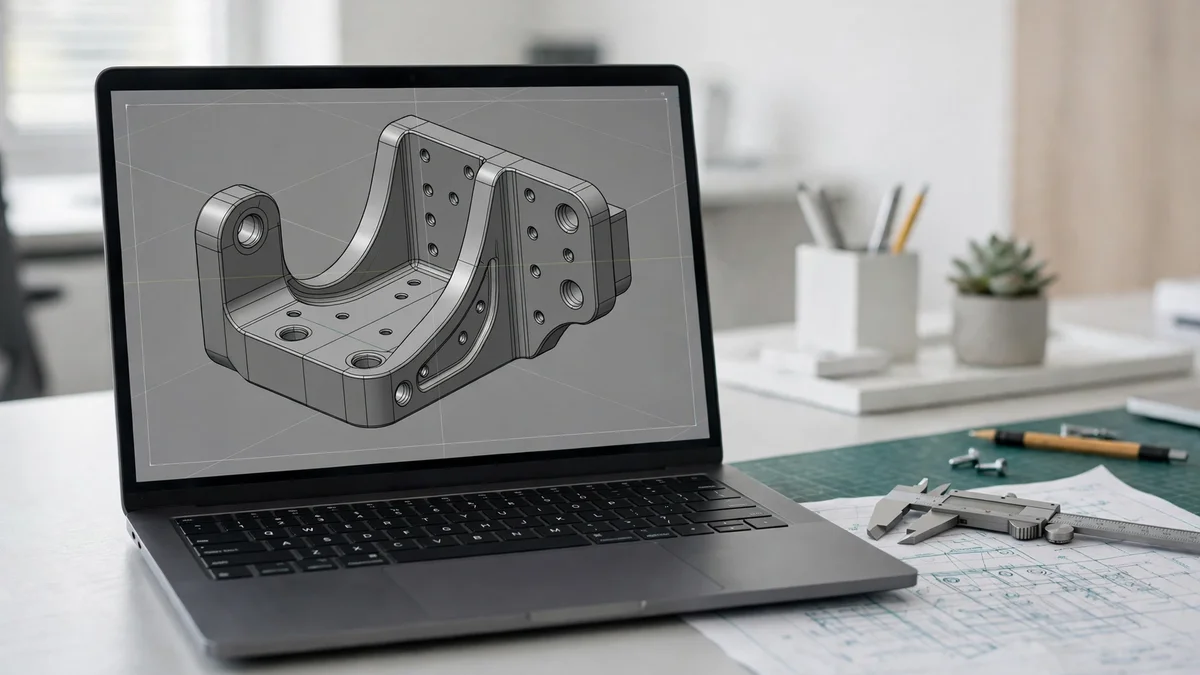
The best laptops for engineering in 2027 are workstations first and laptops second. Engineers run CAD, simulation, and rendering software that pushes processors and graphics cards for hours at a time, so the right machine needs a certified GPU, plenty of RAM, and cooling that holds up under a sustained load.
We judged every laptop here on the work engineers actually do. That means performance in CAD and simulation software, ISV-certified graphics drivers, RAM and storage headroom for large assemblies, screen accuracy for detailed drawings, and build quality that survives site visits and travel.
If you want the strongest all-round engineering laptop, start with the Dell Precision 5690 or the ThinkPad P16. If you work in the Apple ecosystem, the MacBook Pro 16 with M4 Max is the clear pick.
Key takeaways
- Best overall: Dell Precision 5690, for its certified RTX graphics, 16-inch display, and strong thermals.
- Best for CAD on the go: Lenovo ThinkPad P16 Gen 2, with a 16-inch screen and up to 128GB of RAM.
- Best Apple workstation: MacBook Pro 16 (M4 Max), for silent, fast rendering and long battery life.
- Buy at least 32GB of RAM and 1TB of storage; large assemblies, simulations, and renders use both quickly.
- Choose an ISV-certified GPU for professional CAD work: driver stability matters more than raw gaming speed.
At a glance: the shortlist
| Laptop | Best for | Starting price | Standout limit |
|---|---|---|---|
| Dell Precision 5690 | Overall engineering | From $2,399 | Heavy at 2.1 kg |
| Lenovo ThinkPad P16 Gen 2 | CAD on the go | From $2,199 | Short battery under load |
| HP ZBook Fury 16 G11 | Maximum power | From $2,599 | Expensive when configured up |
| Apple MacBook Pro 16 (M4 Max) | Apple ecosystem | From $2,499 | No NVIDIA CUDA support |
| ASUS ProArt P16 | Design and rendering | From $1,899 | Smaller service network |
| MSI Creator A16 AI+ | Value workstation | From $1,799 | Louder fans under load |
| Lenovo ThinkPad P14s Gen 5 | Portable workstation | From $1,499 | Mid-range GPU only |
Dell Precision 5690 — Best overall
The Dell Precision 5690 is the most balanced engineering workstation you can buy in 2027. It pairs Intel Core Ultra processors with NVIDIA RTX Ada graphics that carry ISV certification for SolidWorks, AutoCAD, and other professional tools, which means fewer driver crashes and fewer corrupted assemblies. The 16-inch display is bright, sharp, and available with a 4K option for detailed drawings.
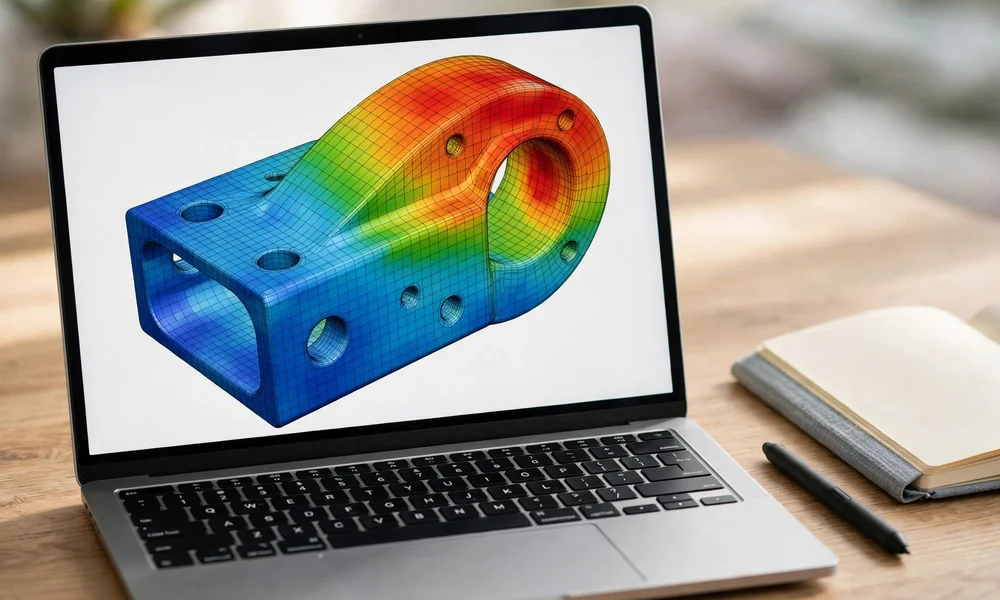
The cooling system holds clock speeds steady through long simulation runs. It weighs about 2.1 kg, so it is a workstation you carry, not an ultrabook. Engineers who also need a machine for media work can compare its screen and GPU with our guide to the best laptops for video editing, which covers the same class of high-performance 16-inch laptops.
Pros: ISV-certified RTX graphics; excellent thermals; bright 16-inch display.
Cons: Heavy; expensive once you add RAM and storage; average speakers.
Lenovo ThinkPad P16 Gen 2 — Best for CAD on the go
The ThinkPad P16 Gen 2 is the mobile workstation for engineers who live in CAD all day. It takes up to 128GB of RAM and NVIDIA RTX 5000 Ada graphics, which is enough for very large assemblies and complex simulations. The 16-inch display is available in a 4K OLED option with excellent colour accuracy for design review.
Like all ThinkPads, the P16 has a superb keyboard and a tough chassis that handles travel and site visits. The trade-off is battery life: under a heavy CAD load, expect around 4 to 5 hours, so carry the charger.
Pros: Huge RAM and GPU ceiling; great keyboard; excellent display options.
Cons: Short battery life under load; heavy and thick; the 4K OLED option costs extra.
HP ZBook Fury 16 G11 — Best for maximum power
The ZBook Fury 16 G11 is the most powerful laptop in this roundup. It is a true desktop replacement, with up to 128GB of RAM, NVIDIA RTX 5000 Ada graphics, and storage for up to four SSDs. For engineers running large finite element simulations, heavy rendering, or multi-tool workflows, the Fury simply has more headroom than anything else here.
The 16-inch display is bright and colour-accurate. The cost is size and weight: at around 2.4 kg, this is a machine you move between desks, not one you carry all day.
Pros: Maximum RAM, GPU, and storage options; excellent display; strong build quality.
Cons: Heavy and expensive; fans are audible under sustained load.
Apple MacBook Pro 16 (M4 Max) — Best Apple workstation
The MacBook Pro 16 with M4 Max is the best engineering laptop in the Apple ecosystem, and for many workloads it is the fastest machine here. The M4 Max chip handles rendering, simulation, and large CAD assemblies with ease, and it does so silently, with battery life that regularly clears 18 hours of mixed work.
The 16.2-inch Liquid Retina XDR display is superb for detailed drawings and renders, and the keyboard, trackpad, and speakers are the best in this roundup. The main limitation is software: some Windows-only engineering tools and NVIDIA CUDA workflows are not available on macOS, so check your toolchain before switching.
Pros: Outstanding performance per watt; very long battery life; superb display and speakers.
Cons: No CUDA support; some engineering software is Windows-only; expensive upgrades.
ASUS ProArt P16 — Best for design and rendering
The ASUS ProArt P16 is built for engineers and designers who render as much as they model. It pairs an AMD Ryzen AI processor with NVIDIA RTX graphics in a 16-inch body that weighs about 1.85 kg, and the 4K OLED display is colour-accurate enough for client-facing design review. The included stylus support helps with sketching and annotation.
For rendering and visualisation work, the ProArt P16 punches above its price. Service and support coverage is smaller than Dell, Lenovo, or HP, which matters if you depend on fast on-site repair.
Pros: Excellent OLED display; strong rendering performance; relatively light for a 16-inch workstation.
Cons: Smaller service network; no ISV certification on some configurations.
MSI Creator A16 AI+ — Best value workstation
The MSI Creator A16 AI+ delivers workstation-class performance at a lower price than the big-name rivals. For around $1,799, you get an AMD Ryzen AI processor, NVIDIA RTX graphics, 32GB of RAM, and a 16-inch QHD+ display. It handles CAD, rendering, and simulation work that would overwhelm a standard ultrabook.
The fans get loud under heavy load and the chassis is plastic in places, but neither affects the work itself. For engineers who need real GPU power on a budget, the Creator A16 AI+ is the best value in this list.
Pros: Strong GPU performance for the price; 32GB of RAM as standard; good display.
Cons: Loud fans under load; plastic build in places; average webcam.
Lenovo ThinkPad P14s Gen 5 — Best portable workstation
The ThinkPad P14s Gen 5 is the workstation for engineers who travel. At 1.36 kg, it is the lightest machine here, yet it carries ISV-certified NVIDIA RTX graphics, up to 64GB of RAM, and the excellent ThinkPad keyboard. It fits in a small bag and runs CAD comfortably on site or on a plane.
The trade-off is GPU power: the P14s uses a mid-range professional GPU, so very large assemblies and heavy simulations will run slower than on the P16 or ZBook Fury. For most day-to-day engineering work, including 2D CAD, moderate 3D modelling, and documentation, it is more than enough.
Pros: Very light for a workstation; ISV-certified graphics; great keyboard and build.
Cons: Mid-range GPU only; smaller screen than 16-inch rivals; limited upgrade headroom.
How to choose
Start with your software. Check which operating system your CAD, simulation, and analysis tools require, and whether they need an ISV-certified GPU. SolidWorks, AutoCAD, and most professional engineering tools run best on Windows with NVIDIA RTX graphics, while Apple Silicon suits engineers whose tools are macOS-native. Civil engineers, in particular, should check their discipline’s toolset first; our guide to the best AI tools for civil engineers in 2027 shows how much of that workflow now runs alongside CAD on the same machine.
Next, set your RAM and storage floors. In 2027, 32GB of RAM is the minimum for serious engineering work, and 64GB is worth it for large assemblies, simulations, and rendering. Storage should start at 1TB: CAD files, simulation results, and render caches grow fast. Check current pricing before buying, since workstation prices shift with configuration deals and seasonal sales.
Finally, weigh portability against power. A 16-inch workstation is faster and easier to work on, but a 14-inch machine like the ThinkPad P14s is the one you will actually carry to site. If you work mostly at a desk, buy the biggest, most powerful machine your budget allows and dock it with external monitors.
Checklist: before you buy
- Confirm your CAD and simulation software runs on the laptop’s OS and is supported on its GPU.
- Choose 32GB of RAM minimum; 64GB for large assemblies, simulations, and rendering.
- Pick 1TB of storage at least; engineering projects, caches, and results grow quickly.
- Check for ISV certification on the GPU if you rely on professional CAD tools.
- Test the screen for brightness and colour accuracy if you review drawings or renders on it.
- Verify warranty, on-site repair, and support coverage, especially for work-critical machines.
Frequently asked questions
How much RAM do I need for engineering in 2027?
32GB is the practical minimum for CAD, simulation, and rendering, and 64GB is the safer choice for large assemblies and finite element analysis. 16GB machines will struggle with professional engineering workloads.
Do I need a workstation GPU for engineering?
For professional CAD work, yes. ISV-certified workstation GPUs such as NVIDIA RTX Ada offer tested drivers that reduce crashes and errors in tools like SolidWorks and AutoCAD. Consumer gaming GPUs are faster in games but lack that certification.
Is a MacBook good for engineering?
It depends on your software. MacBooks are excellent for rendering, design, and general engineering work, with superb battery life and displays. Some Windows-only tools and NVIDIA CUDA workflows are unavailable on macOS, so check your toolchain first.
What screen size is best for engineering laptops?
16 inches is the sweet spot: large enough for detailed drawings and multi-window CAD work, still portable enough to carry. A 14-inch workstation suits engineers who travel often, while a 15- or 16-inch machine suits desk-based work.
Can I use a gaming laptop for engineering?
Yes, for many tasks. Gaming laptops have powerful GPUs and fast processors, and they handle rendering and simulation well. The trade-offs are driver certification, build quality, battery life, and a design that is less suited to professional settings.
How long should an engineering laptop last?
A good engineering workstation should last four to five years. Buy more RAM and storage than you need today, since both are hard to upgrade later on most models. Robotics work is pushing laptop demands further; our guide to the best AI tools for robotics engineers in 2027 shows the simulation and AI workloads these machines now handle.
The bottom line
For most engineers, the Dell Precision 5690 is the best laptop for engineering in 2027: certified graphics, a great 16-inch display, and thermals that hold up through long simulation runs. The ThinkPad P16 Gen 2 is the pick for the biggest assemblies, and the MacBook Pro 16 with M4 Max is the best choice in the Apple ecosystem. On a tighter budget, the MSI Creator A16 AI+ delivers real workstation performance for around $1,799.
Whatever you choose, prioritise GPU certification, RAM, and screen quality over headline clock speeds. Those three decide whether the machine runs your tools reliably for years, and they are the specs you cannot fix later. Check current pricing before buying.