
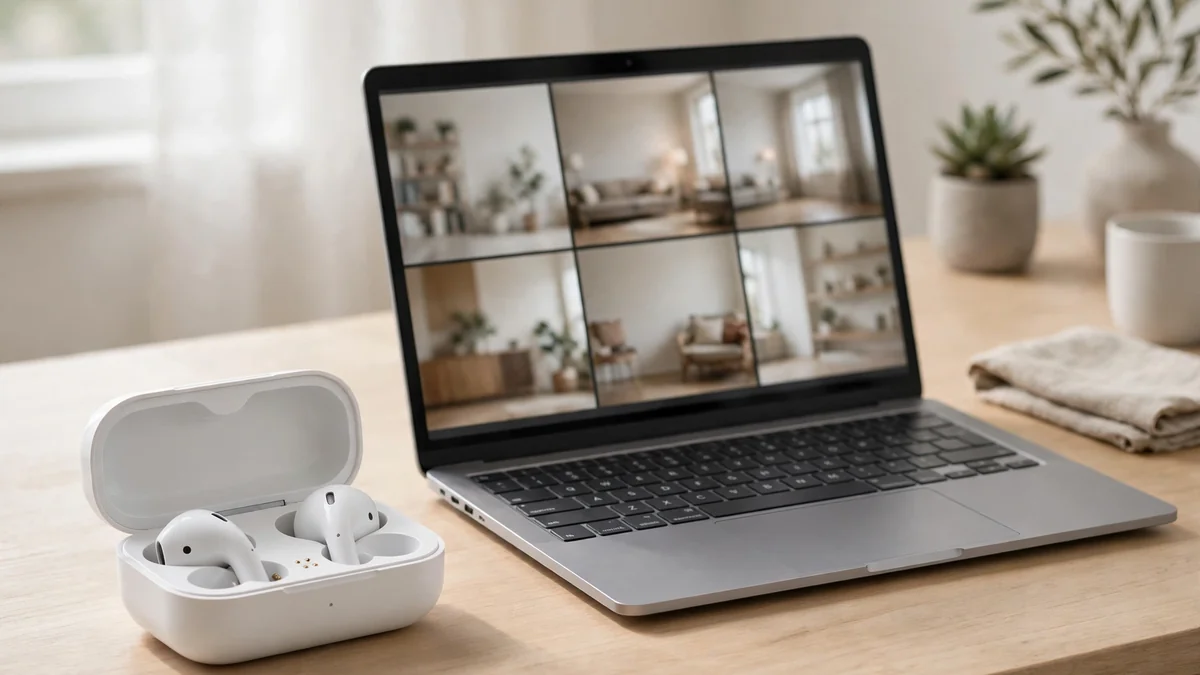
The best earbuds for video calls in 2027 are the ones your colleagues never notice, because they hear your voice clearly and never hear your keyboard, your dog, or the traffic outside. A great pair for calls is not the same as a great pair for music: microphone quality and background-noise suppression matter far more than bass.
We judged the current leaders on the things that decide a call: how your voice sounds to the other side, how well noise cancelling holds up in a noisy room, battery life through a day of meetings, and how reliably the earbuds switch between laptop and phone.
Below are seven pairs that earned a place on the shortlist, from the Apple AirPods Pro 3 at the top to a budget Anker pair that punches far above its price. Prices are approximate starting prices.
Key takeaways
- Apple AirPods Pro 3 are the best overall, with the clearest microphone and the smoothest handoff between Apple devices.
- Sony WF-1000XM5 lead on noise cancelling, so they are the pick for a busy office or a shared home.
- Jabra Evolve2 Buds are built for work, with a dedicated dongle and a busy-light case.
- Multipoint Bluetooth matters more than most buyers expect, letting one pair serve your laptop and phone at once.
- None of these pairs replaces a dedicated USB microphone for studio recording, but all seven are good enough for professional daily calls.
At a glance: the shortlist
| Product | Best for | Starting price | Standout limit |
|---|---|---|---|
| Apple AirPods Pro 3 | Best overall | $249 | Best on Apple devices |
| Sony WF-1000XM5 | Noise cancelling | $299 | Shorter call battery |
| Bose QuietComfort Ultra Earbuds | Comfort on long calls | $299 | No wireless charging case |
| Jabra Evolve2 Buds | Work and Teams calls | $319 | Music quality is average |
| Samsung Galaxy Buds 3 Pro | Android and Galaxy users | $249 | Features limited off Samsung |
| Google Pixel Buds Pro 2 | Google Meet and Pixel | $229 | ANC weaker than Sony |
| Anker Soundcore Liberty 4 Pro | Budget pick | $129 | Call quality dips in wind |
Apple AirPods Pro 3 — Best overall
The AirPods Pro 3 are the safest pick for video calls, and the gap is mostly about the microphones. Apple’s beamforming array isolates your voice from room noise better than any rival here, and adaptive noise cancelling adjusts on the fly. Your voice sounds close and natural rather than compressed and distant.
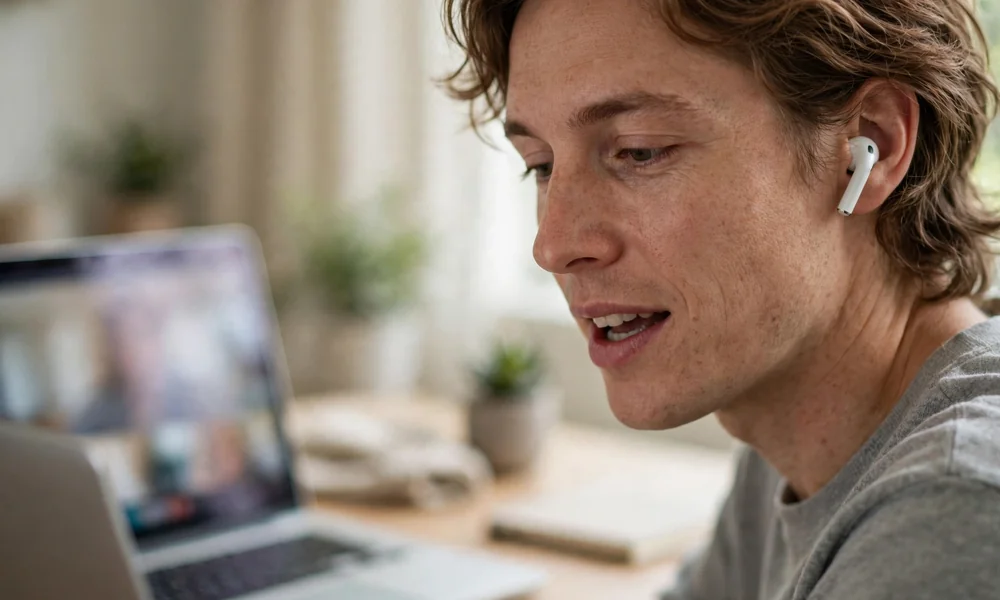
Comfort is the other reason they win. The redesigned tips and lighter body make them easy to wear through a full morning of meetings, and the case charges over USB-C or wirelessly, with up to 30 hours of total listening time. Transparency mode lets you hear your own voice at a natural level, and switching between Mac, iPhone, and iPad is seamless. Android users get the core call quality but lose head-tracking and the deepest settings. For a broader look, our guide to the best earbuds for calls covers the field.
Pros: clearest call microphone here; excellent adaptive noise cancelling; comfortable for long days; seamless Apple switching.
Cons: some features are Apple-only; no lossless audio over Bluetooth; premium price.
Sony WF-1000XM5 — Best noise cancelling
Sony’s flagship earbuds have the strongest active noise cancelling in this size. Less background noise reaching your ears means you stop raising your voice without noticing, and the six-microphone system with AI noise reduction cut keyboard clatter and office chatter to almost nothing.
The fit takes patience: the foam tips need a proper twist, and a poor seal costs you bass and noise cancelling. Once fitted, the XM5 sound superb for music. Battery life runs to about eight hours per charge with noise cancelling on, and the case adds two more charges. Voices sound slightly processed next to the AirPods Pro 3, but still clear.
Pros: best-in-class noise cancelling; strong microphone noise reduction; excellent sound quality; compact case.
Cons: foam tips need careful fitting; shorter call battery; touch controls can misfire.
Bose QuietComfort Ultra Earbuds — Best comfort on long calls
Bose built its reputation on comfort, and the QuietComfort Ultra Earbuds are the easiest pair here to wear for a four-hour meeting marathon. The soft silicone stability bands hold the buds in place without pressing into your ear canal, and the warm sound keeps voices natural.
The microphone array handles steady background noise well, and noise cancelling sits a step behind Sony but ahead of the budget options. CustomTune calibrates the sound to your ears each time you put the buds in. The case is larger than Sony’s or Apple’s.
Pros: outstanding all-day comfort; warm, natural voice reproduction; reliable noise cancelling; CustomTune calibration.
Cons: no wireless charging; larger case; pricey.
Jabra Evolve2 Buds — Best for work and Teams calls
Jabra is the only brand here that designs earbuds for the office first and music second. The Evolve2 Buds ship with a USB dongle for a stable laptop connection, and they are certified for Microsoft Teams and Zoom, with a button to join meetings and mute. The case doubles as a busy light.
Call quality is the priority: the microphones use a bone-conduction sensor to pick up your voice through vibration as well as air, keeping you audible in a noisy open office. Music quality is merely decent. Battery life is a strong 10 hours per charge, and the buds carry an IP57 rating.
Pros: dongle for a rock-solid laptop connection; Teams and Zoom certified; busy-light case; 10-hour call battery.
Cons: average music sound; no wireless charging; bulkier than rivals.
Samsung Galaxy Buds 3 Pro — Best for Android and Galaxy users
The Galaxy Buds 3 Pro are the natural pick for anyone on a Samsung phone or Galaxy Book laptop. The sound is bright and detailed, with strong adaptive noise cancelling that handles office hum well. On calls, the three-microphone array keeps voices clear, and real-time translation helps on international calls.
Integration is the selling point: pair them with a Galaxy phone and you get seamless switching, 360 audio, and the full controls in the Galaxy Wearable app. Pair them with a non-Samsung phone and most of that disappears. Battery life is about six hours with noise cancelling on.
Pros: strong ANC and bright sound; live translation on calls; deep Galaxy integration; comfortable fit.
Cons: best features need a Samsung phone; shorter battery life; no multipoint on some setups.
Google Pixel Buds Pro 2 — Best for Google Meet and Pixel
The Pixel Buds Pro 2 are small, light, and tuned for the Google ecosystem, with hands-free Gemini access that can summarise a meeting or pull up a calendar invite. On Google Meet calls, the microphones keep your voice clear, and noise cancelling handles steady office noise well.
The wing-tip design is the most secure fit here for people who move around during calls, and the buds weigh just 4.7 grams each. Battery life is around eight hours with noise cancelling on, and the case supports wireless charging. Multipoint works well between a Pixel phone and a Chromebook or Windows laptop.
Pros: very light and secure fit; Gemini voice assistant built in; good multipoint; wireless charging case.
Cons: ANC weaker than the leaders; voice sounds thin in noisy rooms; best on Pixel phones.
Anker Soundcore Liberty 4 Pro — Best budget pick
The Liberty 4 Pro deliver roughly 80 percent of the flagship experience for less than half the price. Six microphones with AI noise reduction keep your voice intelligible, and adaptive noise cancelling is strong enough for a home office, though it struggles in a loud cafe or on a train. The case has a small display showing battery and ANC status.
Sound is warm and bass-forward, and the companion app offers a hearing test that tunes the EQ to your ears. Battery life is about 10 hours per charge with noise cancelling off and seven with it on. The main weakness is wind: the microphones pick up gusts outdoors.
Pros: excellent value; strong battery life; useful case display; app-based hearing test.
Cons: wind noise on outdoor calls; ANC weaker than flagships; no hi-res codecs.
How to choose
Start with your platform, because it decides which features you actually get. Apple users should default to the AirPods Pro 3, Samsung users to the Galaxy Buds 3 Pro, and Pixel users to the Pixel Buds Pro 2, since each pair’s best tricks only unlock on its home platform. If you work across platforms, Sony and Bose are safer.
Then weigh the microphone against the noise cancelling. From a quiet home office, microphone clarity matters most, and the AirPods Pro 3 lead. From a shared space or a busy house, strong noise cancelling matters just as much, and Sony or Jabra move to the front. Check multipoint support too: a pair that connects to laptop and phone at once saves a daily ritual of re-pairing. For context, our roundup of the best earbuds for podcasting shows what changes when the microphone is the whole point.
Finally, try the fit before you commit. Earbuds that hurt after an hour will sit in a drawer no matter how good the microphones are, so use the return window to test a full day of calls.
Checklist: before you pay
- Test the microphones on a real call and ask the other person how you sound.
- Confirm multipoint Bluetooth works with your laptop and phone combination.
- Check the return window so you can test a full day of calls.
- Verify certification for your meeting app if your employer requires it.
- Check total battery, buds plus case, against your longest call day.
- Compare the street price, since flagship earbuds are discounted often.
Frequently asked questions
Do I need special earbuds for video calls, or will any pair work?
Any pair will produce sound, but call quality varies far more than music quality. Earbuds built for calls use multiple microphones and noise reduction to keep your voice clear, while music-first buds can make you sound distant.
Are earbuds better than a headset for video calls?
Earbuds are more discreet and portable, and the best ones now match headsets on microphone quality. Headsets still win on boom-microphone clarity in very noisy rooms.
What is multipoint Bluetooth, and why does it matter?
Multipoint lets your earbuds stay connected to two devices at once, such as a laptop and a phone, so you can take a call on one and answer a call on the other without re-pairing.
Do wireless earbuds work well with Zoom and Microsoft Teams?
Yes, all seven work with Zoom, Teams, and Google Meet. Jabra’s Evolve2 Buds are the only ones with formal certification and a dedicated Teams button, which matters in managed corporate environments.
How long should earbuds last on a day of calls?
Look for at least six hours per charge with noise cancelling on, plus a case that adds two or more full charges. If your days run longer, Jabra and Anker lead this roundup on call battery.
Can I use these earbuds for music and workouts too?
Yes. Every pair here sounds good for music, and most are sweat-resistant enough for a gym session. If workouts are a priority, compare them with our picks for the best headphones for online classes.
The bottom line
For most people taking video calls in 2027, the Apple AirPods Pro 3 are the right buy: the clearest microphone, the best adaptive noise cancelling, and a fit you can wear all day. If you call from a noisy space, pick the Sony WF-1000XM5. If your employer runs on Teams and Zoom, the Jabra Evolve2 Buds are the professional choice, and if your budget is tight, the Anker Soundcore Liberty 4 Pro cover the essentials for a third of the price.
Whichever pair you choose, test it on a real call in your workspace before the return window closes. A spec sheet cannot tell you how you sound to your colleagues.



