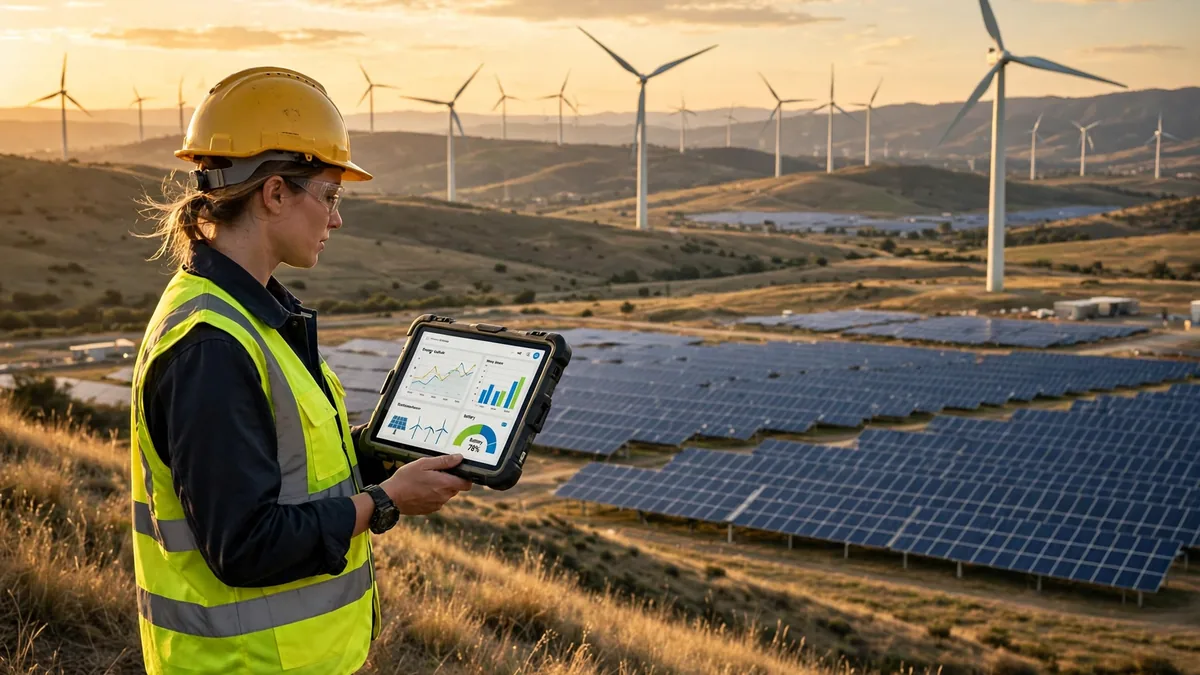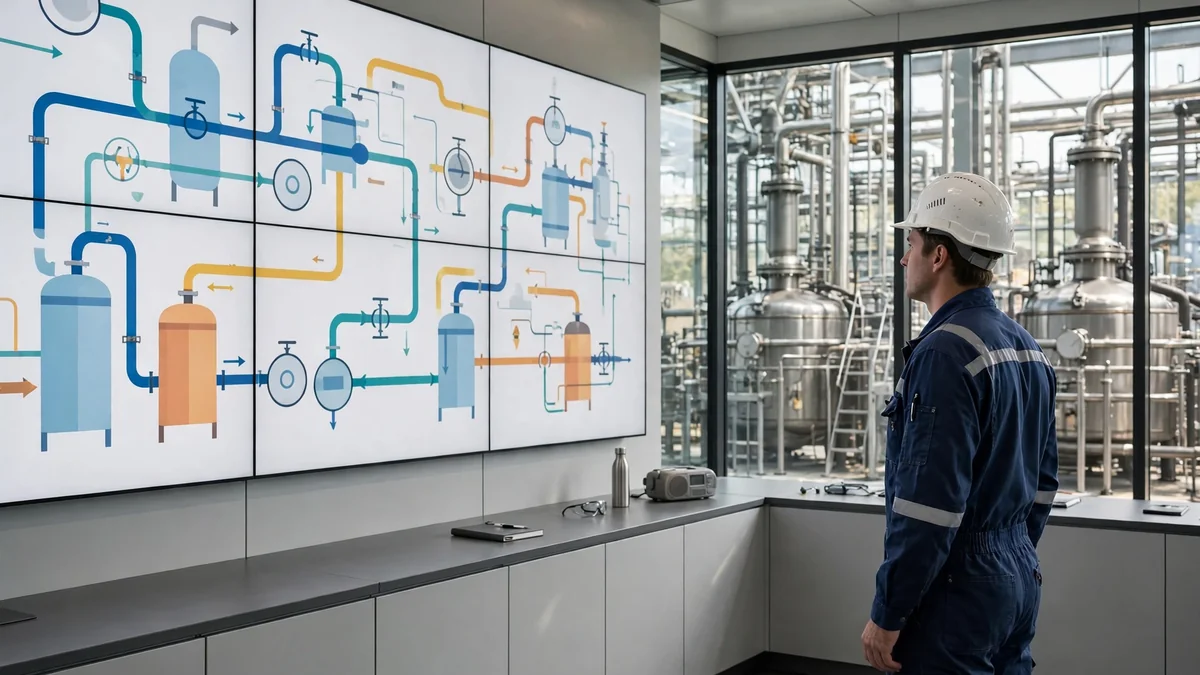
The best AI tools for chemical engineers in 2027 are the ones that fit the way chemical plants actually run. They sit on real process data, respect thermodynamics, and speed up decisions about distillation, reaction, heat integration, and safety. The keyword is fit: a general-purpose chatbot cannot size a column, and a generic dashboard cannot tell you why a reactor yield drifted overnight.
Chemical engineering work splits into a few clear jobs, and each one now has serious AI support. Process simulation tools use machine learning to speed up convergence and suggest better operating points. Data platforms turn historian streams into early warnings for fouling, catalyst decay, and off-spec product. Digital twins let engineers test a change before touching a live plant.
We chose eight tools by weighing process-engineering depth, AI capability, plant-data handling, and running cost. Aspen Plus leads for most engineers because it pairs the industry-standard simulator with practical AI. MATLAB follows for anyone building custom models. Seeq and Cognite win when the problem is messy plant data rather than design. The shortlist below lays out the trade-offs plainly.
Key takeaways
- Aspen Plus with AspenTech AI is the best overall pick: the strongest simulator with the most practical AI features for chemical engineers.
- MATLAB and Simulink are the best choice for custom models, data science, and engineers who want to build their own AI workflows.
- Seeq is the best tool when the problem is live plant data: it turns historian streams into diagnoses in minutes, not days.
- Most tools here are priced per site or per user on a quote basis, so budget for licences, implementation, and training together.
- No AI tool replaces engineering judgement or a hazard review: use AI to test ideas faster, then validate every change against physics and safety limits.
At a glance: the shortlist
| Product | Best for | Starting price | Standout limit |
|---|---|---|---|
| Aspen Plus with AspenTech AI | Process simulation and optimisation | Quote-based enterprise licence | Cost and learning curve for small teams |
| AVEVA Process Simulation | Integrated plant design and engineering | Quote-based enterprise licence | Best value inside the AVEVA ecosystem |
| Siemens gPROMS | Advanced modelling and digital twins | Quote-based enterprise licence | Steepest learning curve here |
| MATLAB and Simulink | Custom models and data science | From the low thousands of dollars per user per year | You build much of the workflow yourself |
| Ansys Chemkin-Pro and Fluent | Reaction kinetics and fluid dynamics | Quote-based enterprise licence | Compute-heavy for large models |
| Seeq | Process data analytics | Quote-based, per-user subscription | Needs a connected historian to shine |
| Honeywell Forge | Plant operations and advanced control | Quote-based enterprise licence | Strongest on Honeywell-controlled plants |
| Cognite Data Fusion | Industrial data foundation for AI | Quote-based enterprise licence | Needs data engineering effort up front |
Aspen Plus with AspenTech AI — Best overall
Aspen Plus is the simulator most chemical engineers already know, and its AI features in 2027 are built for real plant problems rather than demos. AspenTech has added machine-learning models that sit alongside rigorous thermodynamics: they speed up flowsheet convergence, fill gaps where first-principles models are slow, and flag operating points that waste energy.
The practical wins are concrete. Aspen Plus can now build surrogate models of slow units, such as a detailed reactor or a separation train, and use them inside optimisation runs that would otherwise take hours. Its AI-assisted energy analysis suggests heat-integration changes with a clear estimate of the savings, and its operator guidance tools help younger engineers understand why a recommended setpoint makes sense. Its economics and sizing tools connect directly to the simulation, so a better flowsheet becomes a better cost estimate without re-entering data.
Where Aspen Plus earns its place at the top is breadth. It covers steady-state and dynamic simulation, distillation, reactors, solids, and electrolytes in one environment, and its AI features improve the workflow rather than replacing it. Chemical engineers who also work on plant layout or infrastructure projects can compare notes with the best AI tools for civil engineers, which cover the neighbouring toolkit for structures and site design. The main drawback is cost: licences are enterprise-priced and quoted per site, and a small consultancy may find the entry price hard to justify.
Pros: Industry-standard thermodynamics and unit operations; AI surrogates that genuinely speed up optimisation; strong energy and economics integration.
Cons: Enterprise pricing with no transparent entry tier; a long learning curve for new users; some AI features need recent software versions.
AVEVA Process Simulation — Best for integrated plant design
AVEVA Process Simulation takes a different approach from Aspen: it treats simulation as part of one connected engineering environment, from early concept through detailed design and into operations. Its AI features focus on the handover points that usually waste time, such as keeping the process model, the equipment data, and the plant digital twin in agreement.
It is strong on steady-state and dynamic work, with solid thermodynamics and a modern interface that younger engineers pick up quickly. Its AI-assisted features include model calibration against plant data, which helps a design model match the real unit it represents, and guided workflows that suggest the next step in a simulation task. Its cloud collaboration features let a team in two offices work on the same process model without passing files back and forth.
The honest limit is ecosystem. AVEVA Process Simulation is at its best when the rest of the plant data lives in AVEVA systems, and it is less compelling as a standalone purchase for a team that uses other vendors for control and data. Pricing is quote-based and enterprise-oriented, similar to Aspen. For a large contractor or owner-operator standardised on AVEVA, the connected workflow saves enough rework to justify the price.
Pros: Strong integration across design, engineering, and operations; modern interface; good model calibration against plant data.
Cons: Best value inside the AVEVA ecosystem; enterprise pricing; smaller third-party community than Aspen Plus.
Siemens gPROMS — Best for advanced modelling and digital twins
gPROMS, from Siemens Process Systems Engineering, is the tool engineers reach for when a standard simulator is not enough. It is built for detailed, equation-based modelling of complex processes: reactors with intricate kinetics, crystallisers, polymerisation, and pharmaceutical batch processes. Its AI and machine-learning features in 2027 focus on hybrid modelling, where a first-principles model and a data-driven model are combined so each covers the other’s weak points.
That hybrid approach is where gPROMS stands out. A purely data-driven model can drift when a plant moves outside its training data, and a purely physical model can be too slow or too uncertain in its kinetics. gPROMS lets engineers keep the physics they trust and use machine learning to correct the parts they cannot measure well, such as catalyst activity or fouling rates.
The trade-off is difficulty. gPROMS expects its users to understand modelling deeply, and building a good model takes real effort and time. It is not the tool for a quick screening study, and its licence cost is aimed at companies with serious modelling needs. For novel chemistry, advanced reactors, or high-value batch processes, it is the most capable modelling platform on this list.
Pros: Unmatched depth for complex and novel processes; hybrid physics-plus-AI modelling; strong digital twin capability.
Cons: Steepest learning curve on this list; enterprise pricing; overkill for routine simulation work.
MATLAB and Simulink — Best for custom models and data science
MATLAB and Simulink are the most flexible tools on this list, because they are a platform rather than a fixed application. Chemical engineers use them to build custom reactor models, fit kinetic data, run Monte Carlo studies, and train machine-learning models on plant data. Simulink adds dynamic simulation of control systems.
The strength of MATLAB is control. An engineer can start from raw historian data, clean it, fit a model, validate it against plant runs, and deploy it as a dashboard or a control algorithm, all in one environment. Its toolboxes support system identification and model predictive control, and Python integration lets a team mix MATLAB models with open-source AI libraries. For research groups, universities, and engineers who like building their own tools, that freedom is hard to beat.
The weakness is that nothing comes ready-made. MATLAB will not size a distillation column or run a rigorous flash calculation out of the box, so engineers must build or buy those pieces themselves. Commercial licences are priced per user per year, starting in the low thousands of dollars, with toolboxes adding cost. That makes MATLAB affordable for a small team but demands more engineering time per result than a dedicated simulator.
Pros: Complete freedom to build custom AI and control workflows; strong data science and machine-learning toolboxes; excellent for research and teaching.
Cons: No built-in rigorous process simulator; costs add up with toolboxes; results depend heavily on the skill of the user.
Ansys Chemkin-Pro and Fluent — Best for reaction kinetics and fluid dynamics
Ansys covers the two physics-heavy corners of chemical engineering: reaction kinetics with Chemkin-Pro, and fluid dynamics with Fluent. Chemkin-Pro models detailed gas-phase and surface chemistry, which matters for combustion, emissions, and catalyst work. Fluent simulates flow, mixing, heat transfer, and multiphase behaviour inside real equipment.
The AI features are practical. Fluent uses machine-learning models to accelerate simulations and to explore design spaces, such as burner or mixer geometry, far faster than running every case in full detail. Chemkin-Pro benefits from automated mechanism reduction, which trims a huge reaction mechanism down to the reactions that actually matter for a given problem. Its AI-assisted design exploration lets an engineer test hundreds of equipment variants and focus detailed simulation on the few that look promising.
The main cost is compute. High-fidelity CFD and detailed kinetics need serious hardware or cloud credits, and the learning curve is real for both tools. Licences are enterprise-priced and quoted. For combustion, emissions, or reactor internals, Ansys is the standard, and its AI features make it faster to use.
Pros: Best-in-class kinetics and CFD; AI acceleration that saves real compute time; strong design exploration tools.
Cons: Compute-heavy for large models; enterprise pricing; needs specialist skill to use well.
Seeq — Best for process data analytics
Seeq is the tool for the most common chemical engineering problem of all: a plant full of data and not enough time to analyse it. It connects to historians and other time-series sources, then lets engineers search, clean, and visualise that data with a simple interface. Its AI features spot patterns an engineer would take days to find, such as a slow drift in a heat exchanger, a recurring upset tied to a feed change, or a batch that always runs long for the same reason.
What makes Seeq different is speed of insight. An engineer can ask when a temperature first crossed a limit, compare fifty batches at once, and build a soft sensor that estimates a quality variable from measurements that are already available. Its machine-learning add-ons support anomaly detection and prediction, so a team can move from reacting to upsets toward preventing them. An analysis built once can be reused across a whole plant.
Seeq needs data to work with, so a plant without a connected historian will not get much from it. Pricing is a per-user subscription, quoted by the vendor, which makes it one of the more accessible enterprise tools here. Plants adding robotic handling or automated sampling alongside their analytics can look at the best AI tools for robotics engineers for the automation side of the same problem. For day-to-day troubleshooting and continuous improvement, Seeq is the fastest route from data to decision.
Pros: Very fast analysis of historian data; strong batch comparison and soft sensors; easy to share and reuse analyses.
Cons: Needs a connected historian to shine; per-user costs grow with team size; not a design or simulation tool.
Honeywell Forge — Best for plant operations and advanced control
Honeywell Forge is built for the operating plant. It combines process data, asset health, and advanced process control in one platform, with AI features aimed at keeping a unit running at its best point. Its optimisation tools adjust setpoints across a unit in real time, its predictive models warn of equipment problems before they cause a trip, and its operator tools explain what is changing and why.
The strongest part of Forge is its link to control. Unlike an analytics tool that only reports, Forge can act through advanced process control and real-time optimisation, closing the loop between analysis and the plant. That matters for distillation and furnaces, where a small, steady improvement in energy or yield is worth real money.
Forge is naturally strongest on plants that already run Honeywell control systems, where integration is smoothest. On other control platforms it still works, but integration takes more effort. Pricing is enterprise and quote-based. For an owner-operator focused on uptime, energy, and steady operations, Forge is the most operations-focused pick here.
Pros: Closed-loop optimisation and advanced control; strong asset and safety integration; proven in live plant operations.
Cons: Strongest on Honeywell-controlled plants; enterprise pricing; implementation needs control-system expertise.
Cognite Data Fusion — Best for industrial data foundation for AI
Cognite Data Fusion solves the problem underneath every other AI tool: plant data is scattered, messy, and hard to use. It connects historians, maintenance systems, engineering documents, and 3D models into one contextualised data layer, so an AI model or an engineer can find the right data with its meaning attached. Without that foundation, AI projects in a plant often stall on data preparation.
The value shows up in the applications built on top. Cognite offers AI tools for maintenance planning, production optimisation, and energy management, and its open platform lets engineers and data scientists build their own models on clean, contextualised data. A maintenance engineer can see a pump’s live readings, work history, and predicted failure risk in one place, which is what turns raw data into a decision.
The catch is effort. Setting up Cognite properly takes data engineering work up front: connecting sources, building the asset model, and validating the context. It is an enterprise platform with quote-based pricing, aimed at large owner-operators with several plants. For a company planning a long-term AI programme across its sites, it is the strongest foundation here; for a single-plant team, a lighter tool such as Seeq may be enough.
Pros: Unifies scattered plant data into one usable layer; strong AI applications on top; scales across many plants.
Cons: Needs data engineering effort up front; enterprise pricing; more than a single plant may need.
How to choose
For designing or debottlenecking a process, choose a simulator: Aspen Plus for most engineers, AVEVA if your firm is standardised on it, gPROMS if the chemistry is novel or complex. If the job is understanding why a running plant behaves the way it does, choose an analytics tool: Seeq for fast answers, Cognite if the data foundation is the real problem. If the job is running the plant better every day, Honeywell Forge is the operations pick.
Next, check the data and the team. A tool that needs a historian is useless without one, and a tool that needs modelling skill is useless without a modeller. Count the total cost, not just the licence: implementation, training, and the time your engineers spend learning the tool are usually larger than the first-year fee. Ask every vendor for a trial on your own data, not a canned demo, and judge the tool on a problem you already understand. The selection logic is the same in neighbouring disciplines, even when the physics differs.
Finally, plan for validation. Every AI recommendation in a chemical plant should pass two tests: does it agree with the physics, and does it respect the safety limits? Build those checks into the workflow from the start, and keep an engineer in the loop for any change that touches a live process. A tool that makes validation easy is worth more than a tool that is slightly faster but harder to check.
Checklist: before you pay
- Run a trial on your own plant or design data, not the vendor’s demo data, and measure the time saved on a real task.
- Confirm the total cost: licence, implementation, training, and any compute or cloud fees, including renewal pricing.
- Check that the tool connects to your historian, control system, and existing simulators without a custom project.
- Verify how the AI explains its recommendations, and that an engineer can trace any suggestion back to data or physics.
- Confirm data export and exit terms, so your models and analyses are not locked inside one vendor.
- Check support and training: response times, local expertise, and whether your team gets a named contact.
Frequently asked questions
Do AI tools replace process simulators for chemical engineers?
No. AI tools make simulators faster and easier to use, but they do not replace rigorous thermodynamics, kinetics, or mass and energy balances. The best tools pair machine learning with first-principles models, and every AI suggestion should still be checked against the physics of the process.
Which AI tool is best for a small chemical engineering team?
MATLAB is usually the best starting point for a small team, because it is affordable per user and flexible enough to cover modelling, data analysis, and control. Seeq is a strong second choice if the team works with a running plant and needs fast answers from historian data rather than design studies.
Can AI tools help with process safety?
Yes, in a supporting role. AI can spot abnormal patterns, predict equipment problems, and help engineers review operating data before a hazard study. It does not replace a hazard and operability study, a layers-of-protection analysis, or any formal safety review. Our guide to the best AI tools for workplace safety covers tools for incident prevention and safety monitoring.
How much do these tools cost?
Most of the tools on this list are priced on a quote basis, because the price depends on the size of the plant, the number of users, and the modules chosen. MATLAB is the exception with published per-user pricing in the low thousands of dollars per year. Always ask for the renewal price and the full implementation cost before signing.
Do I need coding skills to use AI tools for chemical engineering?
Not for most of the tools here. Aspen Plus, AVEVA, Seeq, Honeywell Forge, and Cognite are designed for engineers, not programmers. MATLAB and gPROMS reward coding and modelling skill, and suit engineers who want to build custom AI workflows.
What is a digital twin in chemical engineering?
A digital twin is a live, working model of a plant or a unit that updates with real operating data. Engineers use it to test changes, train operators, and predict problems before they happen. Tools such as gPROMS, AVEVA, and Honeywell Forge all support digital twins, and their AI features keep the twin accurate as the plant ages.
The bottom line
For most chemical engineers, Aspen Plus with AspenTech AI is the right first pick: it is the simulator the industry already trusts, and its AI features solve real problems in simulation speed, energy use, and optimisation. Add Seeq for understanding a running plant, and MATLAB for custom models no off-the-shelf tool covers. Large operators with several plants should look at Cognite for the data foundation and Honeywell Forge for operations.
Judge any tool on your own data and your own problems, and keep engineering judgement in charge. AI is now a practical part of chemical engineering, not a research project, and the engineers who get the most from it are the ones who use it to test ideas faster while still checking every answer against physics, economics, and safety.