
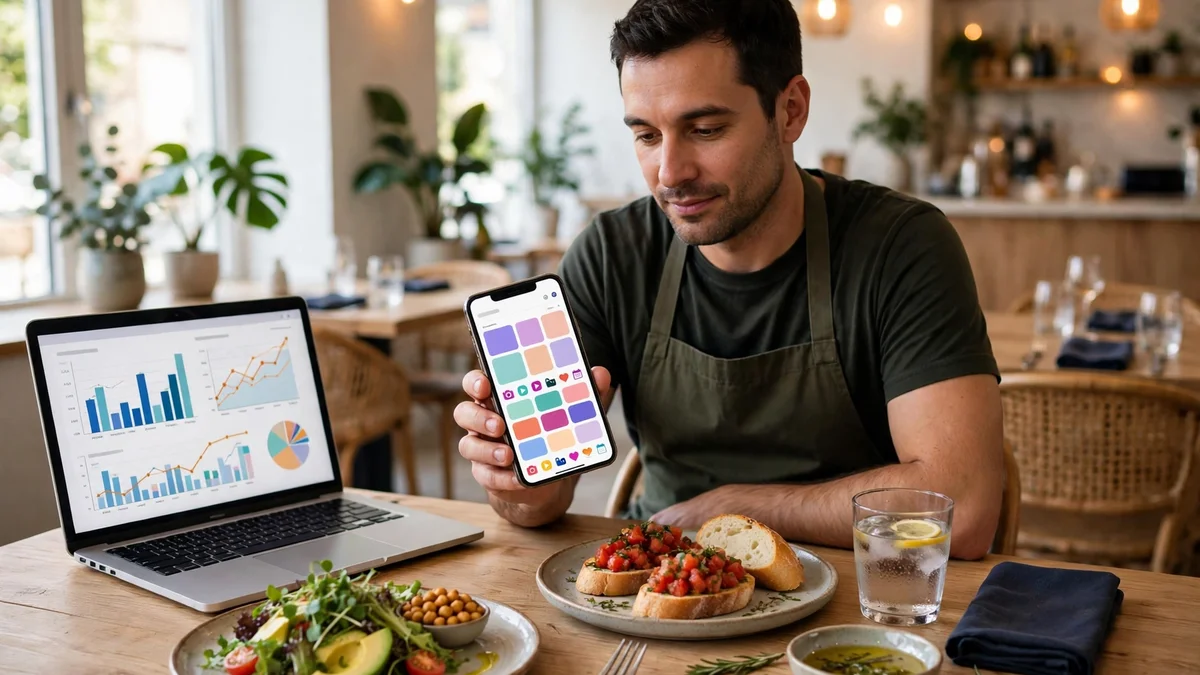
Running a restaurant in 2027 means running a social media feed as well as a kitchen. Guests discover new places on Instagram and TikTok, check Google reviews before booking a table, and decide where to eat based on the photos they see while scrolling. The best social media management tools for restaurants turn that daily posting grind into a repeatable routine: schedule the week’s food photos in one sitting, answer comments and messages from one inbox,.
Restaurant teams have needs that a generic scheduling app does not always cover. The tools below were picked for features that matter to food businesses: visual planning for photo-heavy feeds, quick replies to reviews and direct messages, location tagging, and reporting that ties posts to reservations and foot traffic rather than just likes.
The shortlist covers seven tools, from free plans that suit a single independent cafe to full platforms built for multi-location restaurant groups. Hootsuite leads for all-round depth, Buffer is the simplest way to start, and Later is the strongest choice for visual, photo-first planning. Prices are approximate starting prices, so check current pricing before you commit to a plan.
Key takeaways
- Hootsuite is the best overall choice for restaurants that post across several networks and want one inbox for comments, messages, and reviews.
- Buffer is the best budget option, with a free plan and the simplest scheduling workflow for a small team.
- Later is the best tool for visual planning, with a drag-and-drop grid that shows exactly how the Instagram feed will look.
- Most paid plans start between $6 and $99 per month,.
- Skip tools that charge per social profile if you run three or more locations, since the bill grows fast as you add accounts.
At a glance: the shortlist
| Tool | Best for | Starting price | Standout limit |
|---|---|---|---|
| Hootsuite | All-round management | About $99 per month | 10 social accounts on the entry plan |
| Sprout Social | Reviews and engagement | About $199 per month | 5 social profiles on the entry plan |
| Buffer | Budget and simplicity | Free plan; paid from about $6 per month | 3 channels on the free plan |
| Later | Visual Instagram planning | Free plan; paid from about $25 per month | 1 social set on the free plan |
| Agorapulse | Unified inbox | Free plan; paid from about $79 per month | 10 profiles on the standard plan |
| SocialPilot | Multi-location value | About $30 per month | 10 accounts on the entry plan |
| Sendible | Agencies and franchises | About $29 per month | 12 services on the entry plan |
Hootsuite — Best overall
Hootsuite is the most complete social media management tool for restaurants that are active on several networks at once. It covers scheduling, a unified inbox, social listening, and reporting in one dashboard, and it handles Instagram, Facebook, TikTok, X, and Google Business Profile, which together cover almost every channel a restaurant needs.
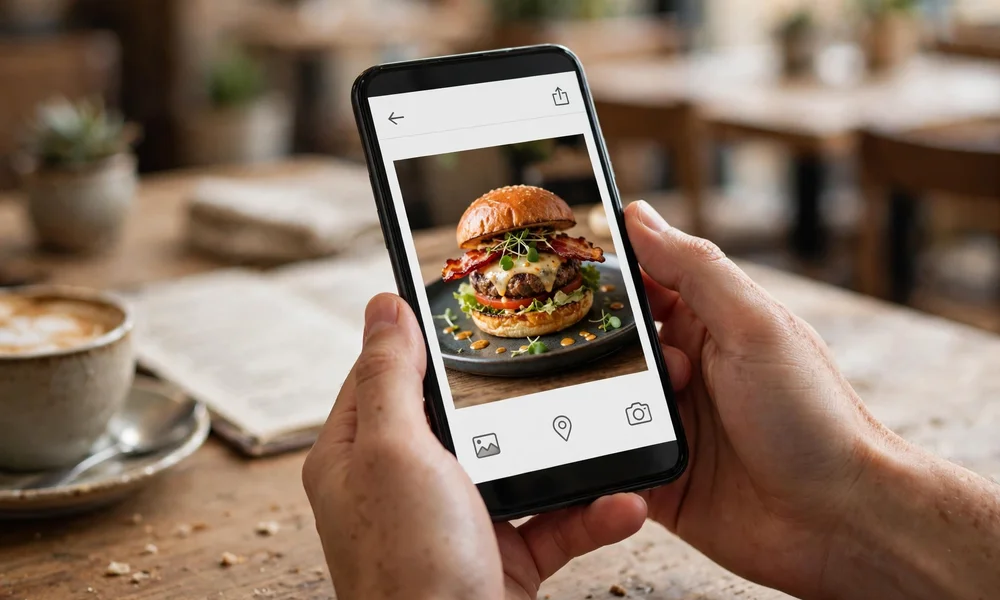
The inbox is where Hootsuite earns its place. Comments, direct messages, and mentions from every network land in one stream, so a question about opening hours or a complaint about a cold dish does not sit unanswered on a network nobody checked that day. For more ideas on using AI alongside your posting routine, see our guide to the best AI tools for cafes.
Pros: Covers every major network; strong unified inbox; good reporting with custom dashboards; reliable mobile app.
Cons: Entry price is high for a single small restaurant; the interface takes a day or two to learn; some listening features cost extra.
Sprout Social — Best for reviews and engagement
Sprout Social is built around engagement, which makes it a strong fit for restaurants that get a lot of comments, messages, and reviews. Its Smart Inbox groups conversations by network and flags the ones that need a fast reply, and its review tools pull Google and Facebook reviews into the same workflow, so the team can respond to feedback without switching apps.
Reporting is Sprout’s other strength. It tracks which posts drive profile visits, clicks to the booking link, and follower growth, and it compares performance across locations, which helps a group with several restaurants see which branch’s content works best.
Pros: Best-in-class inbox and review handling; clear, presentation-ready reports; approval workflows for teams.
Cons: The most expensive tool on this list; entry plan limits profiles to five; no free plan, only a trial.
Buffer — Best for budget and simplicity
Buffer is the simplest tool here, and for a small restaurant that is a feature, not a limitation. Connecting an account and scheduling the first post takes minutes, and the clean queue view shows exactly what goes out and when. The free plan covers three channels, which is enough for a single restaurant running Instagram, Facebook, and TikTok, and paid plans start at about $6 per month per channel.
Buffer’s analytics stay focused on the basics: reach, engagement, and best times to post. That is enough for most independent restaurants, though a group that wants location-level reporting will outgrow it.
Pros: Genuinely free plan; easiest setup of any tool here; cheap paid plans; clean, uncluttered interface.
Cons: No unified inbox on the entry plans; limited reporting depth; fewer team and approval features than Hootsuite or Sprout.
Later — Best for visual planning
Later is designed for photo-first networks, which makes it a natural fit for restaurants whose feed is mostly food photography. Its visual planner shows the Instagram grid as it will actually look, so the team can drag dishes, drinks, and behind-the-scenes shots into an order that looks good together. The media library stores photos by dish or campaign, and the link-in-bio tool turns the profile into a small menu and booking hub.
Scheduling supports Instagram, TikTok, Facebook, Pinterest, and more, with best-time-to-post suggestions based on when followers are active.
Pros: Best visual grid planner for Instagram; strong media library; useful link-in-bio tool; affordable paid plans.
Cons: Weaker inbox and listening features than Hootsuite; analytics are basic; multi-location management costs more.
Agorapulse — Best for a unified inbox
Agorapulse competes with Hootsuite on inbox quality and wins on price for many small teams. Every comment, message, mention, and review arrives in one shared inbox with labels, assignments, and saved replies, and the tool automatically hides or flags spam comments so the feed stays clean. For a restaurant, that means the host can answer booking questions while the manager handles reviews, without stepping on each other.
Publishing covers all major networks, with bulk scheduling for repeating posts such as weekly specials and happy hour announcements. Reports are clear and easy to export, and the free plan is a real option for a single restaurant testing the waters.
Pros: Excellent shared inbox with assignments; free plan available; competitor tracking included; fair pricing for the features.
Cons: Interface feels dated in places; listening features are lighter than Hootsuite; social advertising tools are limited.
SocialPilot — Best value for multi-location groups
SocialPilot is the value pick for restaurant groups running several locations. The entry plan covers ten social accounts for about $30 per month, which is far cheaper than most rivals at the same scale, and higher plans add more accounts without a steep jump in price. Each location can have its own calendar while the head office keeps an overview, which suits franchises and small chains.
Features cover scheduling, a social inbox, bulk upload from a spreadsheet, and white-label reports for owners or franchisees. The interface is straightforward rather than polished, and the analytics are solid without being fancy.
Pros: Best price per account on this list; bulk scheduling from spreadsheets; good for franchises and groups; white-label reports.
Cons: Interface is plain; inbox is less refined than Agorapulse; listening features are basic.
Sendible — Best for agencies and franchises
Sendible is aimed at agencies and franchise groups, but it works well for restaurant chains that manage social media centrally. Its dashboard handles many clients or locations at once, with separate calendars, approval chains, and branded reports for each one. Bulk scheduling, content queues, and a shared inbox keep a central team organized across dozens of profiles.
The tool also includes social listening, Google Business Profile management, and integrations with Canva and Google Drive, which help a central marketing team reuse food photography across locations.
Pros: Built for managing many locations or clients; strong approval workflows; branded reports; good integrations.
Cons: Overkill for a single restaurant; learning curve for new users; inbox is good but not the best here.
Start with how many locations and accounts you manage. A single restaurant posting to three networks does fine on Buffer, Later, or Zoho Social, while a group with five or more locations should look at SocialPilot, Sendible, or Hootsuite for per-account pricing that does not spiral.
Next, weigh the inbox. Restaurants live or die on replies: booking questions, allergy queries, and reviews all need fast answers. If your team spends more time replying than posting, Agorapulse or Sprout Social will save more hours than a cheaper scheduler. Similar thinking applies to food businesses of every size, and our roundup of the best AI tools for bakeries covers the same workflow from the AI side.
Finally, test the mobile app before you pay. Most restaurant posting happens on the floor, not at a desk, so the app needs to be fast, reliable, and easy to use one-handed.
Checklist: before you pay
- Start with the free plan or trial and schedule a full week of real posts before committing.
- Check the renewal price, not just the introductory monthly rate.
- Confirm the tool supports every network you use, including Google Business Profile and TikTok.
- Test the mobile app during a busy service, when posting and replying actually happen.
- Check that you can export your scheduled posts and media library if you cancel.
- Ask who on the team will own replies, and confirm the inbox supports assignments and saved replies.
Frequently asked questions
What is the best social media management tool for a small restaurant?
Buffer is the best starting point for a small restaurant because it is free for three channels, takes minutes to set up, and covers the scheduling basics well. Later is the better pick if your feed is photo-heavy and you want to plan the Instagram grid visually.
How much should a restaurant spend on social media software?
Most single-location restaurants spend between $0 and $30 per month, while groups with several locations typically spend $30 to $200 per month depending on account count.
Do restaurants need a unified inbox?
Yes, once you are active on more than two networks. Booking questions, allergy queries, and reviews arrive on different platforms, and a unified inbox stops them from sitting unanswered.
Can these tools post to Google Business Profile?
Most of them can, including Hootsuite, Sprout Social, Agorapulse, and Sendible. Posting weekly specials and photos to Google Business Profile helps the restaurant show up in local search and maps results,.
Is it worth paying for social listening as a restaurant?
For most independent restaurants, basic mention monitoring is enough, and tools like Zoho Social include it cheaply.
How do I measure whether social media is bringing in diners?
Track clicks to your booking link, profile visits, and direct messages asking about tables, rather than likes alone. For a fuller picture of how social signals fit into customer research, see our guide to the best AI tools for consumer insights.
The bottom line
For most restaurants, Hootsuite is the safest all-round pick: it covers every network, keeps replies in one inbox, and scales from one location to a small group. If budget is the main constraint, Buffer gets a single restaurant posting consistently for free, and Later is the best choice when the Instagram grid is the heart of your marketing.
Whichever tool you choose, the software is only half the job. A consistent rhythm of real food photos, fast replies, and weekly specials will do more for bookings than any dashboard feature,



