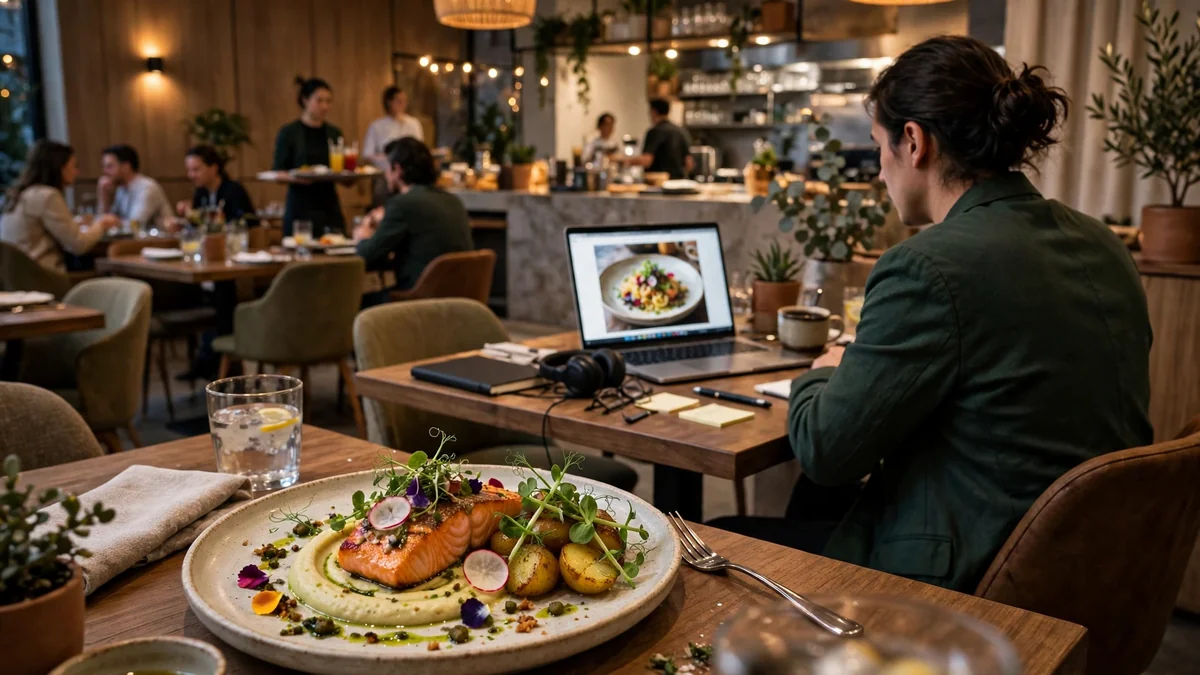
Best content marketing software for restaurants in 2027 helps a busy dining room turn one great dish into a week of bookings. The right platform plans your posts, publishes your menus and seasonal specials, and shows which content actually brings guests through the door. This guide compares eight tools that fit real restaurant workflows, from single-location bistros to growing multi-unit groups.
Restaurant marketing is different from general business marketing. Menus change, photos matter more than paragraphs, and most guests decide where to eat within minutes of searching.
We judged each tool on restaurant-specific strengths: food photography and video support, menu and special promotion features, local SEO, social scheduling, email capture, and honest pricing. HubSpot leads overall, Popmenu is the most restaurant-focused, and Later is the best value for small independent restaurants.
Key takeaways
- HubSpot Marketing Hub is the best overall choice for restaurants that want email, social, and customer data in one system.
- Popmenu is the most restaurant-specific option, built around menus, online ordering, and guest engagement.
- Later is the best budget pick for small restaurants that live on Instagram and TikTok.
- Expect to pay roughly $20 to $800 per month depending on features, with most independents well served under $100.
- Skip tools that charge per location without multi-unit discounts if you plan to open a second site within a year.
At a glance: the shortlist
| Product | Best for | Starting price | Standout limit |
|---|---|---|---|
| HubSpot Marketing Hub | All-in-one marketing | From $20/month | Advanced features need higher tiers |
| Popmenu | Restaurant-specific marketing | From $99/month | Priced per location |
| Later | Visual social scheduling | From $25/month | Analytics limited on starter plan |
| Semrush | Local SEO and content research | From $139.95/month | Steep learning curve |
| CoSchedule | Content calendars | From $29/month | Social automation costs extra |
| Hootsuite | Multi-channel social | From $99/month | Pricey for one location |
| Mailchimp | Email and newsletters | From $13/month | Automation limited on basic plan |
| Canva | Design and menu graphics | Free; Pro from $15/month | Not a scheduler on its own |
HubSpot Marketing Hub — Best overall
HubSpot Marketing Hub gives a restaurant one place to run email campaigns, social posts, landing pages, and guest contact records. A manager can build a mailing list from reservation data, send a Tuesday lunch special to regulars, and see exactly how many of them booked a table.
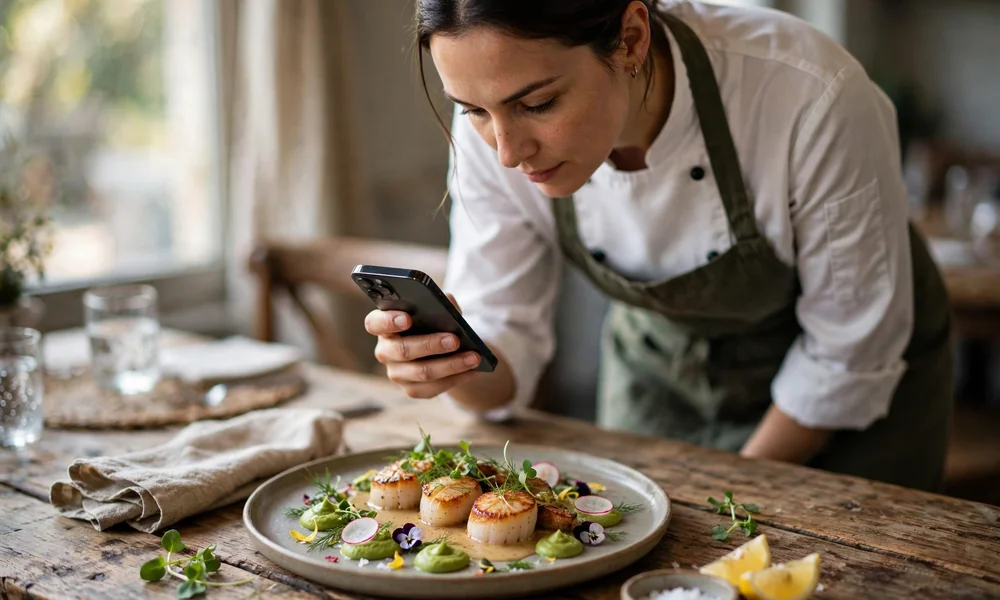
The platform shines when a restaurant wants to grow beyond posting photos. Its email builder handles weekly specials and holiday menus, its social tools schedule posts across Instagram, Facebook, and TikTok, and its reporting shows which campaigns drove reservations rather than just likes.
HubSpot is not the cheapest option, and its most useful automation sits on paid tiers. Small restaurants may find the interface heavier than they need at first, but the free tier lets a team start with email and contacts before spending anything. Pairing it with a focused review strategy matters too: our guide to the best customer feedback software for restaurants shows how to turn diner comments into content ideas.
Pros: email, social, and CRM in one place; strong reporting tied to bookings; generous free tier.
Cons: advanced automation costs more; can feel large for a single small restaurant.
Popmenu — Best restaurant-specific platform
Popmenu is built only for restaurants, and it shows. It combines a website, online ordering, menu management, email marketing, and social posting in one subscription designed around how a dining room actually operates. Its built-in review tools also help a restaurant respond to feedback quickly and turn happy diners into repeat guests.
Pricing starts around $99 per month per location, which is fair for what is included but adds up for multi-unit groups. Some restaurants find the website templates less flexible than a standalone site builder.
Pros: designed for restaurants; menu, ordering, and marketing connected; strong guest email capture.
Cons: priced per location; website design options are limited.
Later — Best for visual social scheduling
Later is built for visual platforms, which is exactly where restaurant marketing lives. Its analytics show which dishes and formats earn the most saves and shares, so a small team can double down on what works.
Later does not do email or SEO, so it works best alongside another tool rather than alone. Its starter analytics are basic, and scheduling across many accounts costs more.
Pros: excellent visual planner for Instagram and TikTok; link-in-bio drives bookings; affordable.
Cons: no email or SEO tools; starter analytics are thin.
Semrush — Best for local SEO and content research
Semrush helps a restaurant get found when hungry guests search. Its position tracking also watches how a restaurant ranks for local searches week by week, so a drop is caught early.
At roughly $139.95 per month to start, Semrush is the most expensive tool here for a small restaurant, and its depth can overwhelm a first-time user.
Pros: best-in-class local SEO data; content topic research; listing management.
Cons: high starting price; steep learning curve for beginners.
CoSchedule — Best for content calendars
CoSchedule is a calendar-first marketing platform that keeps a restaurant’s content plan visible and on schedule. Its task assignments also let an owner hand a photo shoot or a newsletter draft to a staff member with a clear deadline.
CoSchedule starts around $29 per month, but social automation and deeper analytics sit on higher plans. It is a planning tool first, not a full marketing suite, so restaurants still need a separate email or design tool.
Pros: clear shared content calendar; good for blogs and newsletters; affordable entry price.
Cons: social automation costs extra; not a complete marketing suite.
Hootsuite — Best for multi-channel social management
Hootsuite lets a restaurant manage every social account from one dashboard. A manager can schedule posts for Instagram, Facebook, TikTok, and X, monitor mentions and reviews, and reply to guest comments without switching apps.
The analytics are stronger than most scheduling tools, showing which posts drive engagement and when guests are online. Hootsuite also offers AI writing help for captions, which speeds up the daily work of posting specials and event announcements.
Starting around $99 per month, Hootsuite is expensive for a single-location restaurant that only posts on two networks. Smaller teams may get the same scheduling value from cheaper tools. But for groups and busy restaurants that treat social media as a daily operation, the control and reporting justify the price. Content that converts also depends on knowing your guests, which is why pairing social tools with the best sales intelligence software for restaurants can sharpen targeting and timing.
Pros: all social channels in one dashboard; strong analytics; team approval workflows.
Cons: pricey for a single location; more features than small teams need.
Mailchimp — Best for email and newsletters
Mailchimp remains one of the easiest ways for a restaurant to stay in touch with guests. Its signup forms and QR codes make it easy to grow a list from the dining room itself, not just the website.
Mailchimp starts around $13 per month, and the free plan covers very small lists. Automation and audience segmentation are limited on cheaper plans, and costs rise as the list grows.
Pros: easy email builder; useful automation for birthdays and win-backs; low starting price.
Cons: advanced automation needs higher plans; costs climb with list size.
Canva — Best for design and menu graphics
Canva is the design tool behind most restaurant social posts, menus, and flyers.
Canva Pro adds brand kits, background removal, and a content planner that can schedule posts to social channels.
Canva is not a marketing platform on its own. It does not run email campaigns, manage contacts, or report on bookings. Its value is as a companion to a scheduler or email tool, and at $15 per month for Pro it is the cheapest way to raise the quality of everything a restaurant publishes. Good visuals also support the back of house: our guide to the best inventory management software for food and beverage helps keep the dishes you promote actually in stock.
Pros: huge template library for menus and social posts; brand kits keep design consistent; very affordable.
Cons: not a scheduler or email tool by itself; templates can look generic without customization.
How to choose
Start with your main channel. If guests find you through Instagram and TikTok, Later plus Canva covers most needs for under $50 a month. If email drives your repeat visits, Mailchimp or HubSpot should come first. A restaurant with several locations should also weigh multi-unit pricing, since per-location fees can double the bill faster than expected.
Check the real costs before committing. Prices above are approximate starting prices; check current pricing on each product’s site before buying, since plans and per-location fees change.
Checklist: before you pay
- Take the free trial and schedule at least two weeks of real posts before deciding.
- Confirm the price covers all your locations, not just the first one.
- Check that the tool connects to your reservation and ordering systems.
- Test the mobile app, since most restaurant marketing happens on a phone.
- Confirm you can export your guest list and content if you cancel.
- Ask who on your team will own posting, and make sure the tool fits their skill level.
Frequently asked questions
What is the best content marketing software for restaurants?
HubSpot Marketing Hub is the best overall choice because it combines email, social, and guest contacts in one system with reporting tied to bookings. Popmenu is the best restaurant-specific option, and Later is the best budget pick for social-first restaurants.
How much should a restaurant spend on content marketing software?
Most independent restaurants spend $25 to $100 per month on software, plus staff time. Multi-unit groups and restaurants in competitive cities often spend $150 to $400 per month across two or three tools.
Can one tool handle social media, email, and SEO?
HubSpot comes closest, covering email, social, and basic SEO in one platform. Most restaurants still pair a main platform with a specialist: Semrush for search, Later for visual social, or Canva for design.
Do restaurants need a blog?
A short blog helps with local search and gives social posts somewhere to link. Two or three posts a month about seasonal dishes, events, or local ingredients is enough.
How do restaurants measure content marketing results?
Track reservations, online orders, email signups, and profile visits rather than likes alone. Use booking links and promo codes tied to specific campaigns so you can see which post or email actually filled tables.
Is Popmenu worth it for a single-location restaurant?
Yes, if you want the website, menu, ordering, and marketing in one place and you value the time saved.
The bottom line
For most restaurants, HubSpot Marketing Hub is the safest all-round pick, Popmenu is the best fit if you want a system built only for restaurants, and Later plus Canva is the best low-cost combination for social-first independents. Choose the tool that matches your busiest channel, trial it with real content for two weeks, and keep only the subscriptions that show up in reservations. The best software is the one your team will actually open every day.
Restaurant marketing rewards consistency more than volume. A steady rhythm of great food photos, clear specials, and honest emails will beat a burst of posts followed by silence, whatever software you choose.